
Investments#
The Section: Investments section provides a comprehensive view of all investments in the system.
Investments Homepage Location#
To Find the Investments List Homepage:
Locate the primary sidenav to the left of the page.
Don’t see the sidenav?
See How to Toggle Primary Sidebar for more information.
Select the dropdown for the Navigation Category: Investment category.
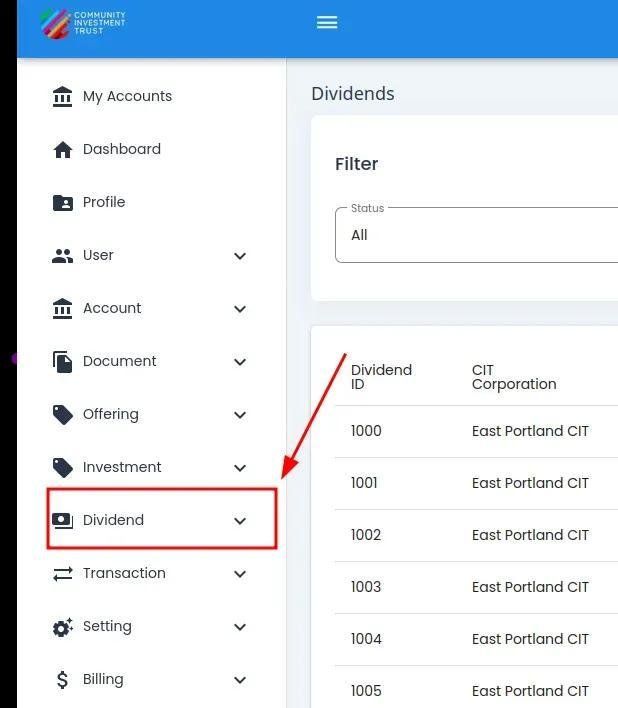
Investment Category, Primary Sidenav Location#
Select Section: Investments from the dropdown.
Investments List Table Overview#
The Table: Investments List table is what first appears on the homepage of the Section: Investments section.
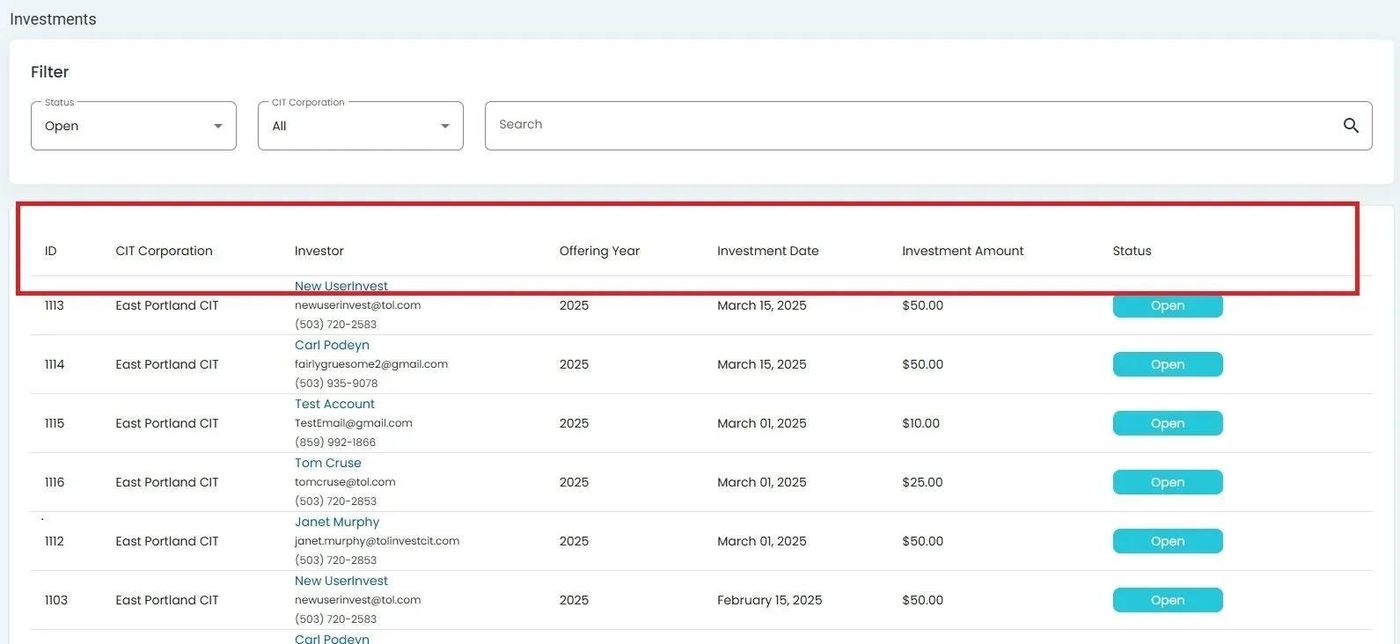
Investment, Investments List Table#
Table Columns#
The Table: Investments List contains the following columns:
Column: Investor Name - Name of the investor
Column: CIT Corporation - Associated CIT Corporation
Column: Status - Current investment status
Column: Action - Available actions for the investment record
Using Investments Filters#
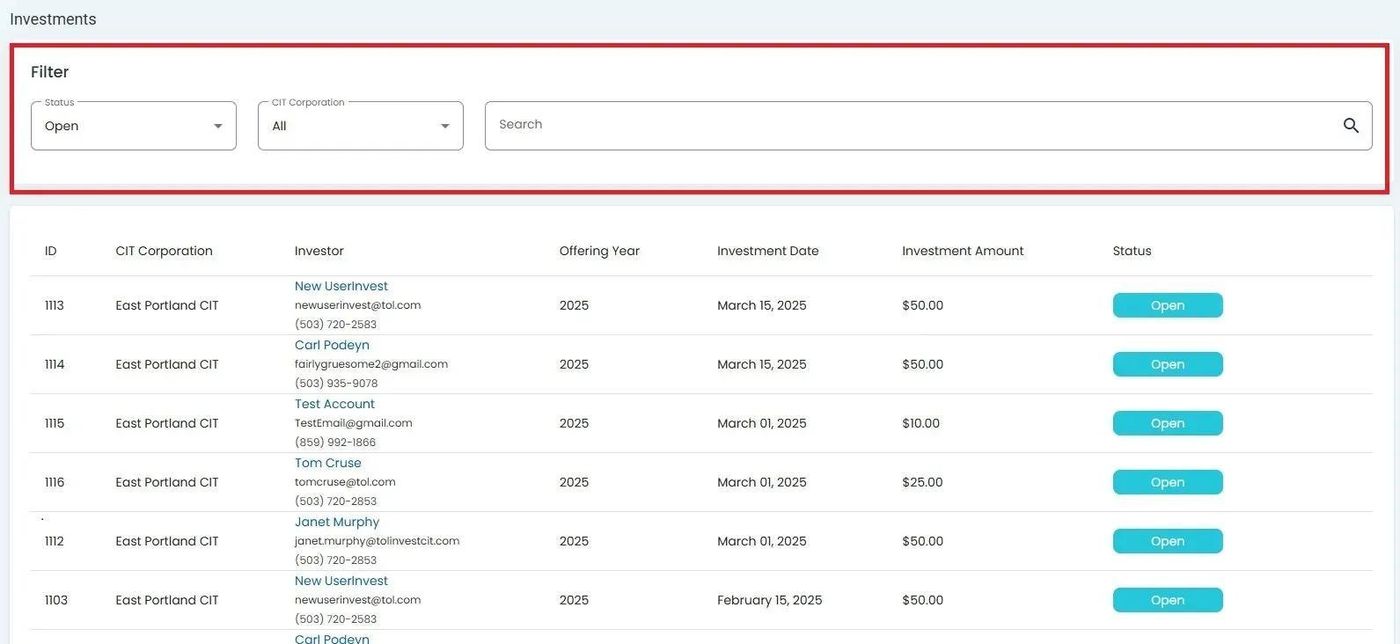
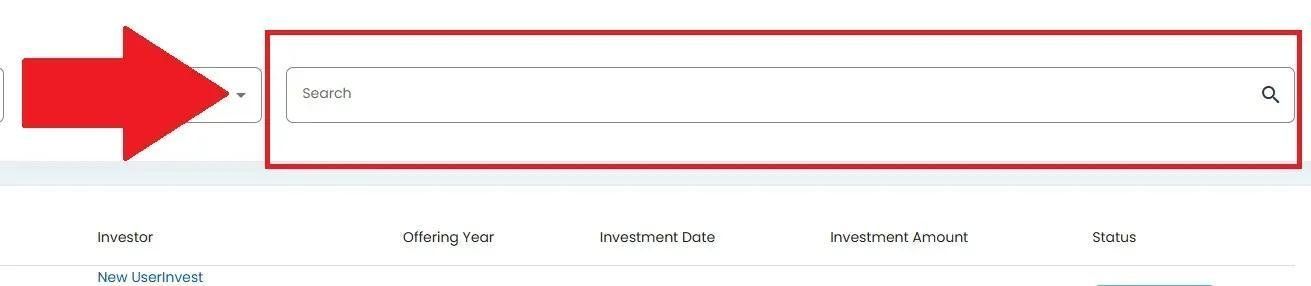
The filter section at the top of the table allows you to search and filter investments by various criteria.
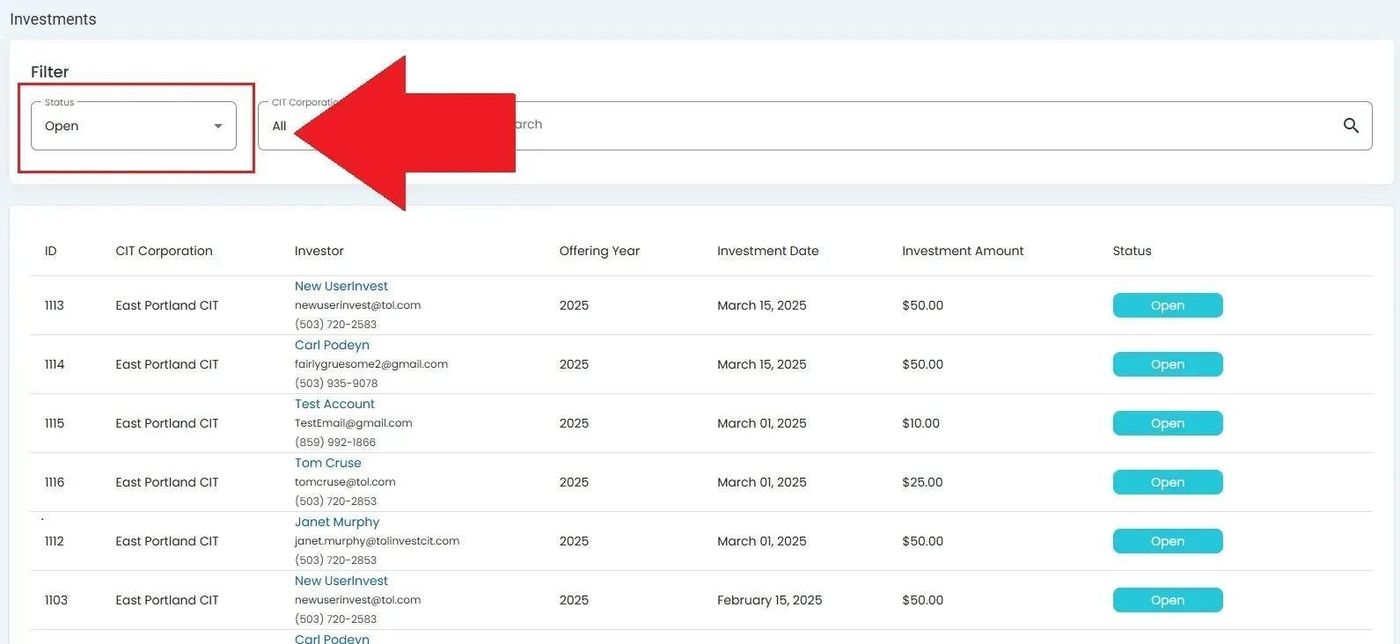
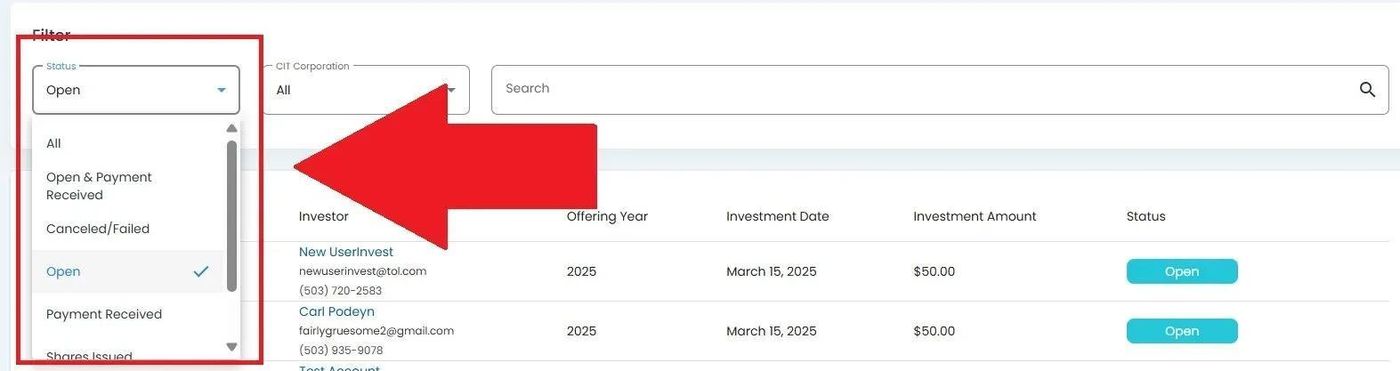
Filter by Status#
To Filter by Status:
Filter by Organization#
To Filter by CIT Corporation:


Apply Filters#
To Apply Your Selected Filters:
Viewing Investment Details#
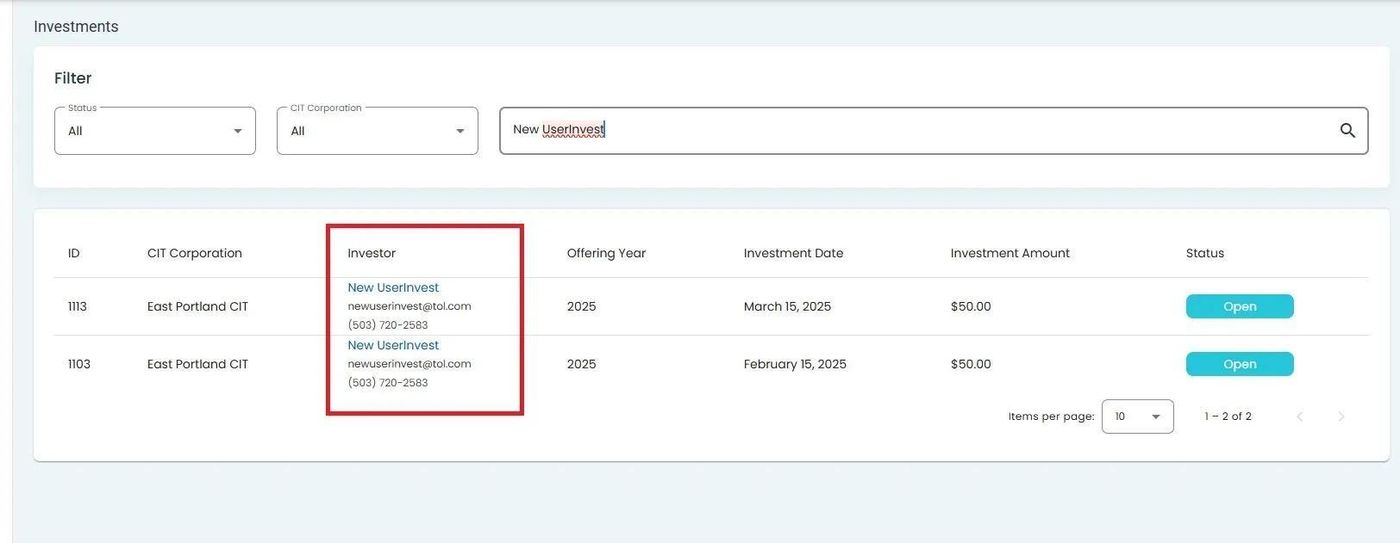
To view detailed information about a specific investment:
Locate the investment record in the table.
Click on the Column: Investor Name to view investor details.

Investor Name Click Location#
Note
Clicking on an investor’s name will navigate you to their detailed investor profile page.