
Email Templates#
The Section: Email Templates section provides tools for managing and customizing email templates within the system.
Features: Email Templates#
View and edit email templates for various system communications
Customize email content for different processes
Configure layout and styling options
Manage address and cashout email templates
Layout: Email Templates Homepage#
The Email Templates homepage provides access to various templates that can be customized for different purposes.
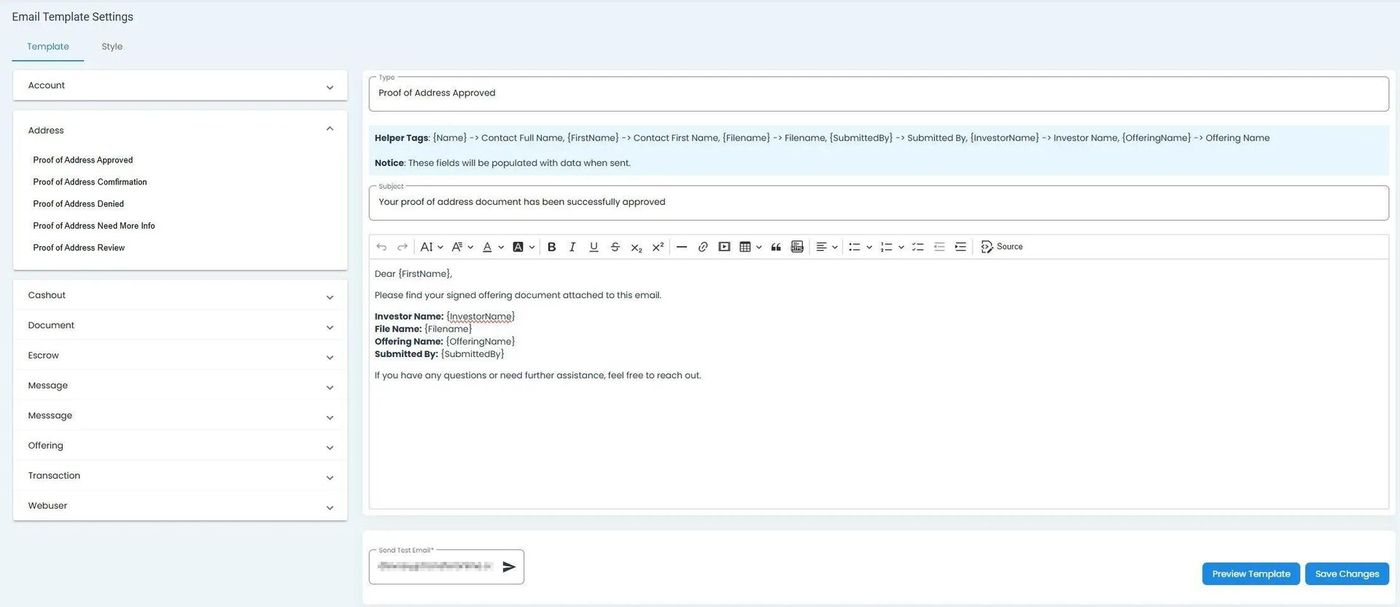
Email Templates Homepage showing available template options#
Email Template Sections#
The Email Templates page is organized into different sections for various types of communications.
Address and Cashout Sections#
These sections contain templates for communications related to address updates and cashout operations.
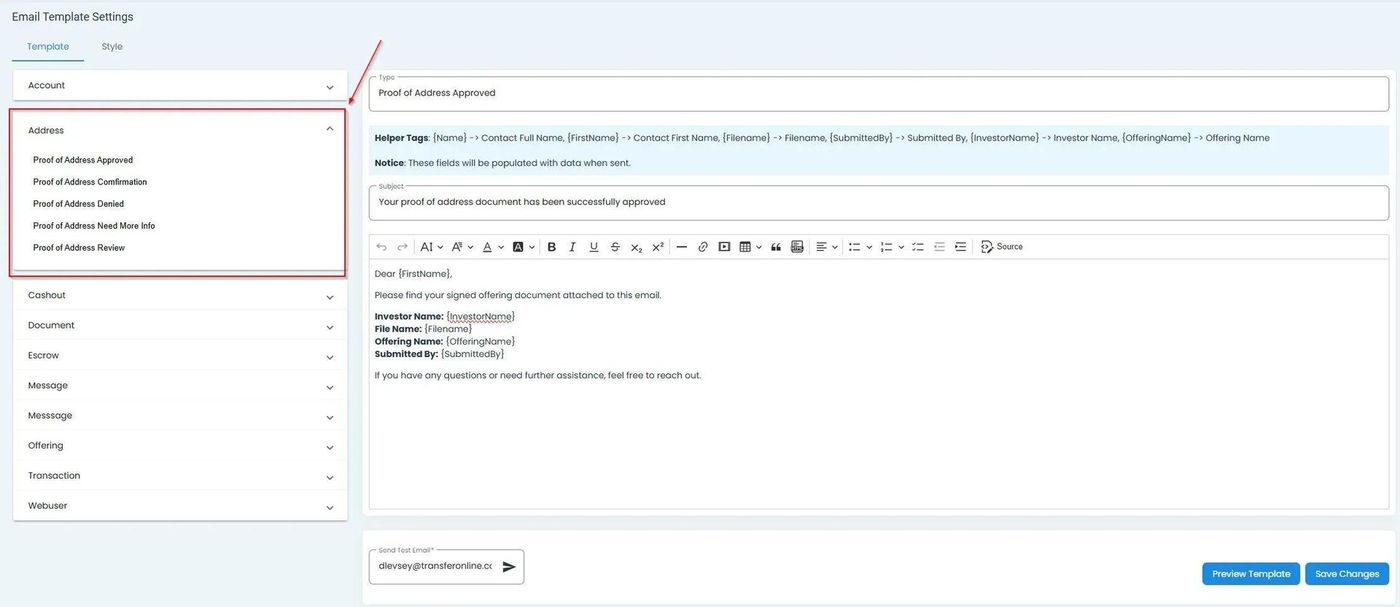
Address email template section highlighted#
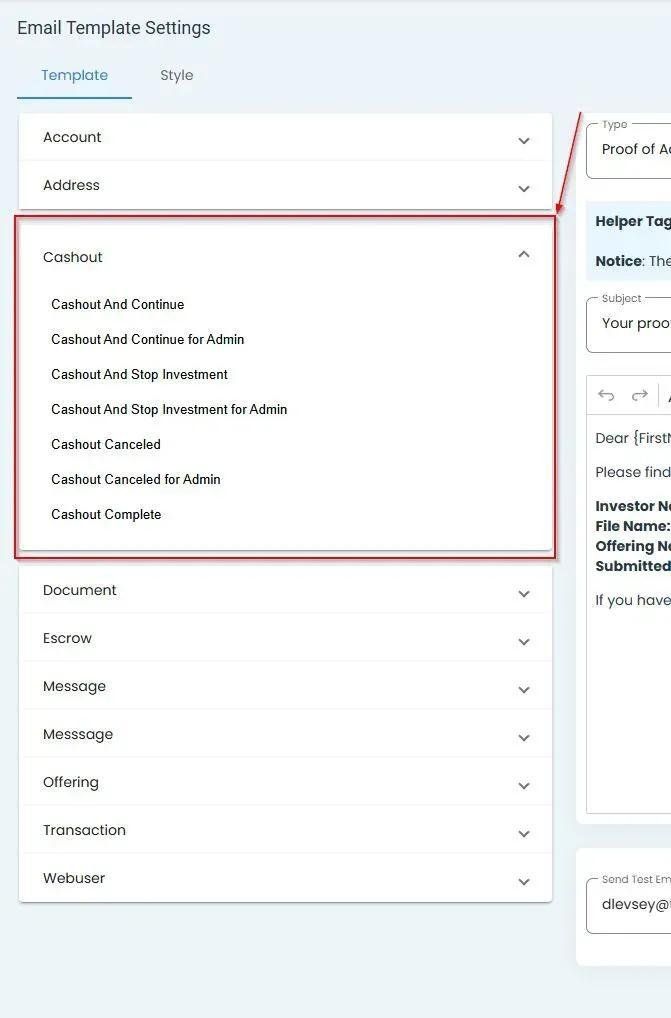
Cashout email template section highlighted#
Working with Templates#
The interface allows you to navigate between different templates and make customizations as needed.
Email Templates homepage with navigation controls highlighted#
Note
For information about customizing the appearance of email templates, see the Style Tab documentation.
Summary#
The Email Templates section allows you to:
View and edit email templates for different types of system communications
Customize the content of automated emails
Navigate between different template categories
Ensure consistent and professional communication with users