Viewing Directive Details#

Learn how to access and review detailed information about transaction directives.

Accessing Directive Details#

To View Directive Details:
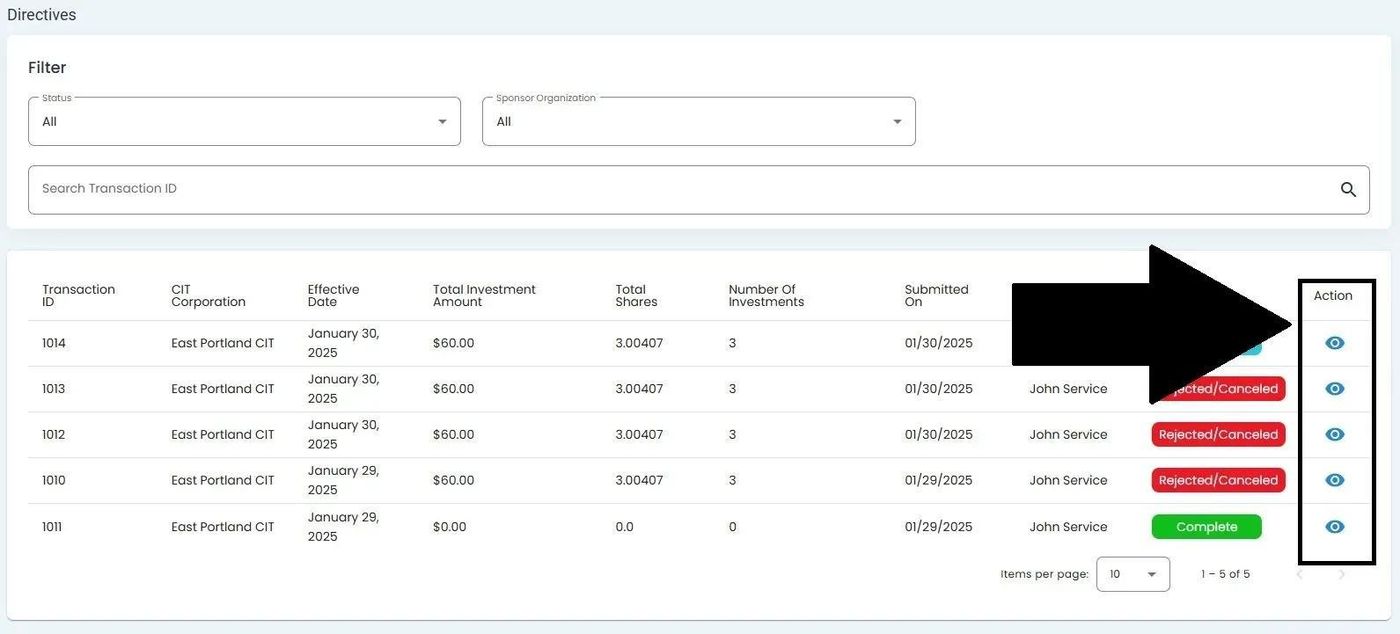
  1. Locate the directive in the Table: Directives List table.

  2. Find the Column: Action column for the directive you wish to view.

    ../../../_images/directives-homepage-table-action-column-highlighted.jpg

    Action Column Location#

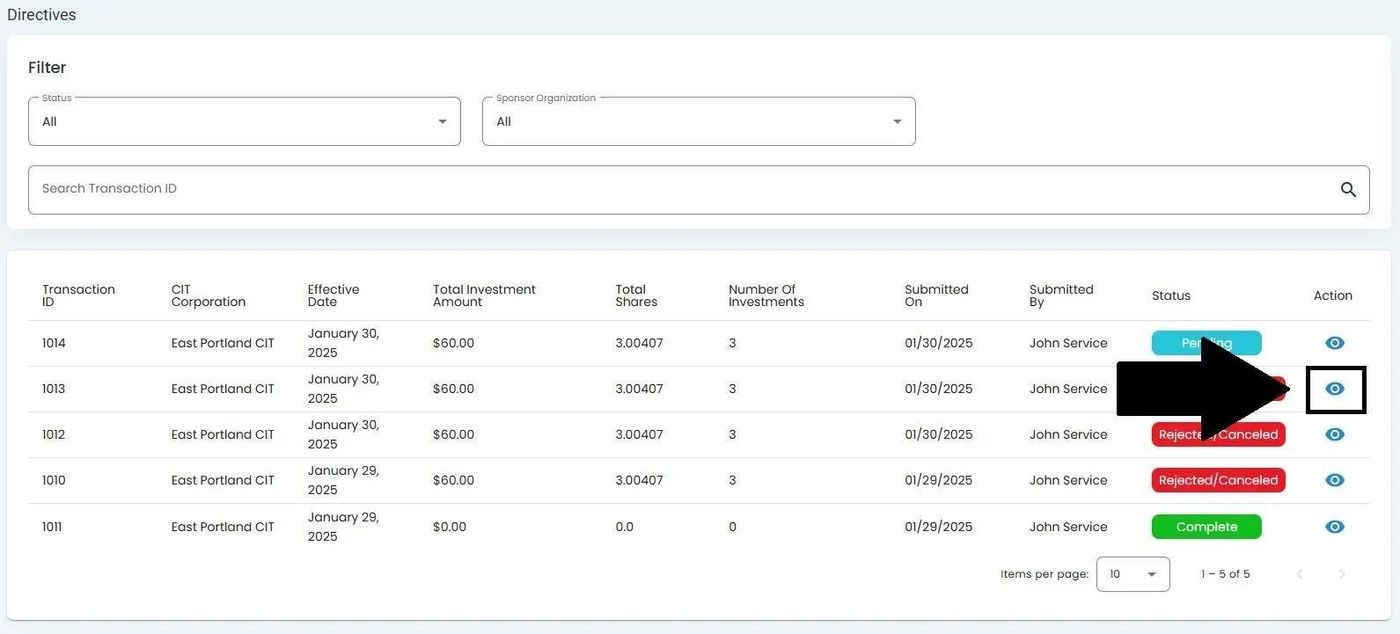
  3. Click the View More icon to open the Directive Details page.

    ../../../_images/directives-homepage-table-view-more-icon-location-highlighted.jpg

    View More Icon Location#

Directive Details Page Overview#

The Directive Details page provides comprehensive information about the selected transaction directive.

The page is organized into two main sections: