
Financial Documents#
The Section: Financial Documents section allows you to access and download your financial records.
Location
Investor Portal > Document > Financial Documents
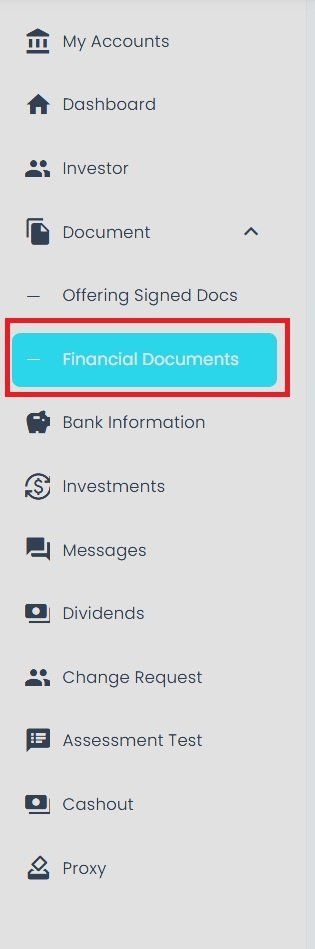
Financial Documents Section Location#
Document Filtering#
Search Documents#
You can search for specific documents using the search bar:
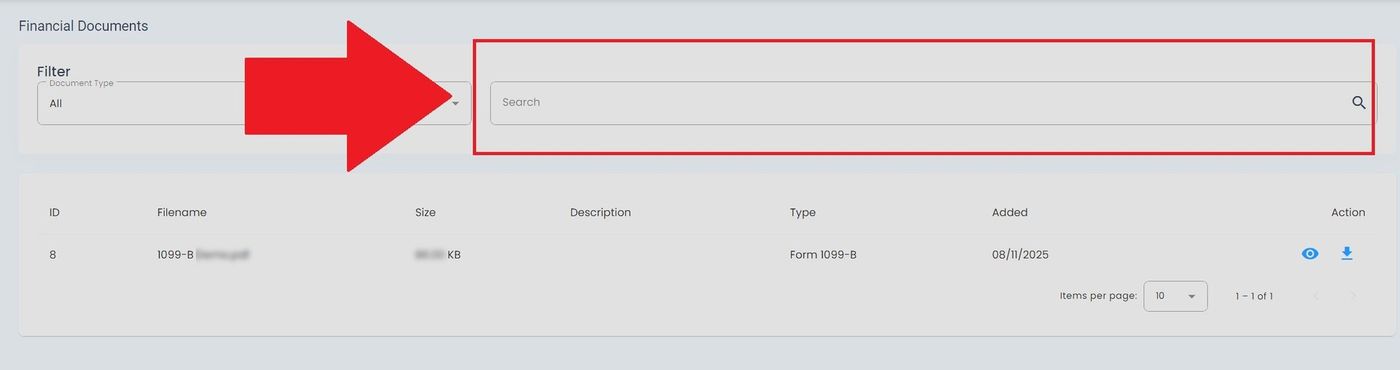
Search Bar Location#
Filter by Document Type#
Use the document type dropdown to filter by category:
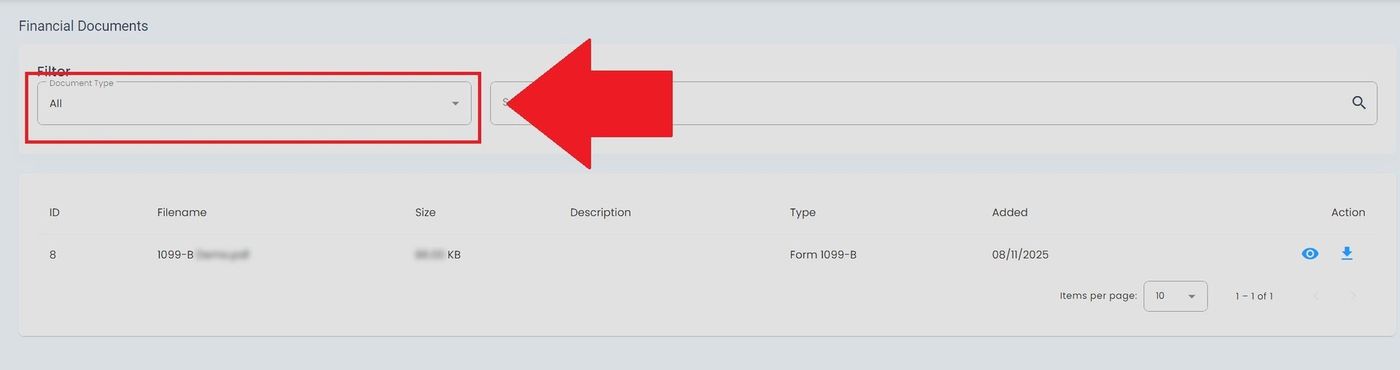
Document Type Filter Dropdown#
Financial Documents Table#
The Table: Financial Documents List table displays your financial documents and tax forms.
Columns: Financial Documents List Table#
The Column: Columns for the Table: Financial Documents List table can be found at the top of the table:
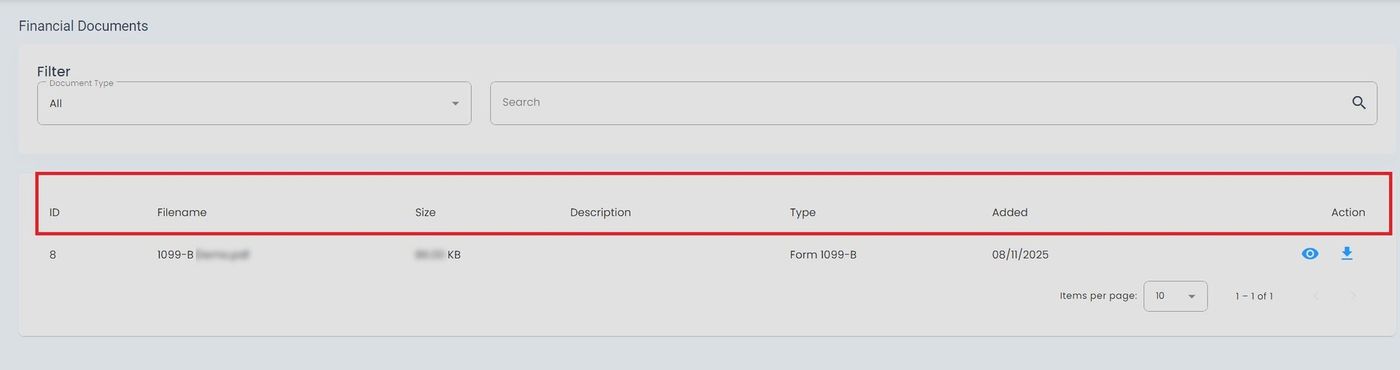
Financial Documents Table Column Headers#
The Table: Financial Documents List table includes the following columns:
Column: ID - Unique identifier for the financial document
Column: Filename - Name of the uploaded document file
Column: Size - File size of the document
Column: Date Uploaded - Date when the document was uploaded
Column: Action - Available actions for viewing or downloading the document
Available Actions#
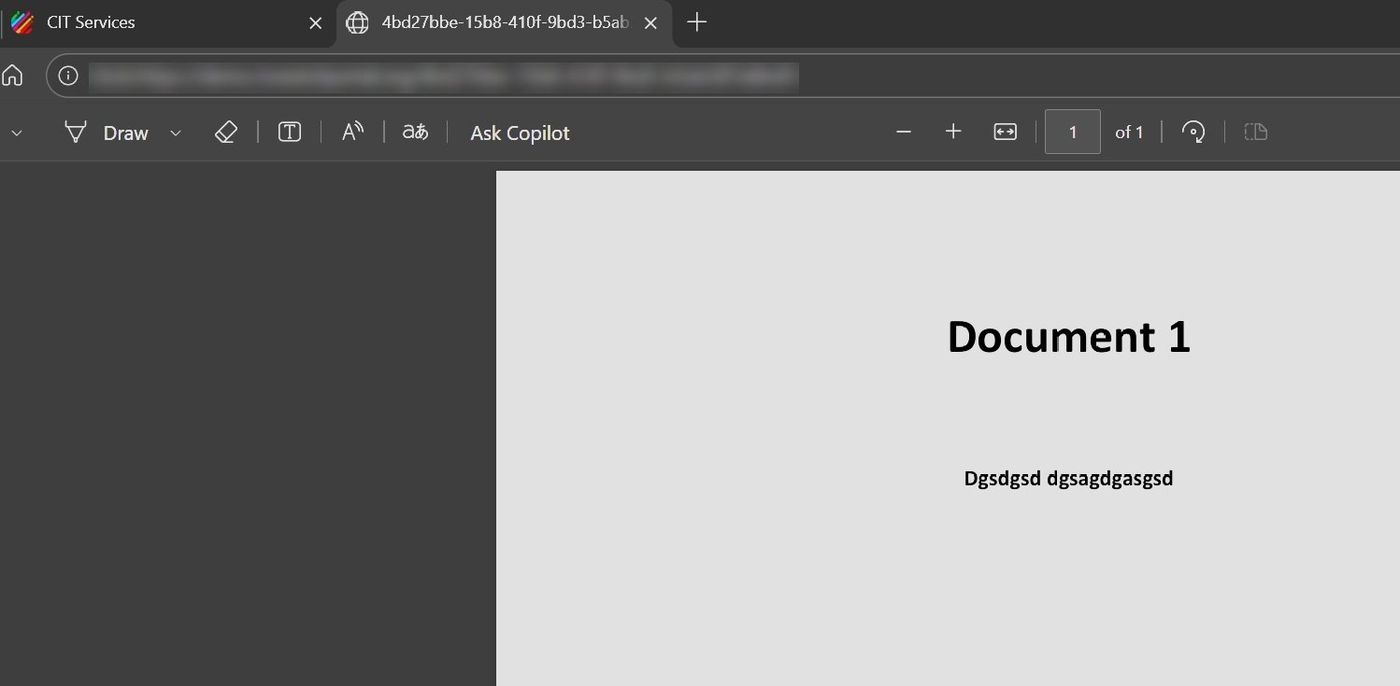
View Document Details#
To view detailed information about a document:
Action: Select the View Details button for the document you want to review.
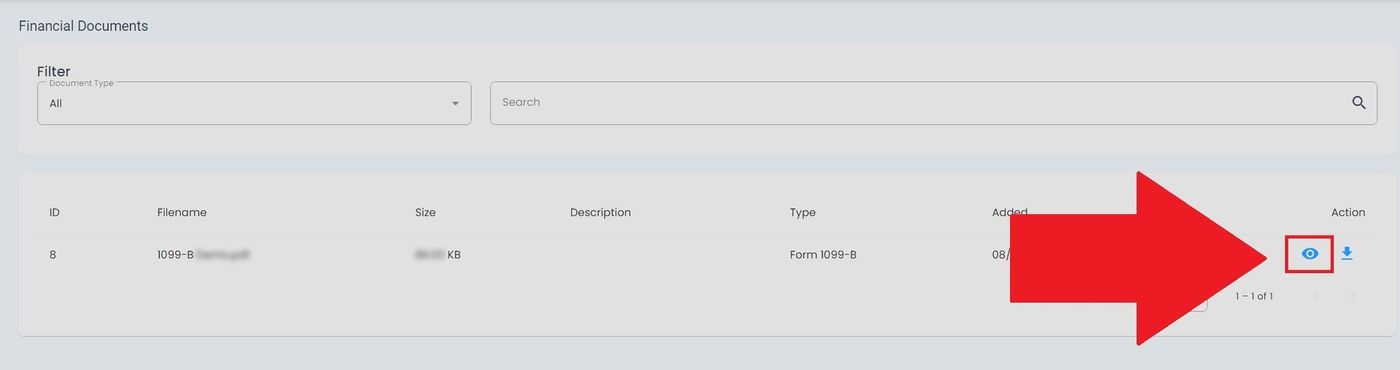
View Document Details Button#
Download Document#
To download a document to your device:
Action: Select the Download button for the document you want to save.
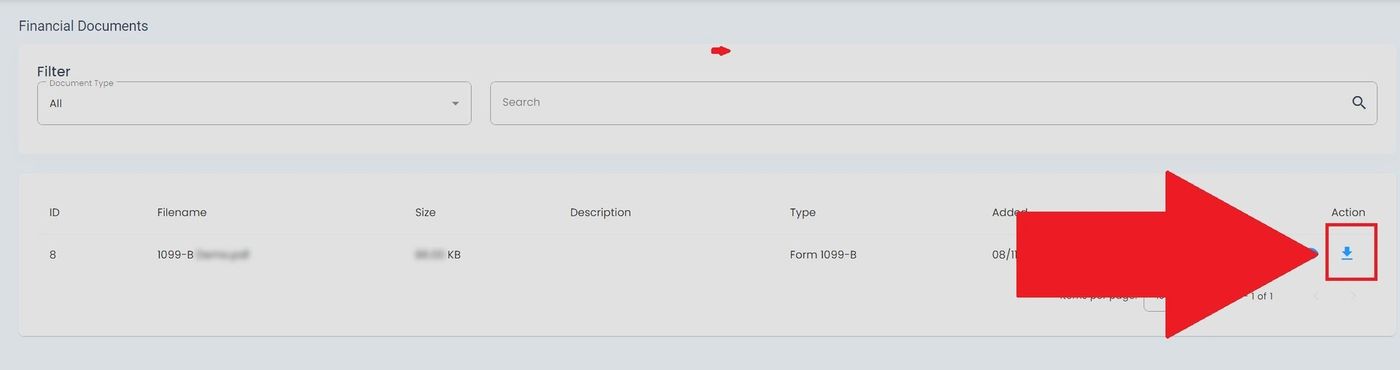
Download Document Button#