
Beneficiary Designations#
The Tab: Beneficiaries tab allows you to manage beneficiary designations for your investment accounts.
Beneficiaries Tab Location#
Access the Beneficiaries tab from Investor Information:
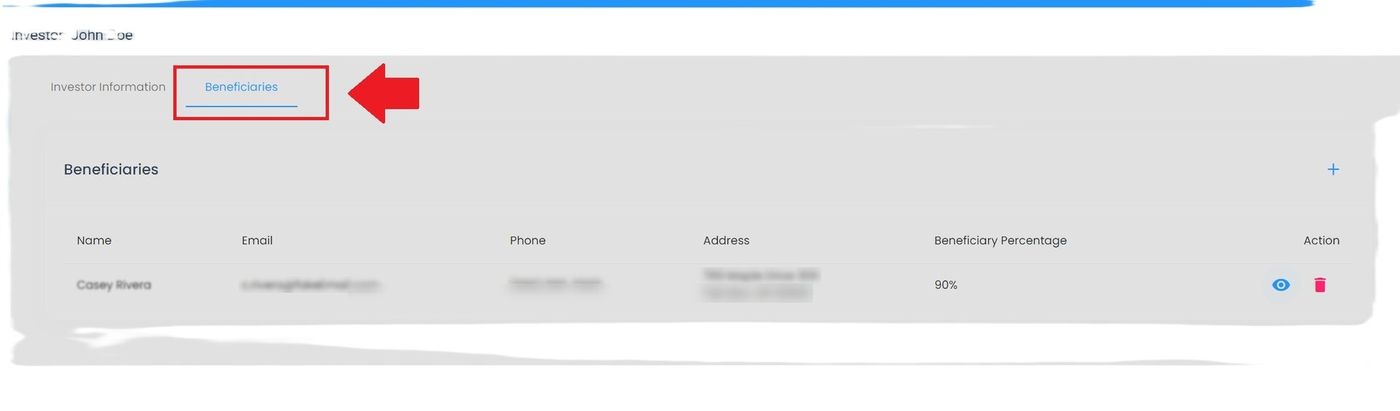
Investor Information, Beneficiaries Tab Location#
Empty Beneficiaries State#
When no beneficiaries are designated:

Investor Information, No Beneficiaries Message#
Beneficiaries Table#
The Table: Beneficiaries List table displays all beneficiary designations for your investment accounts.
Columns: Beneficiaries List Table#
The Column: Columns for the Table: Beneficiaries List table can be found at the top of the table:
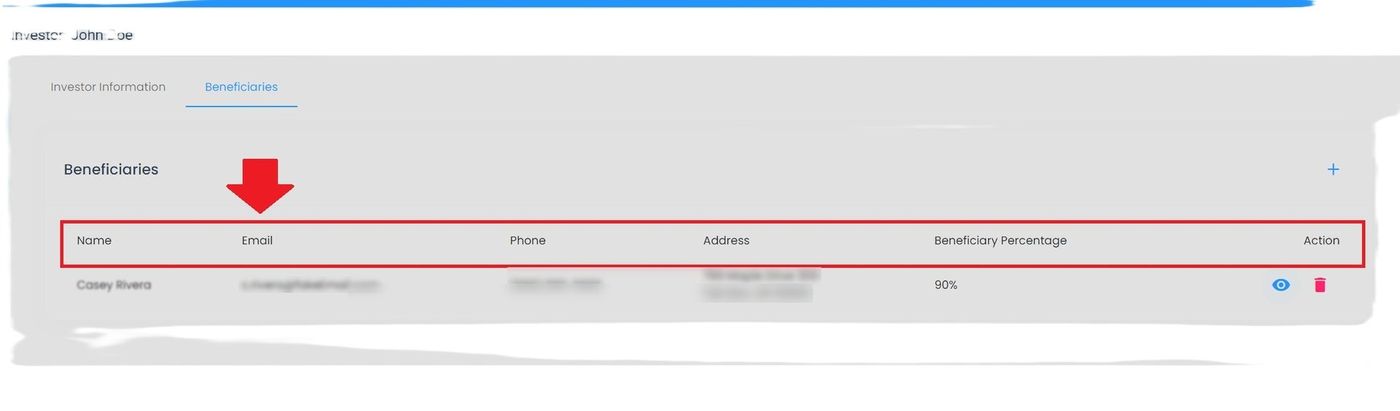
Investor Information, Beneficiaries Table Column Headers#
The Table: Beneficiaries List table includes the following columns:
Column: Name - Beneficiary’s full name
Column: Relationship - Relationship to investor
Column: Percentage - Allocation percentage
Column: Type - Primary or contingent
Column: Contact Info - Phone and email
Column: Actions - Available actions
How to Add a Beneficiary#
Click the Action: Add Beneficiary button:
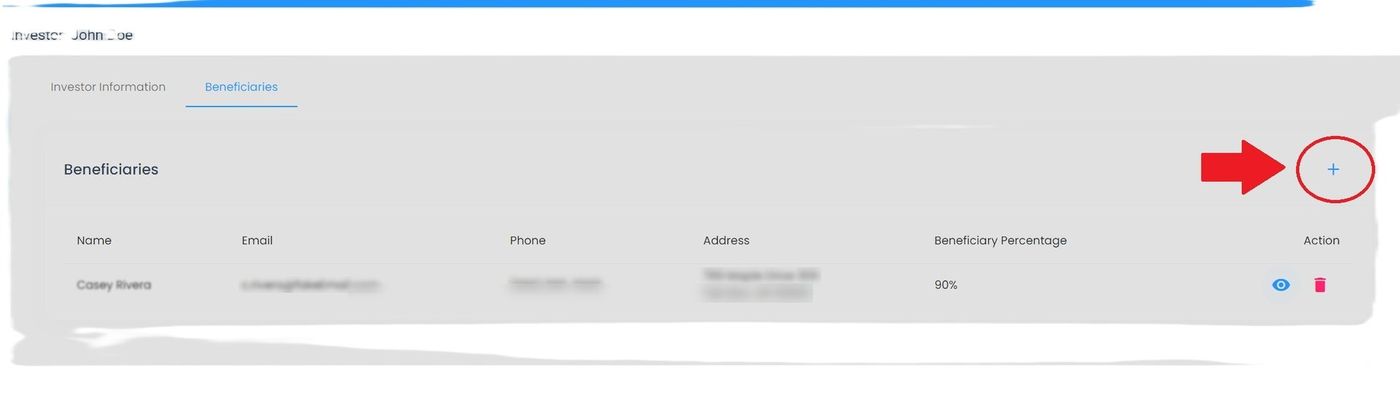
Investor Information, Add Beneficiary Button#
How to View Beneficiary Details#
Step 1: Locate View Action#
Find the Action: View button in the Actions column:
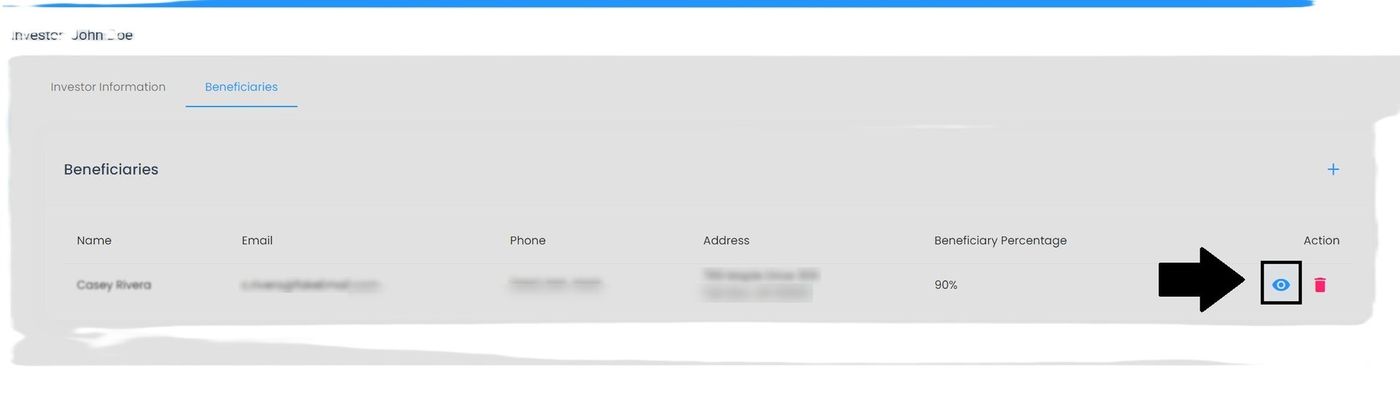
Investor Information, View Beneficiary Details Action#
Step 2: Review Details Popup#
View complete beneficiary information:
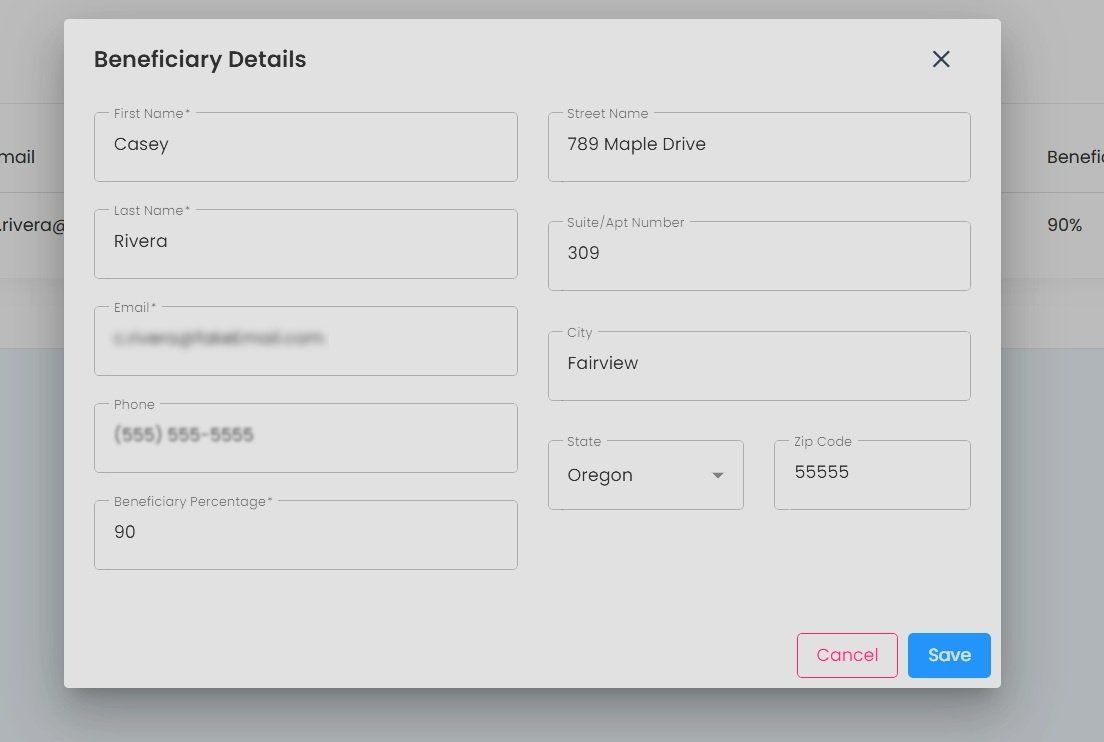
Investor Information, Beneficiary Details Popup#
How to Delete a Beneficiary#
Click the Action: Delete button to remove a beneficiary:
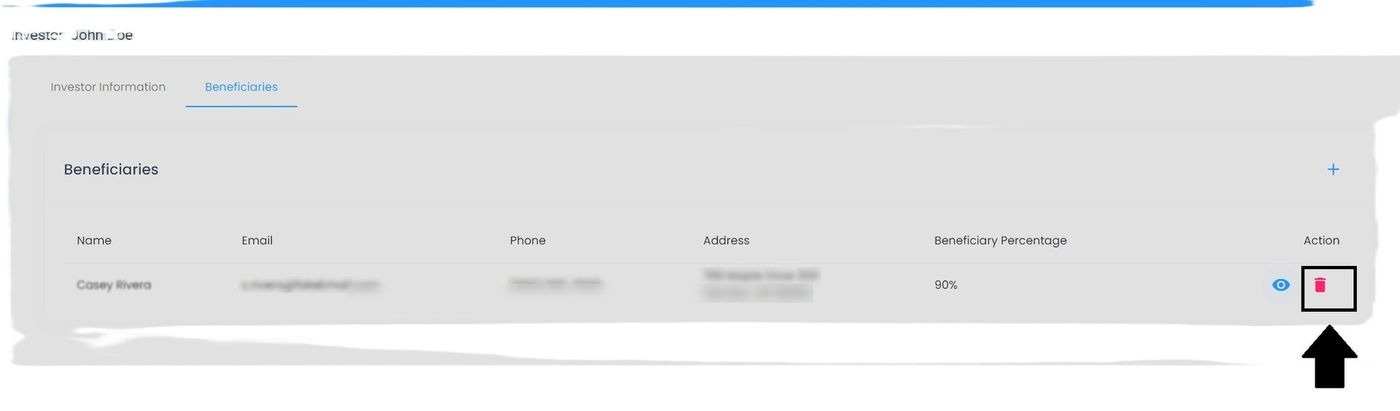
Investor Information, Delete Beneficiary Action#
Warning
Deleting a beneficiary removes them permanently. Ensure remaining beneficiary percentages total 100% after deletion.
Important Considerations#
Important
Primary beneficiaries must total 100%
Contingent beneficiaries must total 100% (if designated)
Update beneficiaries after major life events
Keep beneficiary contact information current