
Offering Signed Documents#
The Section: Offering Signed Documents section provides access to all signed documents related to your investment offerings.
Location
Investor Portal > Document > Offering Signed Documents
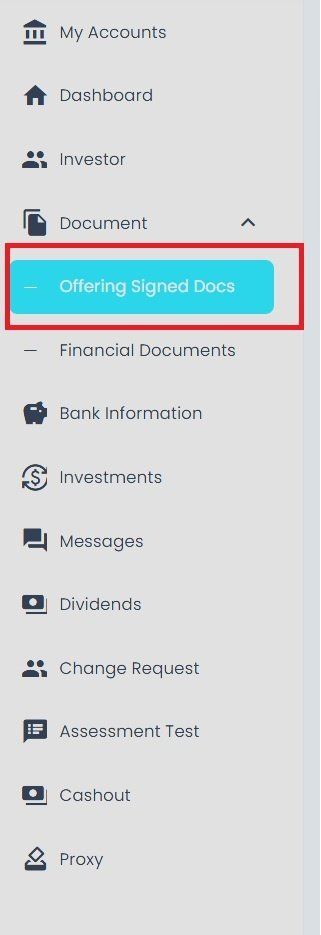
Offering Signed Documents Section Location#
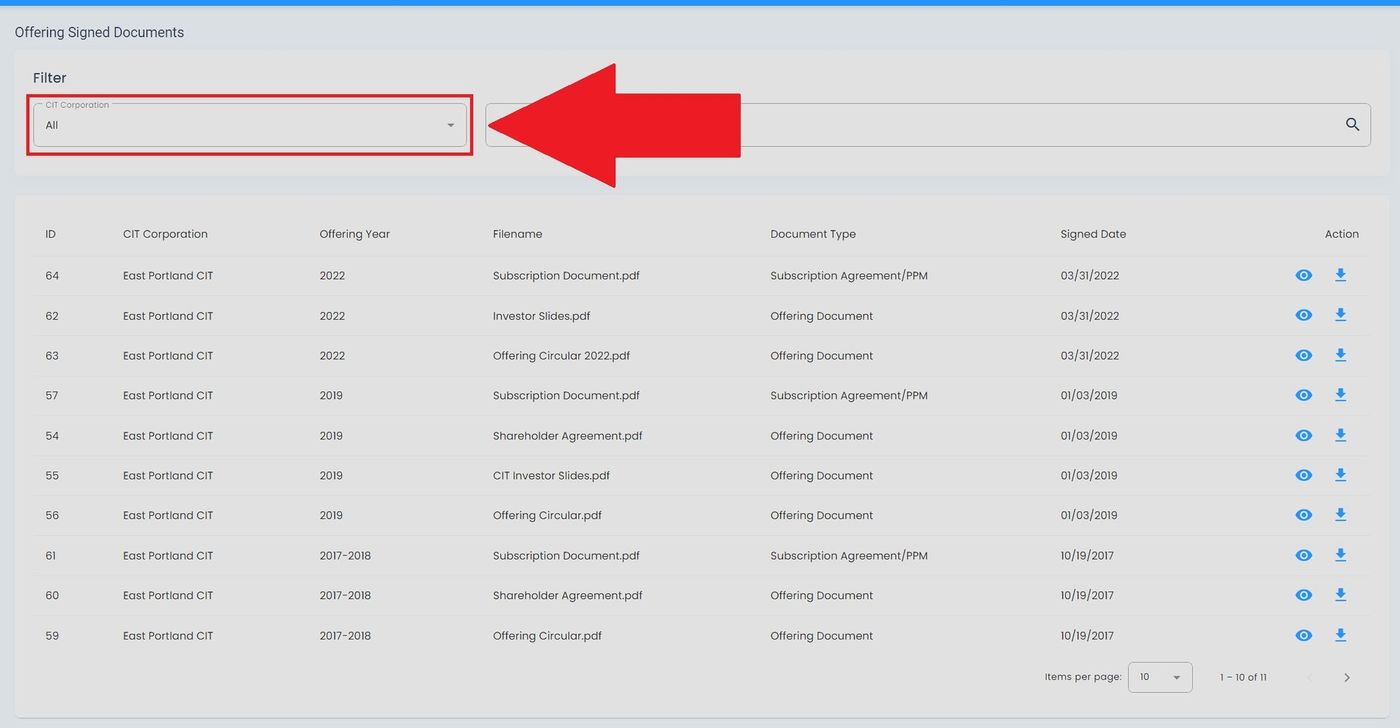
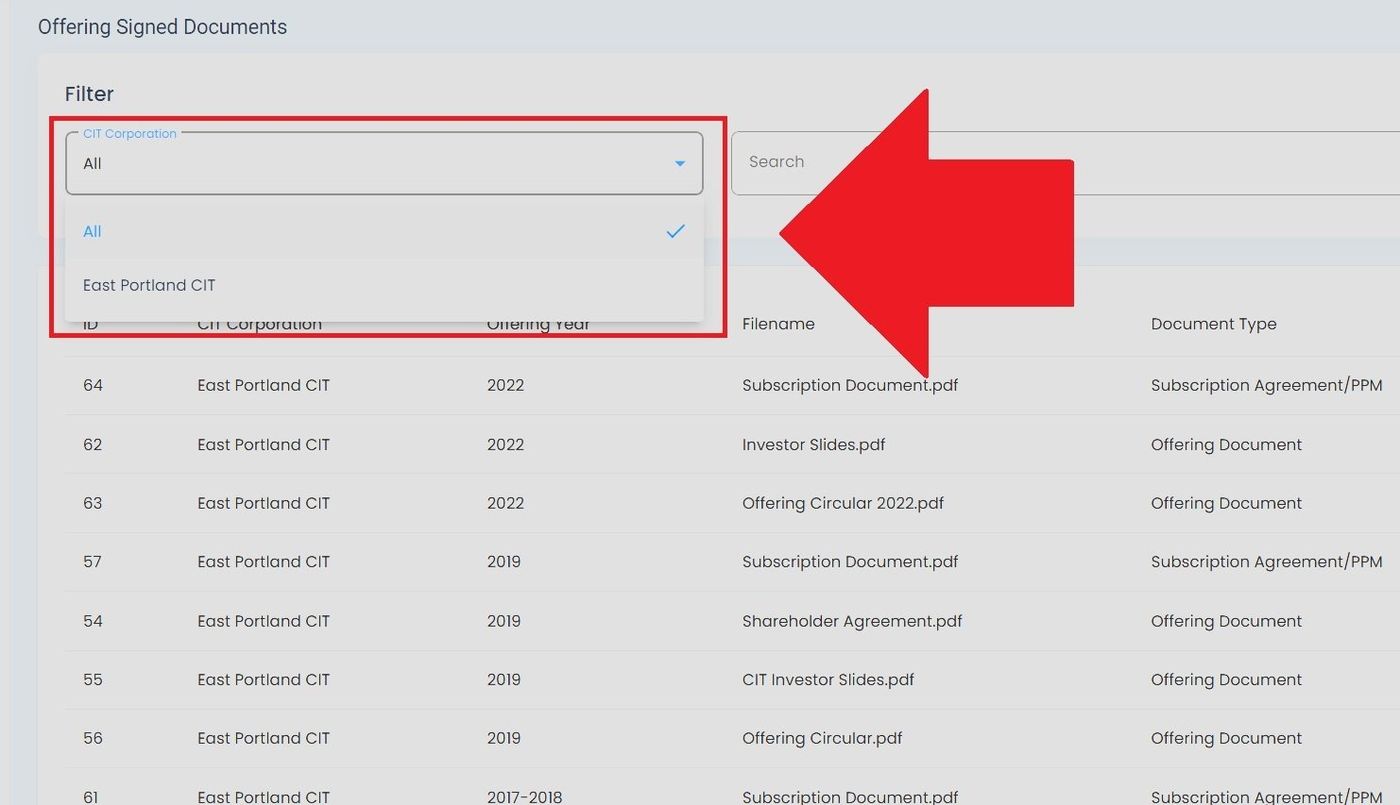
CIT Corporation Filter#
Filter documents by CIT Corporation using the dropdown menu:
Offering Documents Table#
The Table: Offering Signed Documents List table displays your signed investment agreements.
Columns: Offering Signed Documents List Table#
The Column: Columns for the Table: Offering Signed Documents List table can be found at the top of the table:
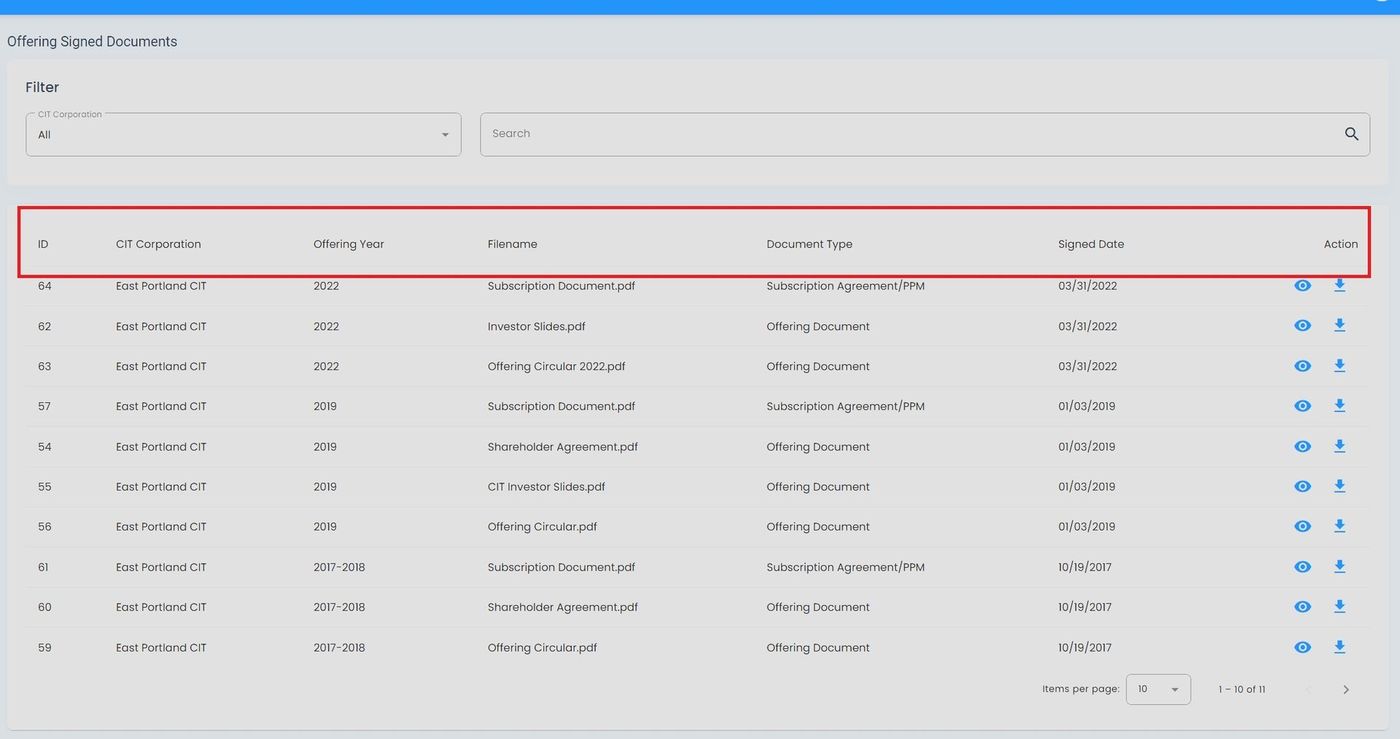
Offering Signed Documents Table Column Headers#
The Table: Offering Signed Documents List table includes the following columns:
Column: ID - Unique identifier for the document record
Column: CIT Corporation - Corporation associated with this document
Column: Offering Year - Year of the offering the document relates to
Column: Document Name - Name of the signed document
Column: Action - Available actions for viewing or downloading the document
Available Actions#
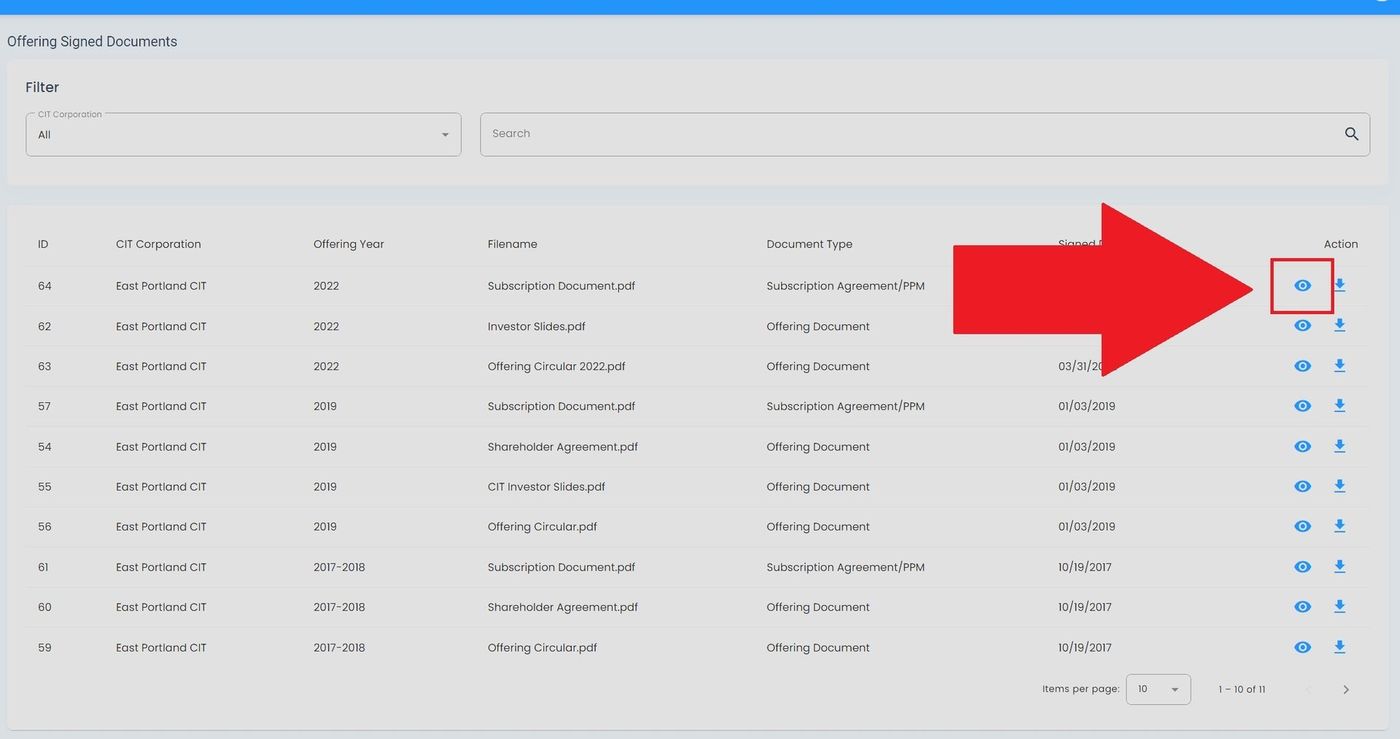
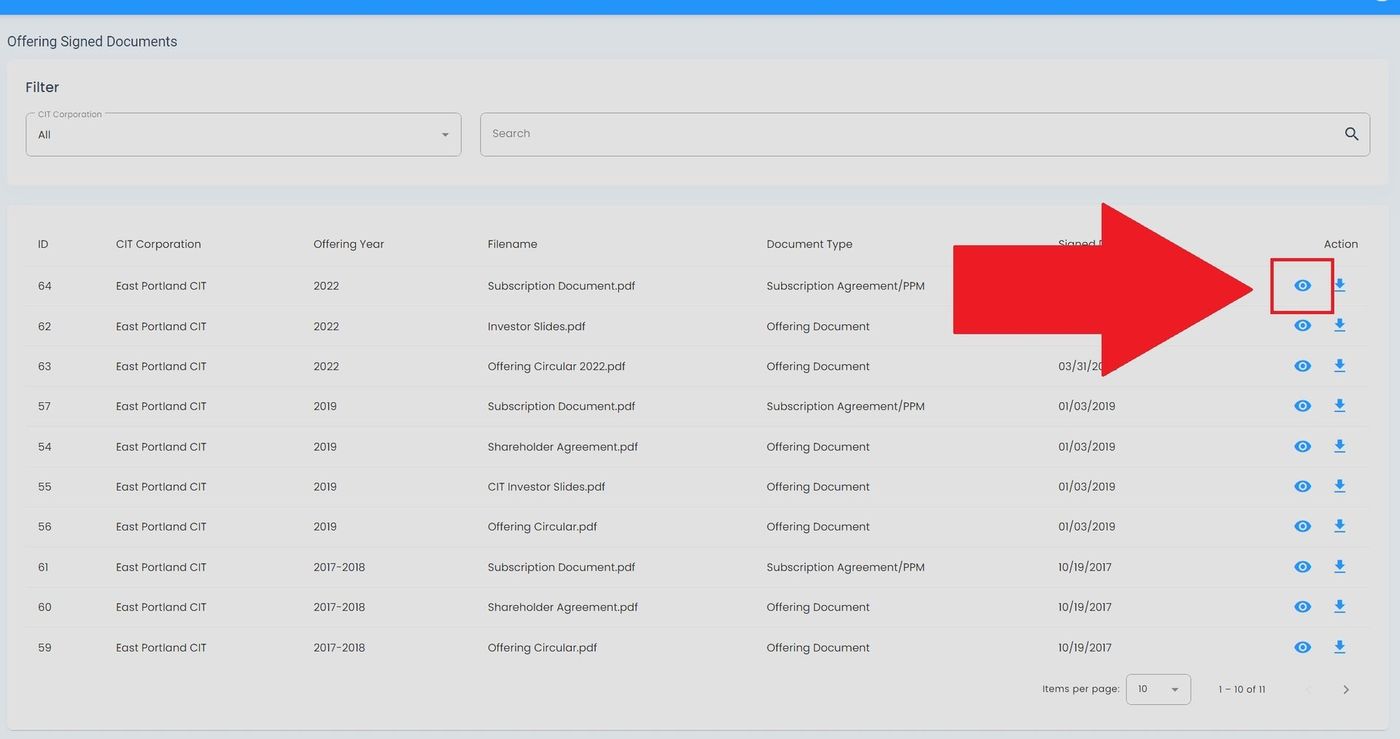
View Document Details#
To view details about a signed offering document:
Download Document#
To download a signed offering document:
From the document details view, Action: Select the Download button.
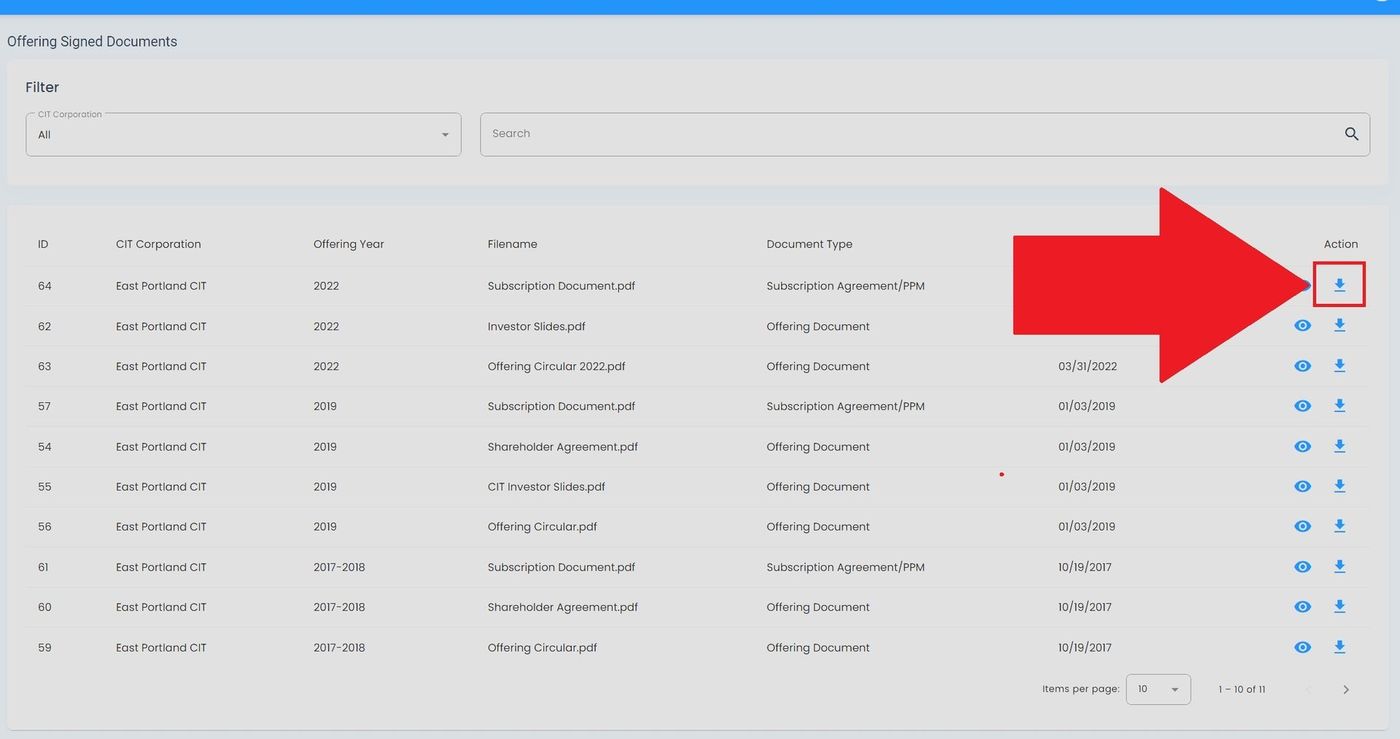
Download Button Location#