
Holdings#
The Section: Holdings section displays your investment certificates and share ownership records within the Investor Portal.
Hover for Page Preview
Hover over the links for a page preview.
Holdings Homepage#
The Section: Holdings section opens to the Table: Holdings List table:
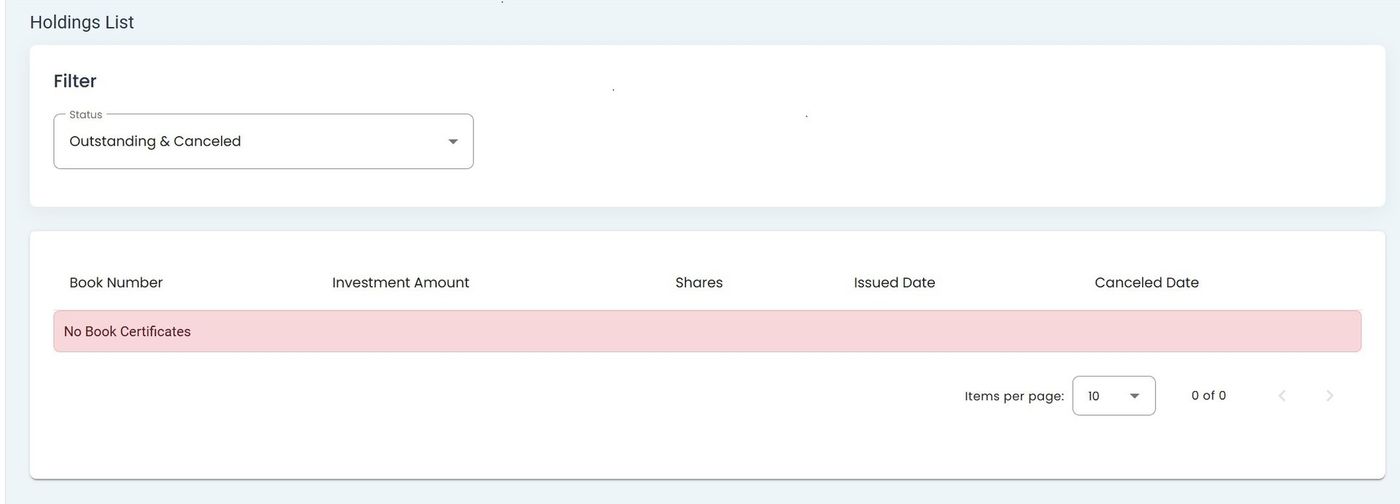
Investor Portal, Holdings, Homepage#
Features: Holdings#
View all investment certificates
Filter holdings by status (Outstanding, Canceled, or Both)
Track share quantities and investment amounts
Monitor certificate issue and cancellation dates
Access detailed holding information
Columns: Holdings List Table#
The Column: Columns for the Table: Holdings List table can be found at the top of the table:
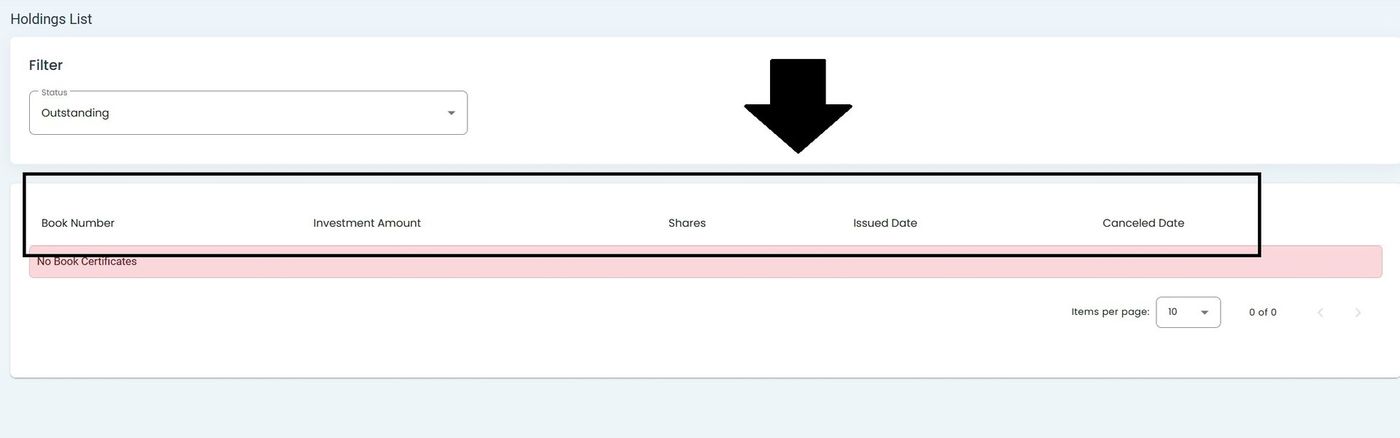
Holdings Table Column Headers#
The Table: Holdings List table includes the following columns:
Column: Book Number - Unique identifier for your certificate
Column: CIT Corporation - Corporation in which shares are held
Column: Investment Amount - Total amount invested
Column: Shares - Number of shares owned
Column: Issued Date - Certificate issue date
Column: Canceled Date - Cancellation date (if applicable)
How to Filter Holdings#
To filter your holdings by status:
Step 1: Locate the Status Filter#
Find the Status dropdown in the Filter section:
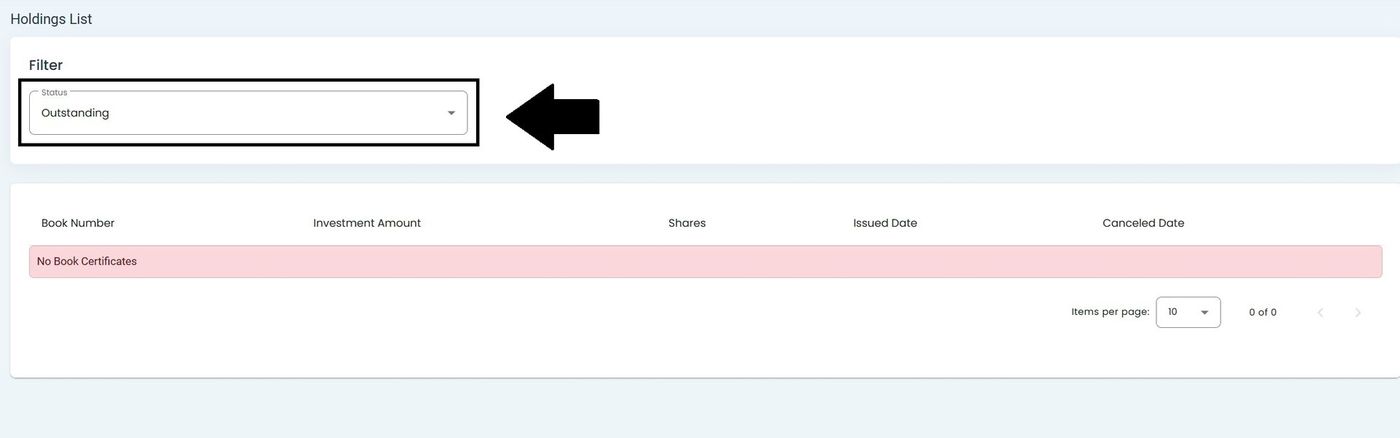
Investor Portal, Holdings, Status Filter Location#
Step 2: Select Filter Option#
Click the dropdown to view available filter options:
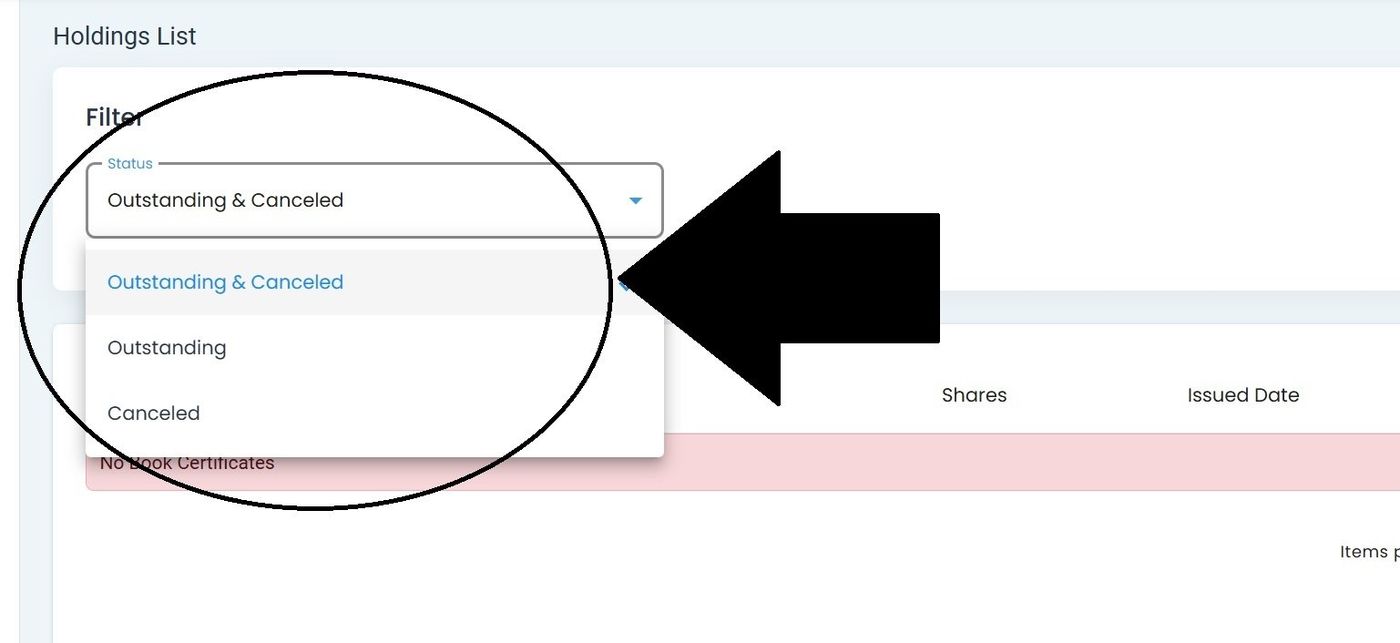
Investor Portal, Holdings, Filter Options#
Available options:
Item: Outstanding - View active certificates only
Item: Canceled - View canceled certificates only
Item: Outstanding & Canceled - View all certificates
Understanding Holdings Status
Outstanding Holdings represent your active investment certificates that:
Generate dividend payments
Are eligible for cashout requests
Represent current investment value
Display only the Issued Date
Canceled Holdings are certificates that have been:
Fully cashed out
Redeemed by the corporation
Terminated for other reasons
Display both Issued Date and Canceled Date
Step 3: View Filtered Results#
The table automatically updates to show holdings matching your selected criteria:
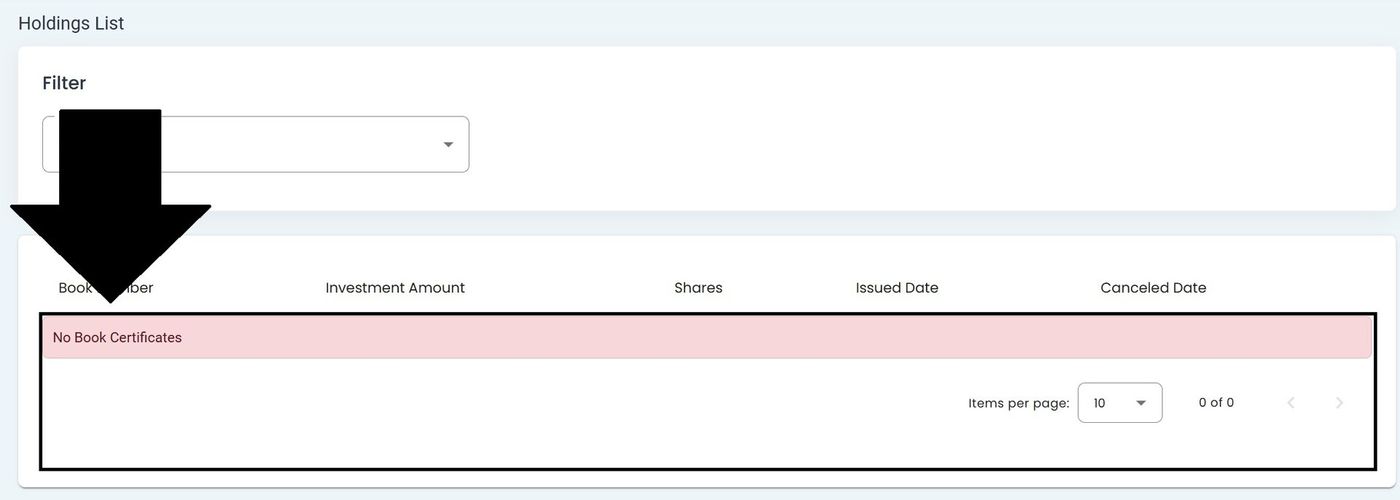
Investor Portal, Holdings, Filtered Results#
Empty Holdings State#
When no holdings match your filter criteria:
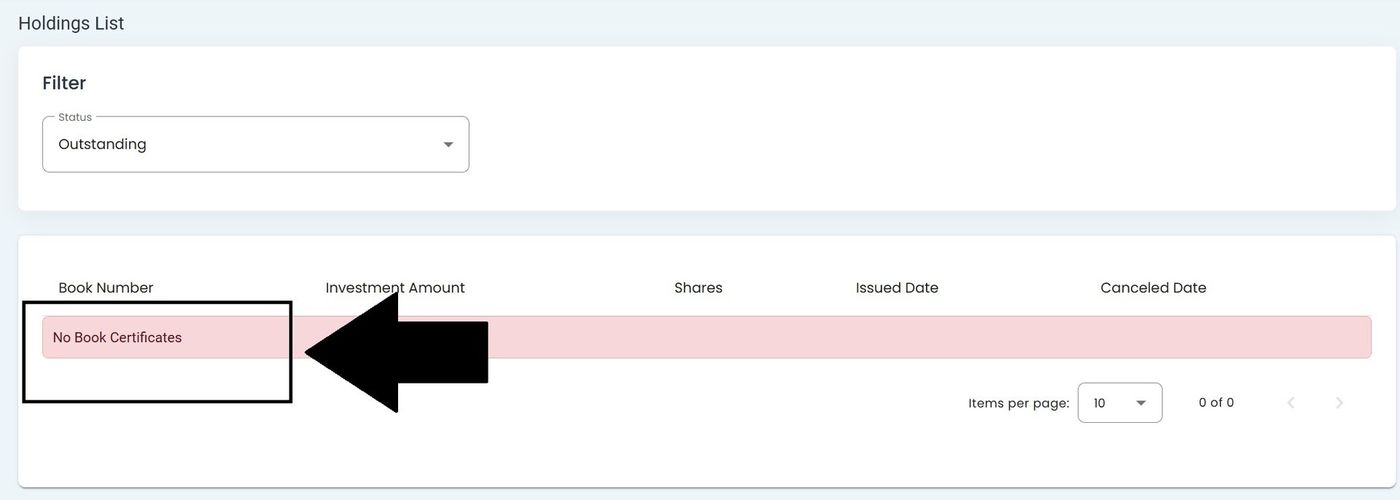
Investor Portal, Holdings, No Book Certificates Message#
Note
The “No Book Certificates” message appears when no holdings match your current filter settings.
Navigation Location#
Access Holdings from the Investor Portal navigation menu:
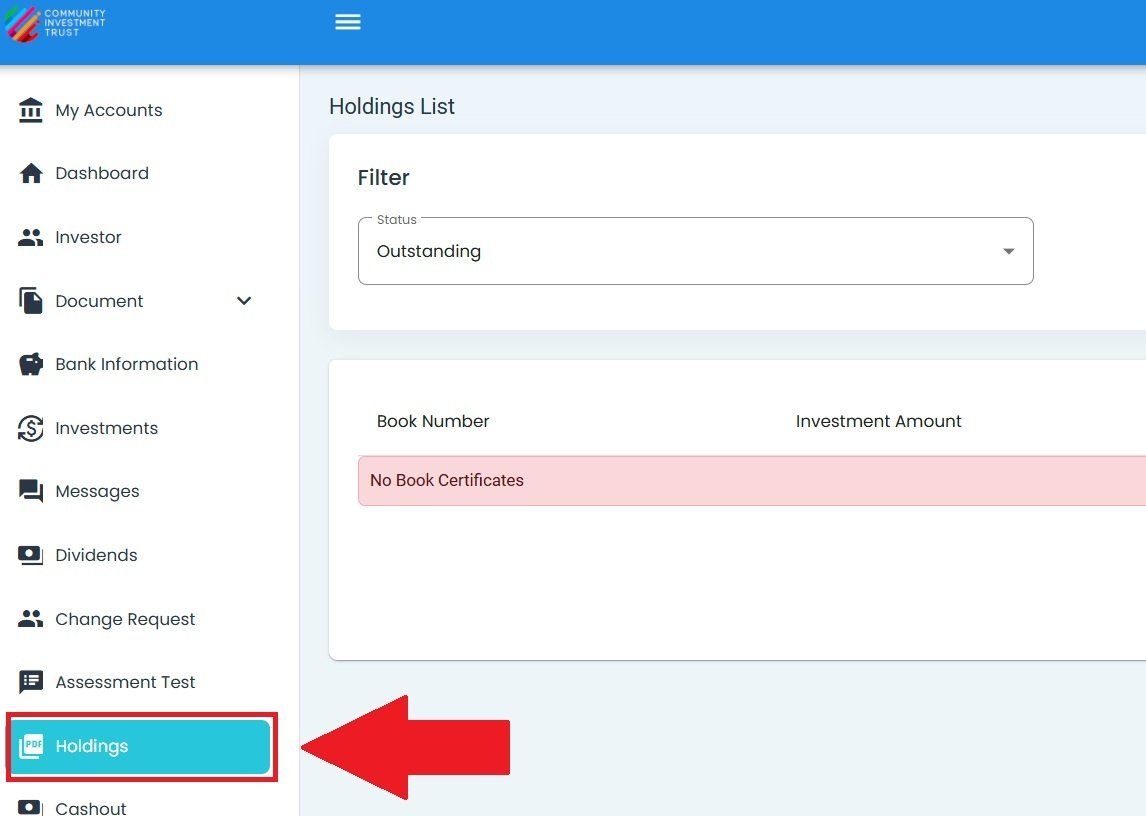
Investor Portal, Holdings, Navigation Menu Location#
Pagination Controls#
Navigate through multiple holdings using the pagination controls at the bottom of the table:
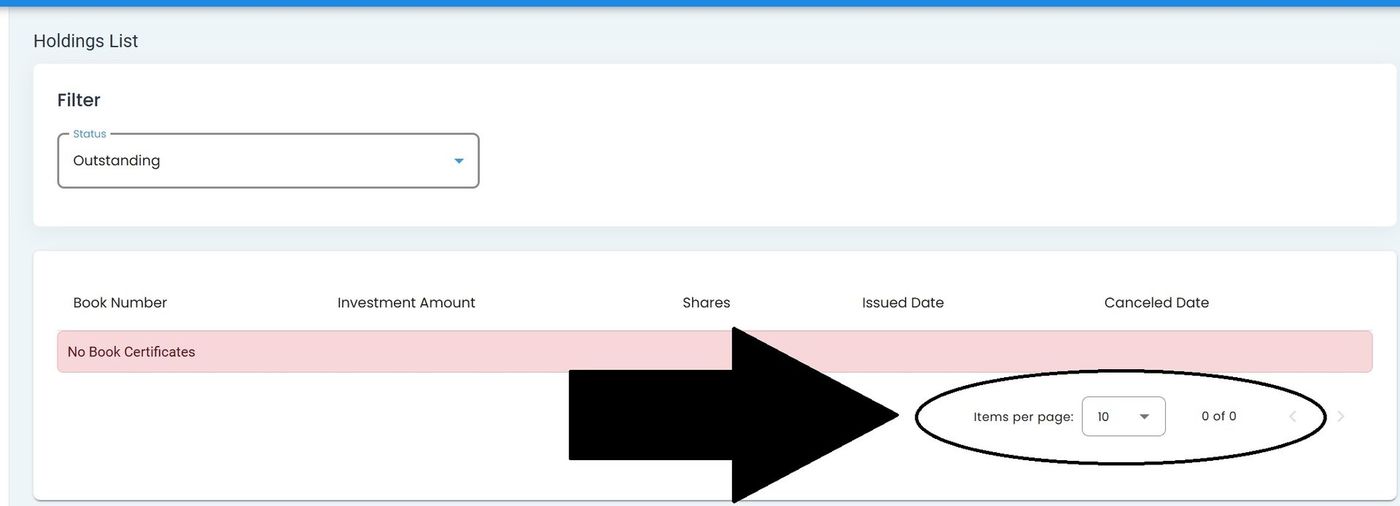
Investor Portal, Holdings, Pagination Controls#
Select items per page (10, 25, 50, or 100)
Use navigation arrows to move between pages
View total record count