
Assessment Test Report#
The Section: Assessment Test Report displays investor assessment test results, showing completion dates and scores.
Features: Assessment Test Report#
The Section: Assessment Test Report allows you to:
View assessment test results for investors
Navigate results using pagination
Location#
The Page: Assessment Test Report page is located in the Report category in the Item: Primary Sidenavigation menu.
Report Overview#
The Section: Assessment Test Report displays a table of investor assessment results:
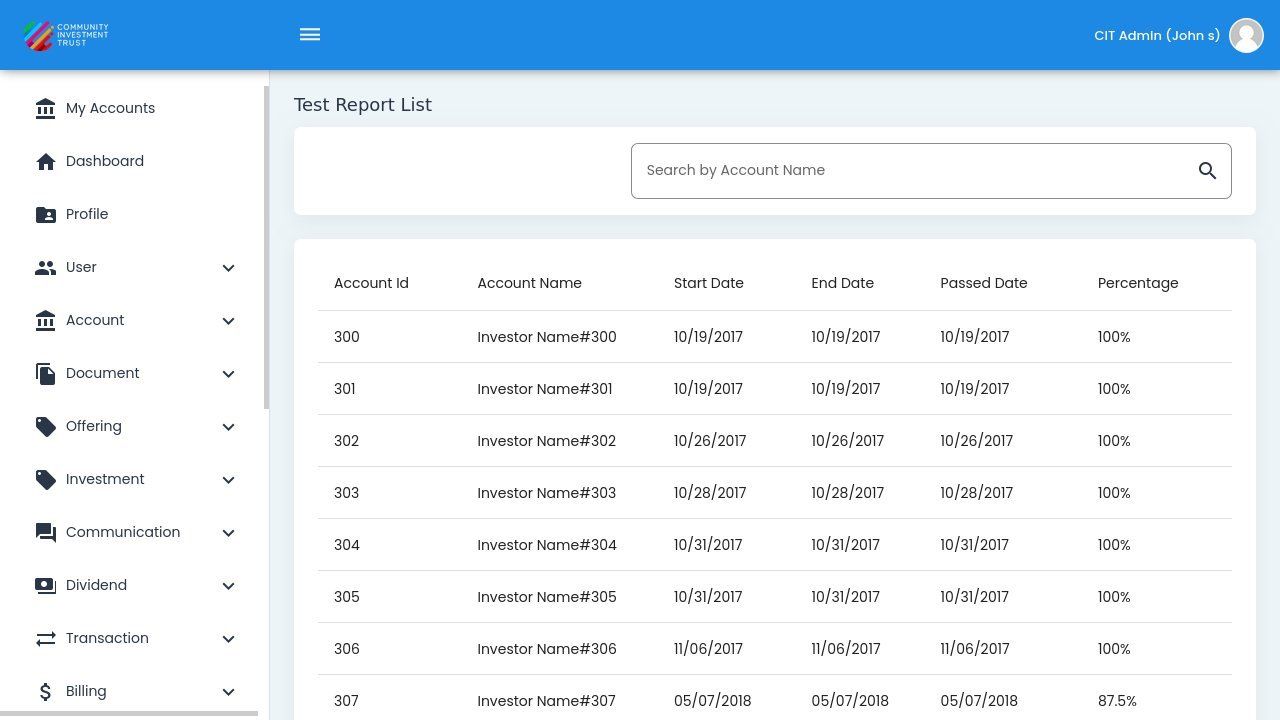
Assessment Test Report Overview#
Table Columns#
The assessment test table displays the following columns:
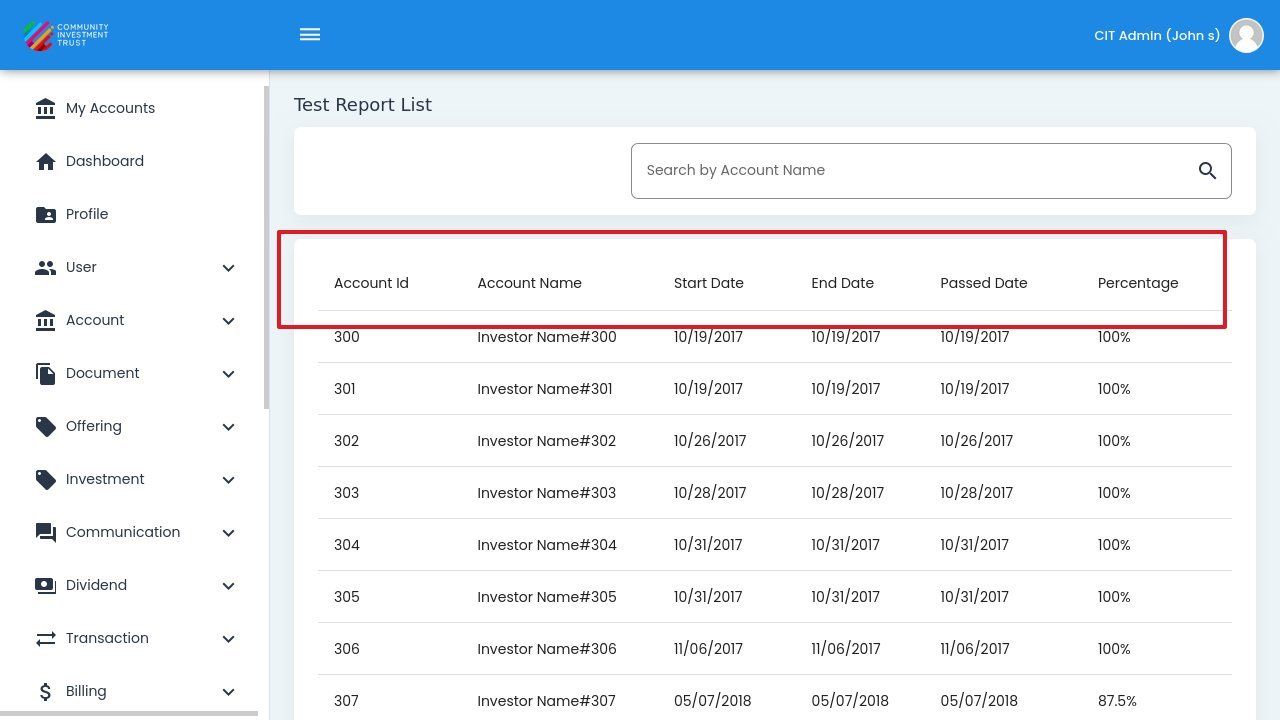
Assessment Test Table Columns#
Column Descriptions
Account Id - Investor account identifier
Account Name - Investor name
Start Date - Date the assessment was started
End Date - Date the assessment was completed
Passed Date - Date the investor passed the assessment
Percentage - Assessment score percentage
Column Sorting#
Action: Click on column headers to sort the table by that column:
Account Id
Account Name
Percentage
Search Functionality#
Use the search field to find specific investors:
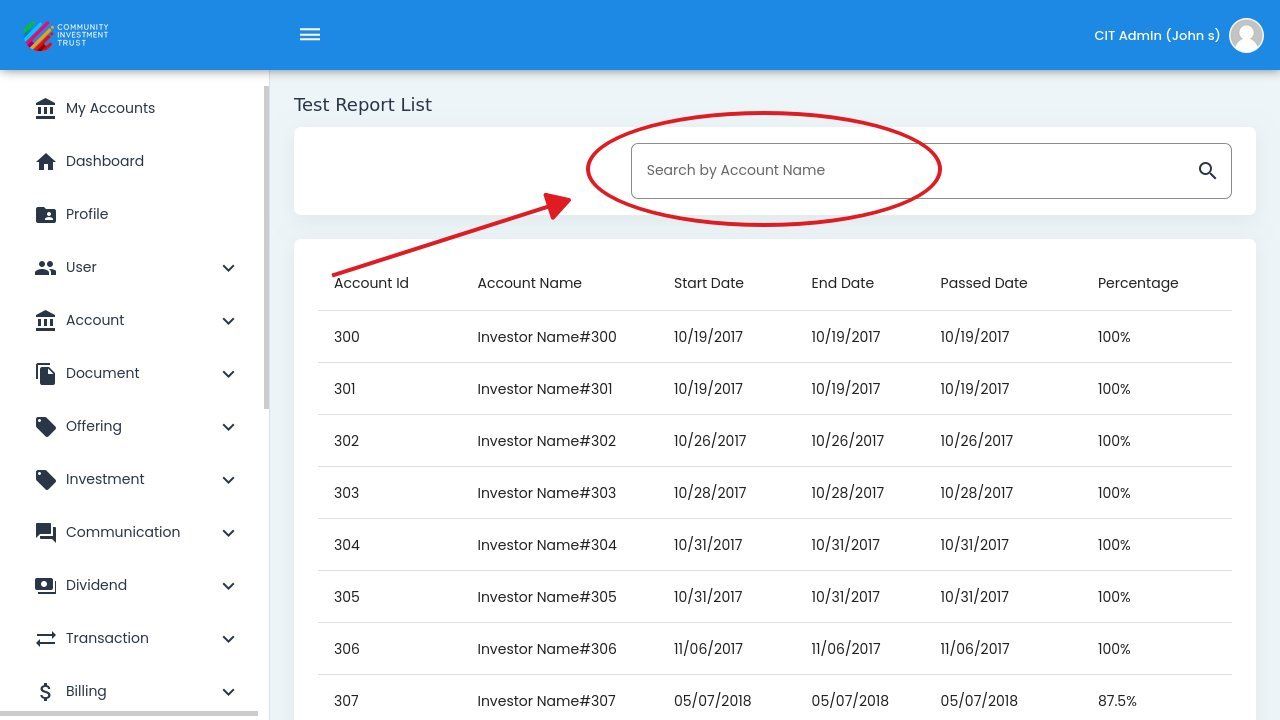
Search Field Location#
Action: Enter the investor name or account ID in the search field.
Results will filter automatically.
Action: Clear the search field to show all results.
Pagination#
Use the pagination controls at the bottom of the table to navigate through results.
View Details#
Action: Click the button in the Action column to view detailed assessment results for an investor.
To return to the list, Action: click the button.
Note
The Assessment Test Report helps track investor understanding of investment terms and ensures compliance with educational requirements.