
Staff Management#
The Section: Staff Management settings allow community users to manage staff accounts and permissions for their organization.
Features: Staff Management#
The Section: Staff Management settings allow you to:
View all staff members in your organization
View staff details
Manage staff permissions
Location#
The Page: Staff Management settings page is located in the Settings Category: Settings category in the Item: Primary Sidenavigation menu.
Staff List Overview#
The Section: Staff Management page displays all staff members associated with your organization.
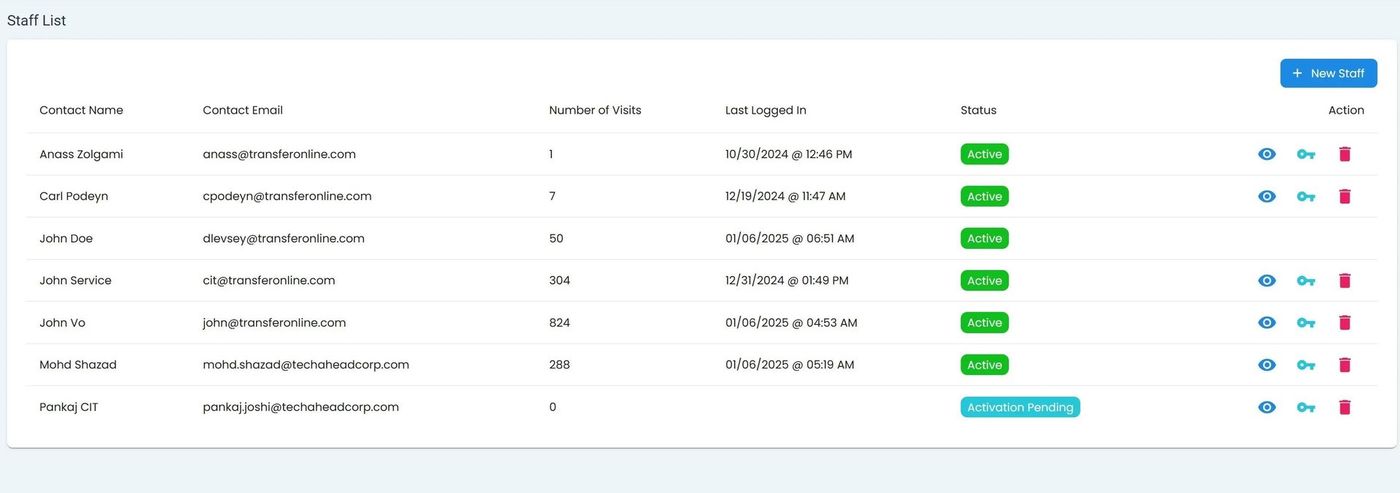
Staff List Overview#
Staff Table Columns#
The staff table displays the following columns:
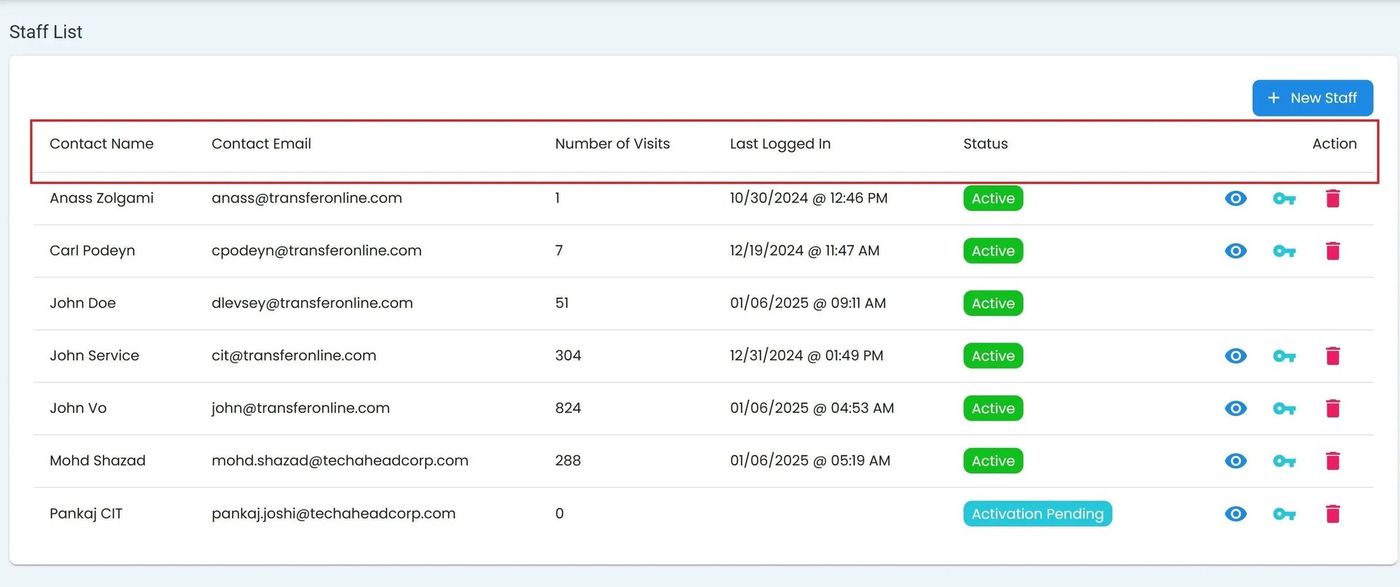
Staff Table Column Headers#
Column Descriptions
First Name - Staff member’s first name
Last Name - Staff member’s last name
Email - Staff member’s email address
Status - Current status of the staff account
Action - Available actions for the staff member
Add New Staff#
To add a new staff member, Action: click the button.
Add Staff Button#
Add Staff Dialog#
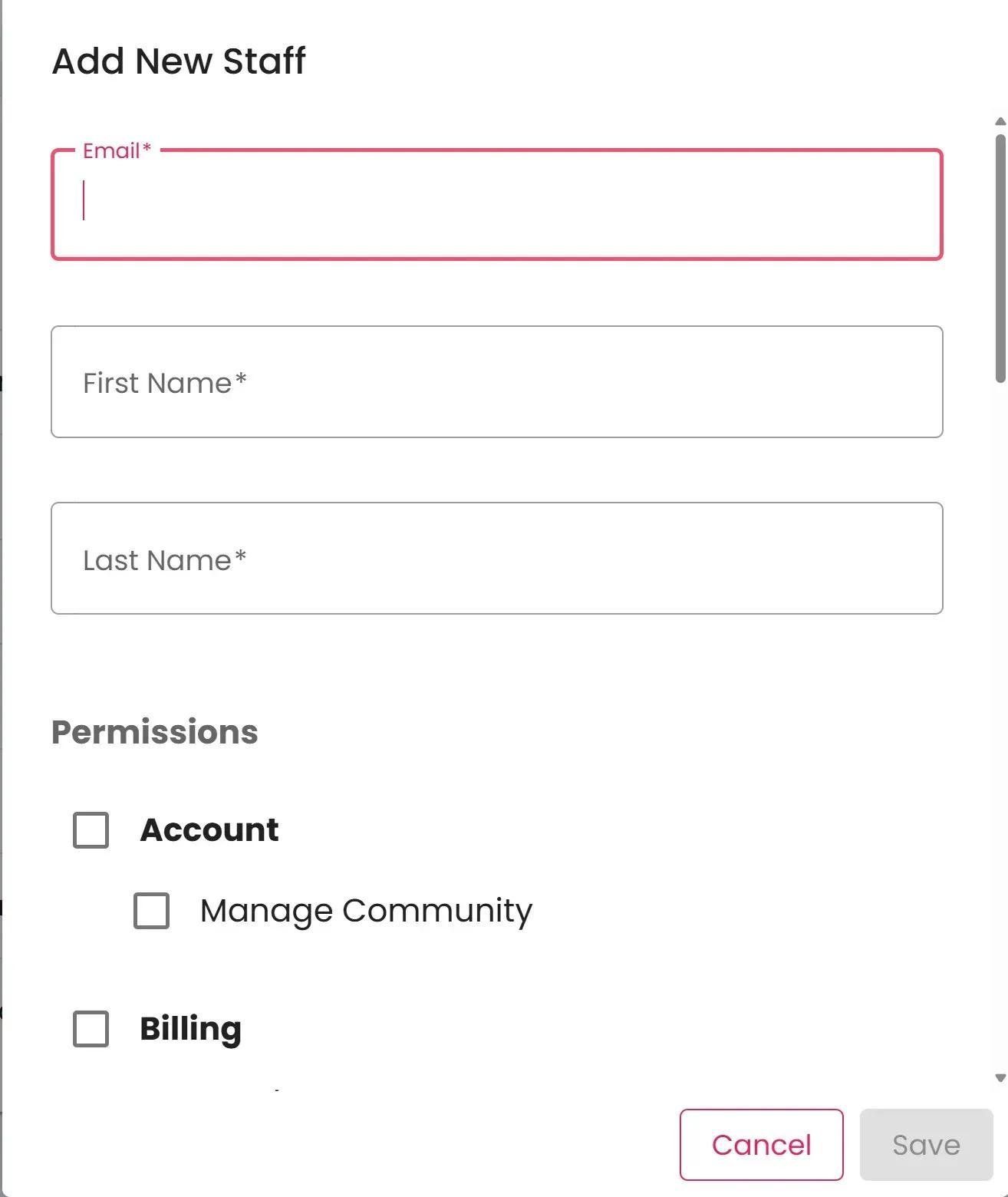
The Add Staff dialog allows you to enter the new staff member’s information:
Required Fields
First Name - Staff member’s first name
Last Name - Staff member’s last name
Email - Staff member’s email address (used for login)
To cancel without adding a new staff member, Action: click the button.
Note
New staff members will receive an email invitation to set up their account after being added.