
Demographics Report#
The Section: Demographics Report provides demographic data collected from investors, organized by CIT Corporation and offering.
Features: Demographics Report#
The Section: Demographics Report allows you to:
View demographic data summaries
Location#
The Page: Demographics Report page is located in the Report category in the Item: Primary Sidenavigation menu.
Report Filters#
CIT Corporation Selection#
Action: Select a CIT Corporation from the Item: Choose CIT Corporation dropdown.
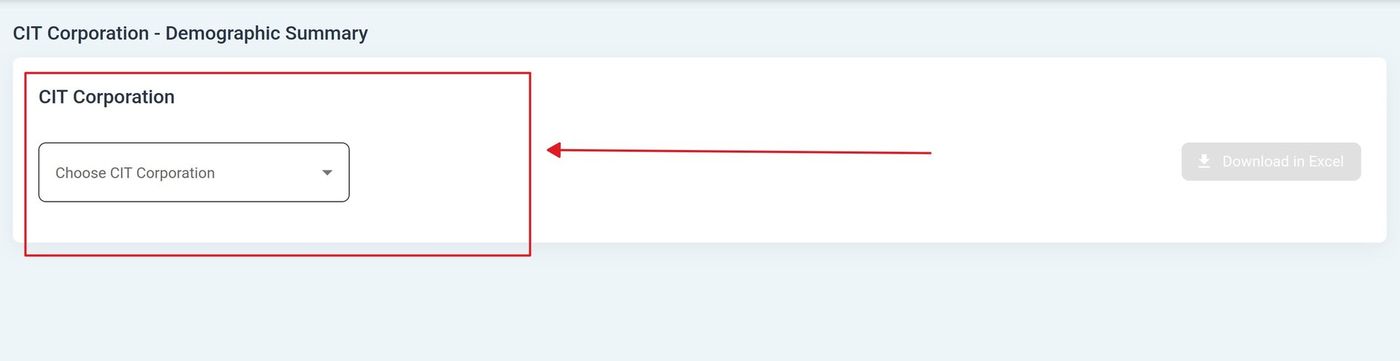
CIT Corporation Selection#
Offering Selection#
Action: Select an offering from the dropdown:
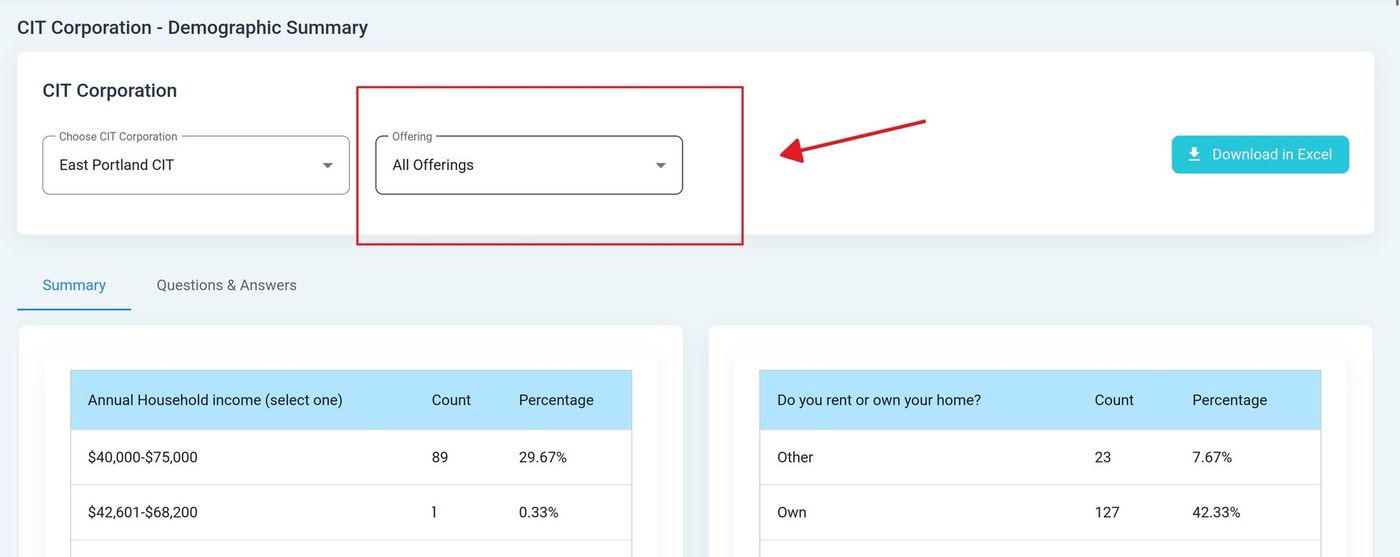
Offering Selection#
Report Tabs#
The Demographics Report has two tabs for viewing data:
Summary Tab#
The Tab: Summary tab displays aggregated demographic data with counts and percentages.
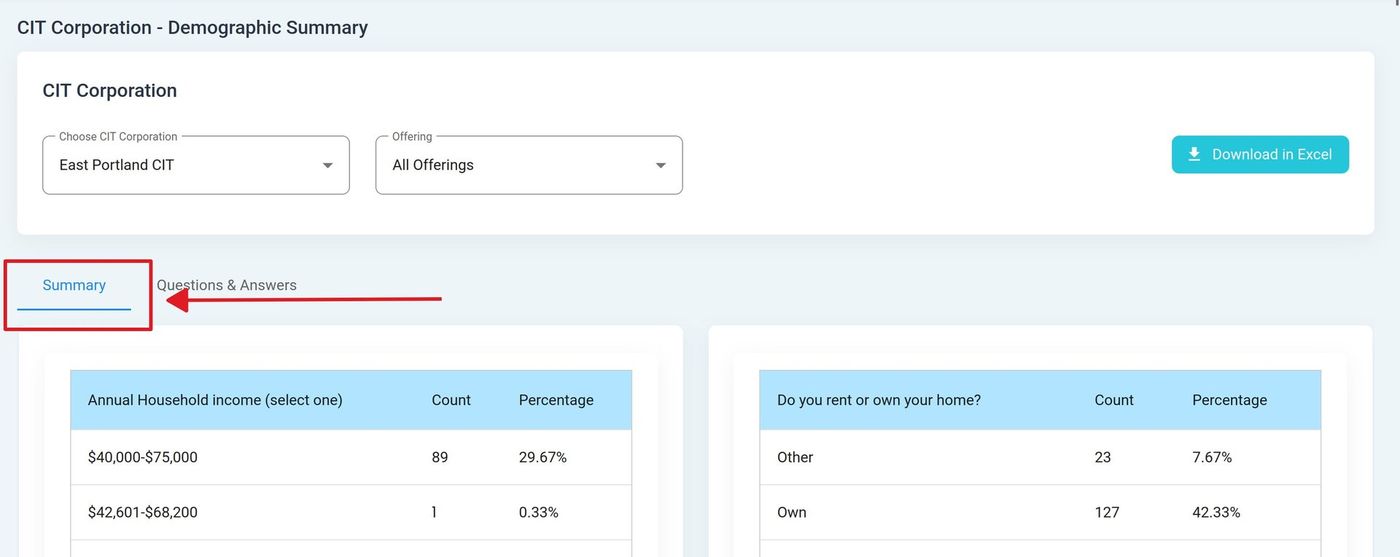
Summary Tab Location#
The Summary tab includes columns showing demographic question responses:
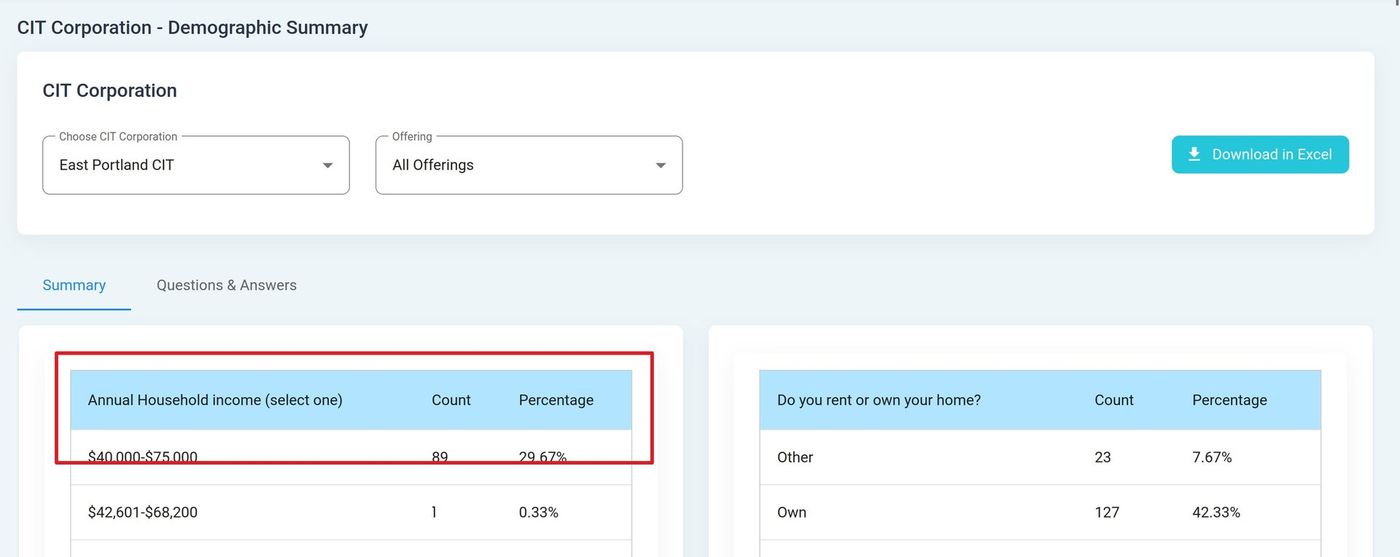
Summary Table Columns#
Summary Table Columns
Count - Number of investors who selected this response
Percentage - Percentage of total investors
Questions & Answers Tab#
The Tab: Questions & Answers tab displays individual investor responses.
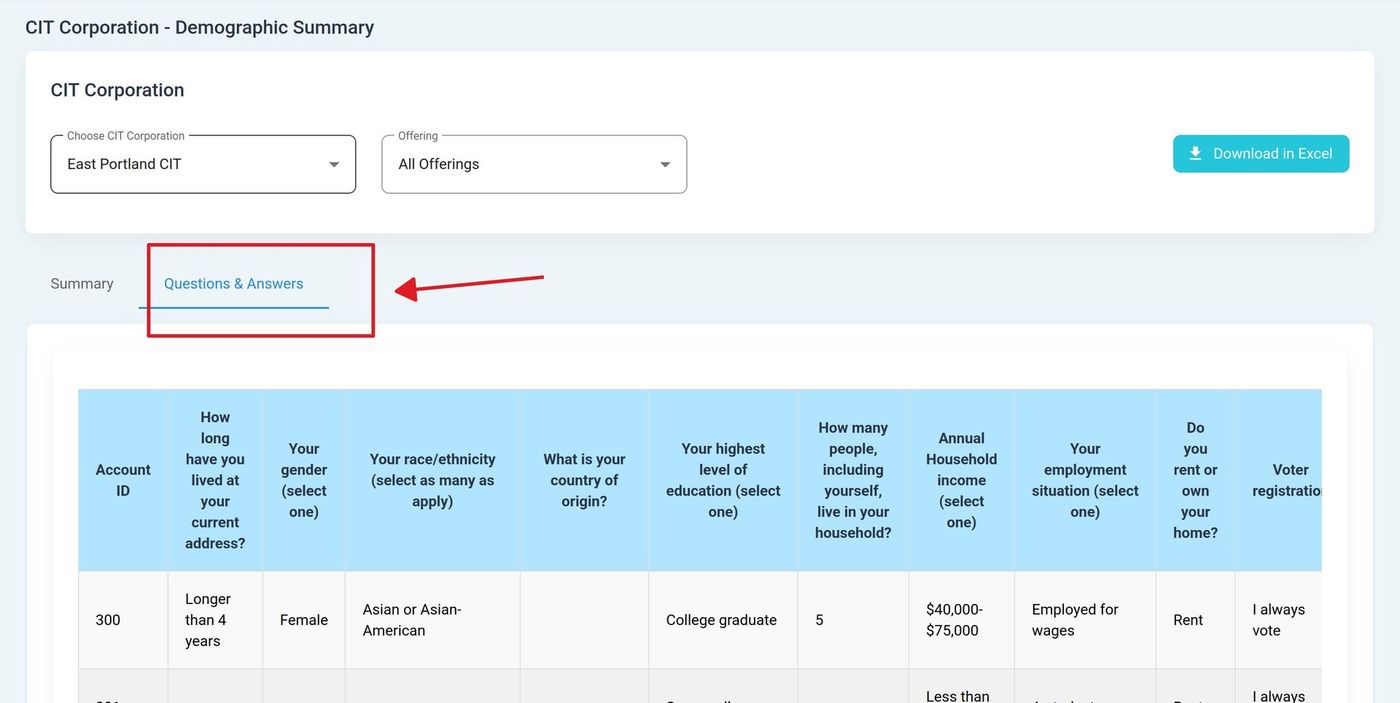
Questions & Answers Tab Location#
The Q&A tab includes the following column headers:
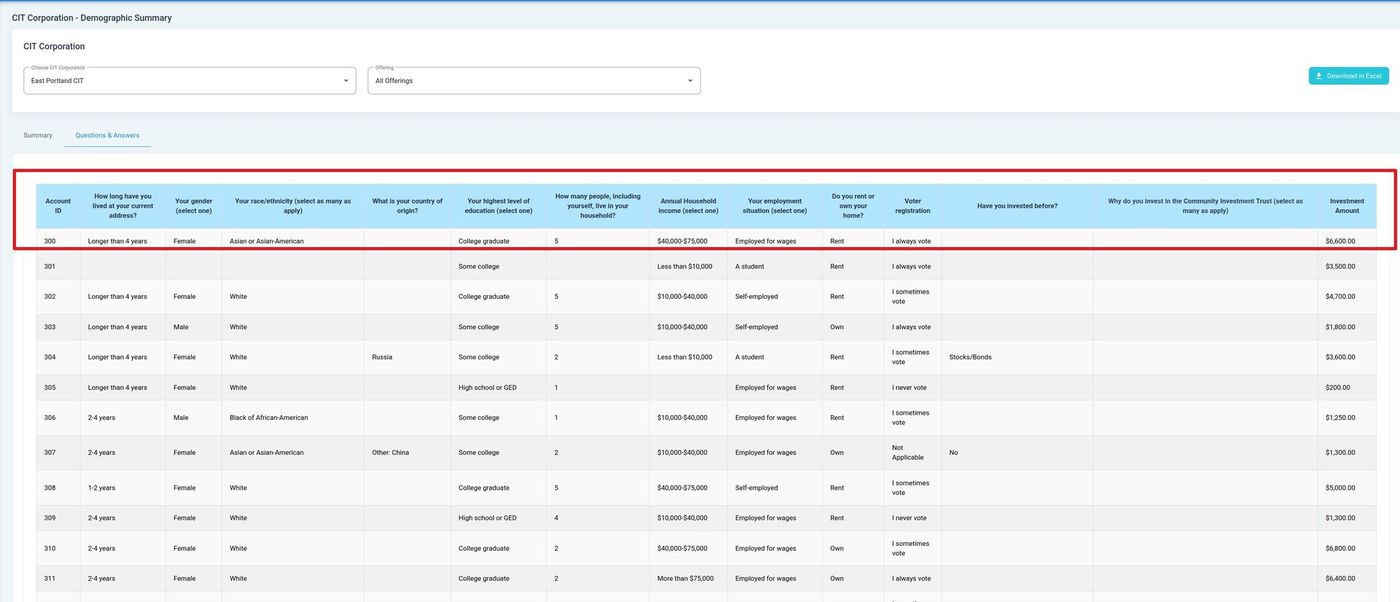
Questions & Answers Table Columns#
Q&A Table Columns
Account ID - Investor account identifier
Investment Amount - Investment amount for the investor
Additional demographic response columns
Tip
Use the Summary tab for quick statistical overviews and the Questions & Answers tab for detailed individual investor data.