
Transaction List Report#
The Section: Transaction List Report displays all investment transactions including new issuances and retirements (cashouts). Filter by transaction type and date range to analyze specific transaction sets.
Features: Transaction List Report#
The Section: Transaction List Report allows you to:
View transaction data with detailed columns
Location#
The Page: Transaction List Report page is located in the Report category in the Item: Primary Sidenavigation menu.
Report Overview#
The Section: Transaction List Report displays the main report interface:
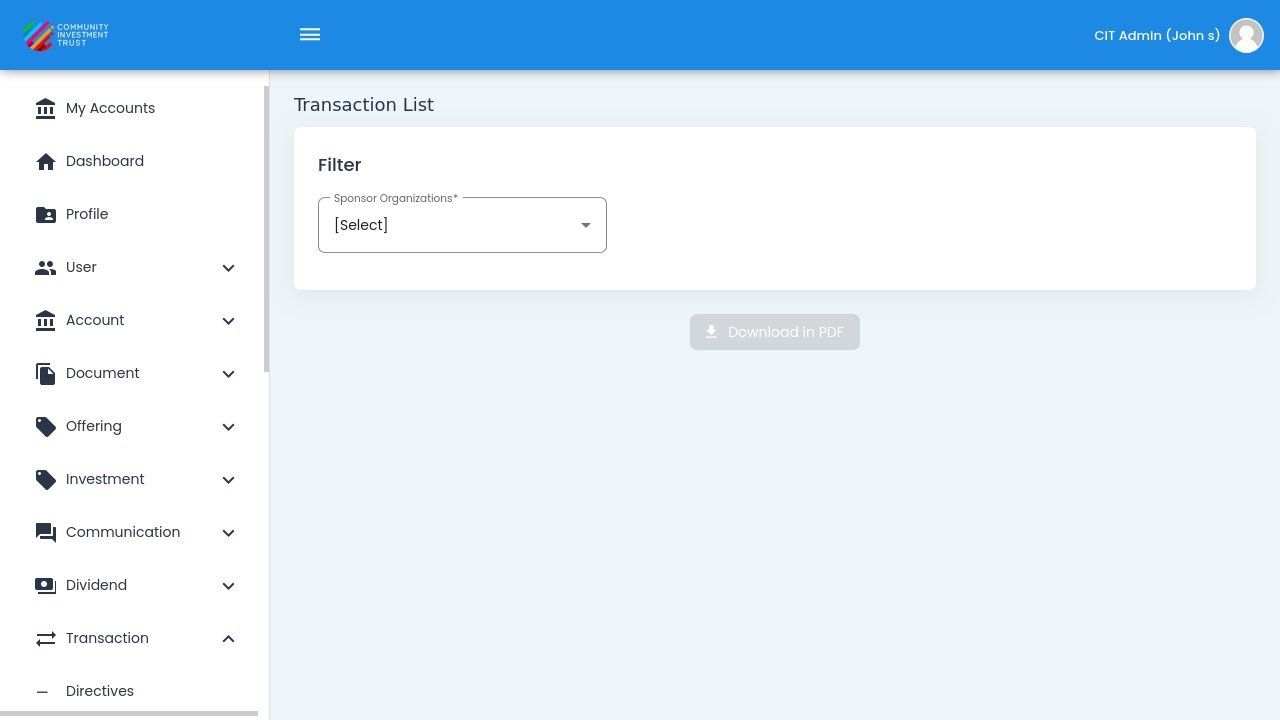
Transaction List Report Homepage#
Report Filters#
CIT Corporation Selection#
Action: Select a CIT Corporation from the dropdown. You can also select “All” to include all corporations.
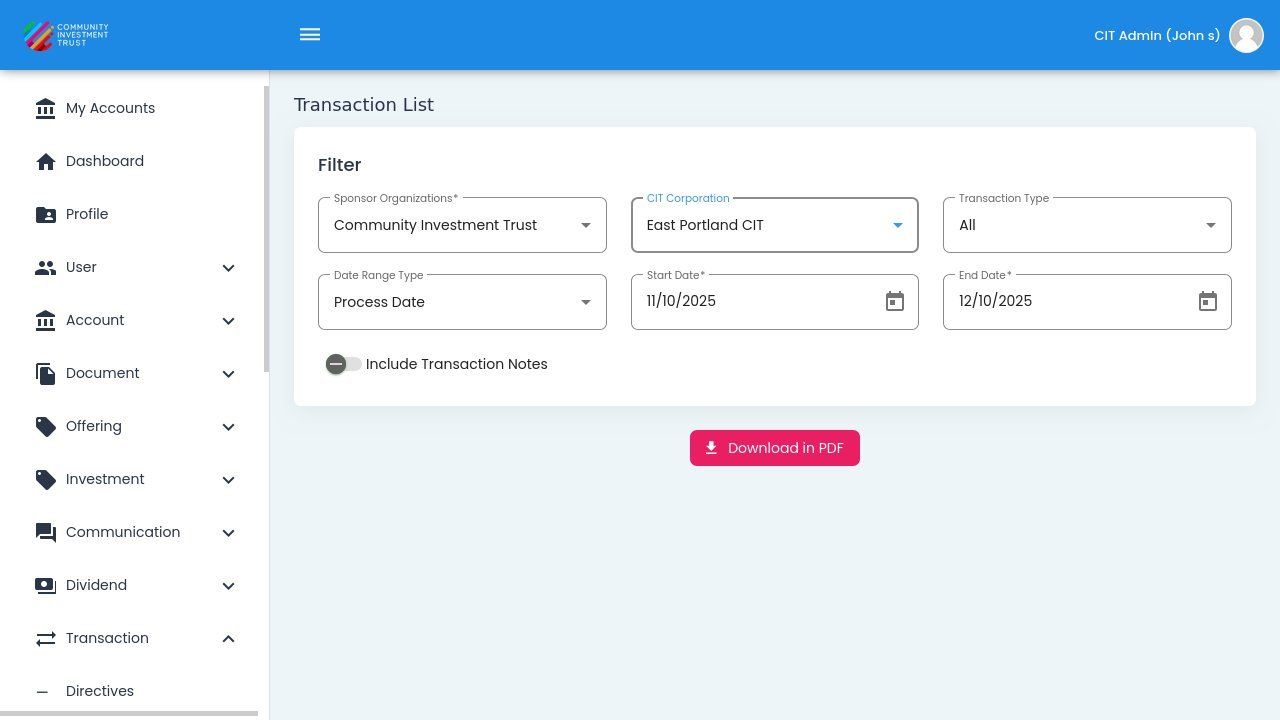
CIT Corporation Selection#
Transaction Type#
Action: Select from the following transaction type options:
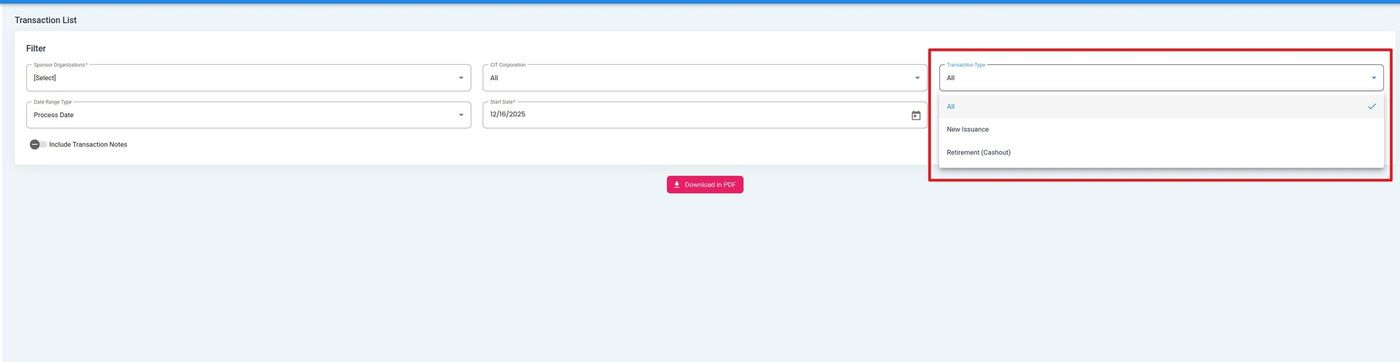
Transaction Type Filter Dropdown#
Transaction Type Options
All - All transaction types
New Issuance - New investment issuances
Retirement/Cashout - Share retirements and cashouts
Date Range Type#
Action: Select the date range type:
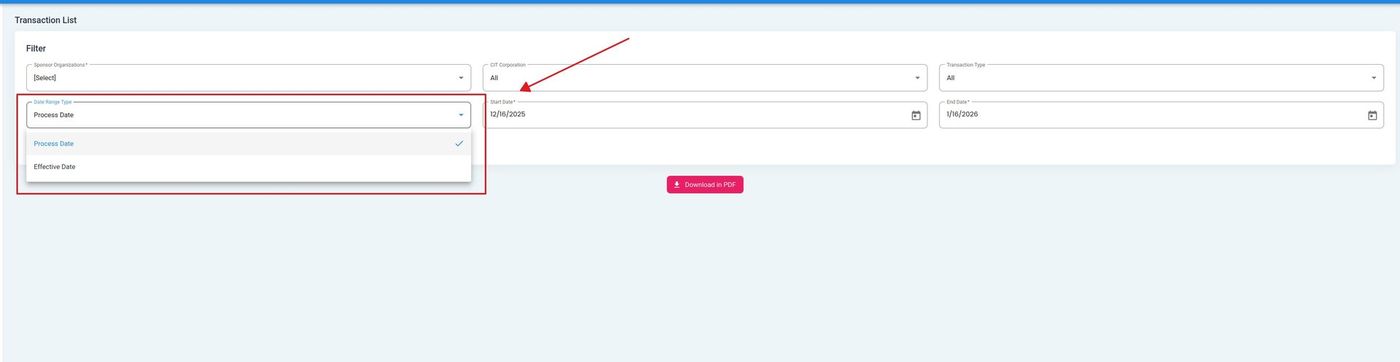
Date Range Type Options#
Date Range Type Options
Process Date - Filter by the date transactions were processed
Effective Date - Filter by the effective date of transactions
Date Selection#
Use the date picker to select the start and end dates for your report:
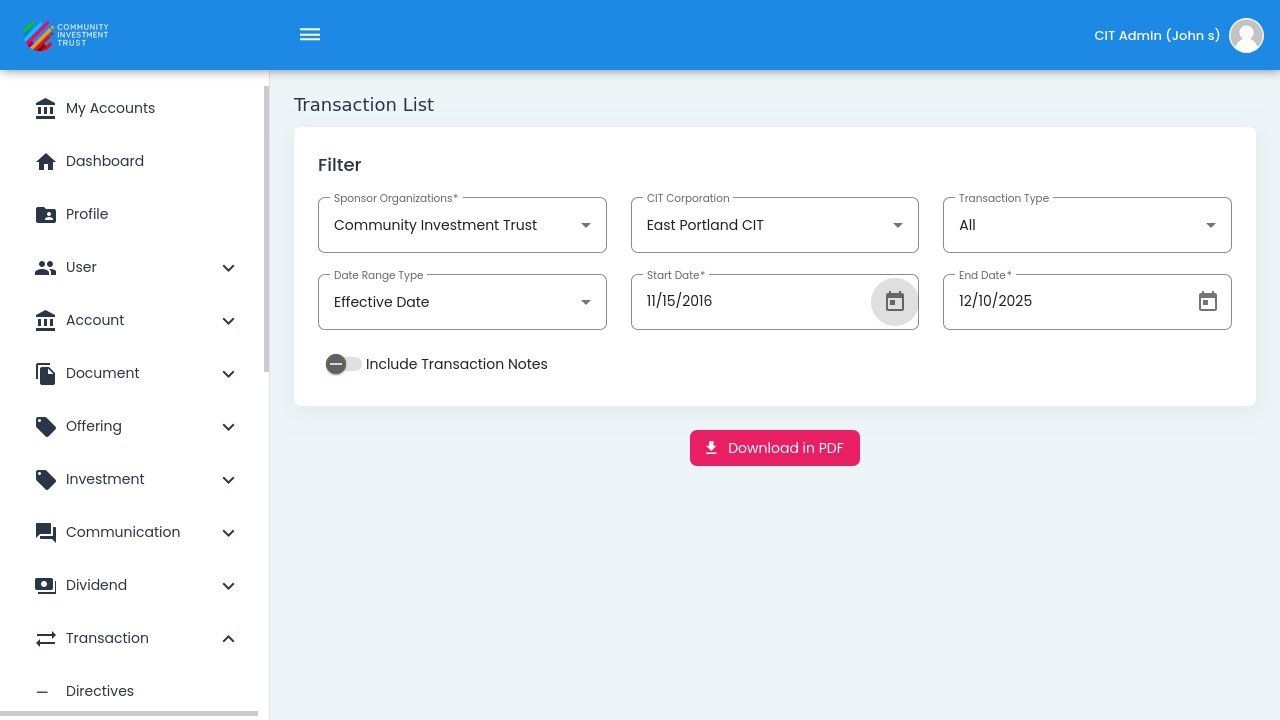
Date Range Selection#
Include Transaction Notes#
Toggle this option to include transaction notes in your downloaded report:
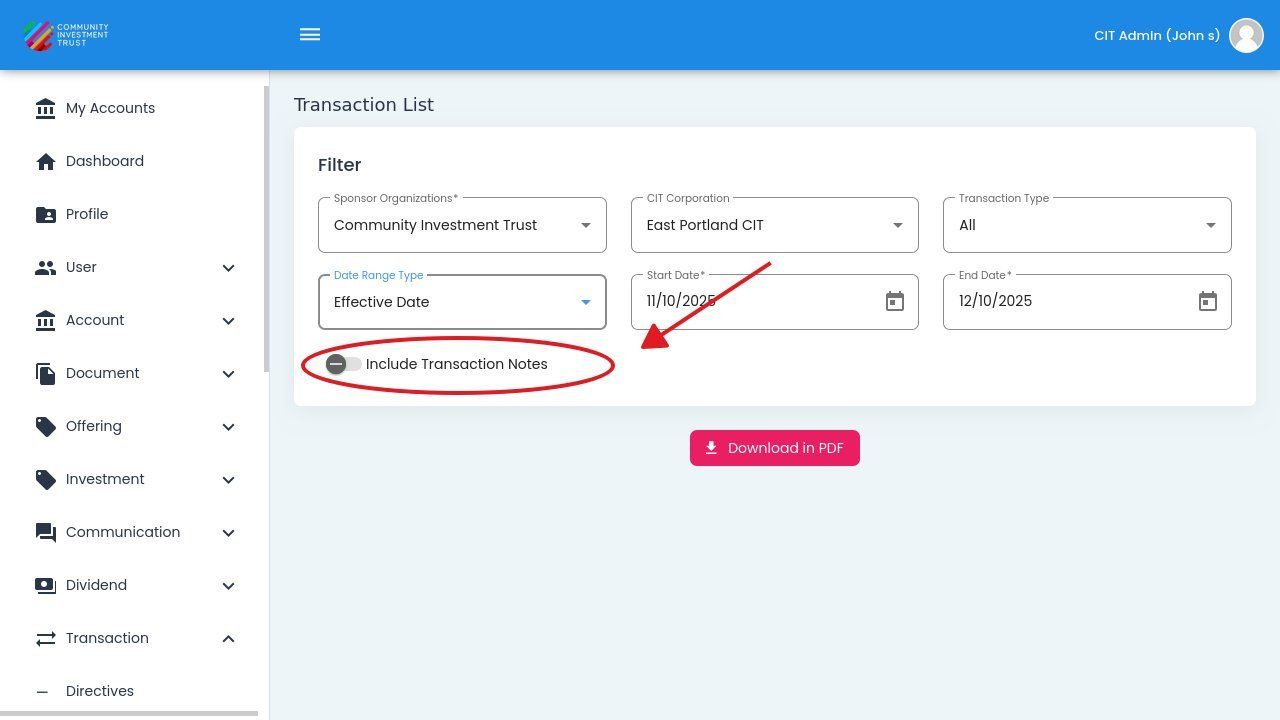
Include Transaction Notes Toggle#
Download Report#
Action: Click the button to download the report:
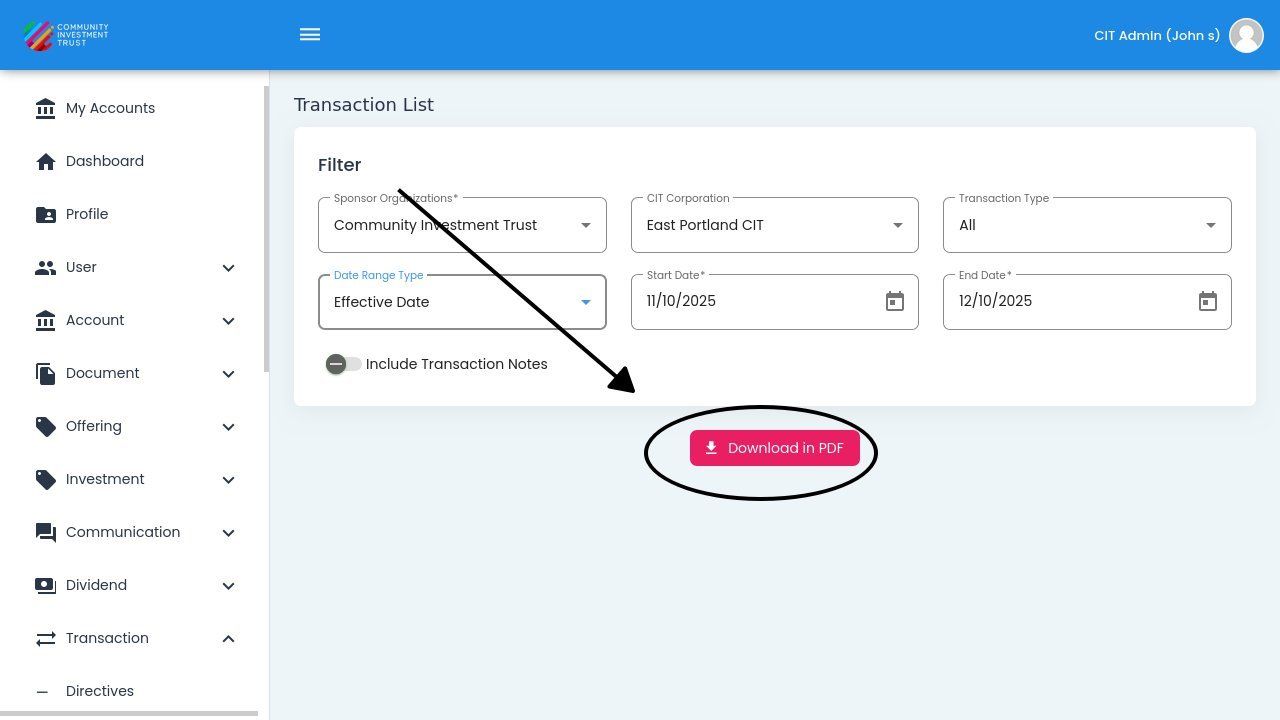
Download in PDF Button#
Note
The download includes all records matching your current filter settings. For large reports, the download may take a few moments to generate.