
Renew Demographics Report#
The Section: Renew Demographics Report provides demographic renewal data collected from investors, showing updated demographic information gathered during the renewal process.
Features: Renew Demographics Report#
The Section: Renew Demographics Report allows you to:
View renewal demographic data by CIT Corporation
Location#
The Page: Renew Demographics Report page is located in the Report category in the Item: Primary Sidenavigation menu.
Report Overview#
The Section: Renew Demographics Report displays renewal demographic data for the selected CIT Corporation. The page heading displays “CIT Corporation - Renew” to indicate this report shows renewal demographic data.
CIT Corporation Filter#
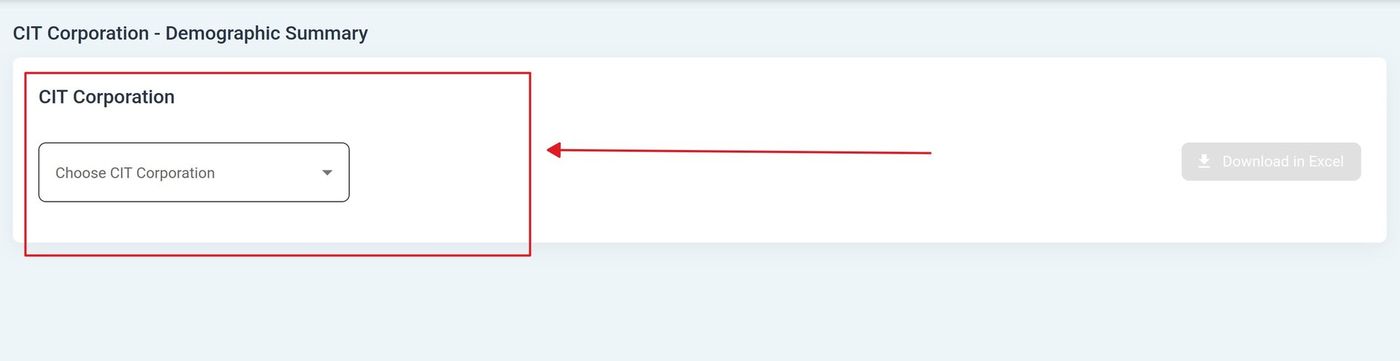
Action: Select a CIT Corporation from the dropdown to filter the report data.
CIT Corporation Selection#
Action: Locate the dropdown at the top of the page.
Action: Select a CIT Corporation from the available options.
The report will display renewal demographic data for the selected corporation.
Download Reports#
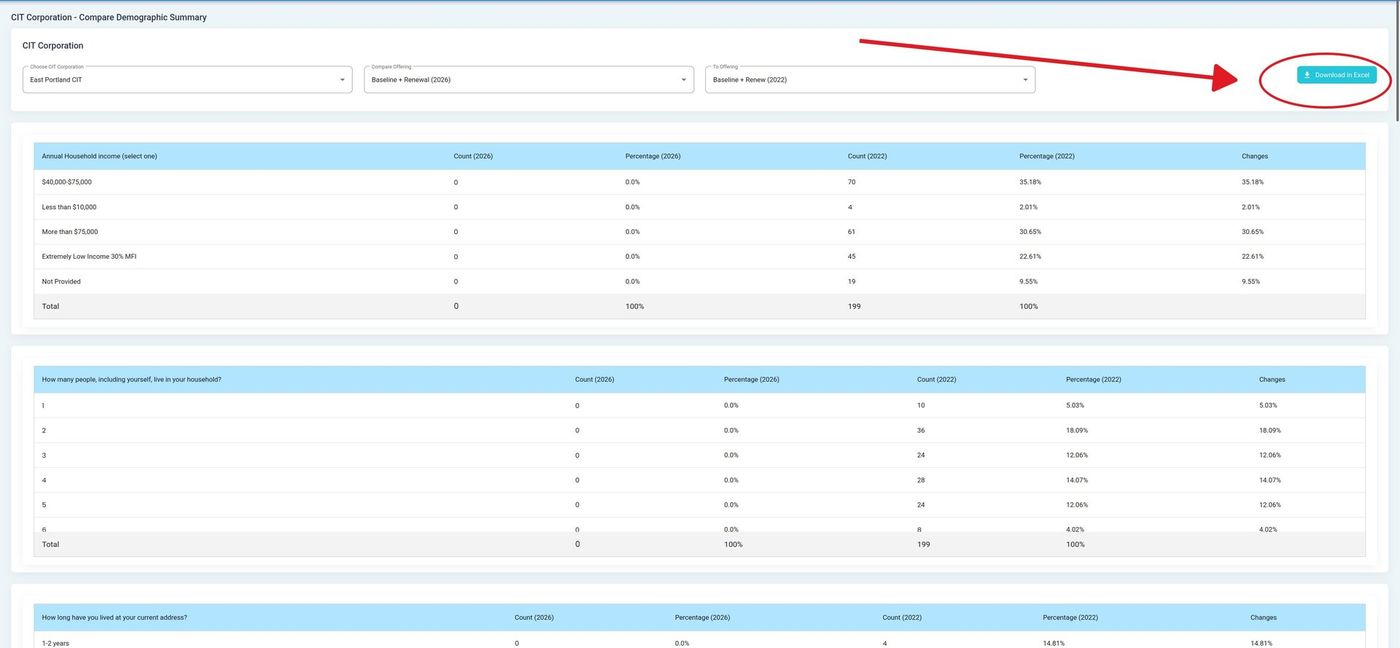
Download the report in your preferred format using the download buttons:
Download Buttons#
Download Options
Download in PDF - Download report as a PDF document for sharing or printing
Download in Excel - Download report as an Excel spreadsheet for data analysis
Tip
Use the Excel format for data analysis and the PDF format for sharing or printing. The renewal demographic data can be compared with initial demographic data to track changes over time.