
Compare Demographics Report#
The Section: Compare Demographics Report allows you to compare demographic data across different time periods for a CIT Corporation.
Features: Compare Demographics Report#
The Section: Compare Demographics Report allows you to:
Compare demographic data across years
Location#
The Page: Compare Demographics Report page is located in the Report category in the Item: Primary Sidenavigation menu.
CIT Corporation Filter#
Action: Select a CIT Corporation from the dropdown to filter the comparison data.
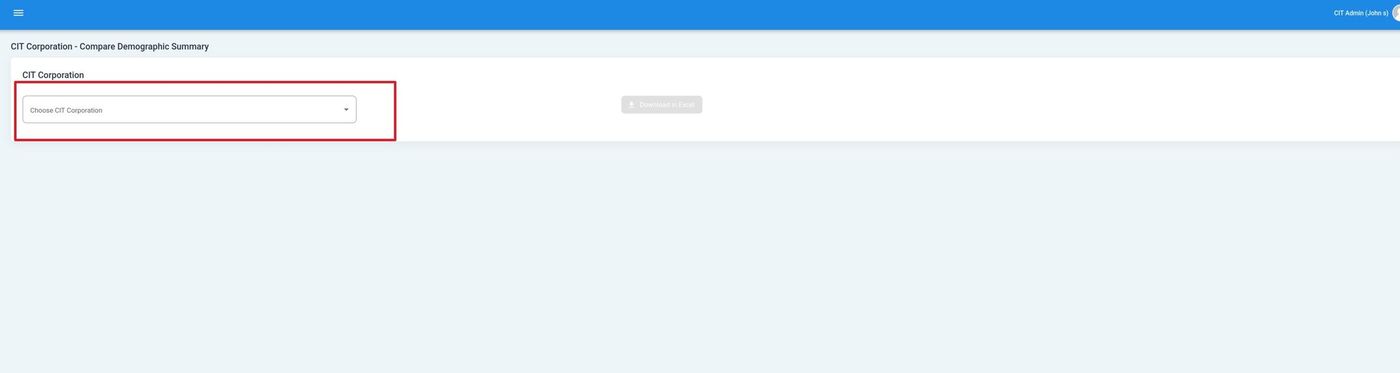
CIT Corporation Selection#
Year Filter#
Action: Select the years you want to compare:
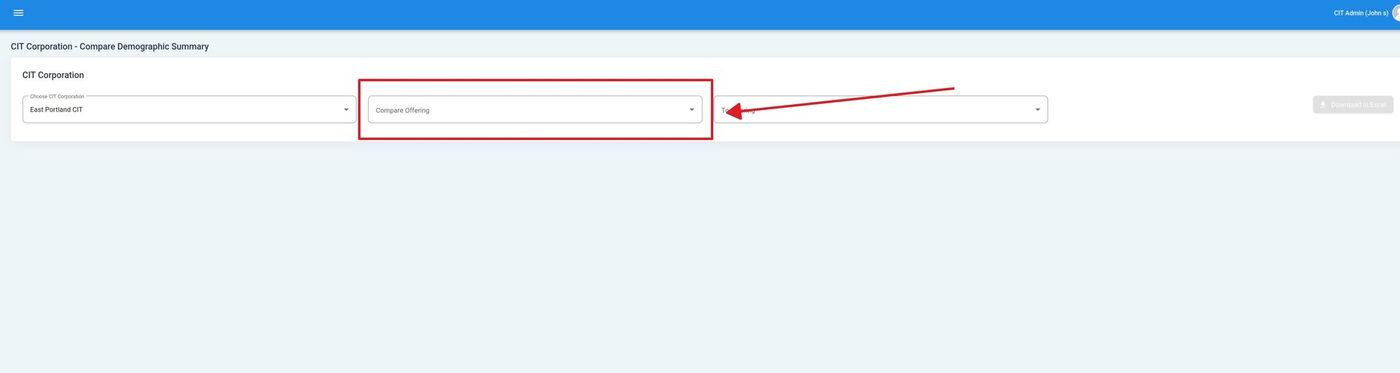
Year Selection Dropdown#
Note
The report displays “CIT Corporation - Compare” as the page heading, indicating this shows comparative demographic data.
Comparison Tables#
The report displays comparison tables showing demographic changes across the selected time periods:
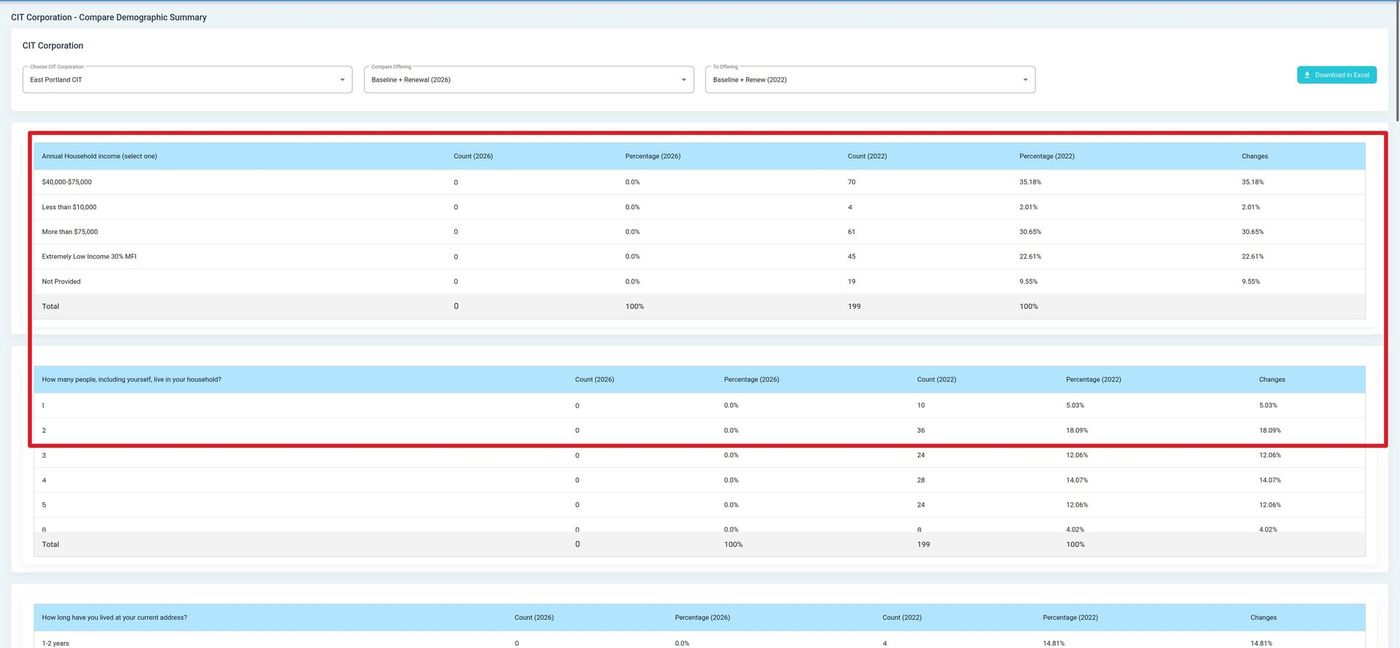
Comparison Tables Overview#
Download Reports#
Download the comparison report in your preferred format:
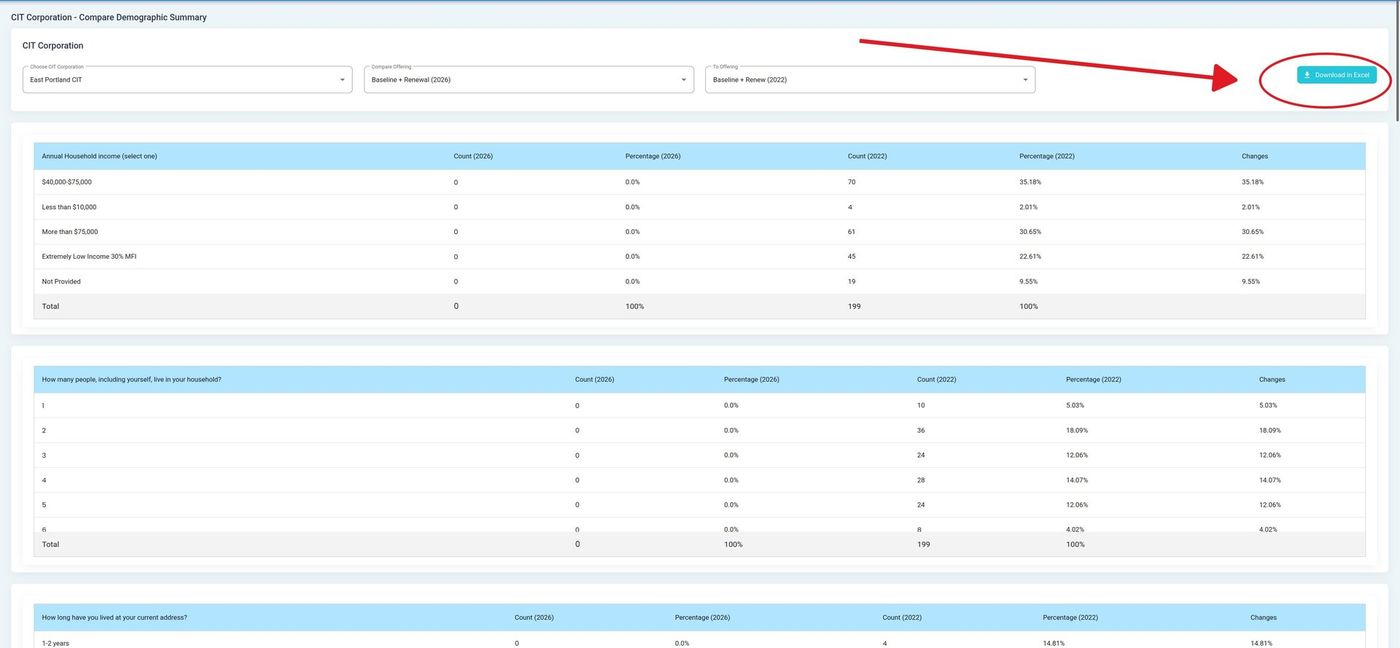
Download Buttons#
Download Options
Download in PDF - Download report as a PDF document
Download in Excel - Download report as an Excel spreadsheet
Tip
Use this report to track demographic changes over time and identify trends in your investor base.