
Shareholder List Report#
The Section: Shareholder List Report provides a comprehensive overview of all shareholders in the system.
Report Overview#
The Section: Shareholder List Report displays shareholder data based on your filter selections.
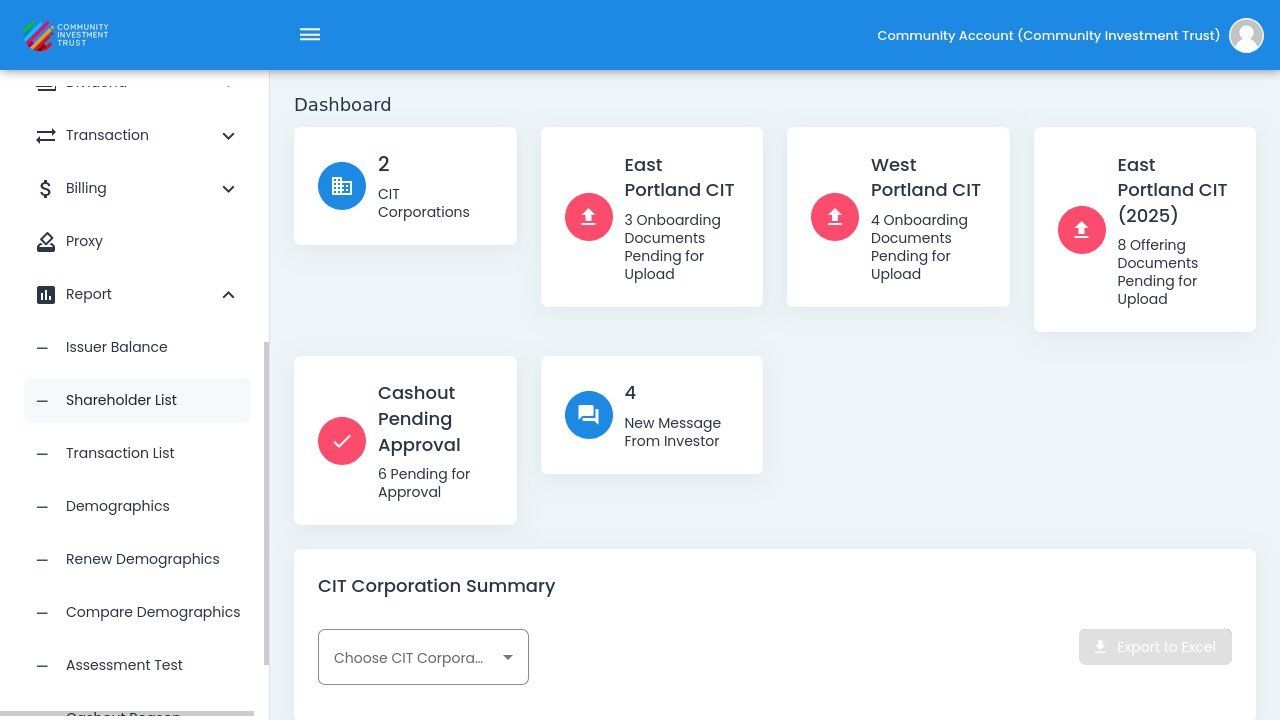
Shareholder List Report Overview#
Filter Options#
Use the filters to narrow down your report results:
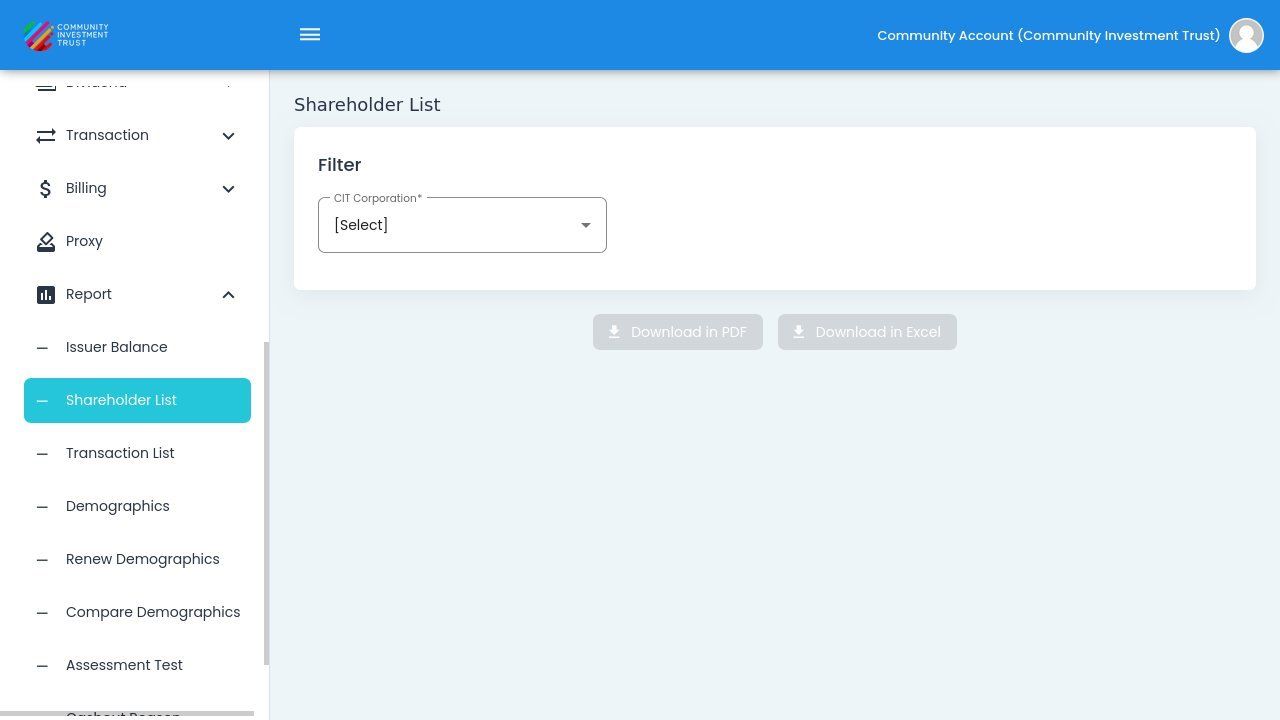
Shareholder List Filter Options#
Filter by CIT Corporation#
Action: Select a specific CIT Corporation to filter the report:
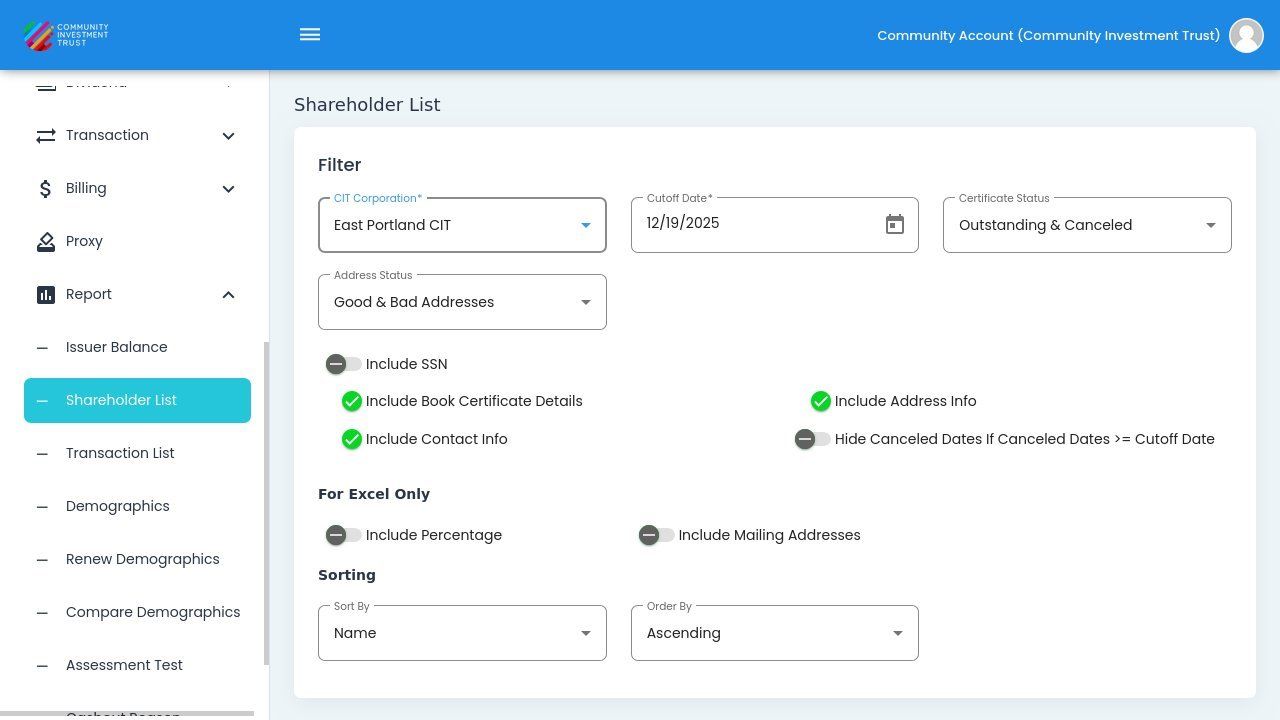
Filter by CIT Corporation#
Filter by Sponsor Organization#
Action: Select a Sponsor Organization to filter the report:
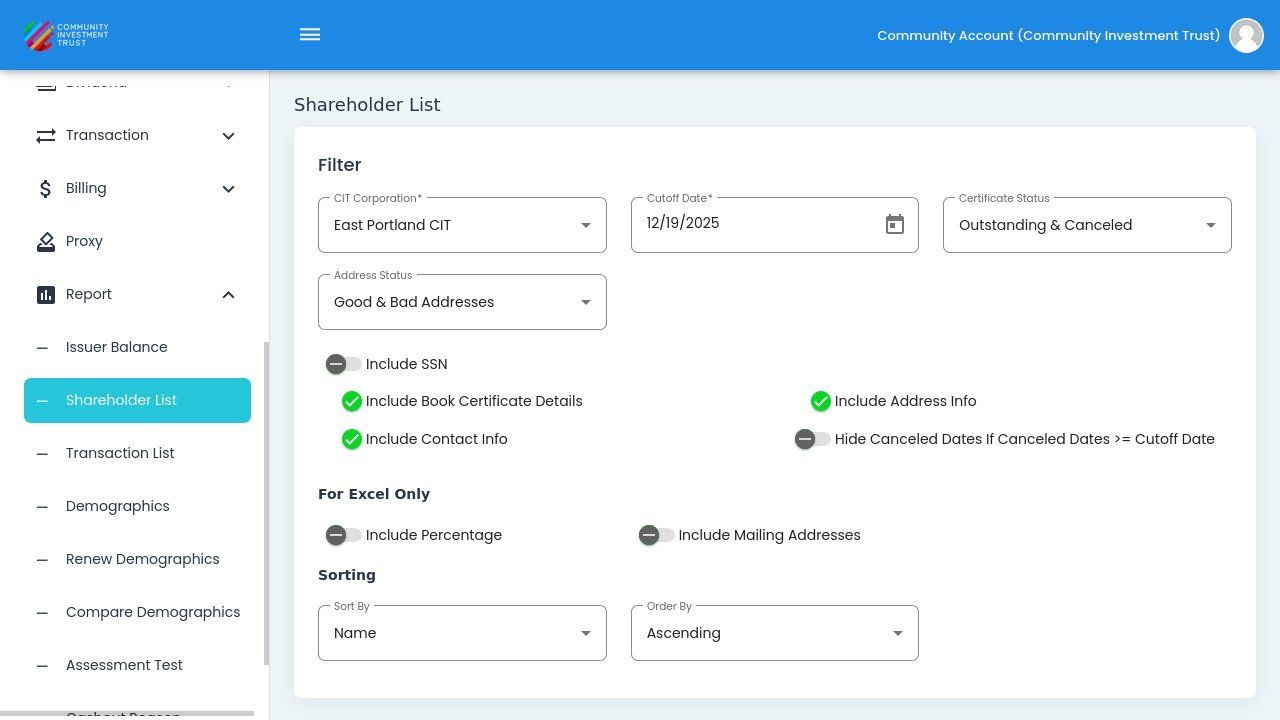
Filter by Sponsor Organization#
Filter by Status#
Address Status#
Filter shareholders by their address verification status:
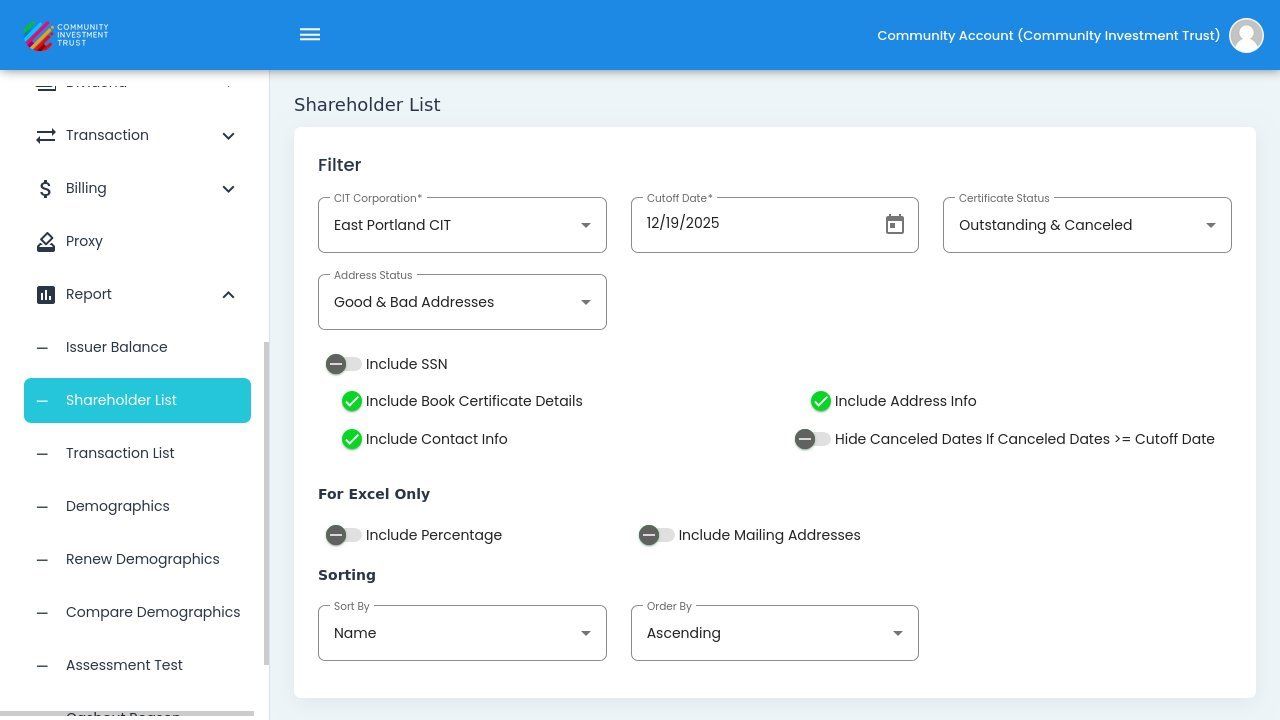
Filter by Address Status#
Certificate Status#
Filter shareholders by their certificate status:
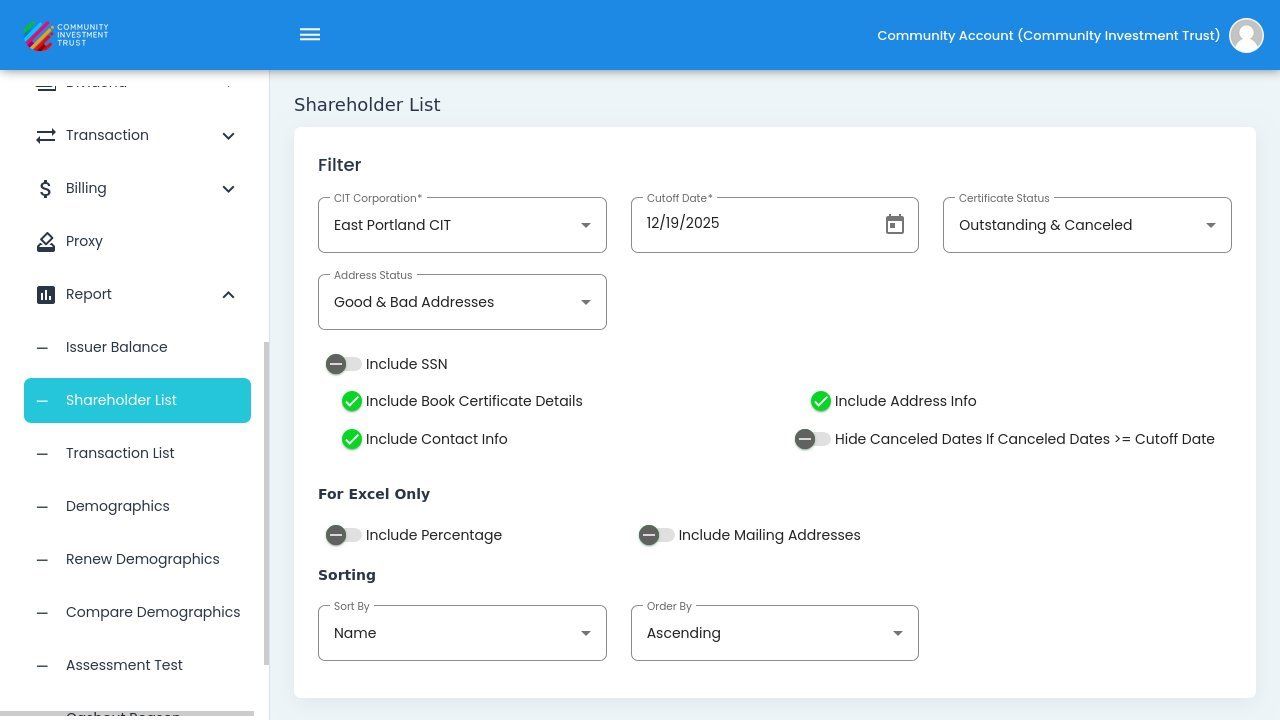
Filter by Certificate Status#
Report Options#
Use the toggle options to customize which data is included in your reports:
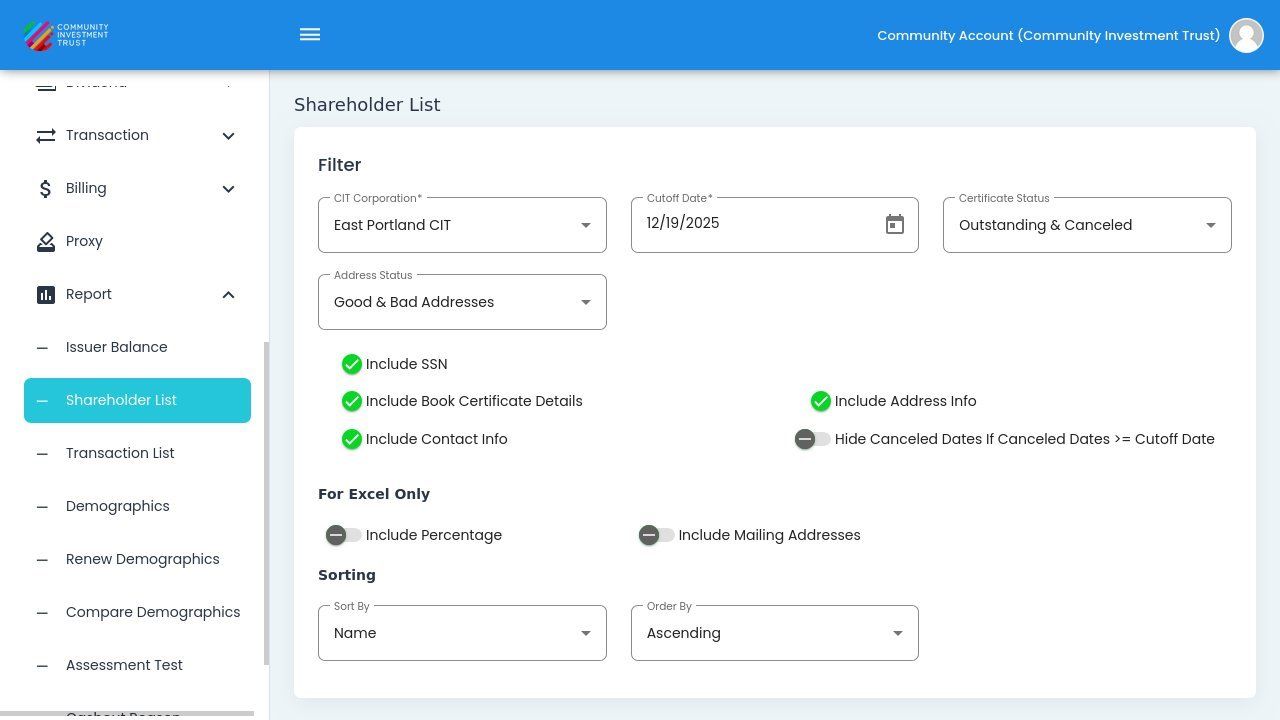
Report Toggle Options#
Toggle Options
Show Current Shares - Toggle to show current share counts in the report
Download Report#
Use the download buttons to export your report:
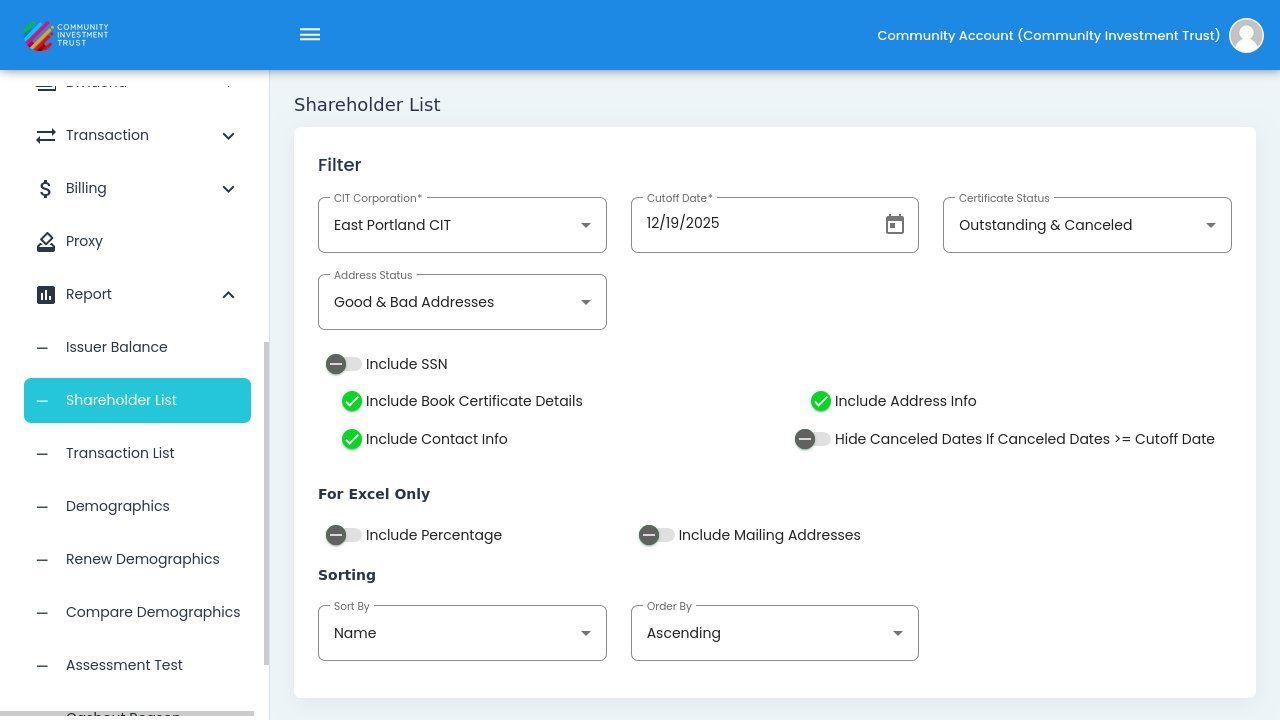
Report Download Buttons#
Download Formats
Download - Standard download
PDF - Download as PDF document
Excel - Download as Excel spreadsheet
Tip
Use the Excel format for data analysis and the PDF format for sharing or printing.