Community Profile#
The Section: Community Profile settings allow community users to view and edit their organization’s profile information.
Features: Community Profile#
The Section: Community Profile settings allow you to:
View your organization’s profile information
Edit organization details
Update contact information
Manage address information
Location#
The Page: Community Profile settings page is located in the Settings Category: Settings category in the Item: Primary Sidenavigation menu.
Profile Overview#
The Section: Community Profile page displays your organization’s current profile information.
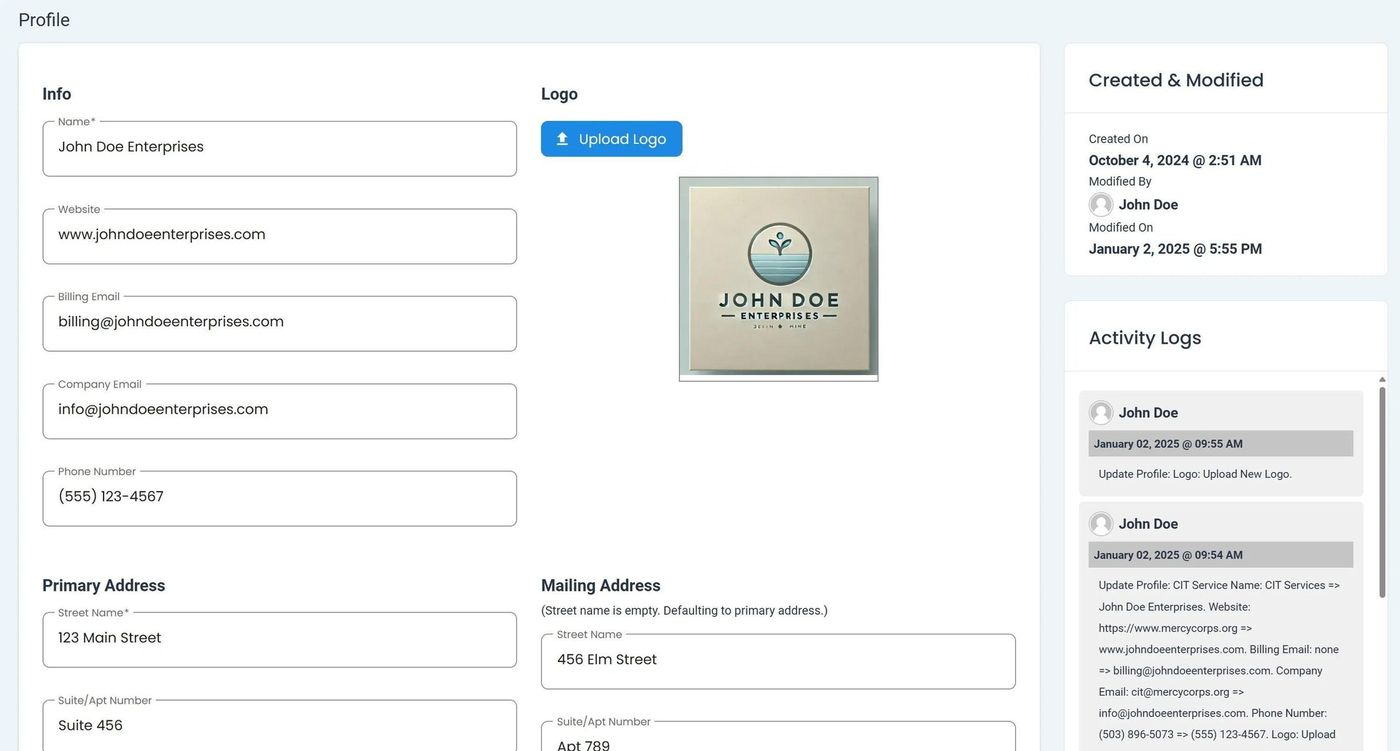
Community Profile Overview#
Profile Fields#
The following fields are available on the Community Profile page:
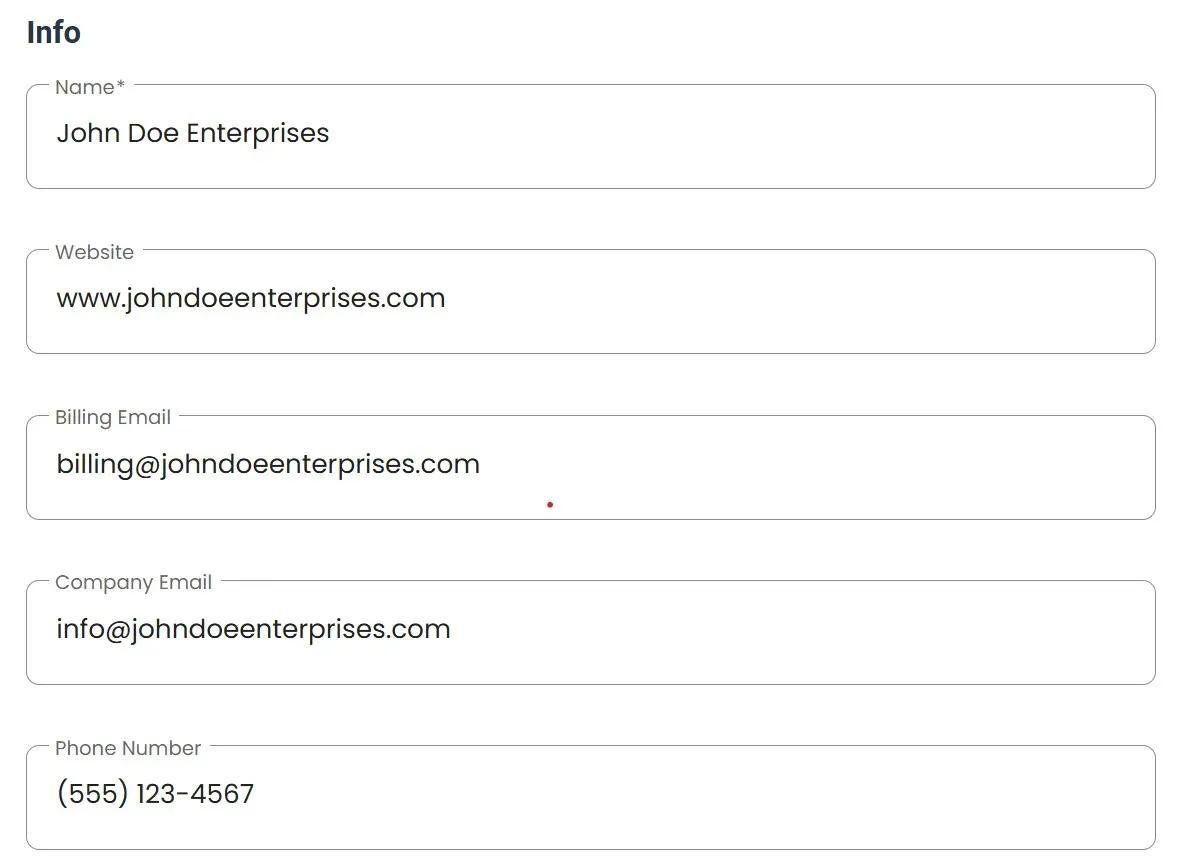
Community Profile Fields#
Profile Field Descriptions
Organization Name - The official name of your community organization
Website - Your organization’s website URL
Email - Primary contact email address
Phone - Contact phone number
Street - Street address
City - City location
State - State or province
Zip - Postal/ZIP code
Edit Profile#
To edit your organization’s profile information, Action: click the button.
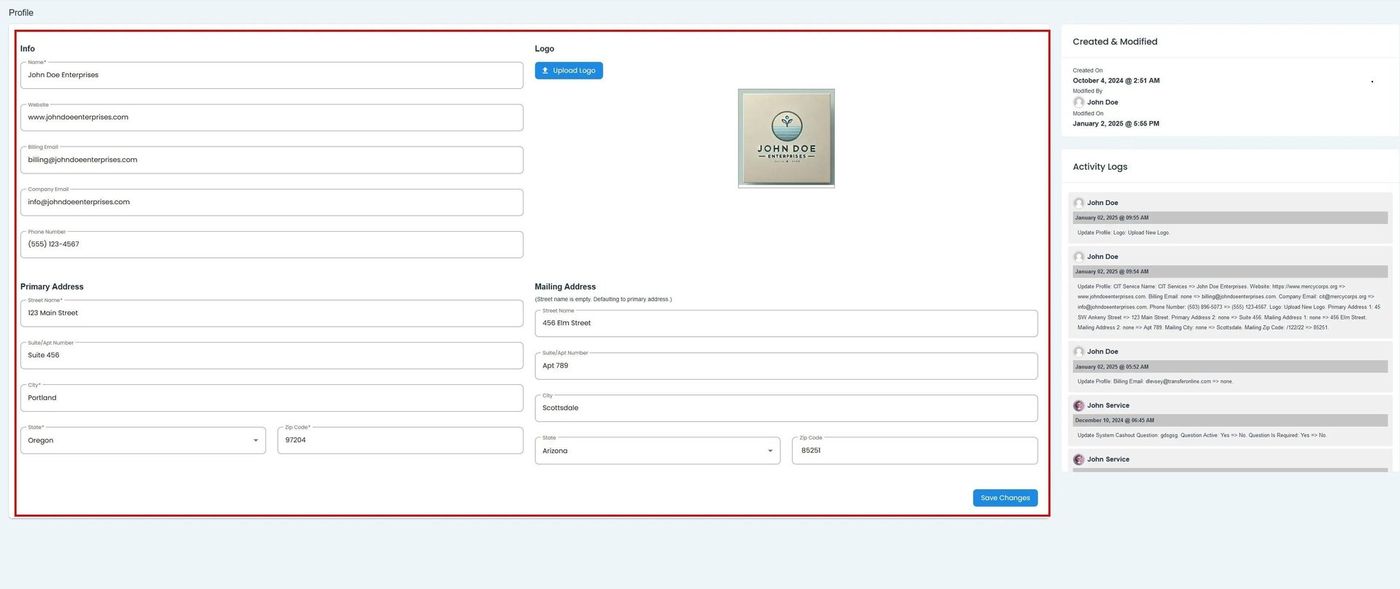
Edit Profile Button#
Note
Changes to your organization’s profile may require approval depending on your permissions.