
Report#
The Section: Report section provides tools for generating and downloading various reports related to your community investments.
Features: Report#
The Section: Report section allows you to:
Location#
The Section: Report section is located in the Item: Primary Sidenavigation menu:
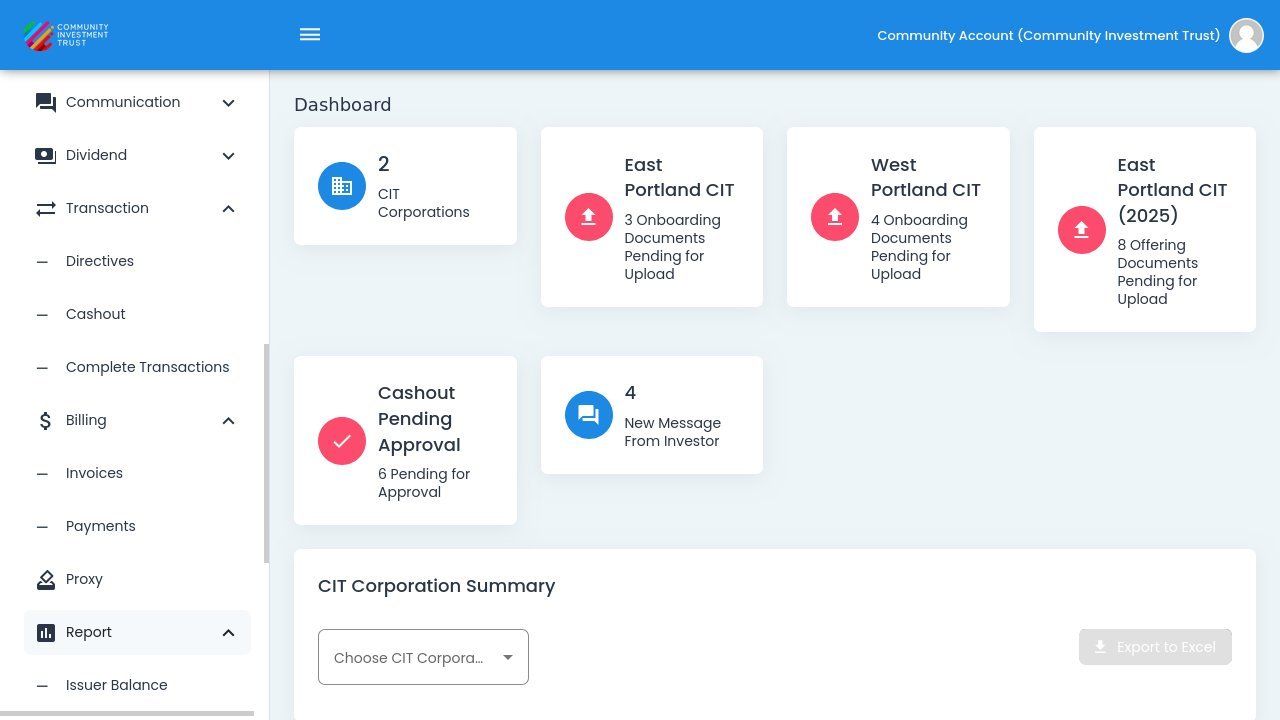
Report Section Navigation#
Report Types#
The following reports are available:
Issuer Balance#
View financial summaries by CIT Corporation and offering year, including share sales and investment totals.
Transaction List#
View all investment transactions including new issuances and retirements. Filter by transaction type and date range.
Demographics#
View demographic data collected from investors with Summary and Questions & Answers tabs.
Renew Demographics#
View renewal demographic data collected from investors during the renewal process.
Compare Demographics#
Compare demographic data across different time periods for trend analysis.
Cashout Reason#
View statistics on reasons investors provide when cashing out investments.
Assessment Test#
View investor assessment test results including completion dates and scores.