
Demographic Questions#
The Section: Demographic Questions settings allow community users to configure the demographic data collection questions presented to investors.
Features: Demographic Questions#
The Section: Demographic Questions settings allow you to:
View all demographic questions configured for your organization
Filter questions by visibility status
Reorder questions to change display order
View question dependencies
Location#
The Page: Demographic Questions settings page is located in the Settings Category: Settings category in the Item: Primary Sidenavigation menu under .
Demographics Overview#
The Section: Demographic Questions page displays all configured demographic questions.
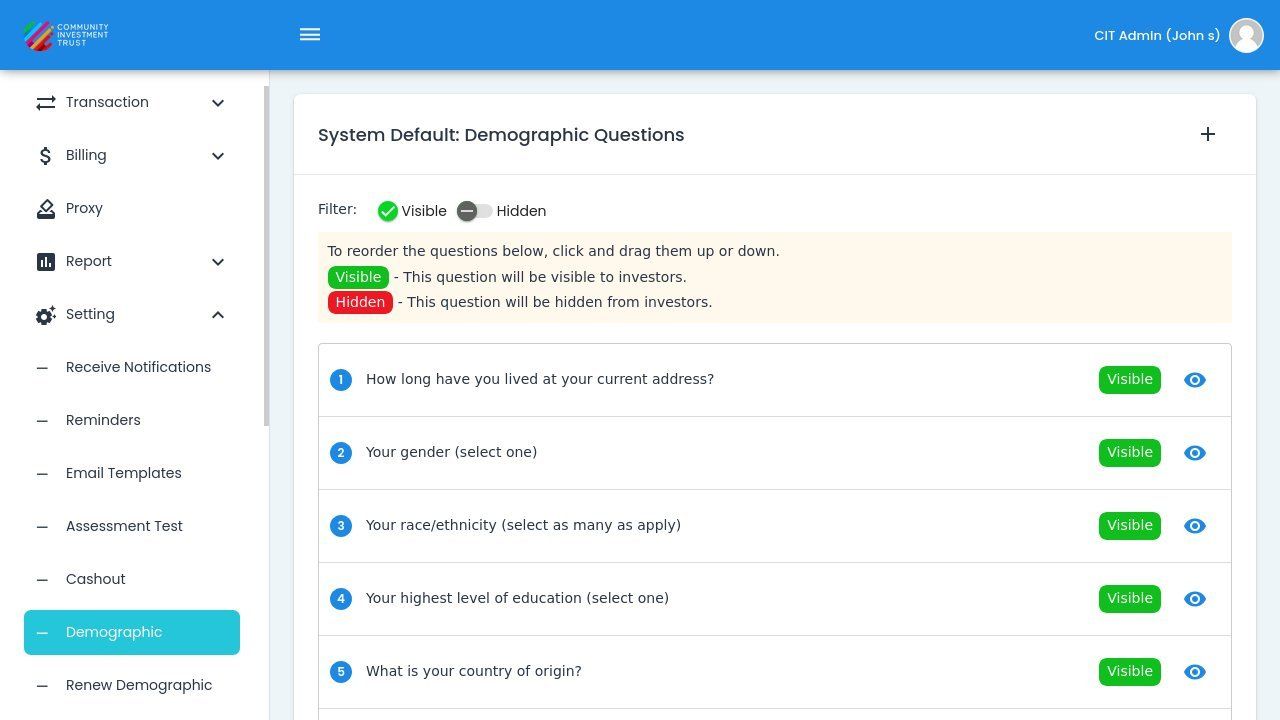
Demographic Questions Page Overview#
Question Categories#
The demographic questions cover several categories of information:
Question Categories
Income - Questions about household income levels
Housing - Questions about rent or ownership status
Investment History - Previous investment experience
Address Information - Address verification questions
Household Composition - Family and household size information
Filter by Visibility#
Use the and switches to filter which questions are displayed in the list.
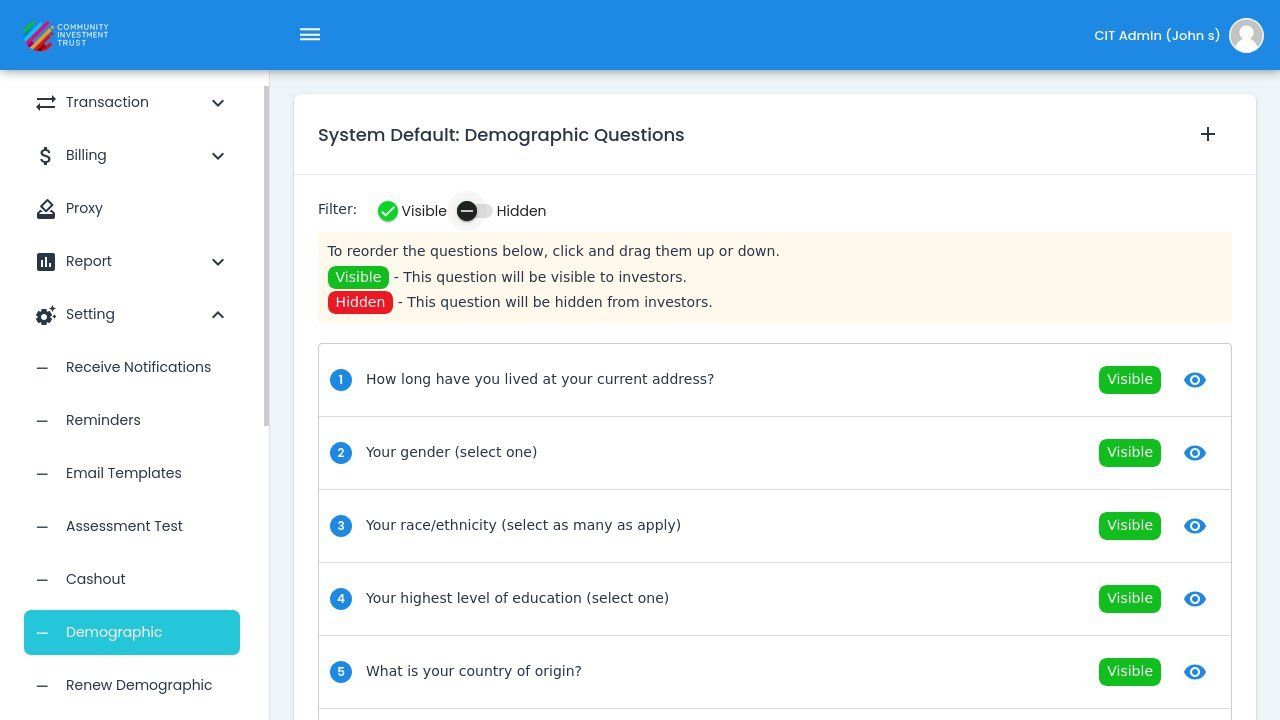
Visible/Hidden Filter Switches#
Reordering Questions#
Questions can be reordered to change the order in which they appear to investors.
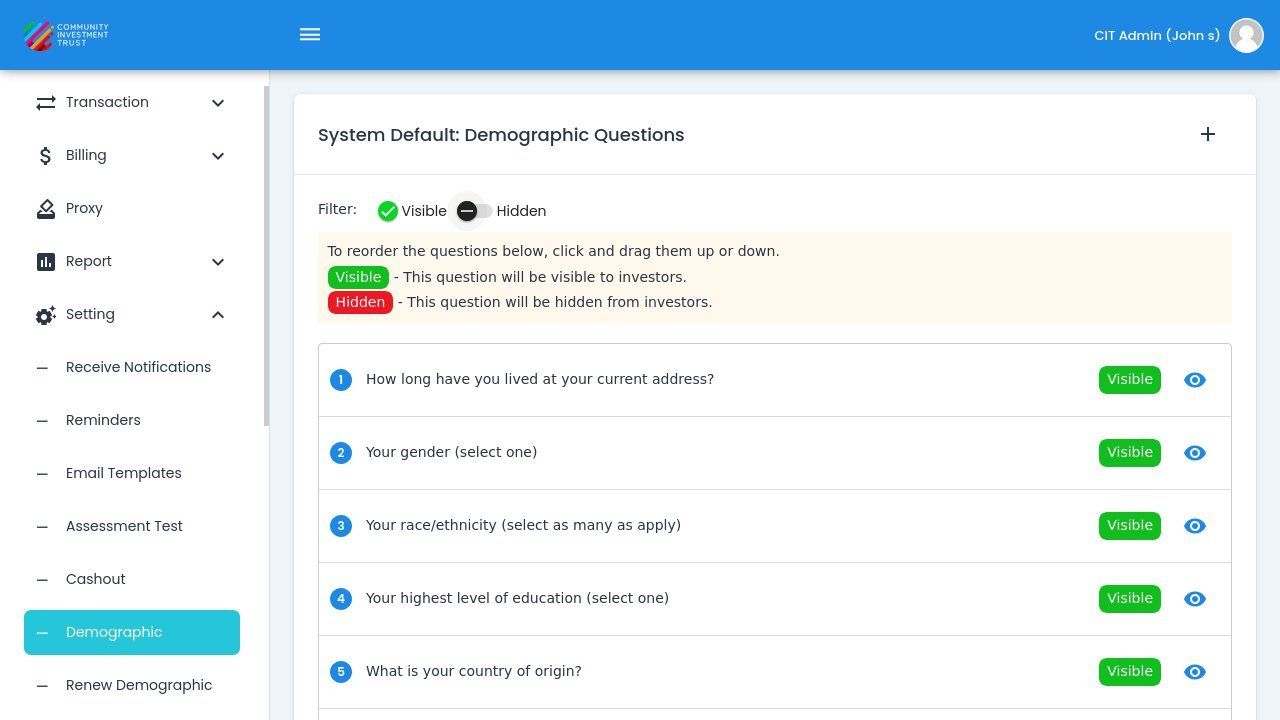
Question Reordering Instructions#
Note
Drag and drop questions to change their order. The order determines how questions are presented to investors during the demographic data collection process.
View Question Details#
Action: Click on a question in the list to view its configuration details.
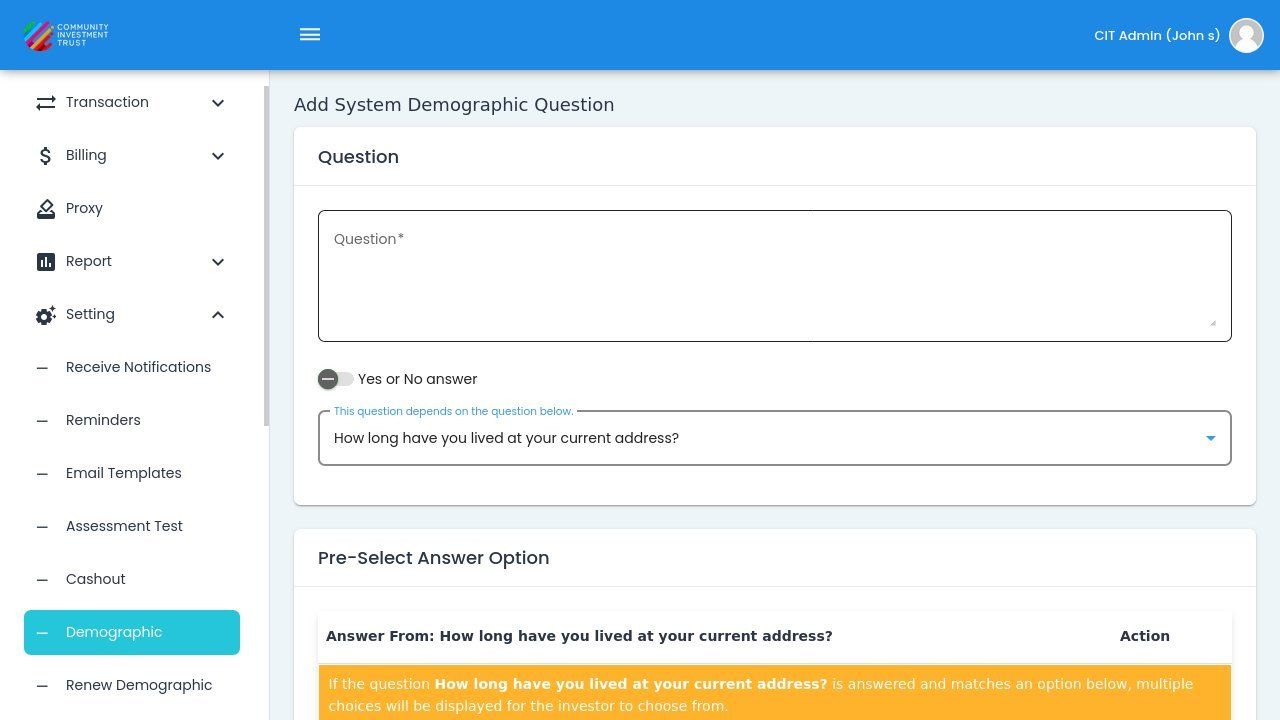
Question Selected for Viewing#
Tip
Demographic questions help collect important information about investors that may be required for regulatory compliance or program eligibility.