
Documents Tab#
The Tab: Documents tab provides access to all documents associated with the investor, including offering documents, agreements, and certificates.
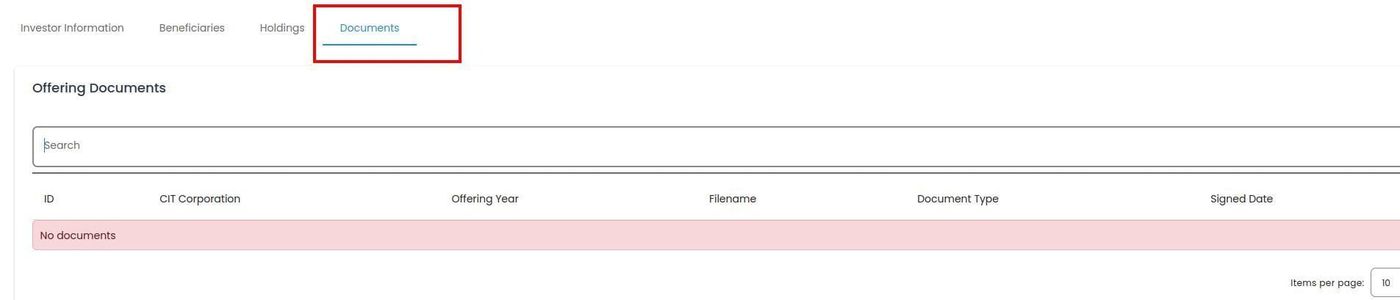
Documents Tab Location#
Features#
The Section: Documents section allows you to:
Documents Table#
The Table: Documents List table displays all documents associated with the investor.
Columns: Documents List Table#
The Column: Columns for the Table: Documents List table can be found at the top of the table:

Documents Table Column Headers#
Column: Book Number - Unique identifier for the investment certificate or document.
Column: Document Type - Type of document (certificate, agreement, letter, etc.).
Column: Shares - Number of shares associated with the document.
Column: Issued Date - Date when the document was issued.
Column: Canceled Date - Date when the document was canceled (if applicable).
Column: Actions - Available document actions (View, Download).
Search Documents#
To search for specific documents:

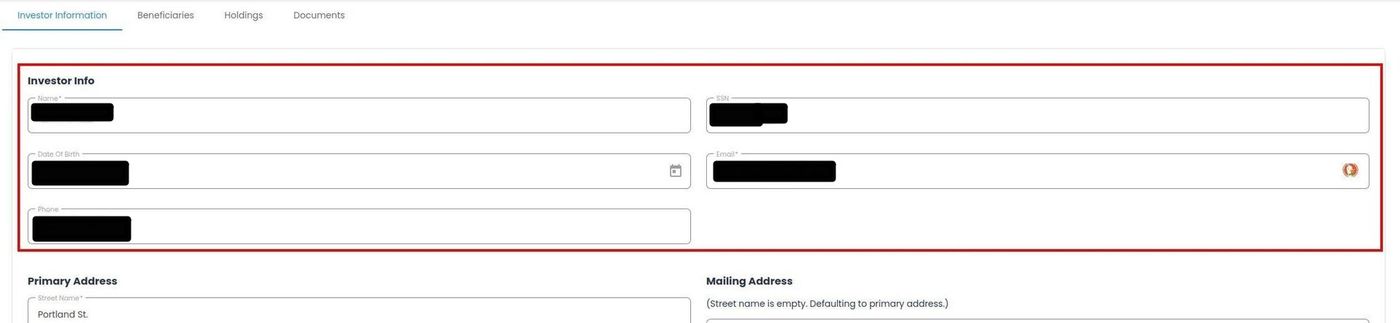
Available Actions#
The Column: Actions column provides document management options:
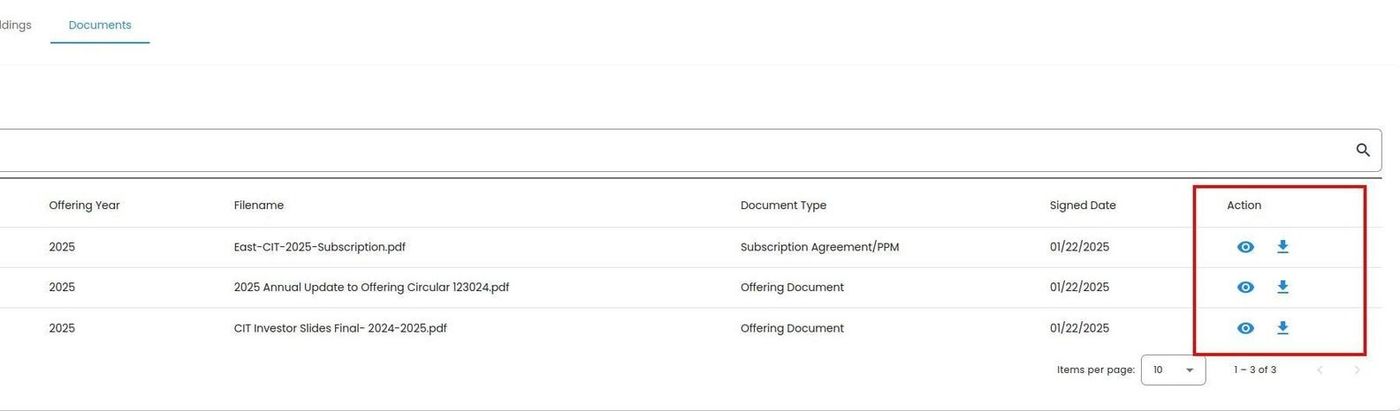
Documents Table Action Column#
Document Actions#
Action: View - Opens the document in a new browser window for online viewing
Action: Download - Downloads the document to your default downloads folder