
Shareholder List Report#
The Shareholder List Report generates downloadable PDF and Excel reports of all investors and their holdings. Administrators can filter by certificate status, address status, and customize the displayed data using toggle options.
Location#
Location
The Page: Shareholder List Report page is located in the Report category in the Item: Primary Sidenavigation menu.
Don’t see the Primary Sidenavigation menu?
See How to Toggle the Primary Sidenavigation menu for more information.
Report Configuration#
The Section: Shareholder List Report homepage provides a configuration interface for generating shareholder reports:
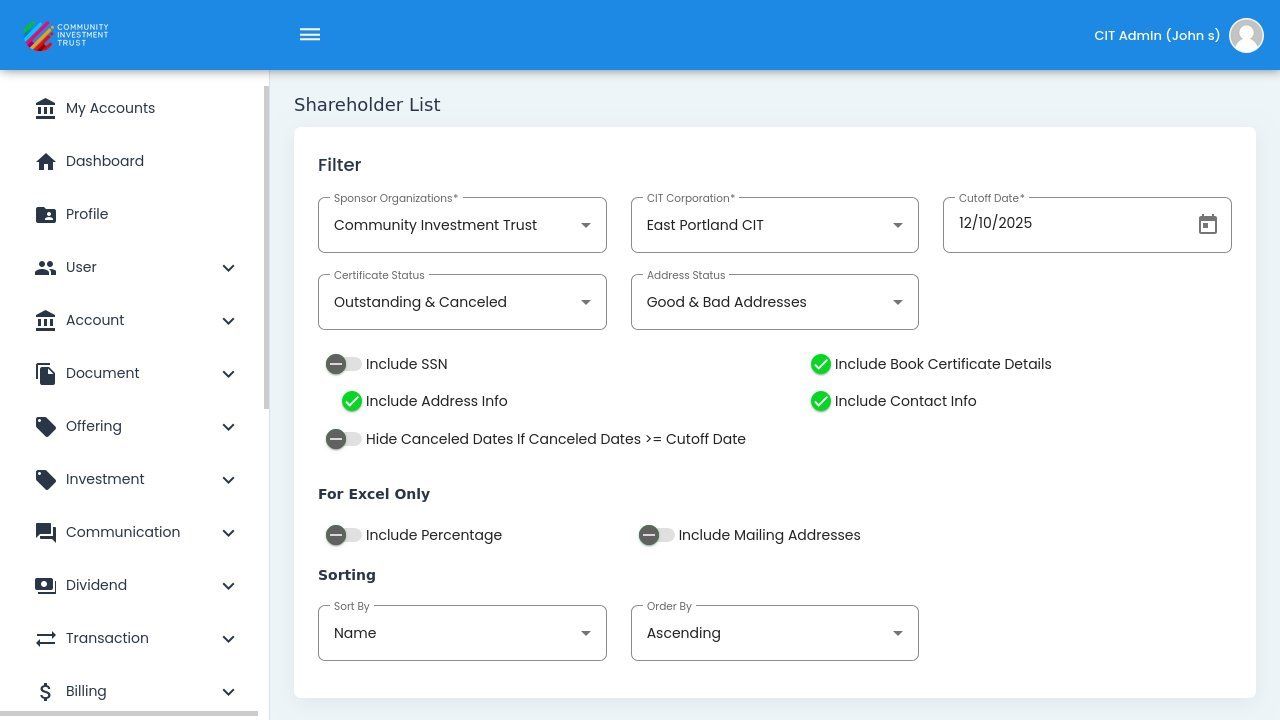
Shareholder List Report Homepage#
The page is organized into three main configurable areas:
Filter Section - Configure organization, date, and status filters
Display Options Section - Toggle data fields to include in the report
Sorting Section - Set sort field and order
Selecting Organization and Corporation#
Before generating the report, select the appropriate organization and corporation:
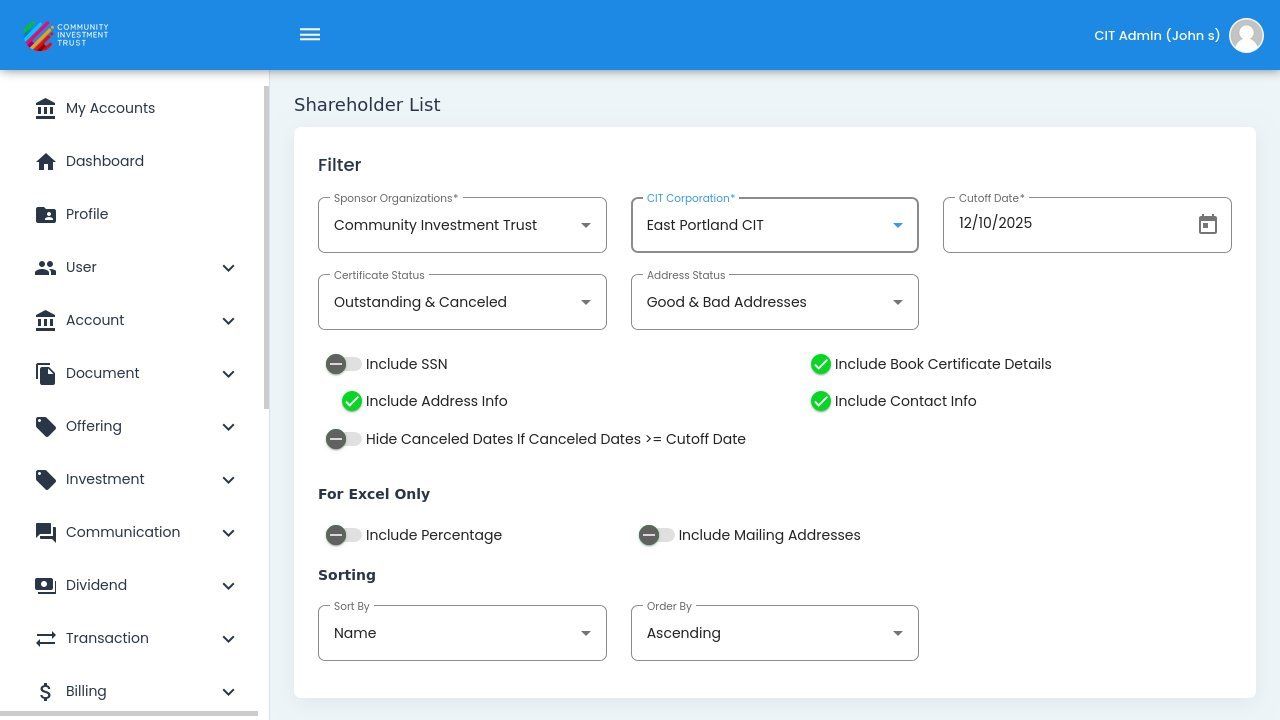
Sponsor Organization Selection#
Date Selection#
Use the date picker to select the date range for your report:
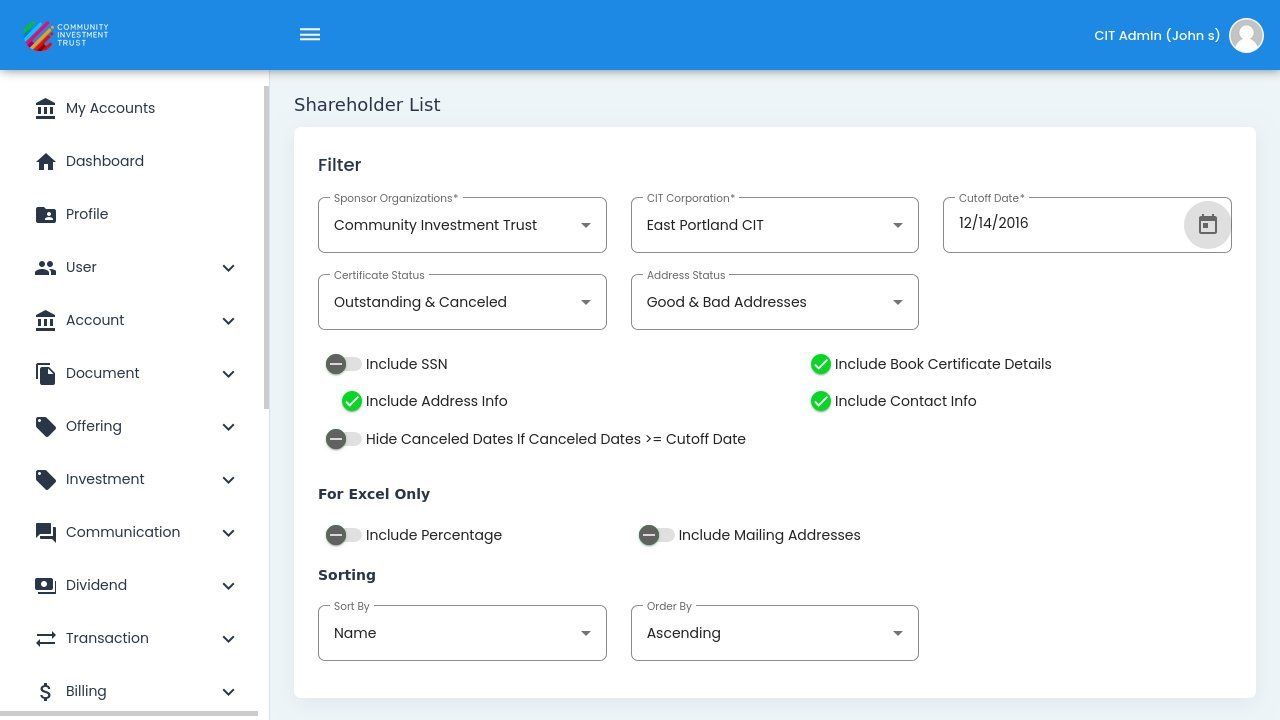
Date Selection#