
User Details Page#
The Page: User Details page opens up to the Tab: User Information tab.
User Information Tab#
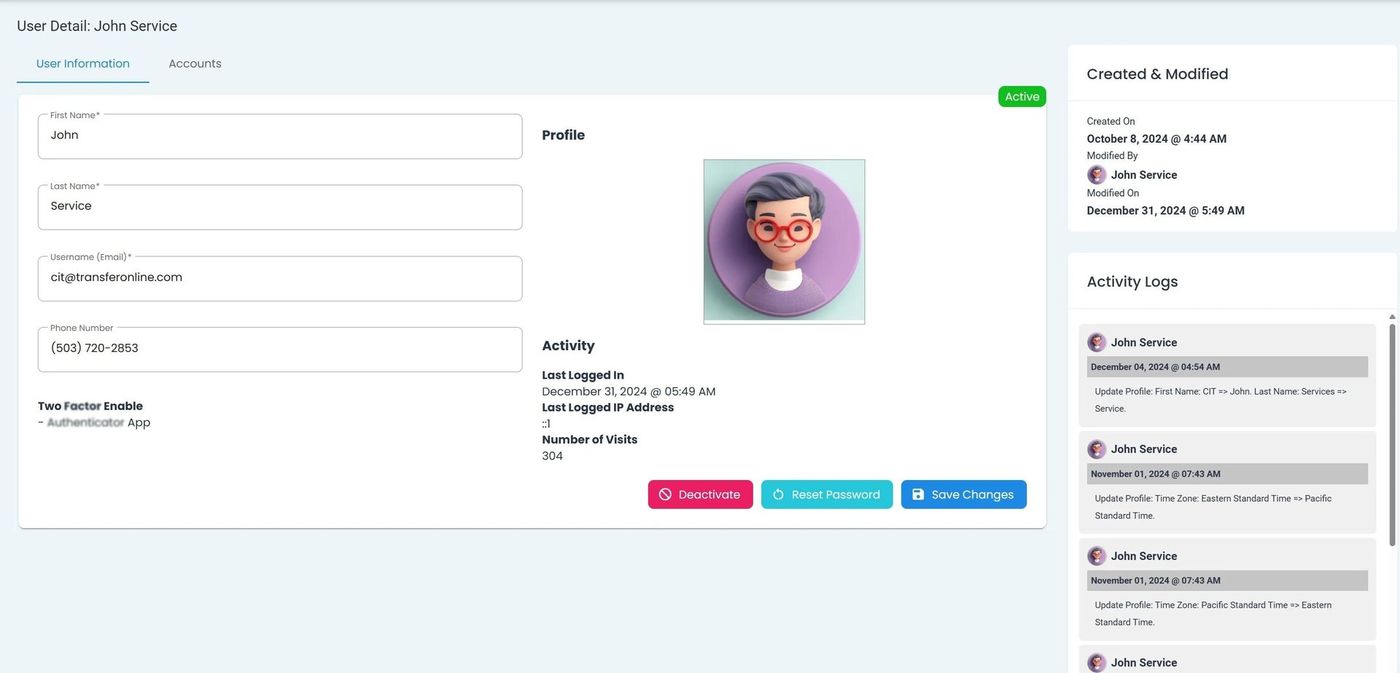
View User Details Homepage, User Information Tab#
The Page: User Details page has various actions available:
Action: Save Changes
Action: Deactivate User
Action: Resend Activation
You can find the actions at the bottom-right of the page:
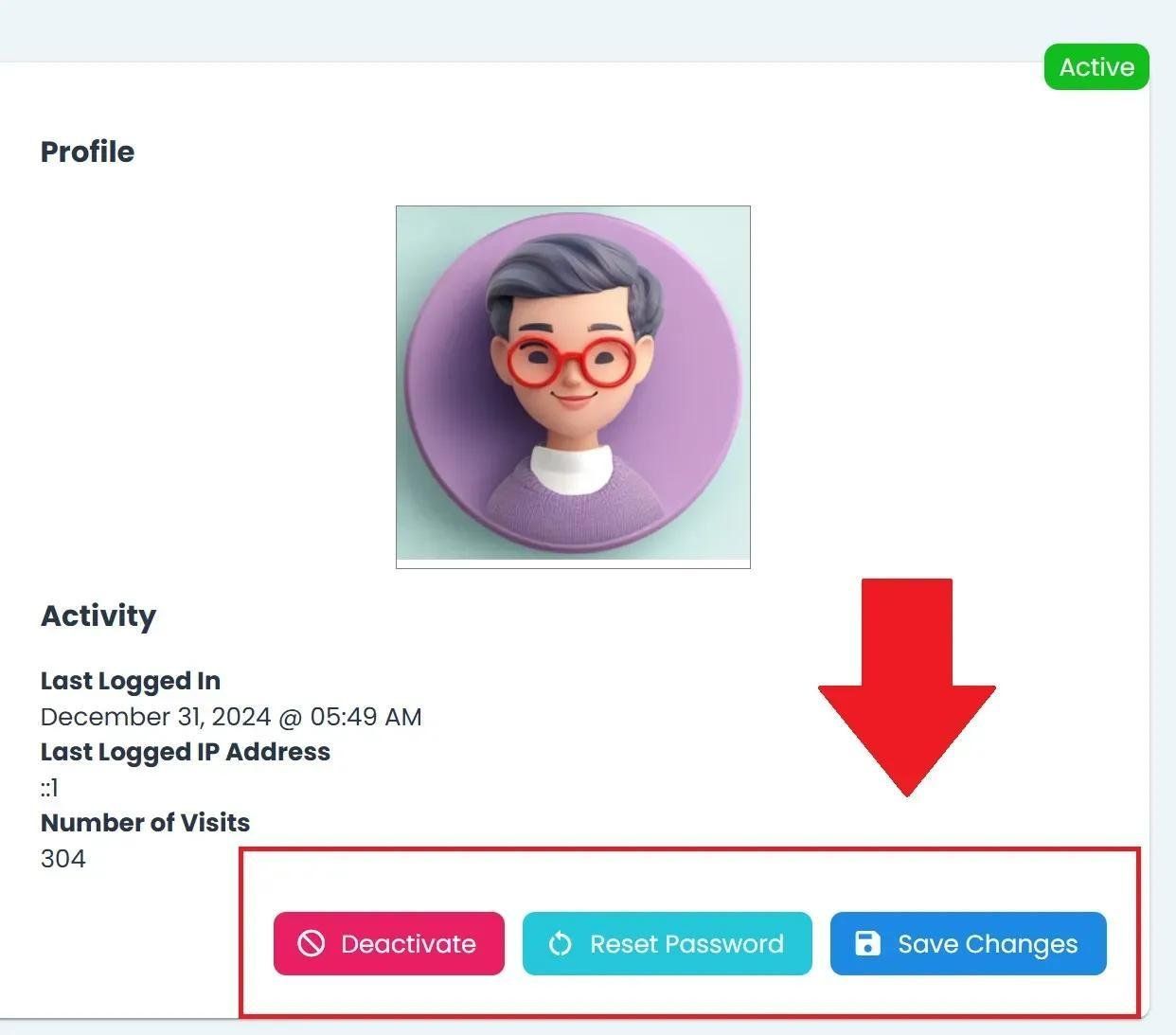
User Actions Location, Bottom Right#
Edit User Details#
The Tab: User Information Tab allows you to edit the following fields:
First NameLast NameUsername (Email)Phone Number
To Edit a User’s Details:
Place your cursor in the field you want to edit.
Note
This section does not require you to click the Edit button.
Type the changes you want to make.
Action: Click the Action: Save Changes button at the bottom-right of the page.
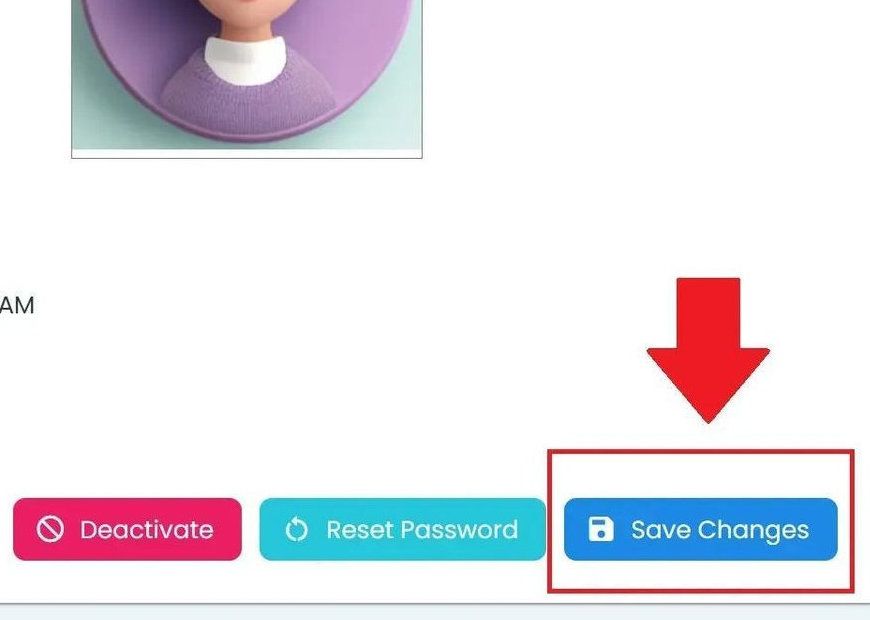
User, User Homepage, Save Changes#
Looking for the Accounts Tab?
See Accounts Tab