
How to Toggle Primary Sidebar#
The Item: Primary Sidebar can be found along the leftside of the page (in both the App and Documentation):
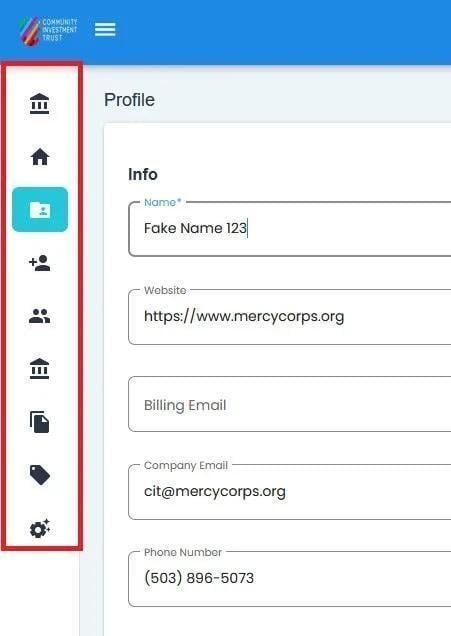
Collapsed Primary Sidebar#
To Toggle:
Find and Action: Select the Action: Menu button at the top-left of the page to toggle the Item: Primary Sidebar:
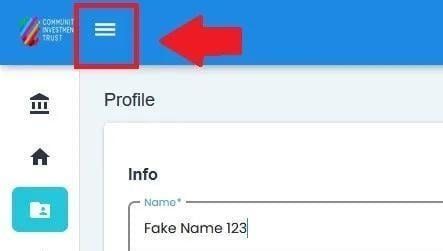
Primary Sidebar Toggle Location, Collapsed Sidebar#
Action Complete: Toggle Primary Sidebar
The sidebar will open up; the names of the sections will appear:
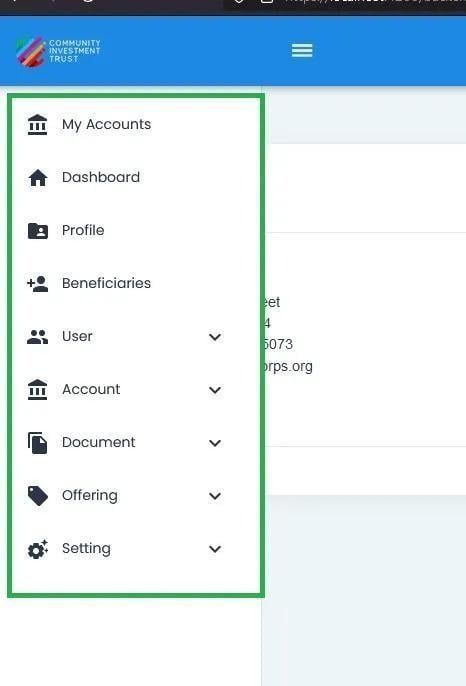
Sidebar Expanded#