Using Dividend Filters#
The Section: Dividend Filters allow you to search and filter dividend records by various criteria.
Overview#
The filter section appears at the top of the Table: Dividends List table and provides multiple filtering options.
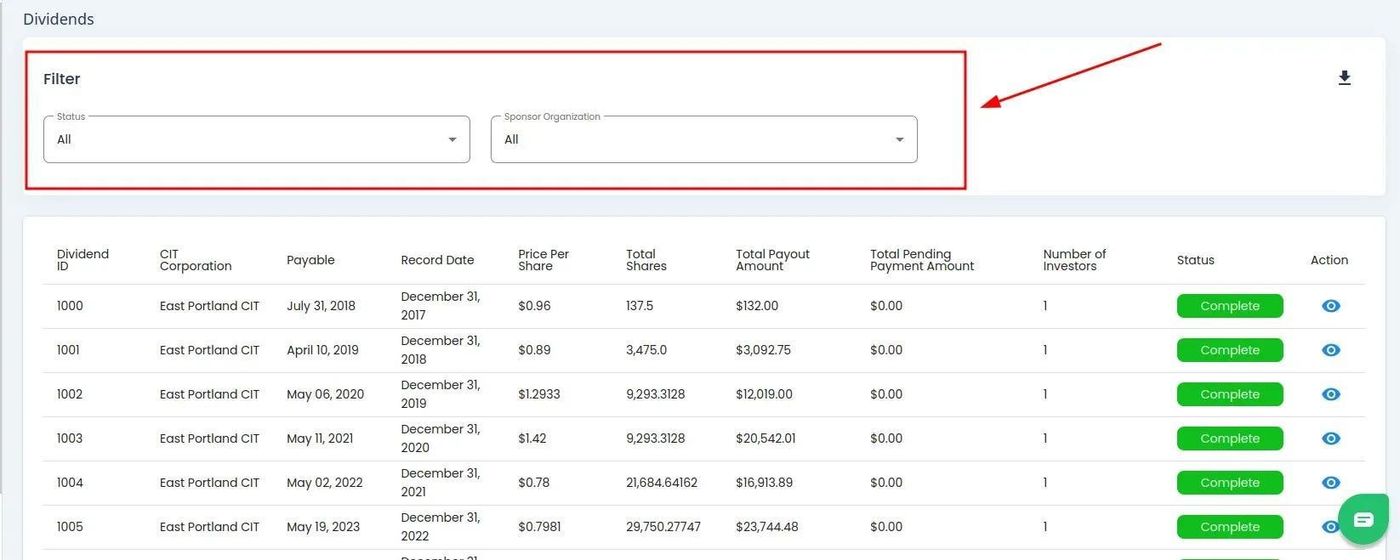
Dividends Table Filter Section#
Filter by Status#
To Filter by Status:
Find and Action: Click on the Item: Status dropdown located above the table.
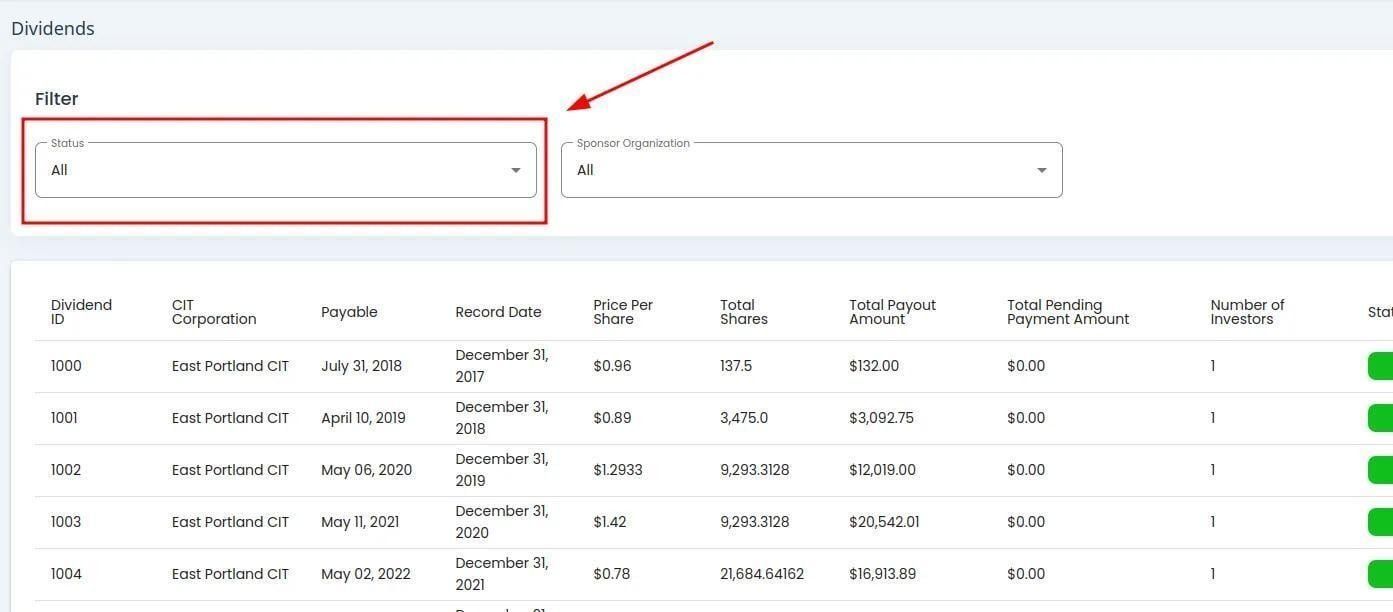
Dividends, Status Dropdown Location#
Action: Select the status you want to filter by from the dropdown.
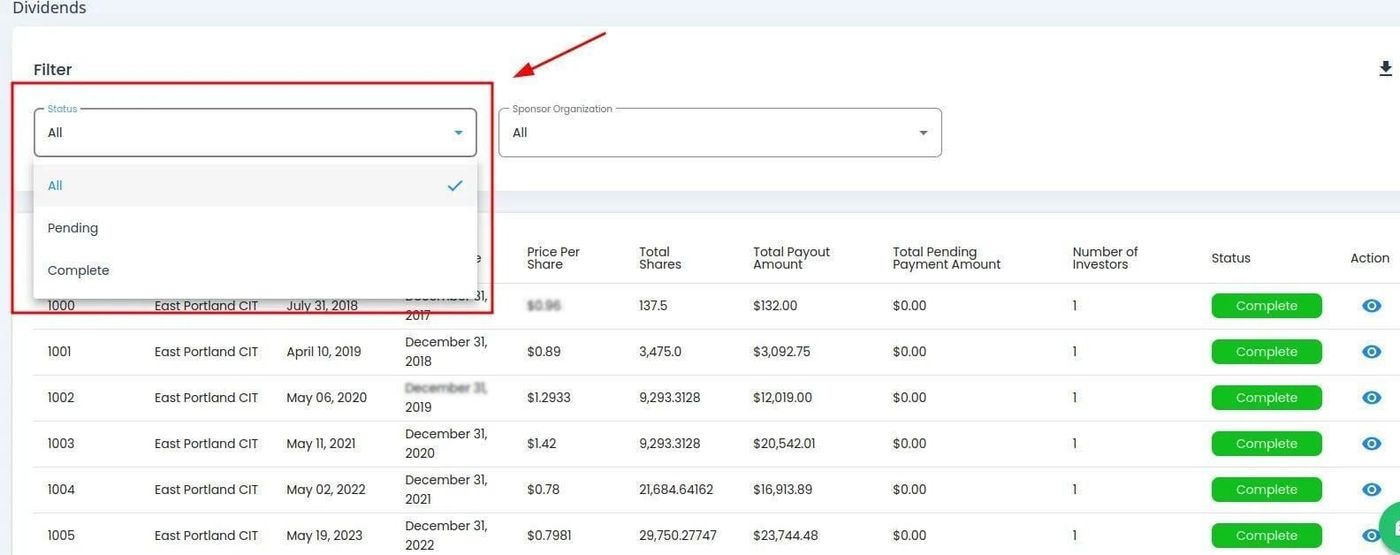
Dividends, Status Dropdown Expanded#
Available Status Options#
Status: All - View all dividend records regardless of status.
Status: Complete - Dividends that have been fully distributed to all eligible investors.
Status: Pending - Dividends awaiting distribution processing.
Status: In Process - Dividends currently being processed for distribution.
Filter by Sponsor Organization#
To Filter by Sponsor Organization:
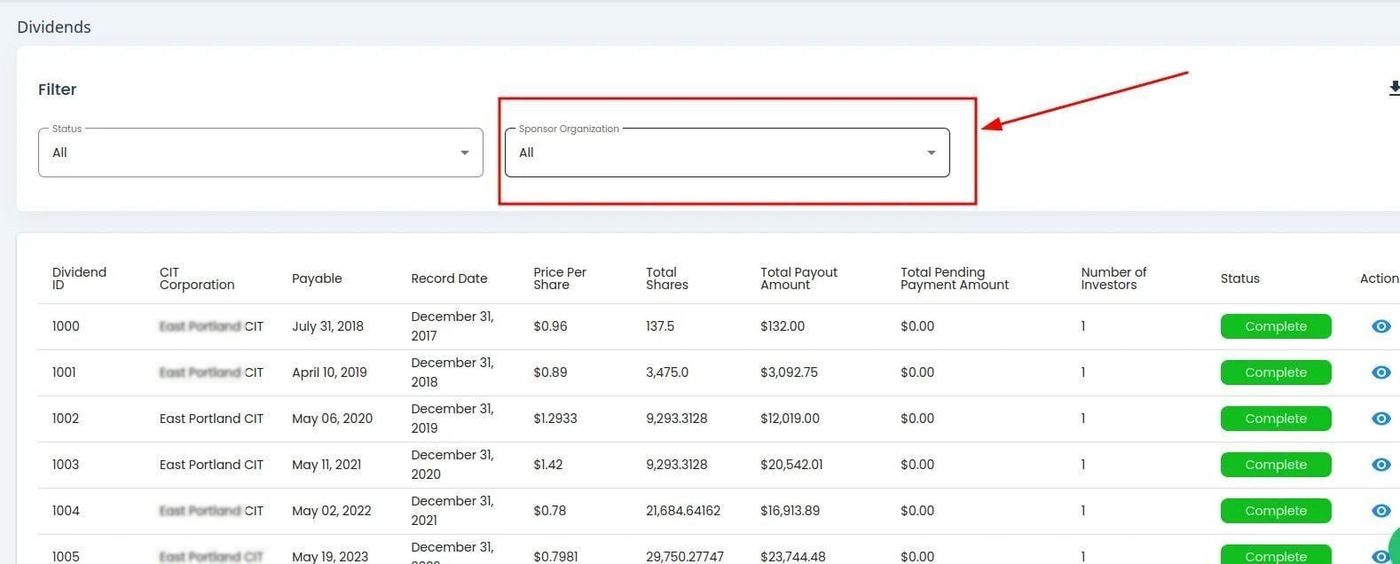
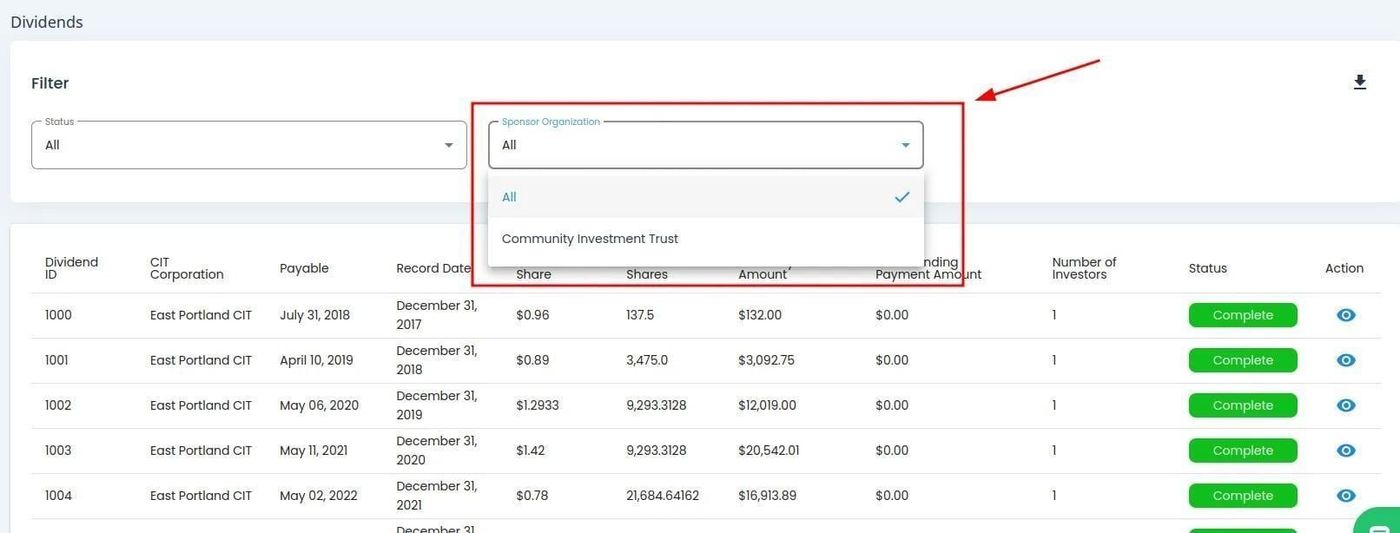
Filter by CIT Corporation#
CIT Corporation Filter Availability
The option to filter by Item: CIT Corporation is only available after a Item: Sponsor Organization is selected.
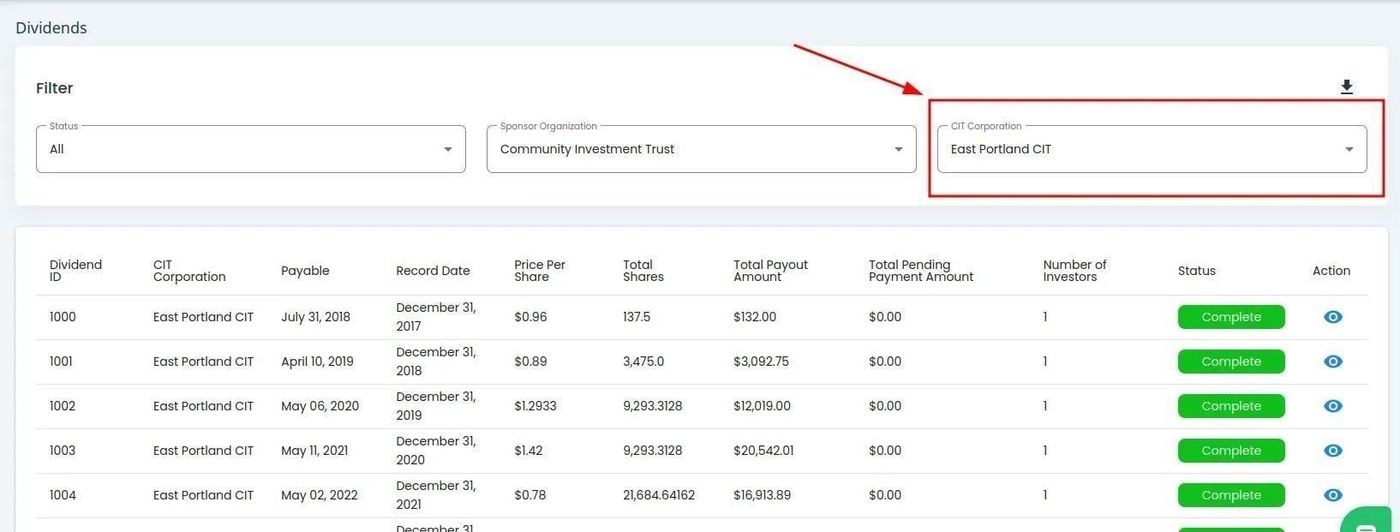
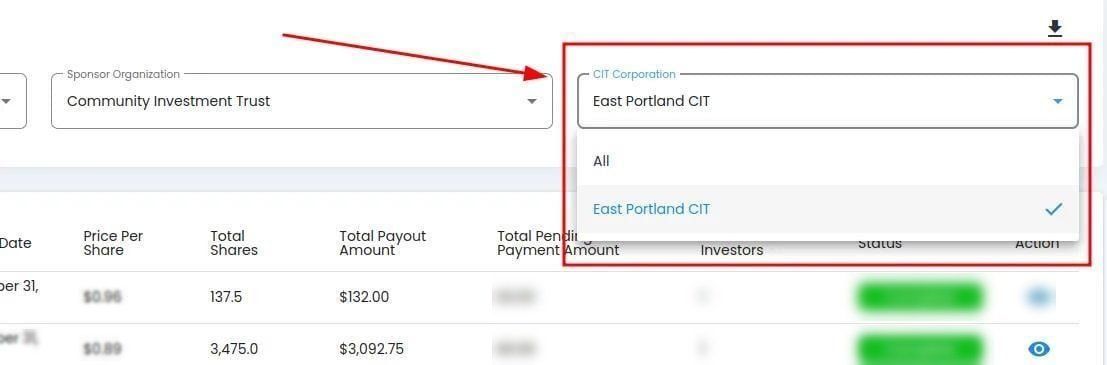
To Filter by CIT Corporation: