
Transaction List Report#
The Transaction List Report displays all investment transactions including new issuances, retirements (cashouts), and transfers. Filter by transaction type, date range, and sponsor organization to analyze specific transaction sets.
Features: Transaction List Report#
The Section: Transaction List Report allows you to:
Location#
The Page: Transaction List Report page is located in the Report category in the Item: Primary Sidenavigation menu.
Don’t see the Primary Sidenavigation menu?
See How to Toggle the Primary Sidenavigation menu for more information.
Transaction List Report Homepage#
The Section: Transaction List Report displays the main report interface:
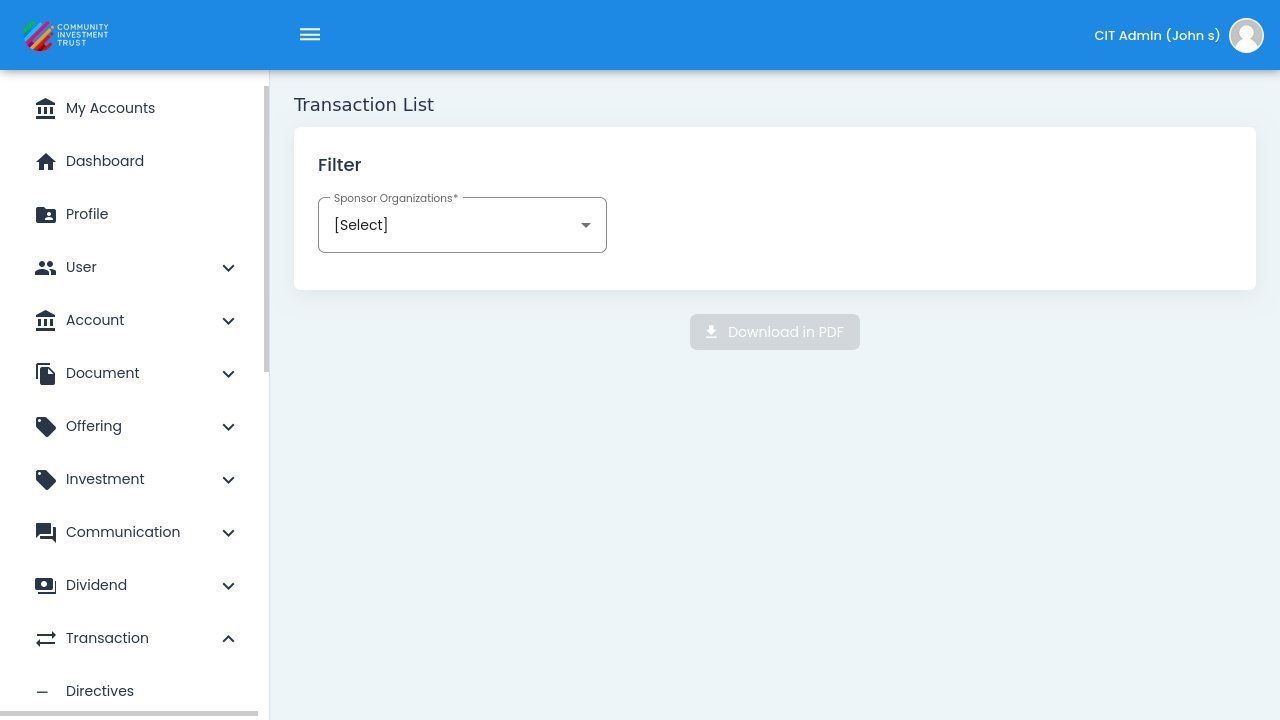
Transaction List Report Homepage#
Selecting Organization and Corporation#
Before generating the report, select the appropriate organization and corporation:
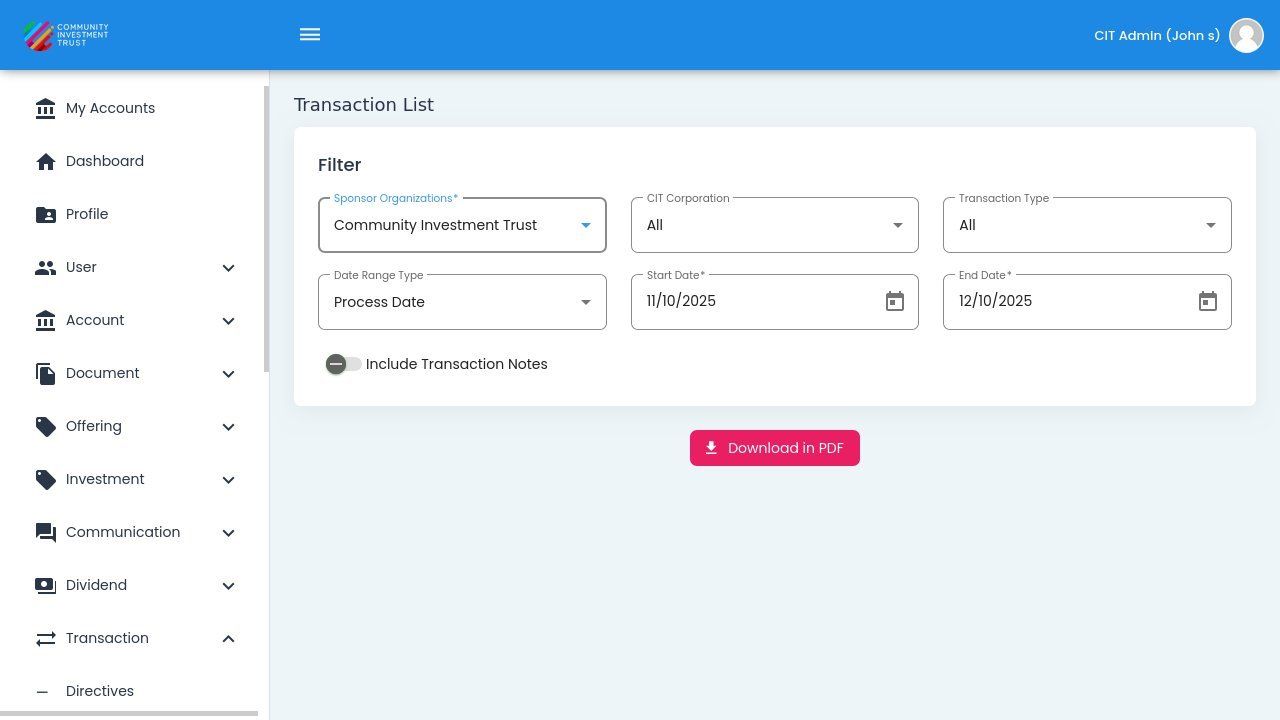
Sponsor Organization Selection#
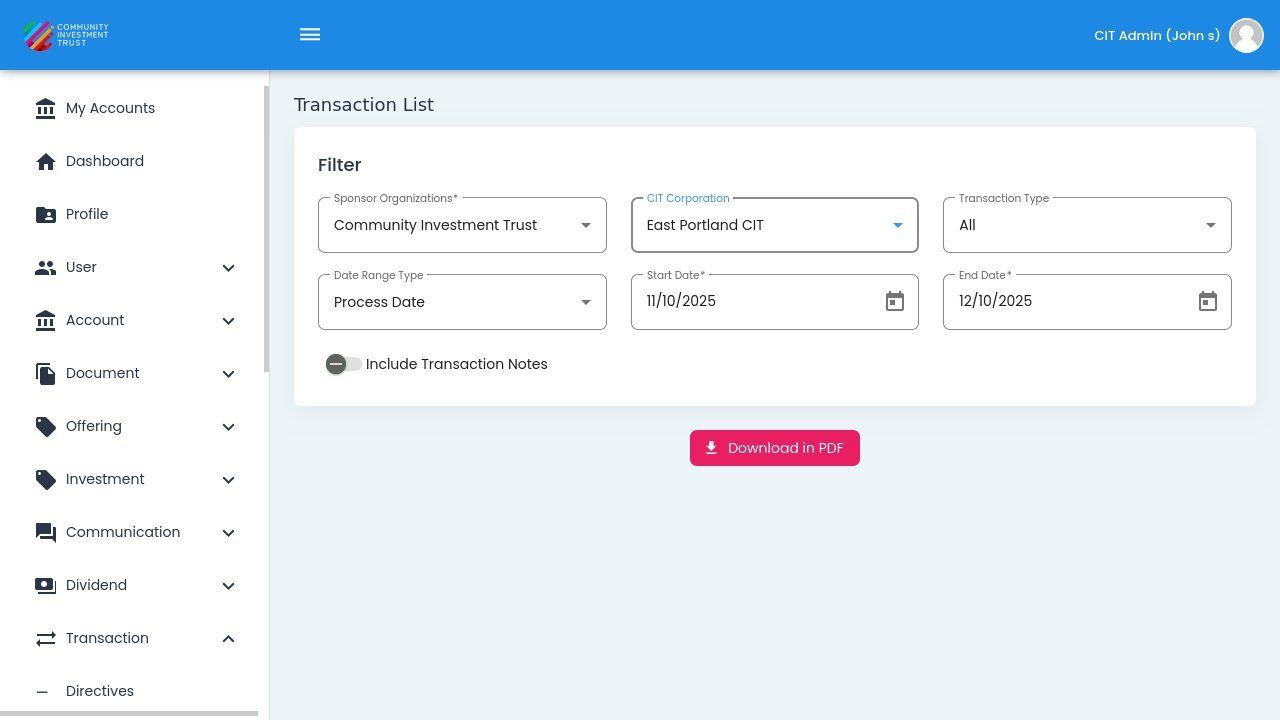
CIT Corporation Selection#
Report Configuration#
The Transaction List Report provides filter options to customize your report. See Filter Options for detailed information on each filter.
Columns: Transaction List Report Table#
The Column: Columns for the Table: Transaction List Report table can be found at the top of the table:
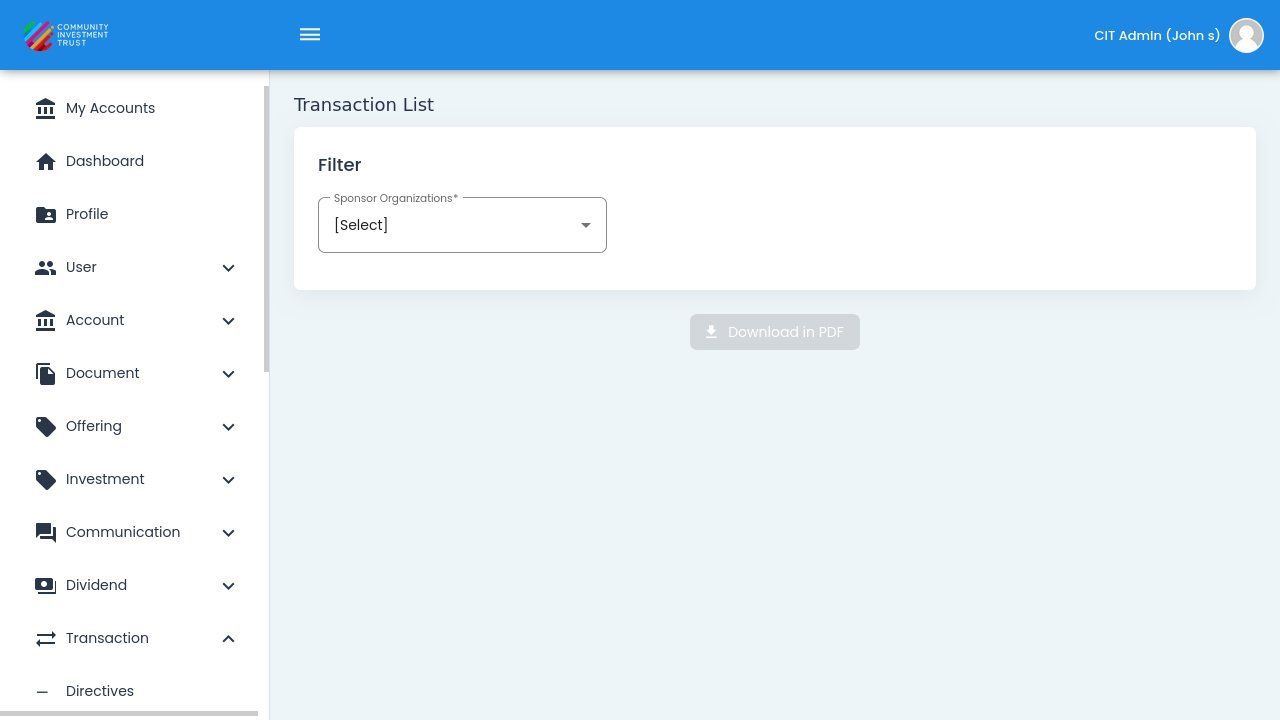
Transaction List Report Table Columns#
Column: Transaction ID - System-generated unique identifier for tracking each transaction.
Column: Type - Category of transaction: New Issuance, Retirement (Cashout), or Transfer.
Column: Amount - Dollar value of the transaction, positive for purchases, negative for cashouts.
Column: Date - Date when the transaction was processed in the CIT system.
Column: Status - Processing state of the transaction: Pending, Completed, or Canceled.
Downloading the Report#
To download the Transaction List Report:
Configure your desired filters and options
Click the Download in PDF button
The report will download to your device
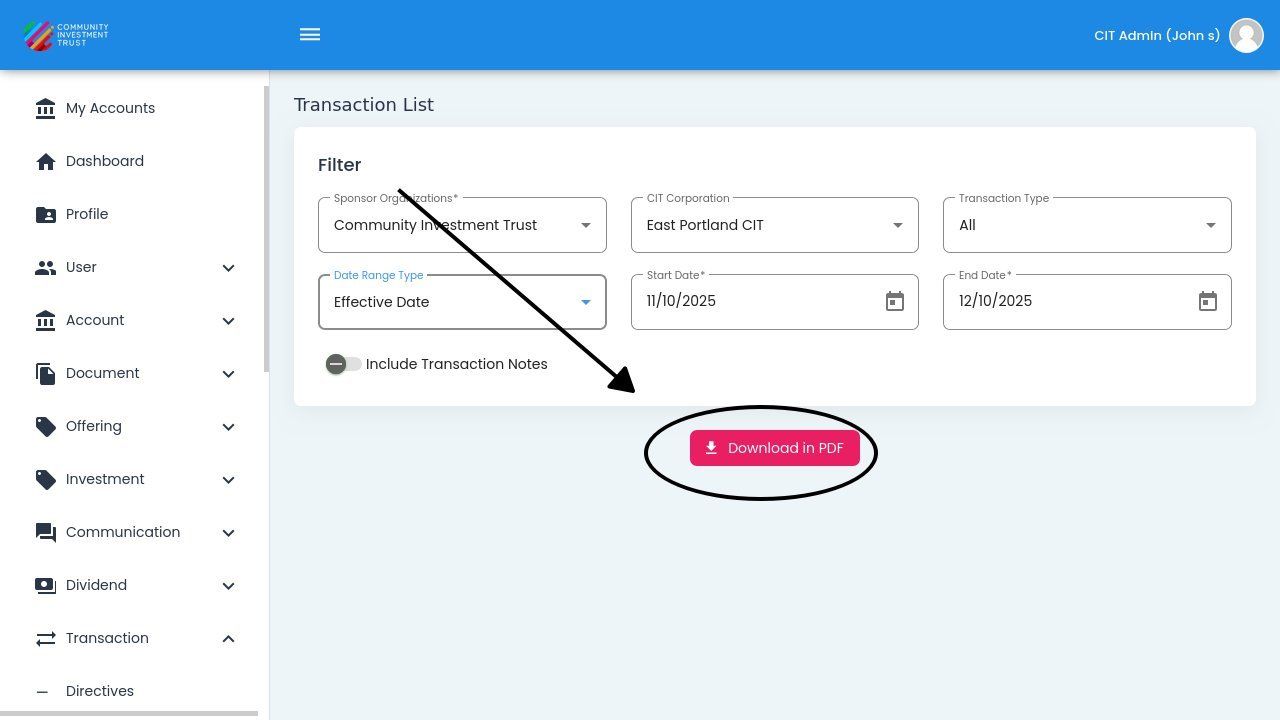
Download in PDF Button Location#
Note
The download includes all records matching your current filter settings. For large reports, the download may take a few moments to generate.