
Tab: Voted Shareholders#
The Tab: Voted Shareholders tab displays a list of all shareholders who have submitted their votes for the proxy.
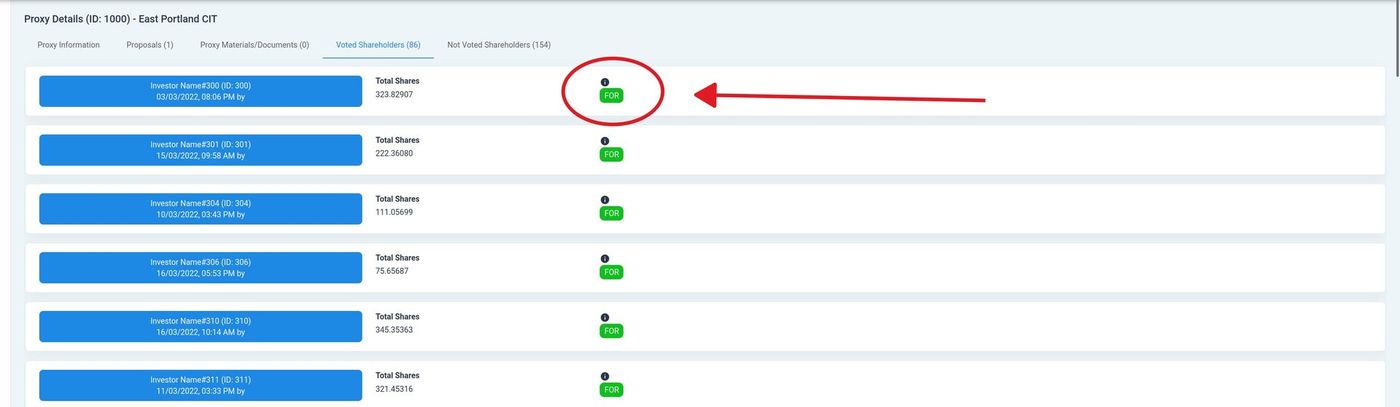
Voted Shareholders Tab Overview#
Shareholder Cards#
Each voted shareholder is displayed as a card containing:
Investor Name#
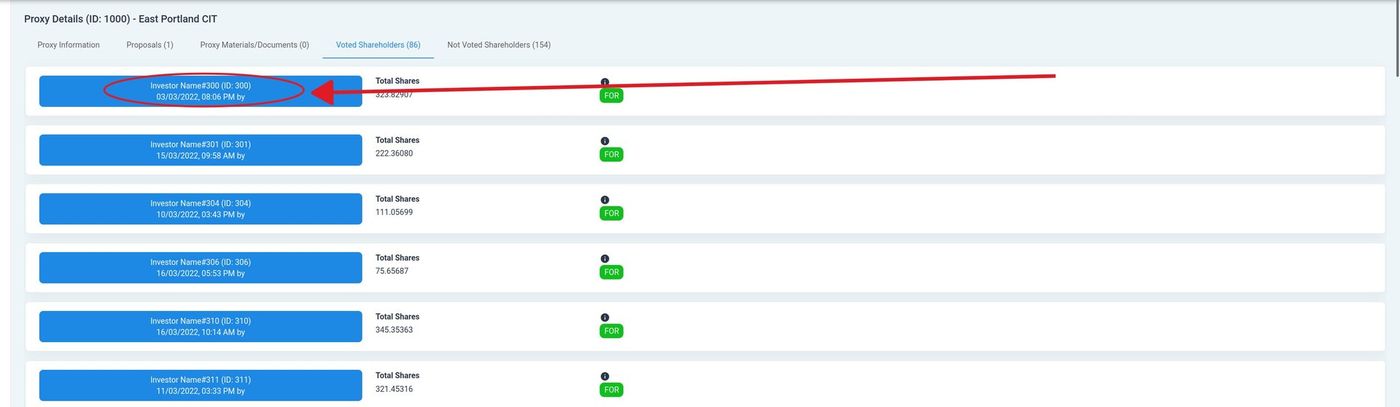
Investor Name and ID Location#
The investor’s name and account ID are displayed in the card header, along with the date and time the vote was submitted.
Total Shares#
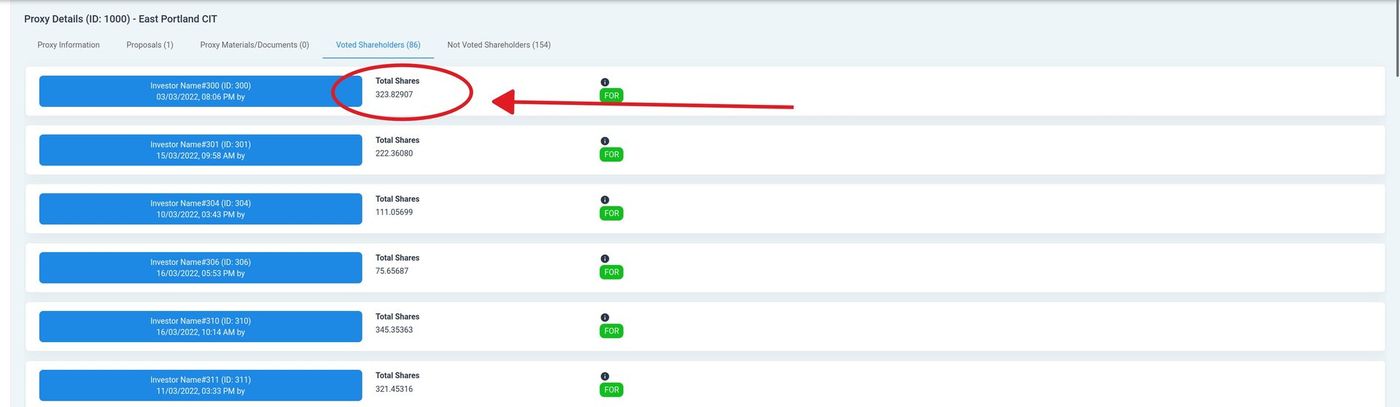
Total Shares Location#
The Column: Total Shares field shows the number of shares held by the investor that were included in their vote.
Vote Result#
The vote result badge indicates how the shareholder voted:
Status: FOR - Shareholder voted in favor of the proposal(s).
Status: AGAINST - Shareholder voted against the proposal(s).
Status: ABSTAIN - Shareholder abstained from voting on the proposal(s).