
Viewing Dividend Details#
This section explains how to access and review detailed information about individual dividend distributions in the Section: Dividends section.
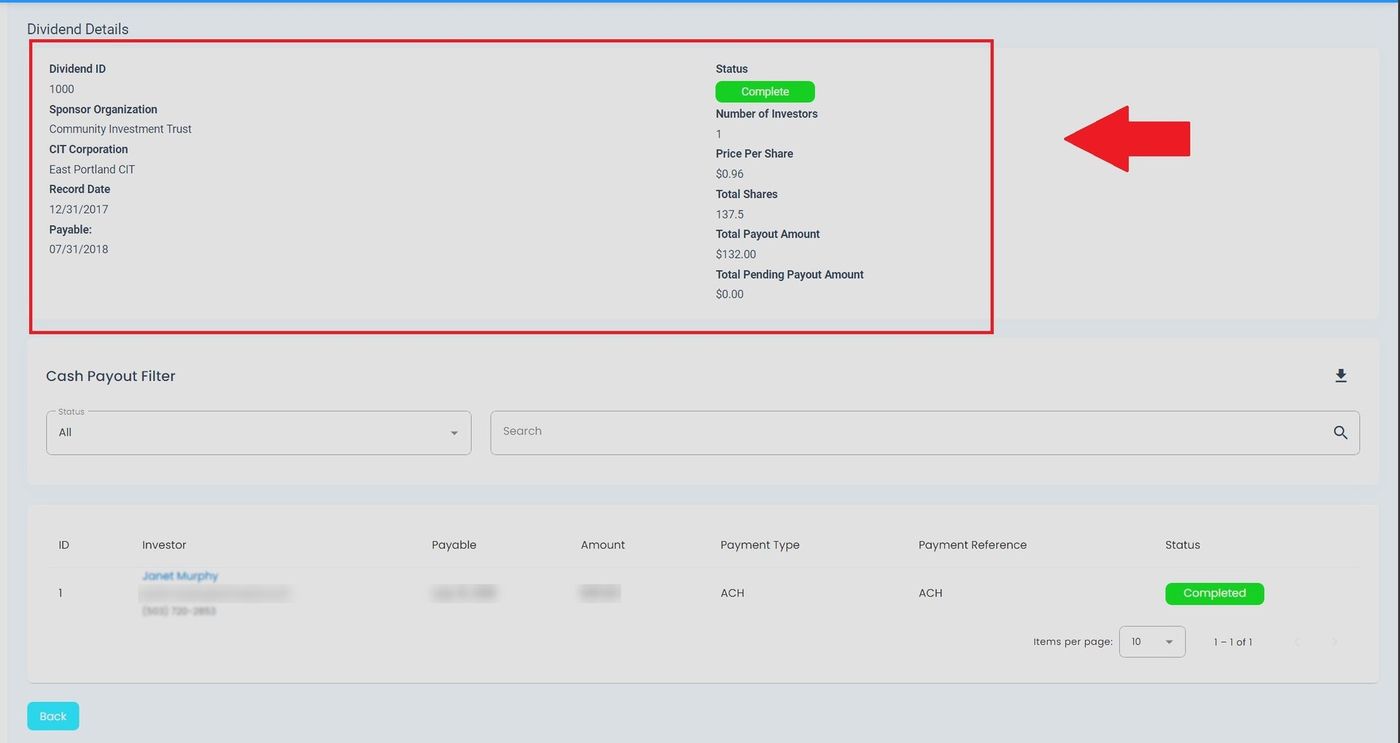
Dividend, View More Details, Overview#
How to Access Dividend Details#
To view detailed information about a specific dividend:
Navigate to the Page: Dividends section from the Section: Dividend category
Locate the dividend record in the Table: Dividends List table
Find the Column: Action column for the desired dividend
Action: Click the View More Details button
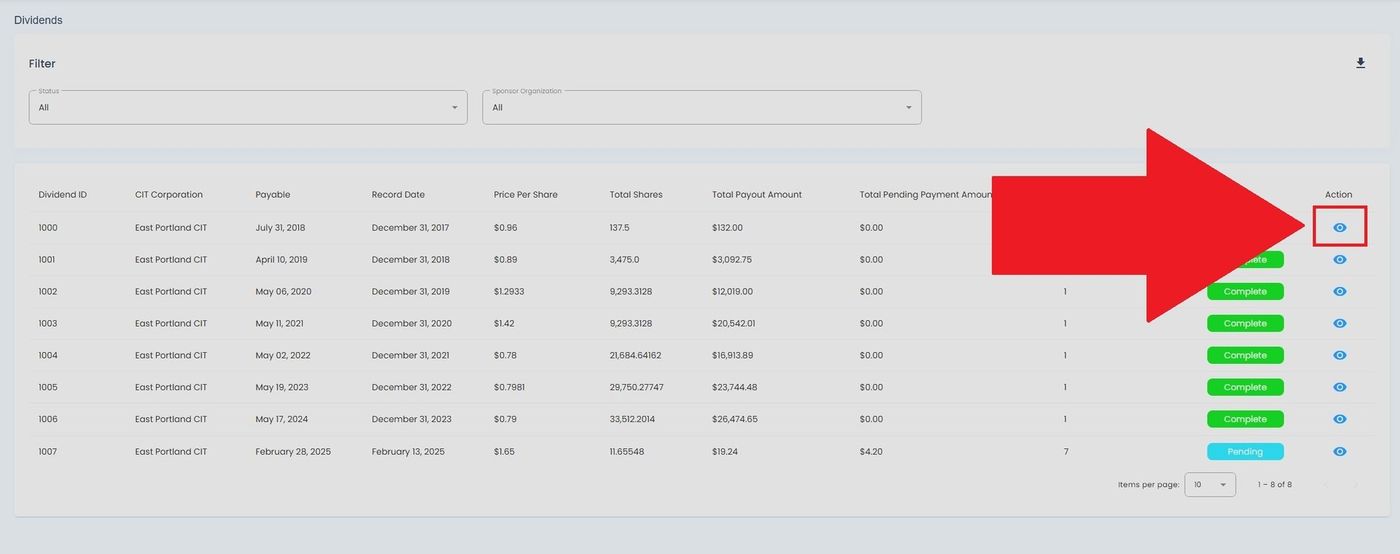
View More Details Button Location in Actions Column#
Action Complete
Clicking the Action: View More Details button opens the dividend details page, displaying comprehensive information about the selected dividend distribution.
Dividend Details Page Layout#
The dividend details page provides comprehensive information organized into several sections:
Header Information#
The header displays key dividend information including:
Item: Dividend ID - Unique identifier for the dividend distribution
Item: Status - Current processing state (Green Option: Complete, Orange Option: Pending, Option: In Process)
Item: CIT Corporation - The issuing corporation name
Item: Declaration Date - Date the dividend was announced
Item: Payment Date - Date when payments will be distributed
Item: Total Distribution Amount - Aggregate amount for all recipients
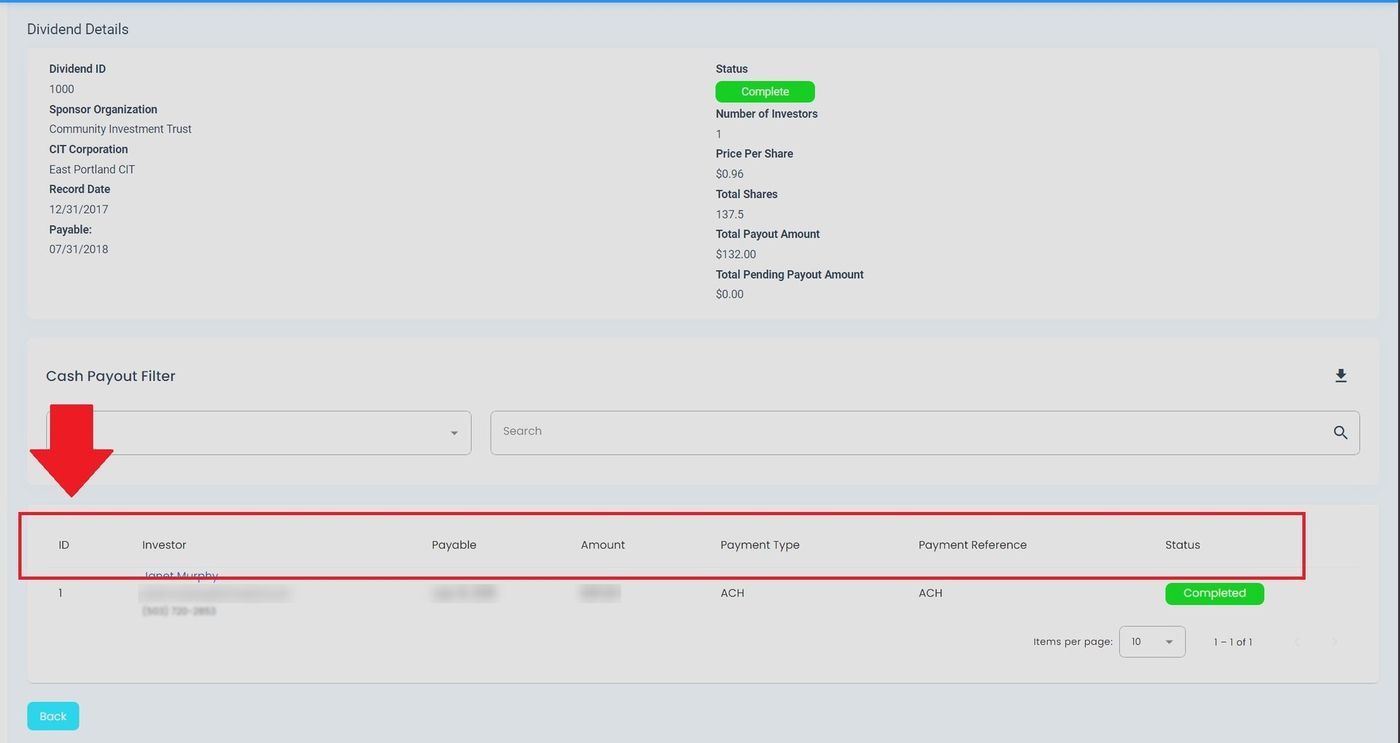
Dividend Details, Column Locations#
Distribution Summary#
This section provides a financial overview:
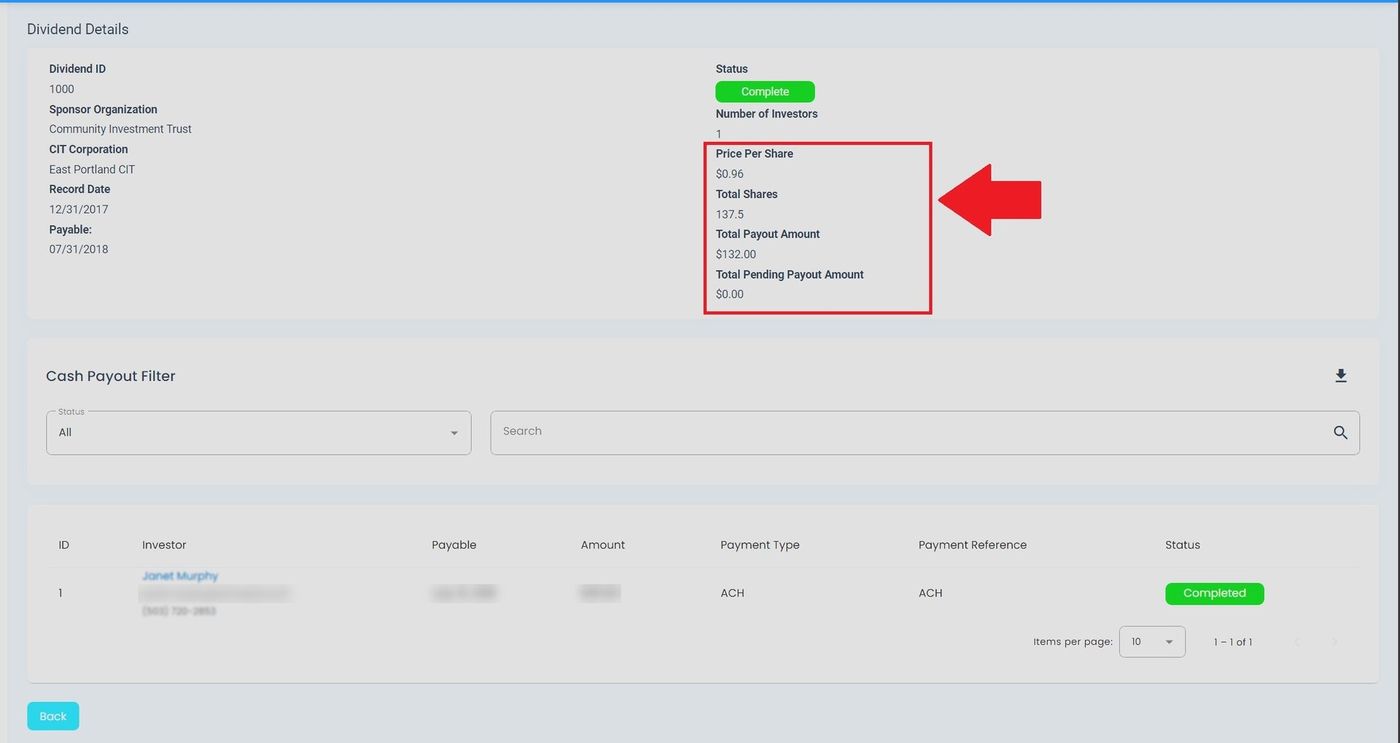
Distribution Summary - Essential Totals Display#
Financial Overview Fields:
Item: Price per Share - The dividend amount allocated to each share
Item: Total Shares Eligible - Number of shares participating in the distribution
Item: Total Payout Amount - Calculated total distribution (shares × price per share)
Item: Payment Status - Current processing status (Green Option: Paid, Orange Option: Pending Payment, Option: Processing)
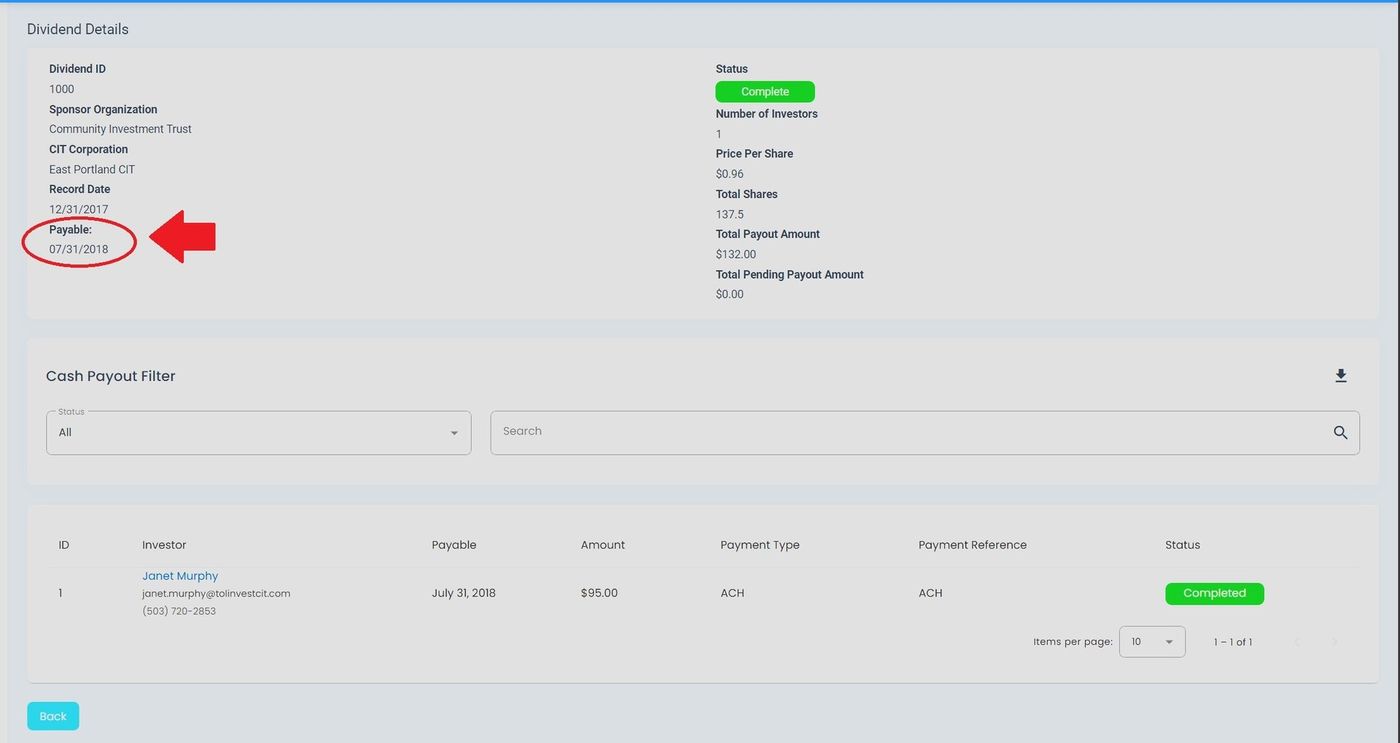
Distribution Summary - Payment Date Information#
Investor Recipients Table#
The Table: Investor Recipients table shows all investors eligible for this dividend:
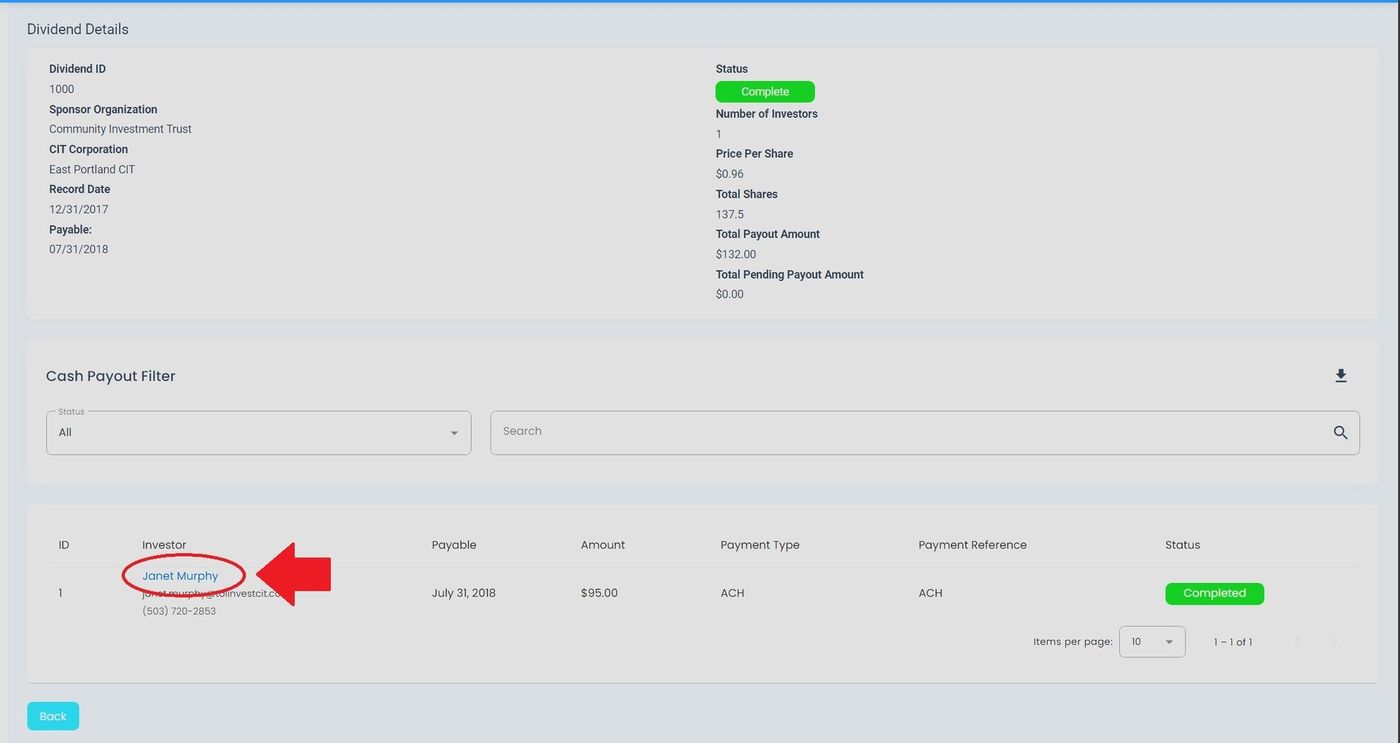
Dividend Details, Investor Name Column#
Columns: Investor Recipients Table#
Column: Investor Name: The name of the eligible investor
Column: Number of Shares: Shares owned by the investor on the record date
Column: Dividend Amount: Calculated payment for this investor
Column: Payment Status: Individual payment status (Pending, Processing, Completed)
Column: Payment Date: Date when payment was or will be processed
Available Features#
Search Functionality#
Use the search bar to quickly find specific investors:
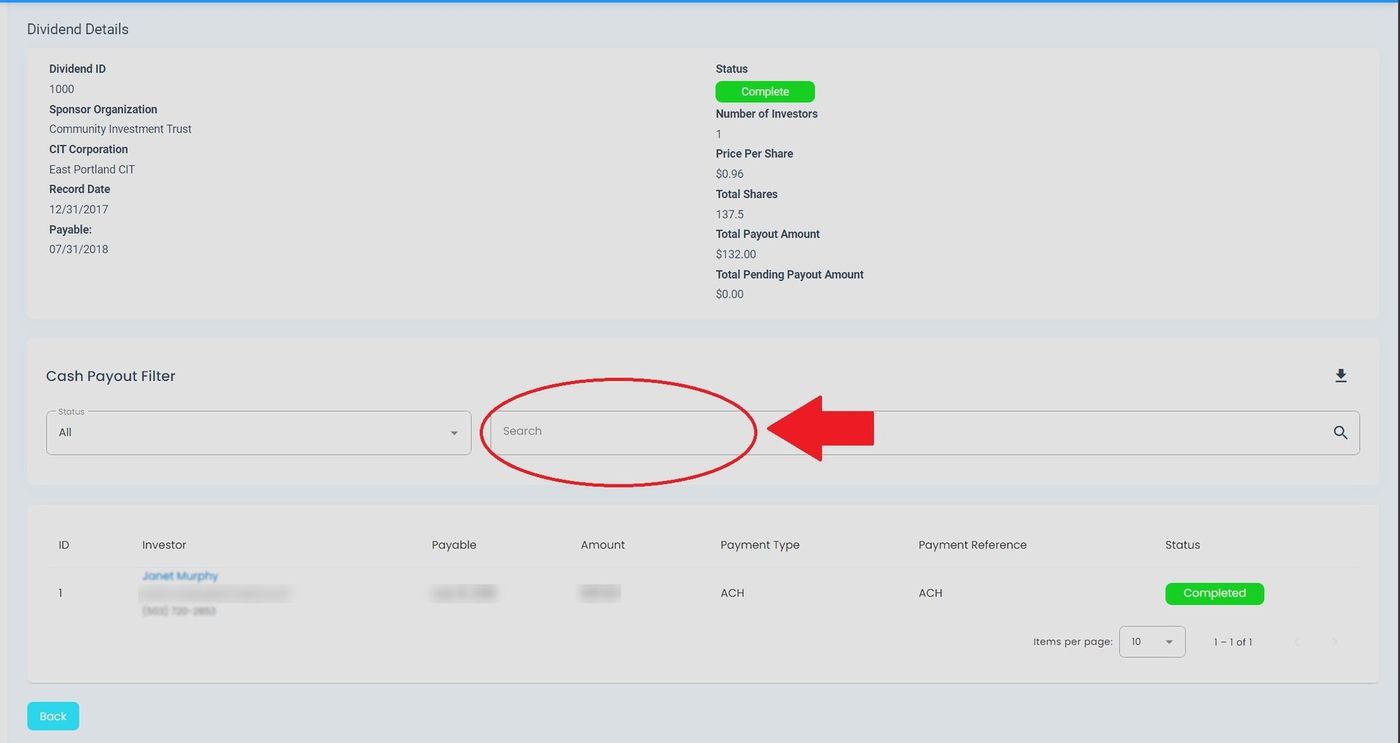
Dividend Details, Search Location#
Tip
You can search by investor name, share amount, or payment status to quickly locate specific records.
Status Filter#
Filter the investor list by payment status:
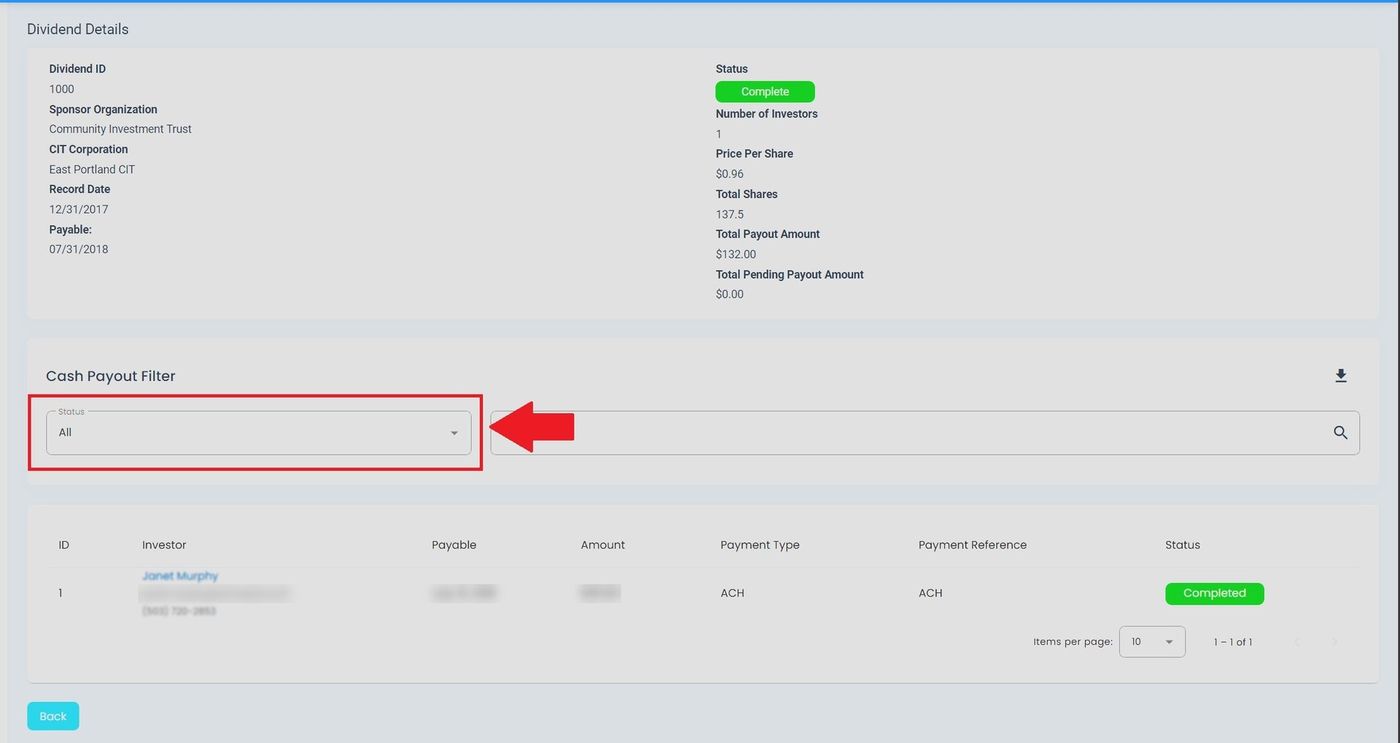
Dividend Details, Status Filter#
Available status options:
Status: All - Show all investors regardless of payment status.
Status: Pending - Show only investors with pending payments.
Status: Processing - Show investors with payments currently being processed.
Status: Completed - Show investors with completed payments.
Download#
To download dividend recipient data, use the Action: Download button located in the top-right corner:
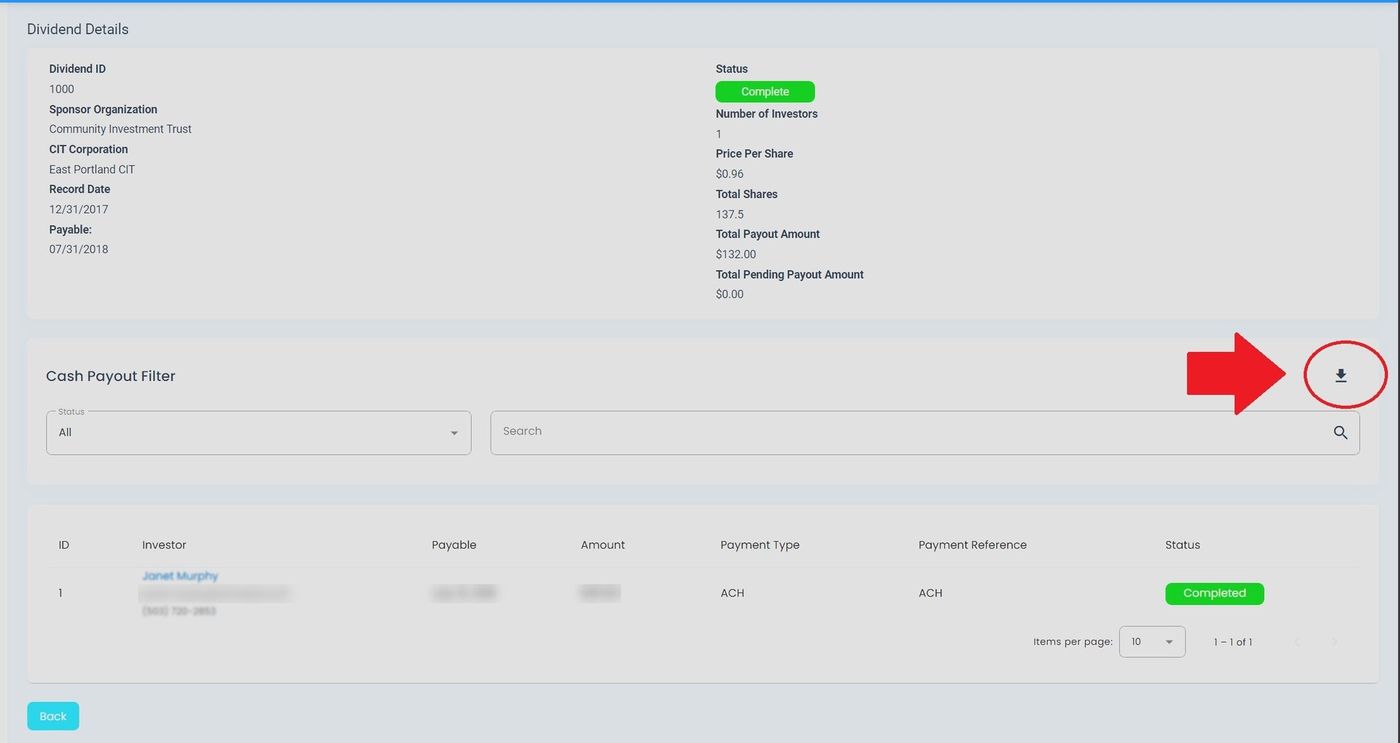
Download Button Location (Top Right Corner)#
Note
Exported files include all visible data based on current filters and search criteria. Clear filters before exporting to include all records.
See Also
Dividend Filters for filtering dividend records
Cash Payouts for managing dividend payments
Viewing Investor Details for investor-specific payment information