
Edit Permissions#
You can edit permissions for various types of users throughout the app.
To Edit Permissions:
Action: Click the Action: Edit Permissions button next to the user/staff/company whose permissions you would like to edit.
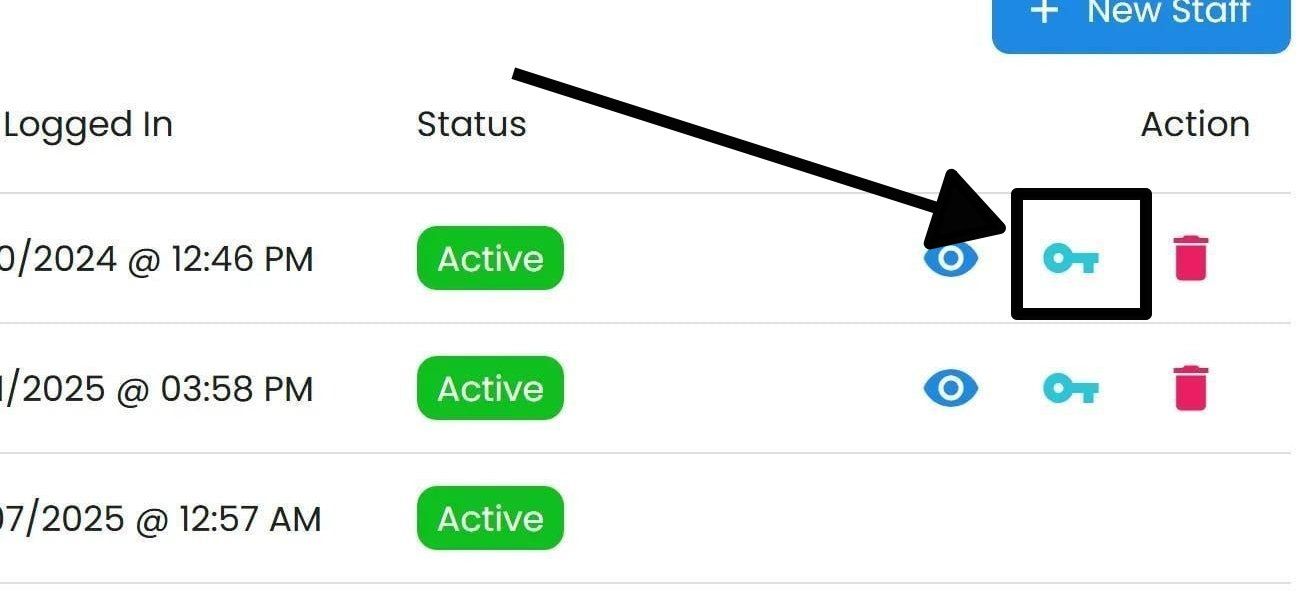
General “Edit Permissions” location#
Select/Deselect to include the desired permissions.
General “Edit Permissions” location#
Action: Click Action: Save Changes at the bottom of the pop-up.
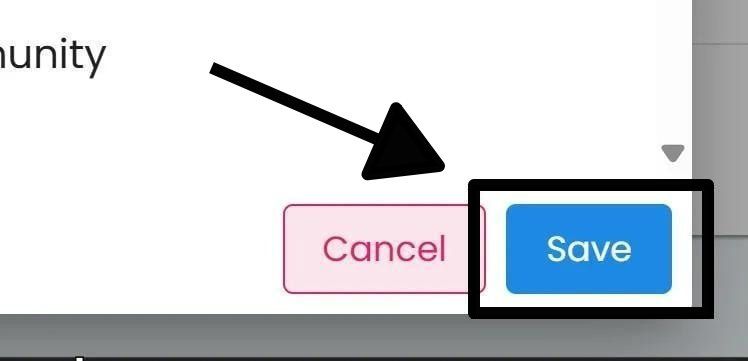
General “Save Changes” location#