
Payment Management#
The Section: Payment Management section provides tools for managing payments and invoices within the system.
Features: Payment Management#
Layout: Payment Management Homepage#
The Payment Management homepage has a unique layout with two separate tables on one page:
Table: Payment Credits - Shows available payment credits
Table: Invoices - Shows outstanding invoices
Tip
The page displays a help banner: “To apply a credit payment to an invoice, please select an invoice and click on the credit $ to proceed with the payment.”
These tables function independently with their own search and filter features. Both tables default to showing Item: Outstanding status records.
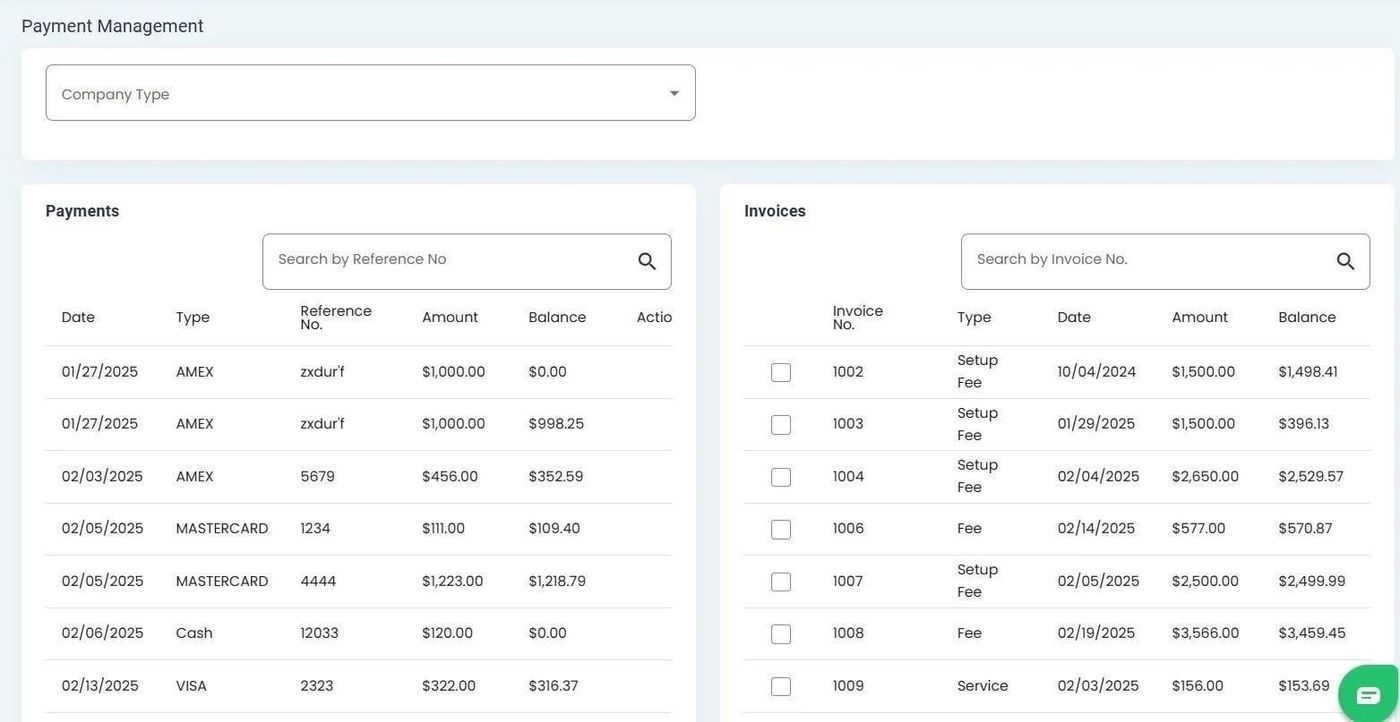
Payment Management Homepage with two separate tables#
Table Names#
Each section of the page has a clearly labeled table name at the top.
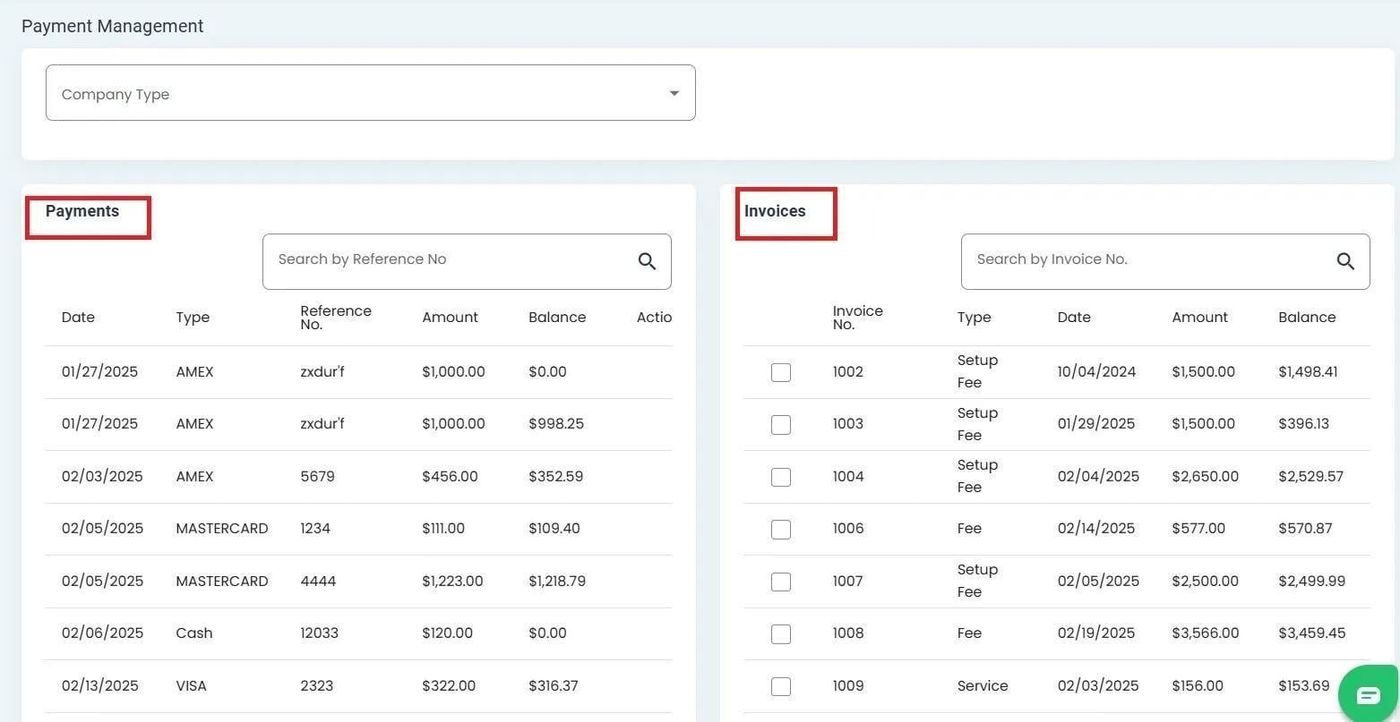
Table names displayed at the top of each section#
Table Sections#
The page is divided into two distinct table sections, each with its own functionality.
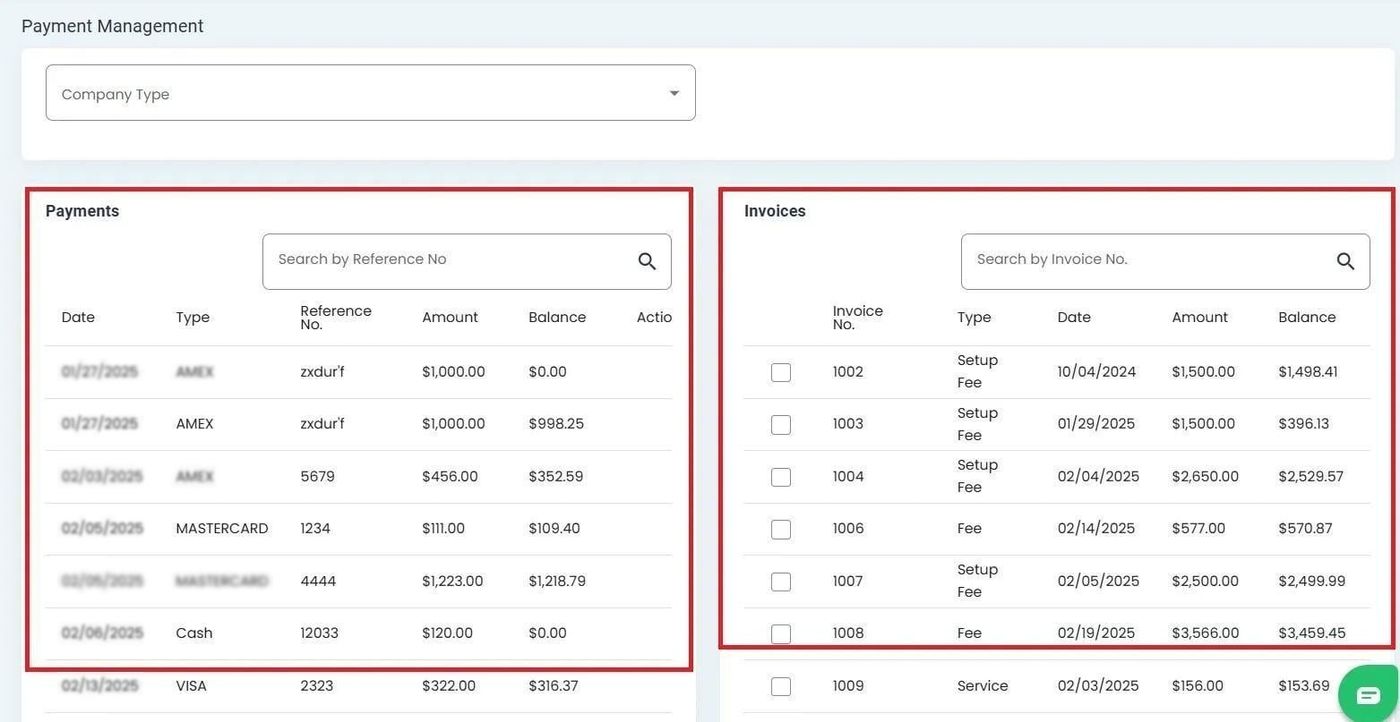
Payment Management page divided into two separate table sections#
Filtering Records#
Both tables offer filtering capabilities to narrow down displayed records.
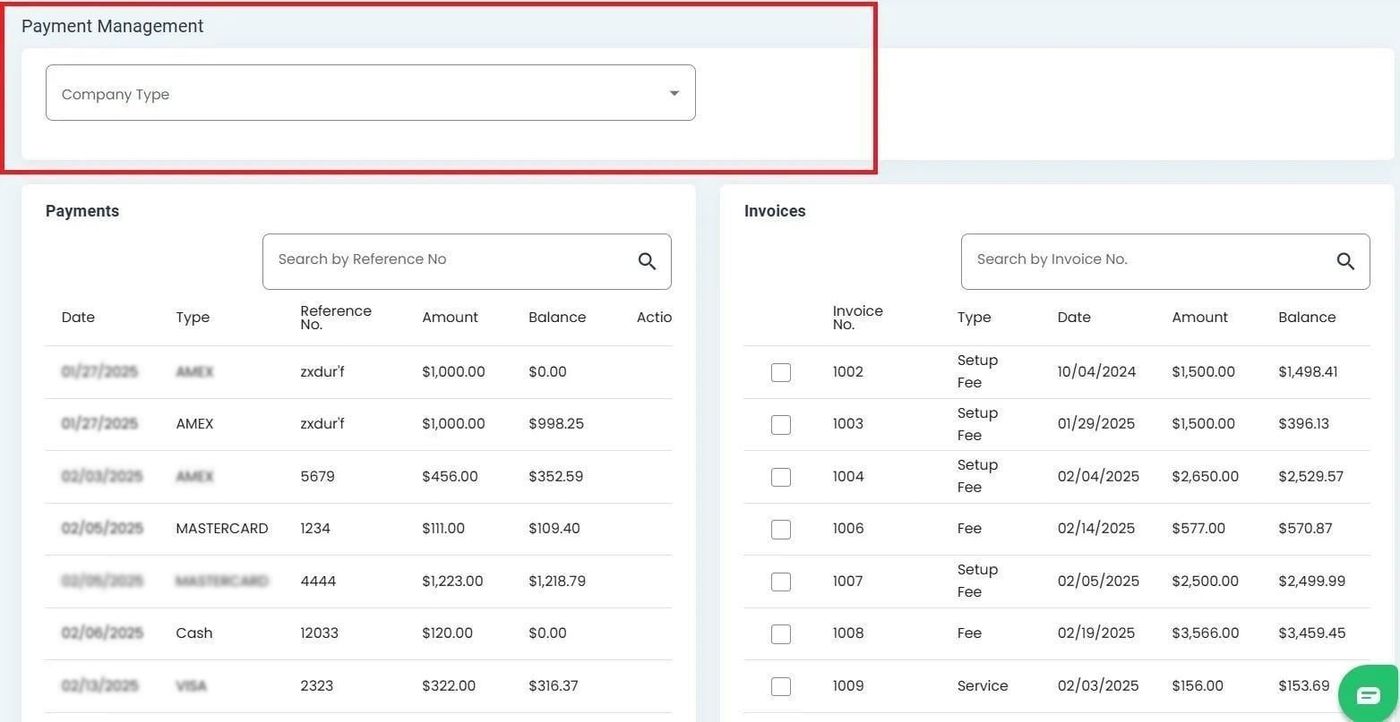
Filter options available for Payment Management tables#