
Table: Invoices (Payment Management)#
The Table: Invoices table in Payment Management displays outstanding invoices that can receive payments.
Columns: Invoices Table#
The Column: Columns for the Table: Invoices table are displayed at the top of the table:
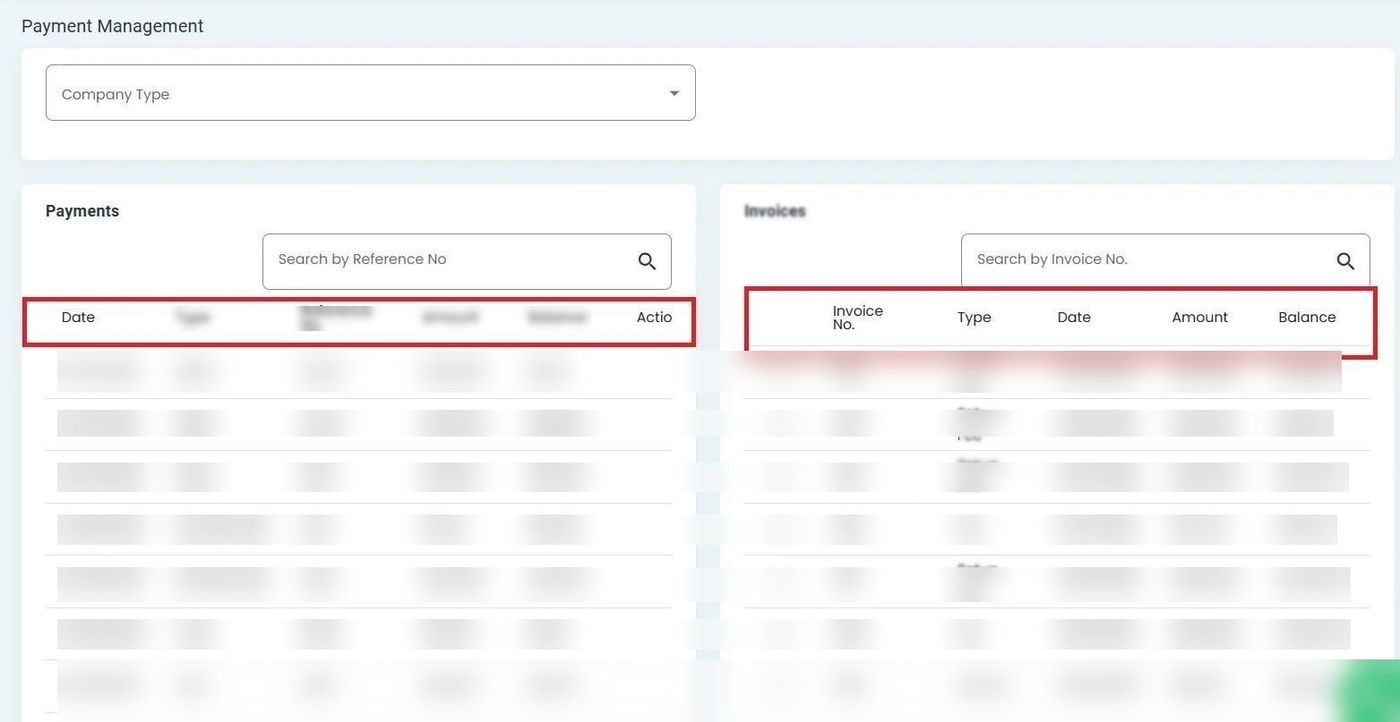
Invoices Table Columns#
Column: Select - Checkbox to select the invoice for payment.
Column: Invoice No. - Unique identifier assigned to each invoice.
Column: Bill To - Entity responsible for paying the invoice.
Column: Type - Category of the invoice (Service, Fee).
Column: Date - Date the invoice was issued.
Column: Amount - Total amount charged on the invoice.
Column: Paid - Amount already paid toward the invoice.
Column: Balance - Remaining amount due on the invoice.
Column: Action - Available actions for this invoice.
Invoice Selection Column#
The Table: Invoices table includes a checkbox column for selecting invoices to apply payments:
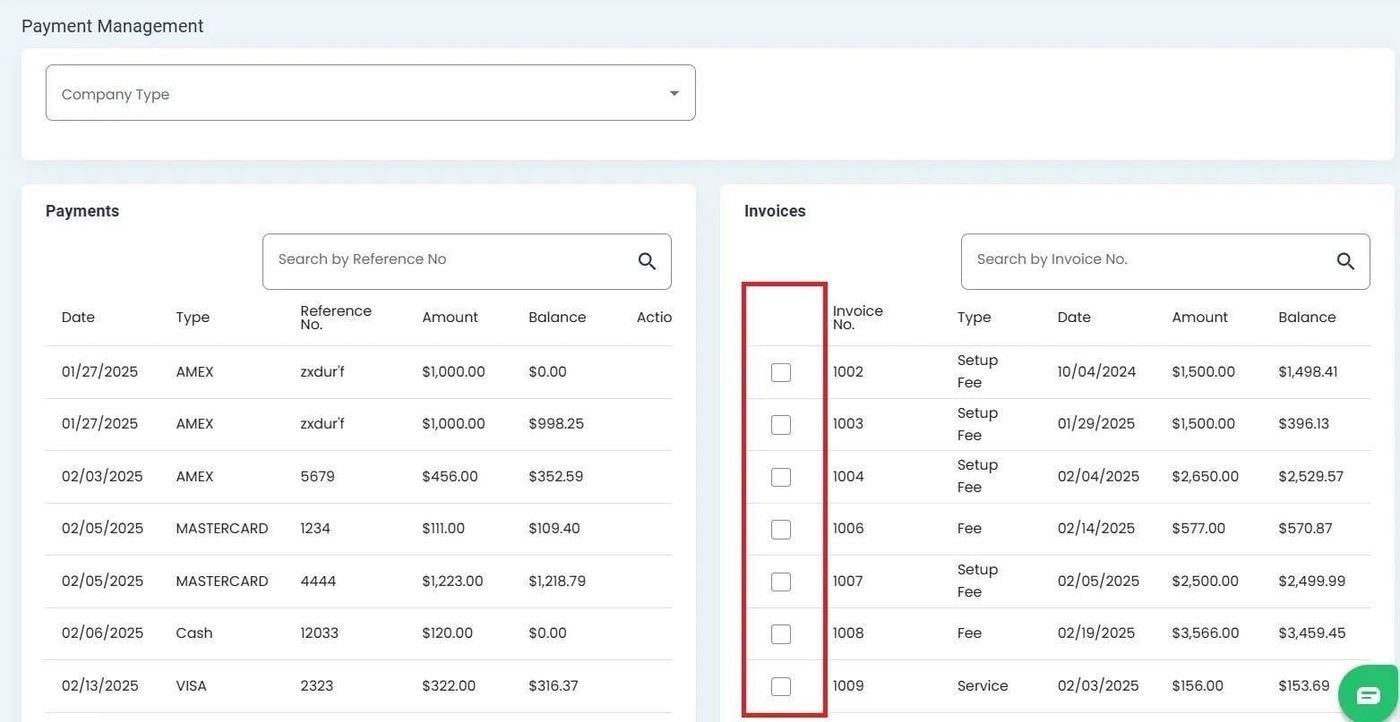
Checkbox column in the Invoices table for invoice selection#
Tip
Select an invoice using the checkbox before clicking the Action: Pay Invoice button to apply a payment. When an invoice is selected, the Table: Payment Credits table updates to show related payment information.
Available Actions#
The Table: Invoices table provides the following actions for each record:
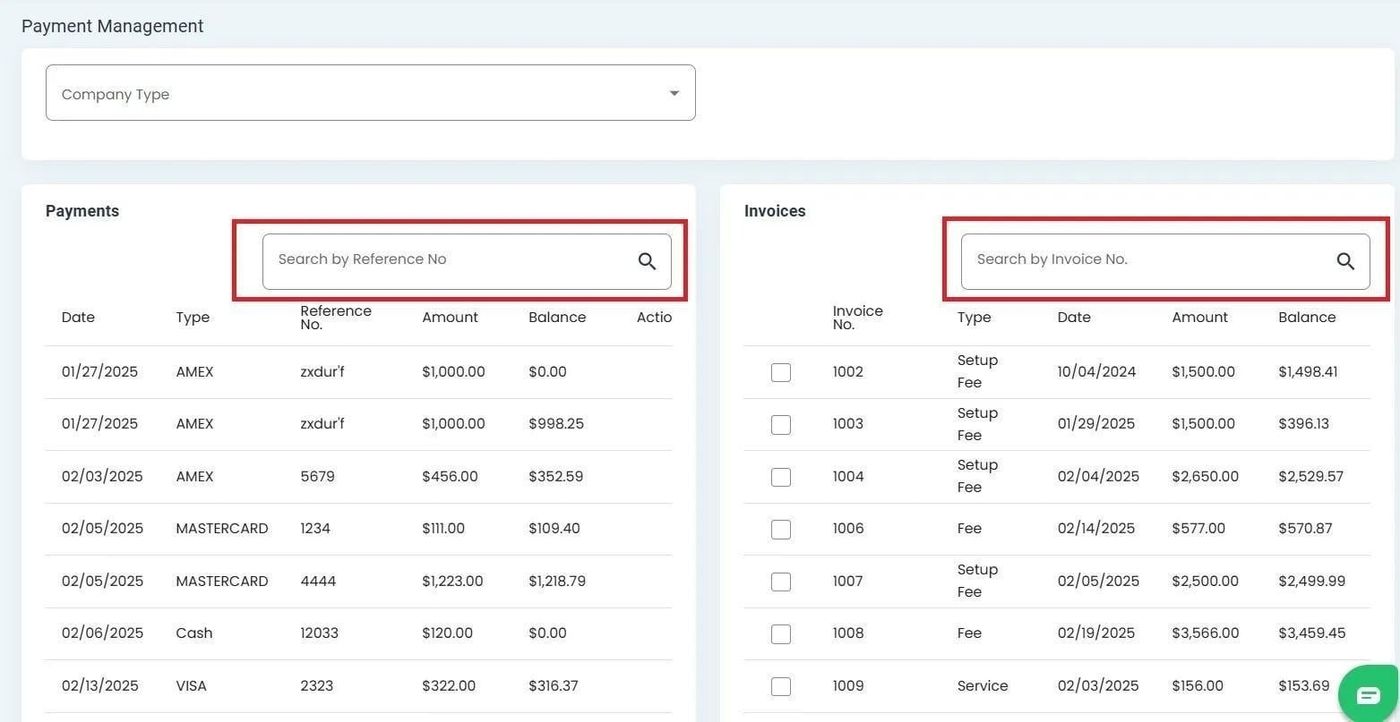
Available actions in the Invoices table#
Action: Pay Invoice - Apply a payment credit to the selected invoice. See How to Apply Payment to an Invoice.