
View Directive Details#
Access detailed information about a specific transaction directive.
Accessing Directive Details#
Locate the directive in the Table: Directives List table.
Action: Click the Action: View Details icon in the Column: Action column.
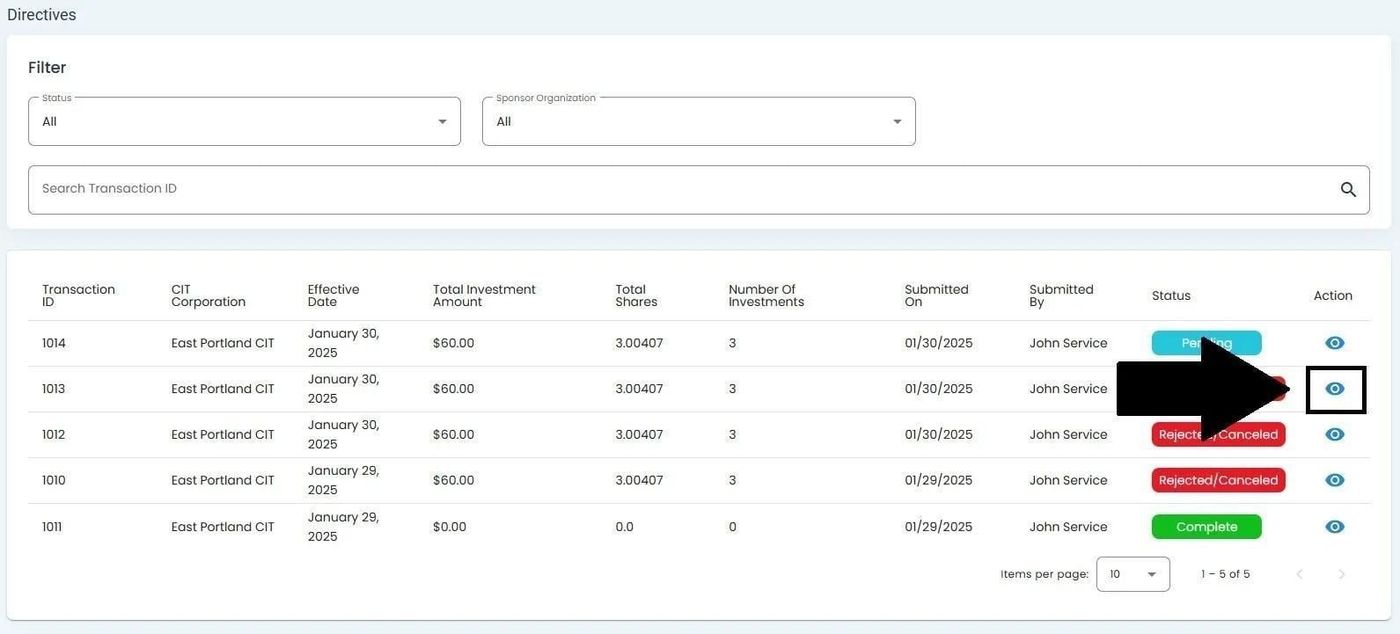
View Details Icon Location#
Action Complete
This opens the Directive Details page.
Directive Details Page Overview#
The details page displays comprehensive information about the selected directive:
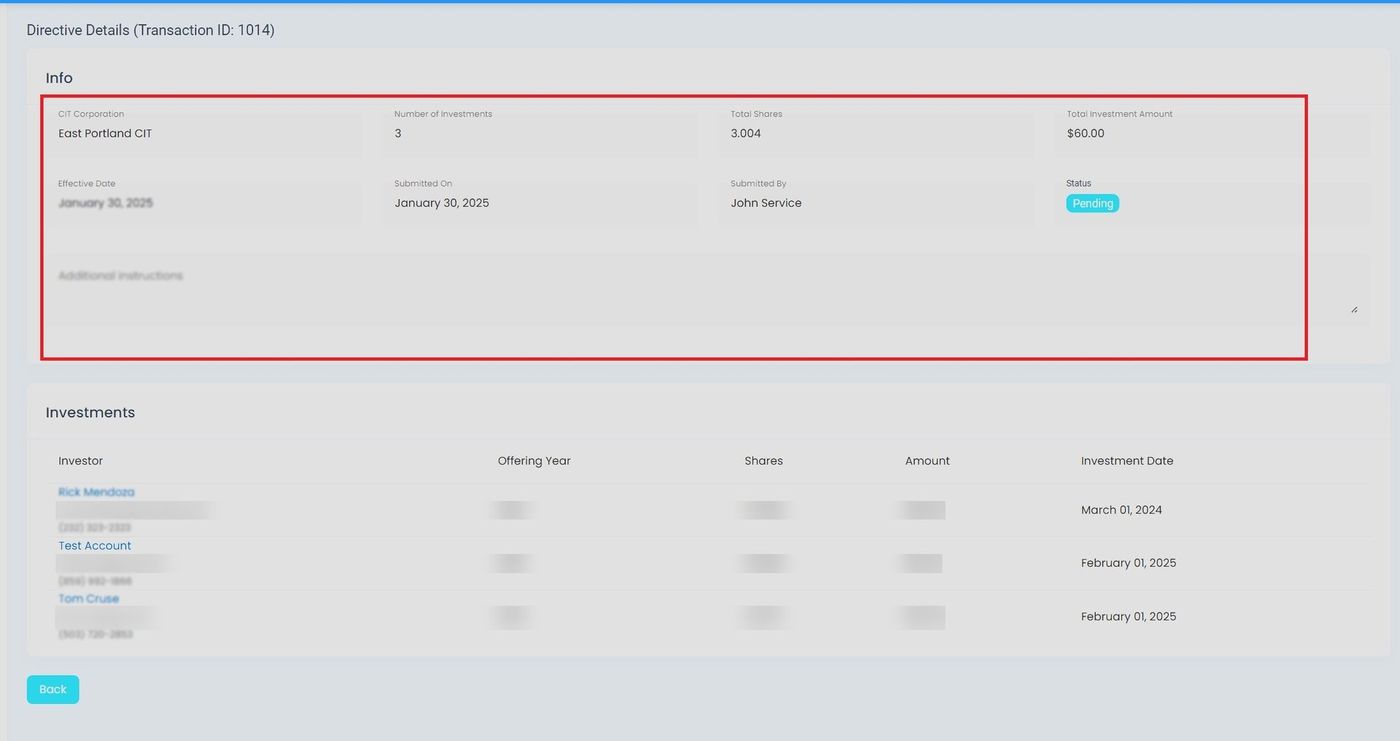
Directive Details Page Overview#
The page contains:
Summary Metrics - Total Shares and Total Investment Amount
Info Section - Transaction details and timeline
Investments Section - List of individual investments
Summary Metrics#
Key metrics are displayed prominently at the top of the details page.
Total Shares#
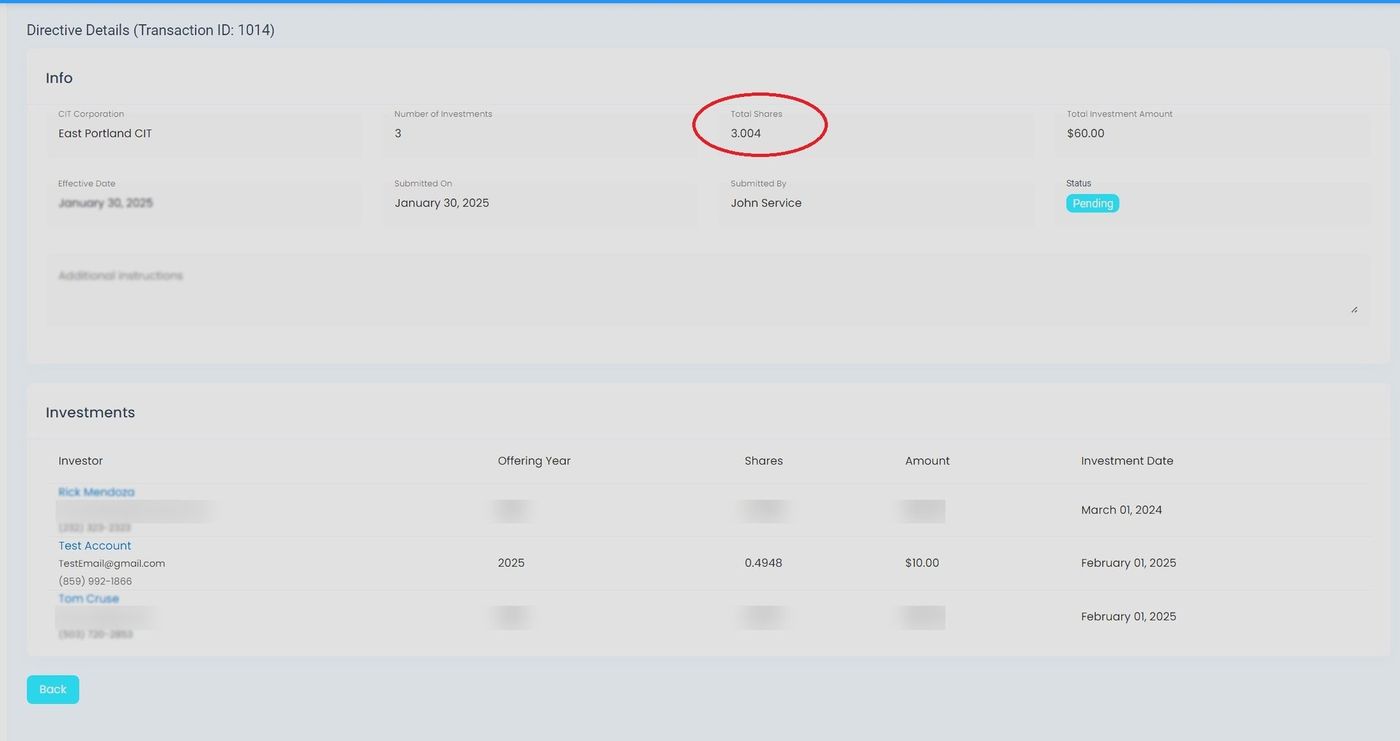
Total Shares Display#
Total Investment Amount#
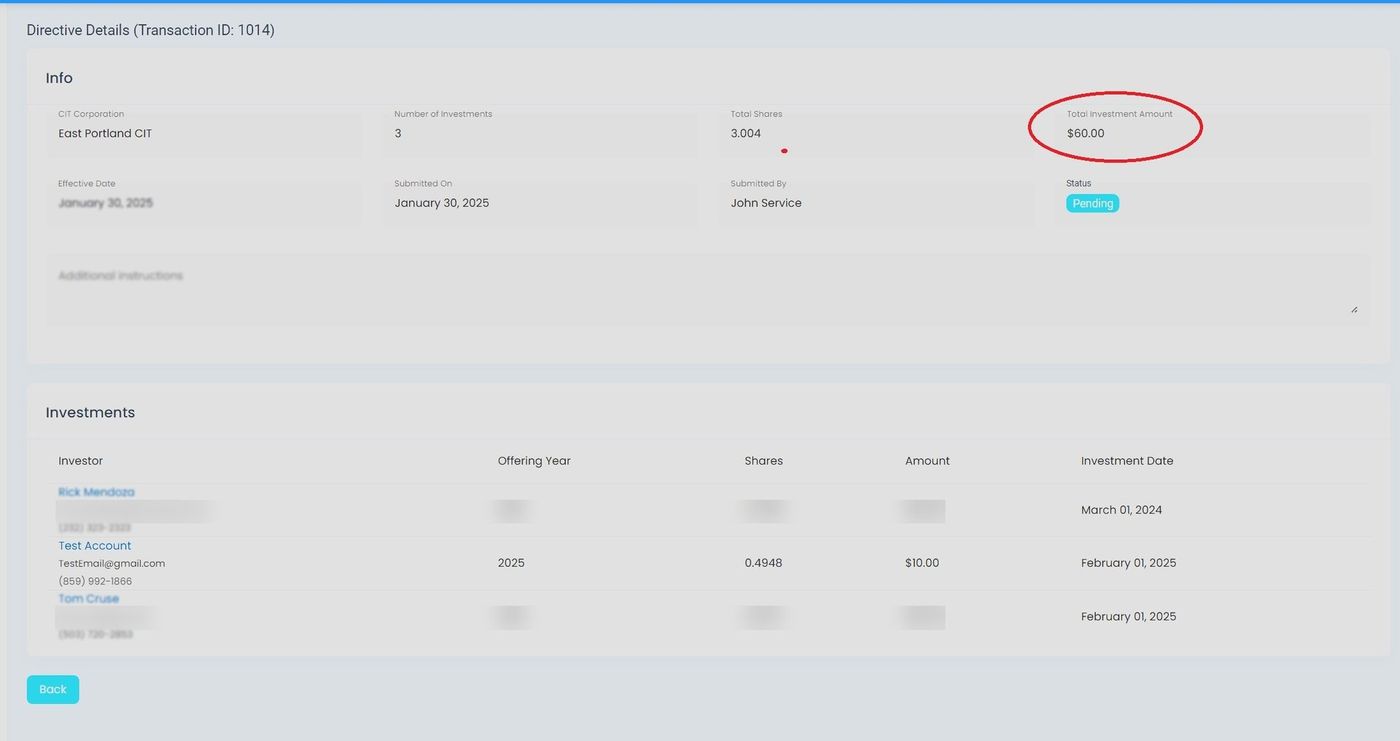
Total Investment Amount Display#
Info Section#
The Info Section displays transaction details including:
Column: Transaction ID - Unique identifier for the directive
Column: CIT Corporation - The corporation associated with the directive
Column: Status - Current status of the directive
Column: Effective Date - When the directive takes effect
Column: Submitted On - Date and time of submission
Column: Submitted By - User who submitted the directive
Additional Instructions#
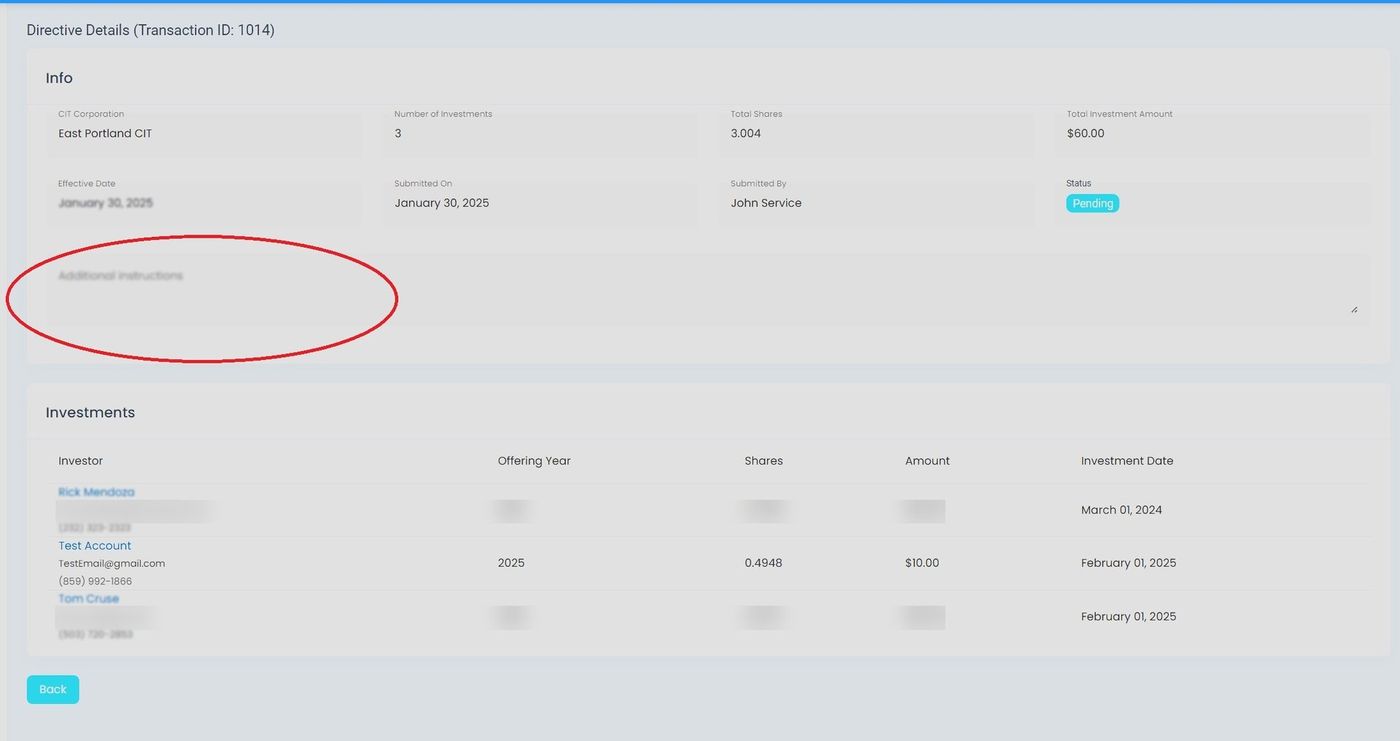
Additional Instructions Section#
Investments Section#
The Investments Section lists all individual investments included in the directive:
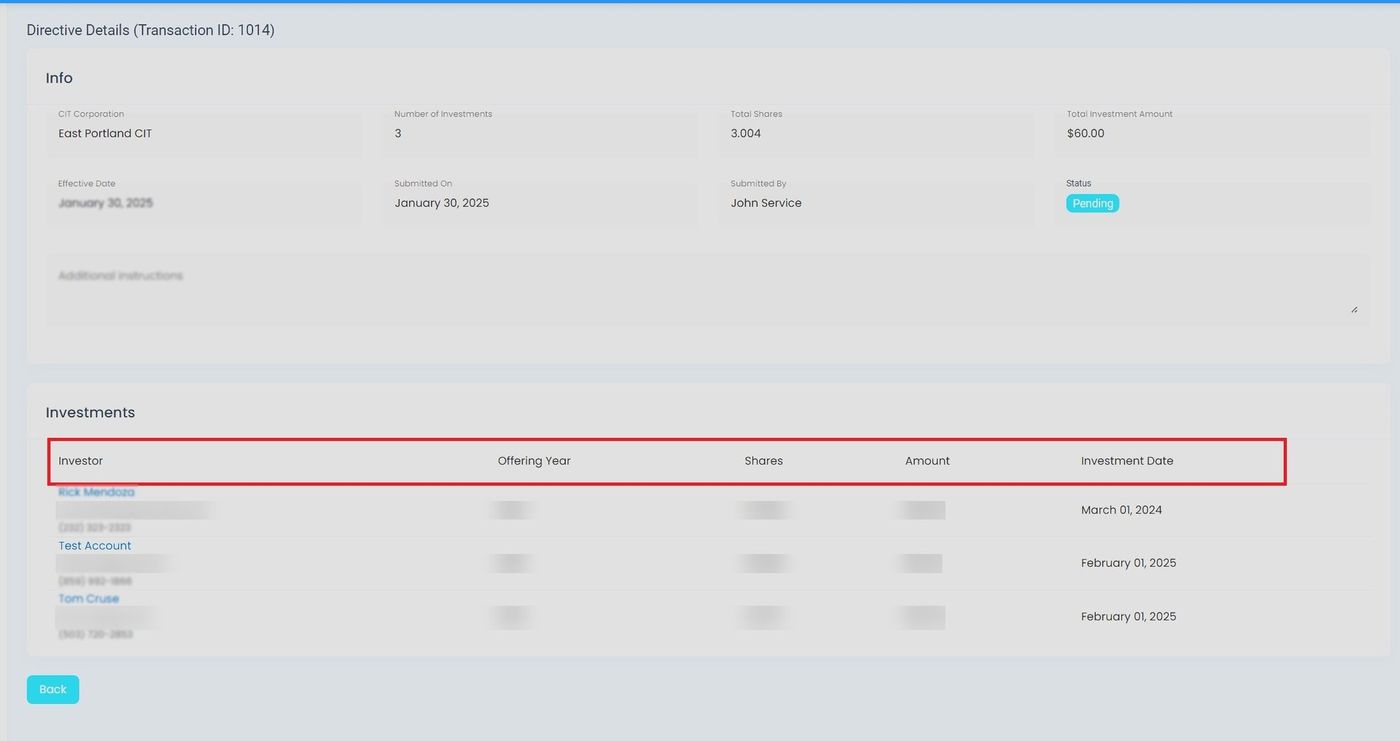
Investments Section Columns#
Clickable Columns#
The Column: Investor column contains clickable links:
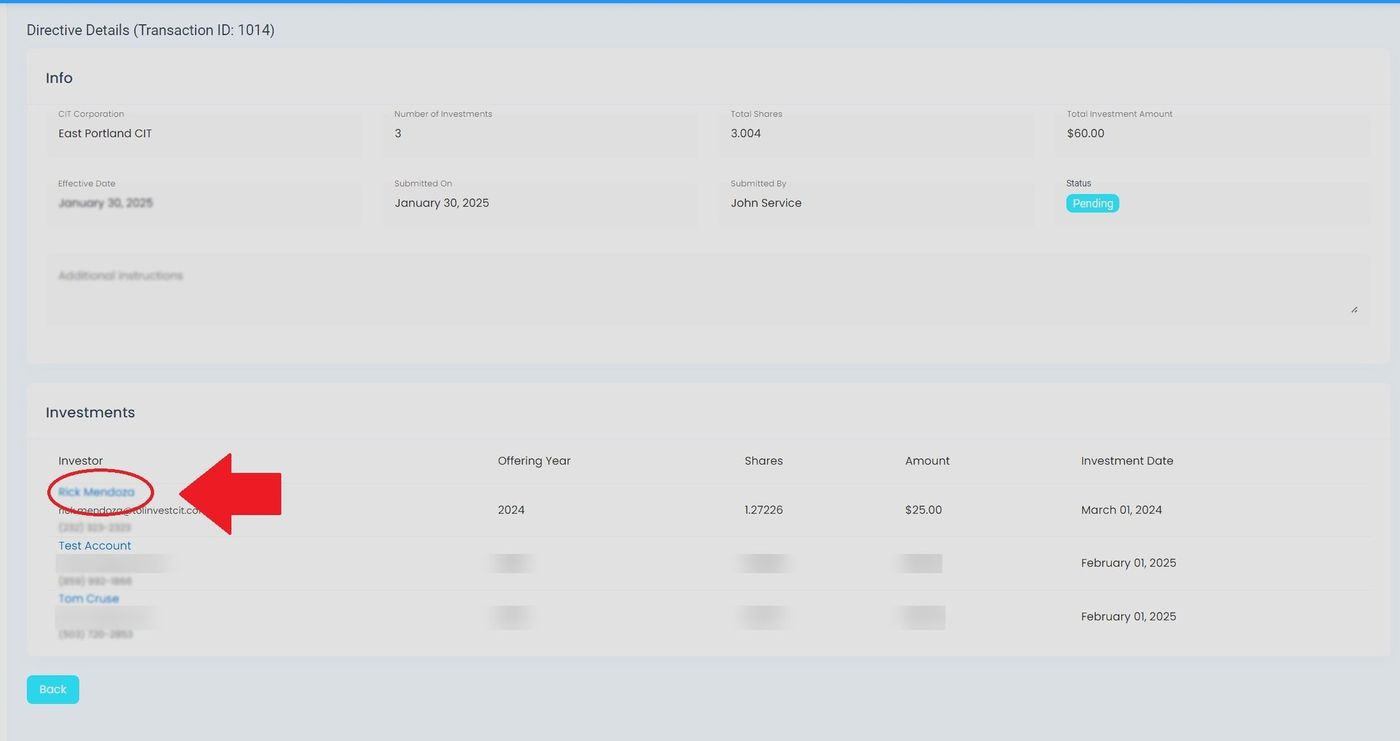
Clickable Investor Name#
Action: Click on an investor name to view their complete investor profile.