
Users Tab#
The Tab: Users tab provides a comprehensive list of all users associated with the Page: Sponsorship Organization.
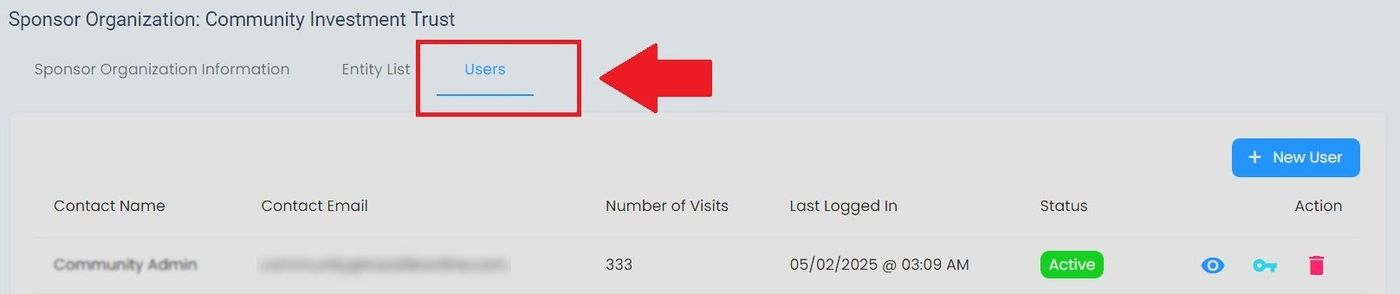
Sponsorship Organization, Users Tab#
Users Tab Columns#
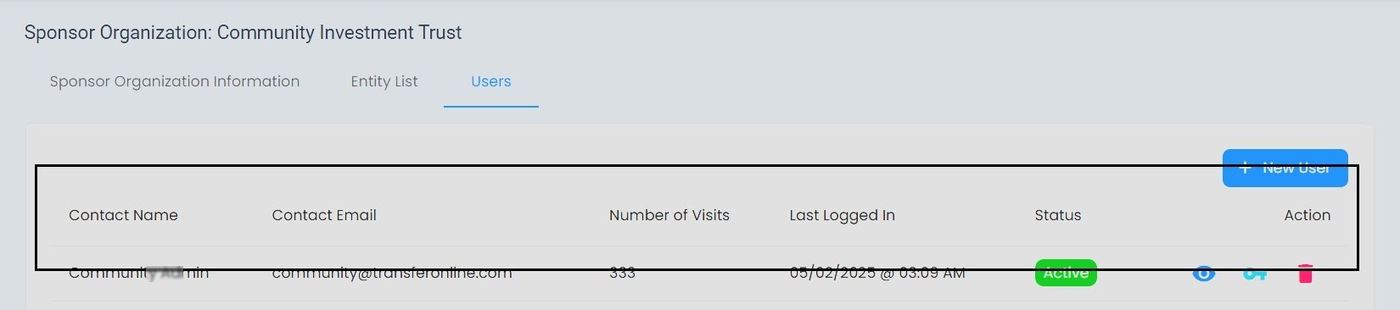
Sponsorship Organization, Users Tab, Column Locations#
Users Tab Actions#
The Column: Actions column for the Tab: Users tab provides the following operations:
View User Details - Access comprehensive user information
Edit Permissions - Modify user access rights
Remove User Access - Revoke user’s access to the entity
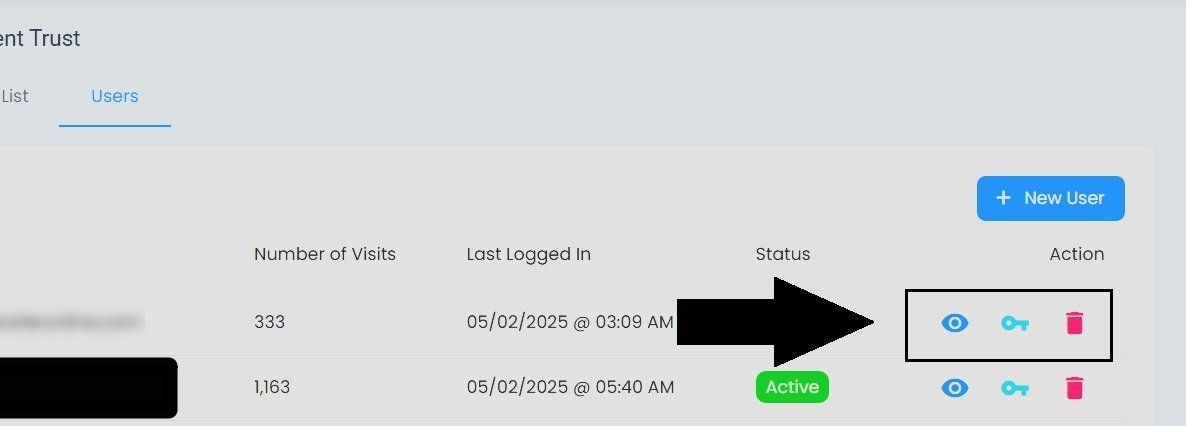
Sponsorship Organization, Users Tab, Actions Column#
View User Details#
Action: Click the Action: View More button to open the user’s details page.
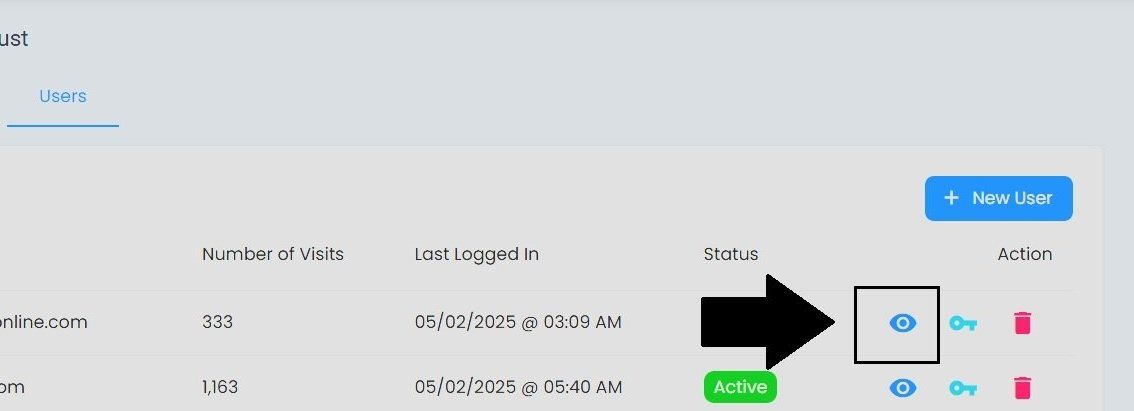
Sponsorship Organization, Users Tab, View User Details Location#
See Remaining User Detail Sections
For full details about the User Information and Accounts tabs, see Managing User Accounts.
Edit Permissions#
Action: Click the Action: Edit Permissions button to modify the selected user’s access.
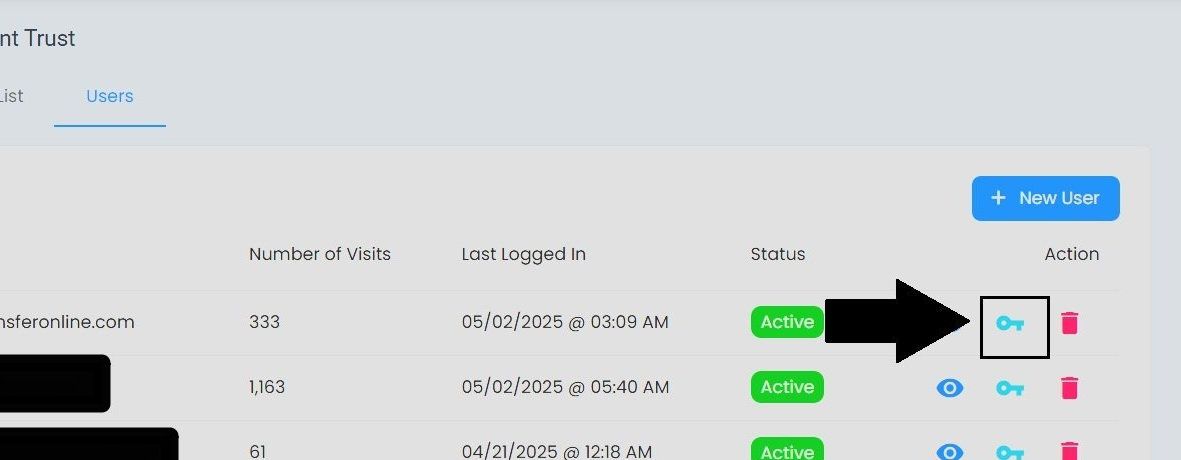
Sponsorship Organization, Users Tab, Edit Permissions Location#
How to Edit Permissions
See the generic Edit Permissions guide for step-by-step instructions.
Remove User Access#
Action: Click the Action: Delete button to remove the user’s access to the Sponsorship Organization.
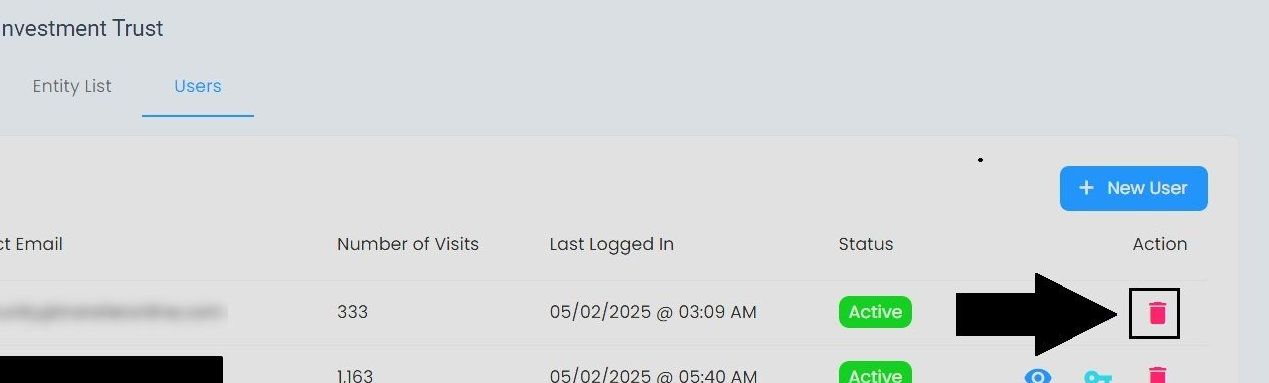
Sponsorship Organization, Users Tab, Remove User Location#
Removing a User
Follow the generic Delete User instructions to confirm and complete removal.