
Download Report#
Download the Shareholder List Report in PDF or Excel format after configuring your filter and display settings.
Download Options#
The report can be downloaded in two formats: PDF for printable documents or Excel for data analysis.
Download in PDF#
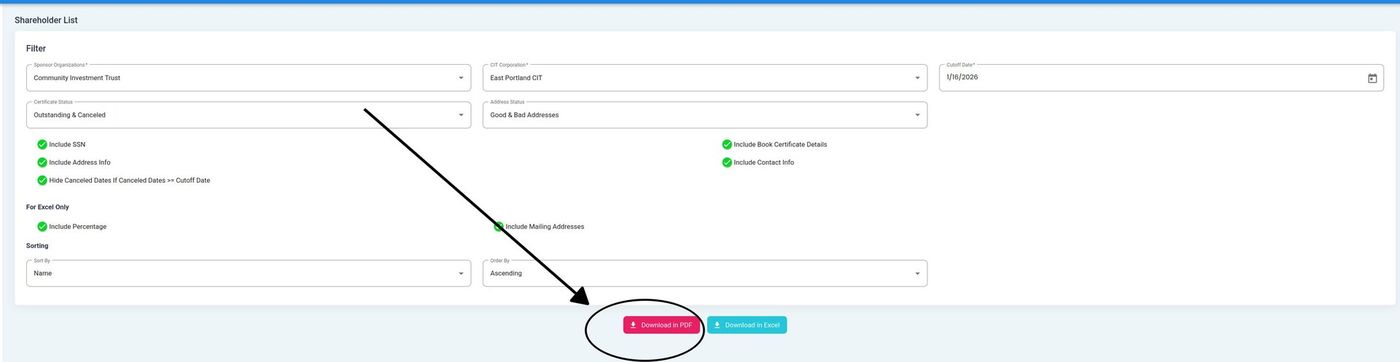
Download in PDF Button#
Action: Click Download in PDF to generate a PDF report with your current filter and display settings.
Download in Excel#
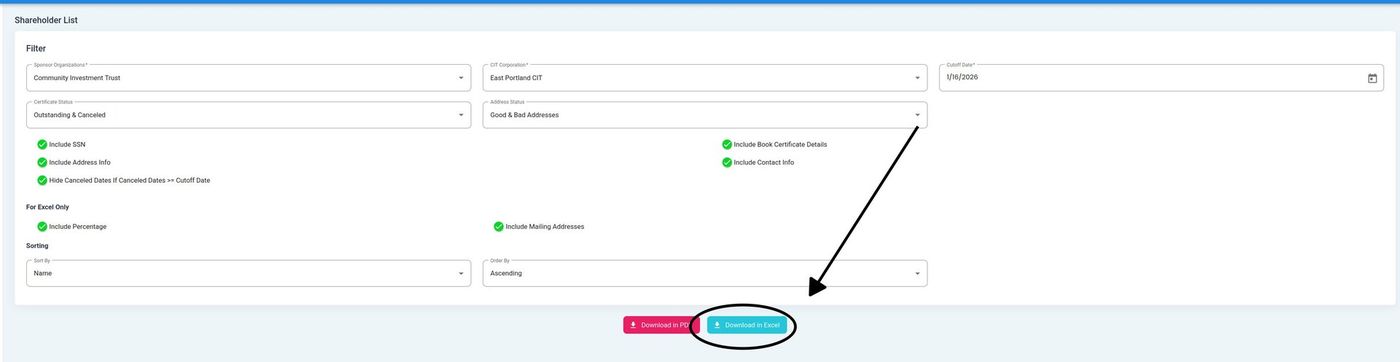
Download in Excel Button#
Action: Click Download in Excel to generate an Excel spreadsheet. Excel downloads include the For Excel Only options if enabled.
Note
The download includes all records matching your current filter settings. For large reports, the download may take a few moments to generate.