
Monthly/Quarterly Reports#
Features#
The Section: Monthly/Quarterly Reports section allows you to:
Location: Monthly/Quarterly Section#
You can find the Section: Monthly/Quarterly Reports section underneath the Navigation Category: Investment category:
Locate the primary sidenav to the left of the page.
Don’t see the sidenav?
See How to Toggle Primary Sidebar for more information.
Action: Select the dropdown for the Navigation Category: Investment category.
Action: Select Section: Monthly/Quarterly from the dropdown.
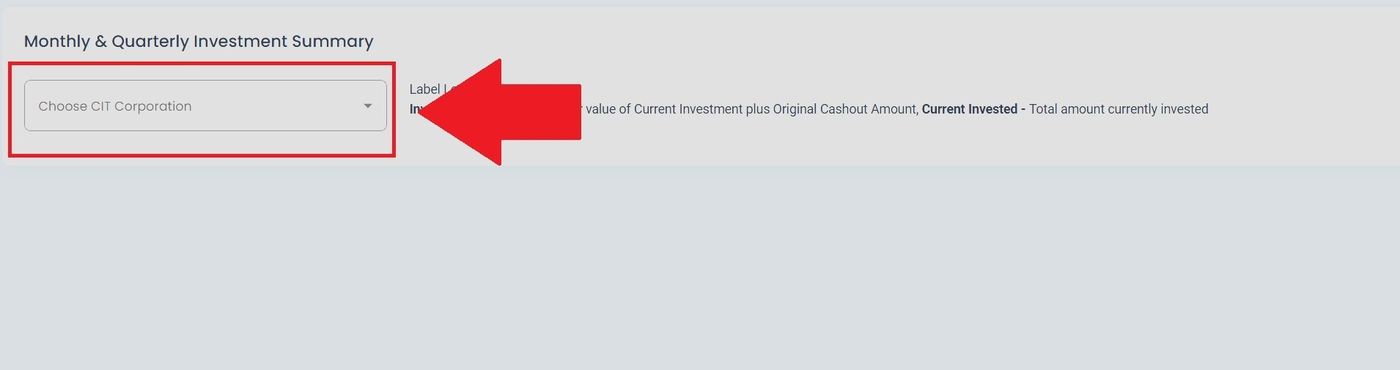
Filter by CIT Corporation#
Use the filter to scope the Monthly/Quarterly view to a specific organization.
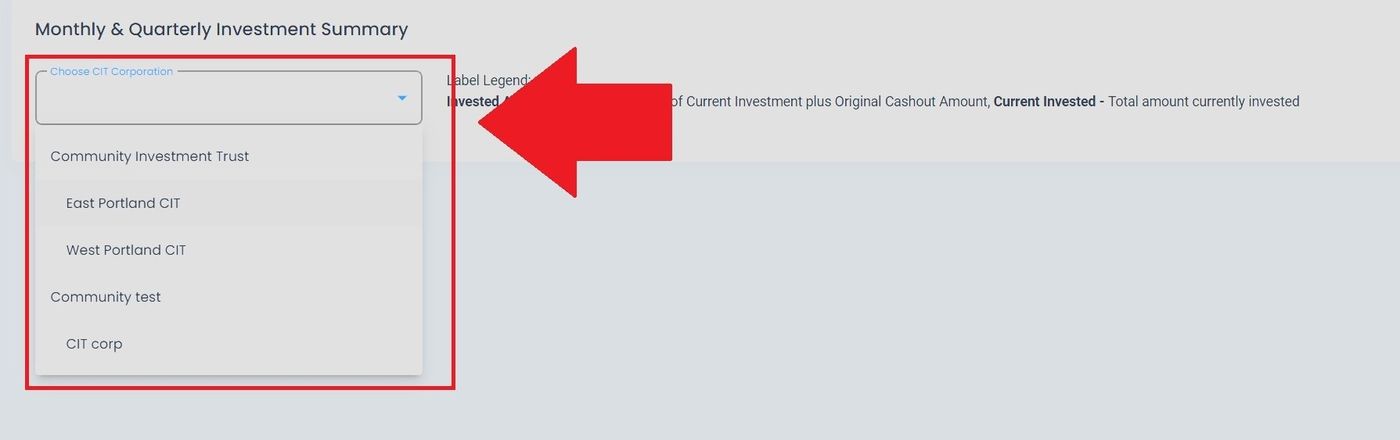
Columns Overview#
The page updates to reflect the selected corporation with relevant columns and data.
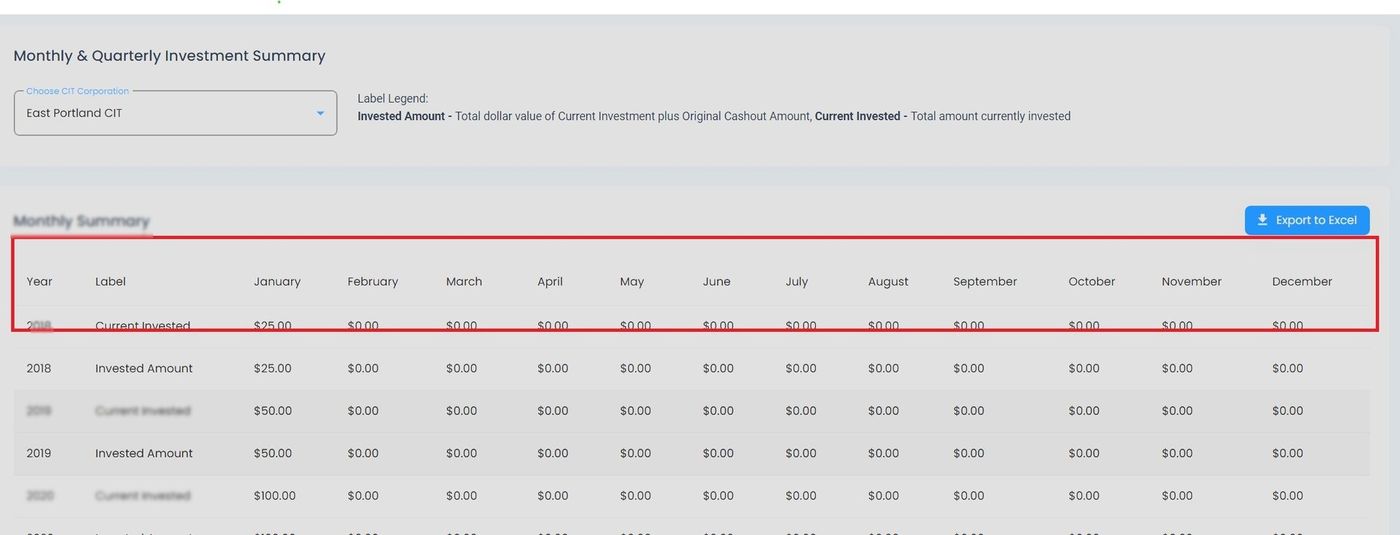
Monthly/Quarterly, Columns Location#
Export to Excel#
Export the current Monthly/Quarterly data to an Excel file.
Action: Click the Action: Export to Excel button.
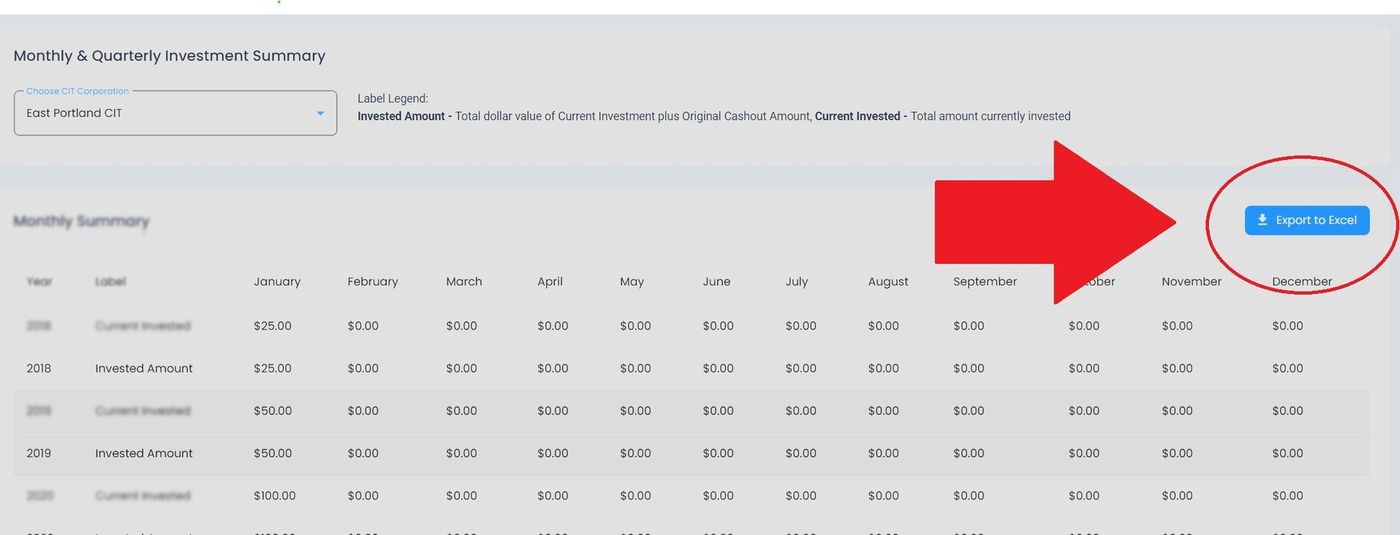
Monthly/Quarterly, Export to Excel Button Location#
Action Complete
Your browser downloads an Excel file containing the current report data.