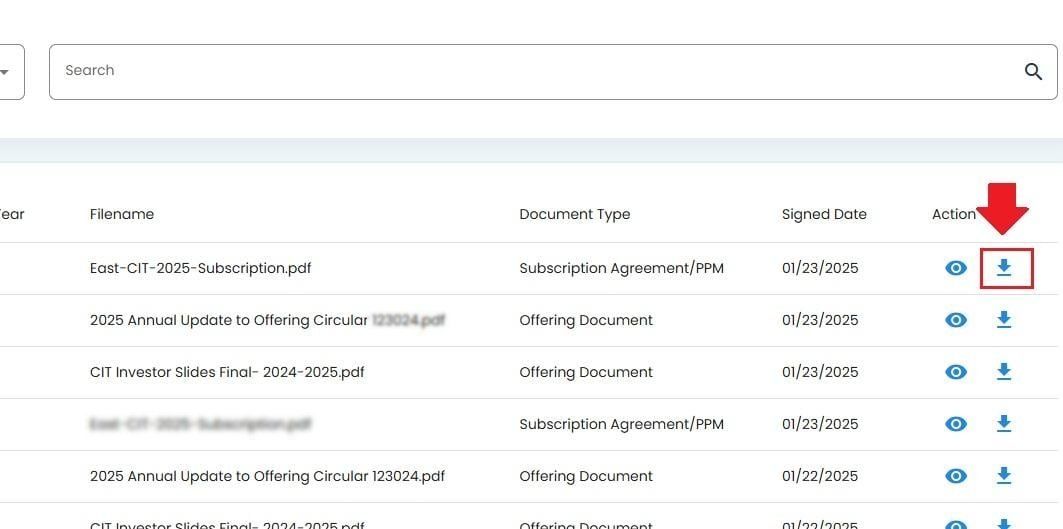
Actions: View Details and Download#
The Table: Investor Documents table allows you to do the following for each listed document:
View more details about the document
Download the document
View Details#
This action allows you to view the document in another tab.
Locate the document row in the table.
Click the Action: View Details button in the actions column for that row.
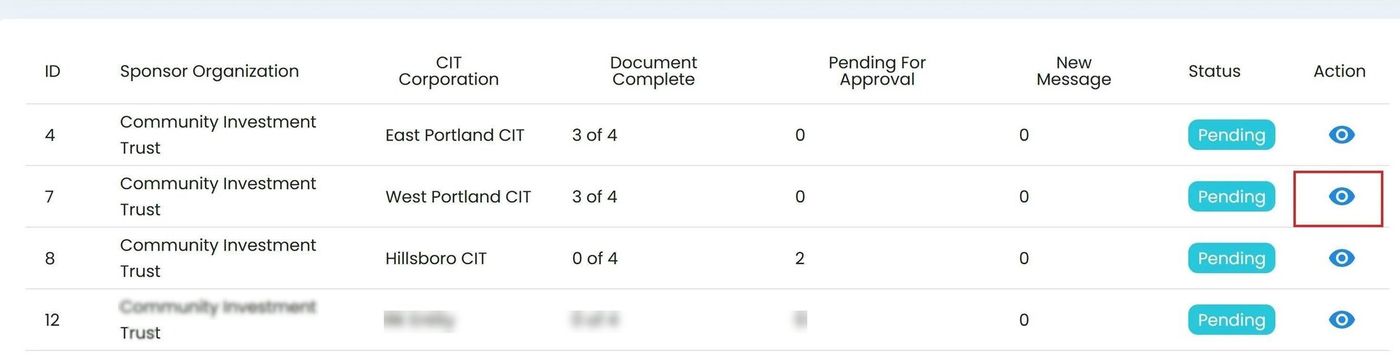
View Details location#
Download Document#
To download a document directly: