
View Investor Details#
The Action: View Investor Details action allows you to access comprehensive investor information through a multi-tab interface containing all aspects of their account management.
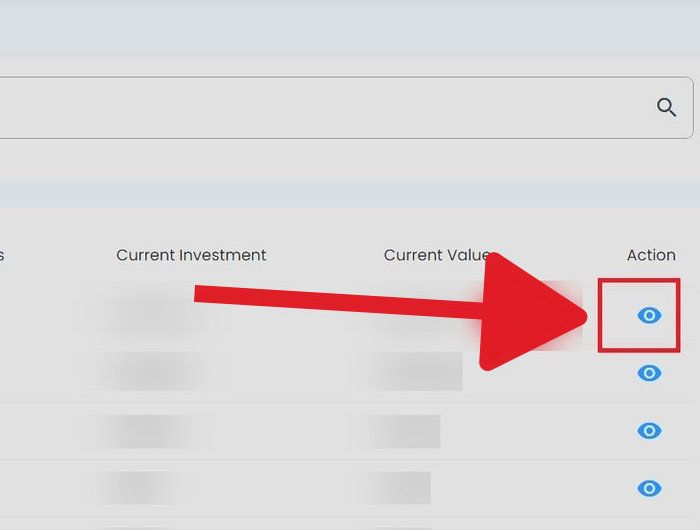
View Investor Details Action Button Location#
Features#
The Section: View Investor Details section allows you to:
How to View Investor Details#
Step 1: Locate the Investor#
In the Table: Investors List table, find the investor whose details you want to view.
Step 2: Access Investor Details#
Action: Select the View Details icon in the Column: Actions column for the desired investor.
Investors List Table - View Details Action Location#
Action Complete: Investor Details Opened
The investor’s detailed information page opens, displaying the tabbed interface for comprehensive account management.
Available Tabs#
The investor details interface is organized into six comprehensive tabs:
Investor Information Tab - Personal details and contact information
Beneficiaries Tab - Beneficiary designations and allocations
Holdings Tab - Investment positions and certificates
Documents Tab - Offering documents and agreements
Dividends Tab - Dividend payment history
Cashouts Tab - Withdrawal transactions