
View Proof of Address Details#
This section describes how to view detailed information for proof of address records.
Accessing Proof of Address Details#
To view details:
Navigate to the Section: Proof of Address section
Locate the record in the Table: Proof of Address List table
Click the action button
Proof of Address Information#
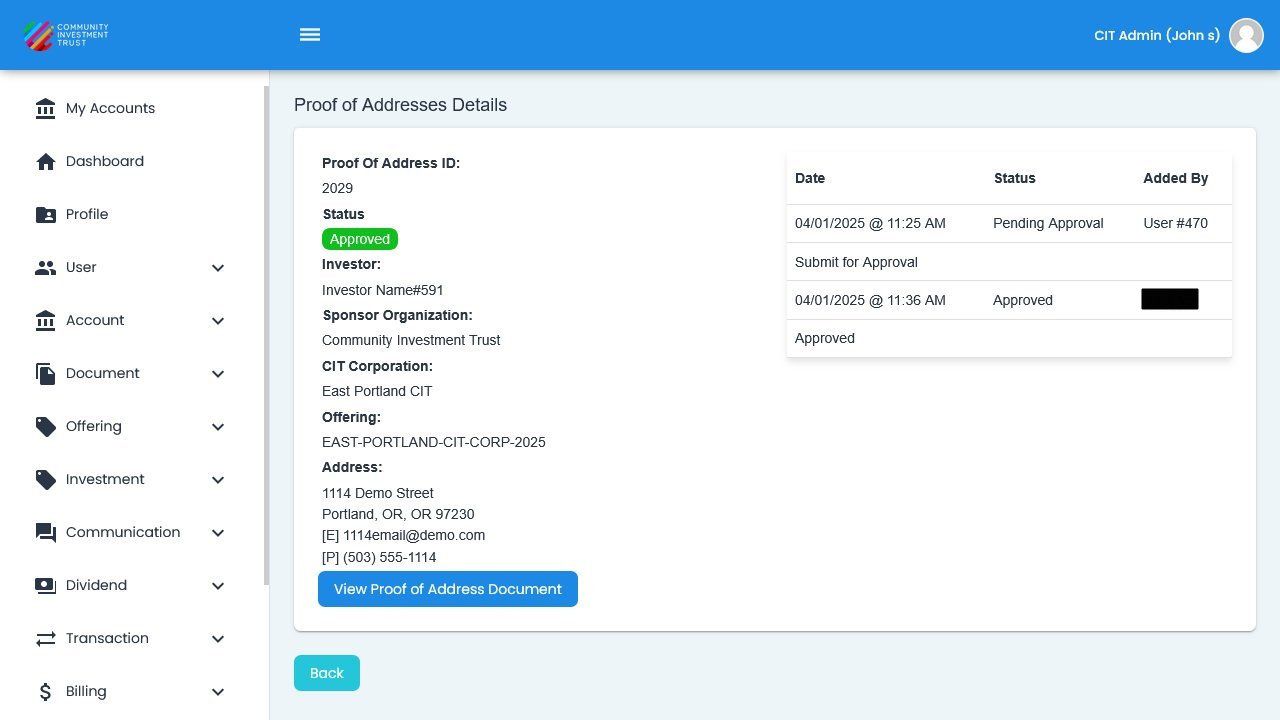
Proof-Of-Address Detail Fields#
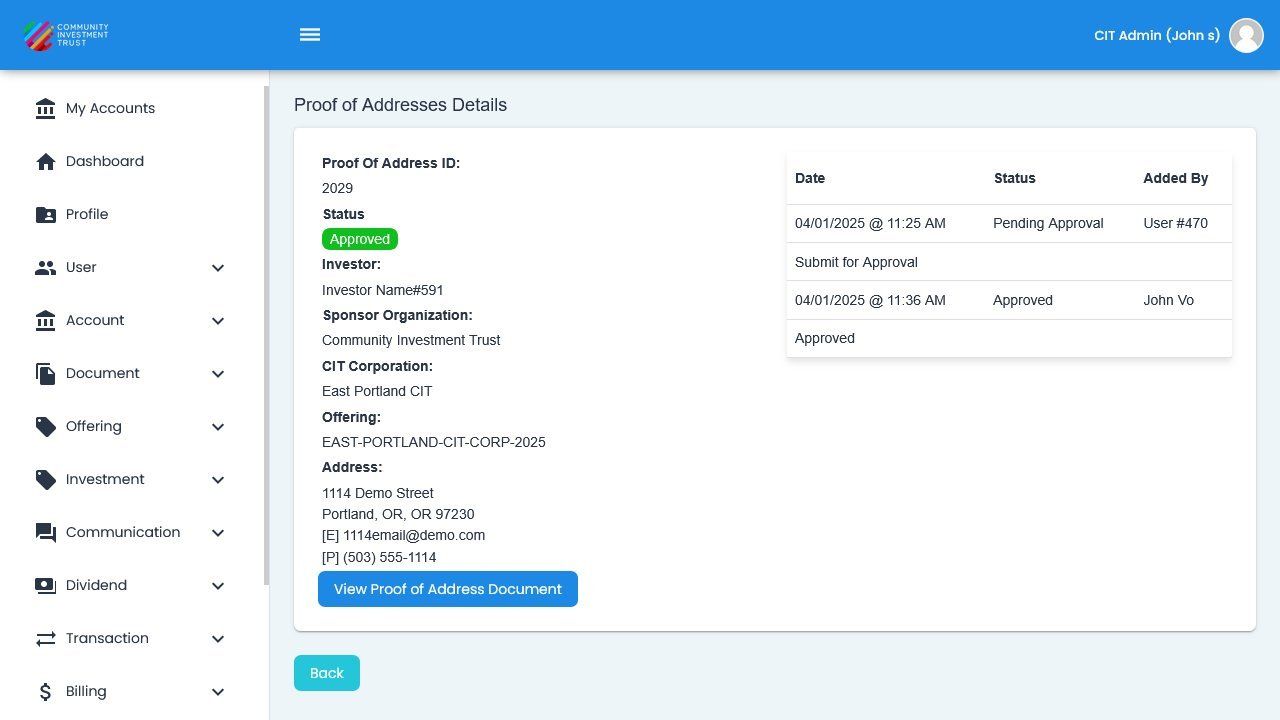
Proof-Of-Address Detail View#
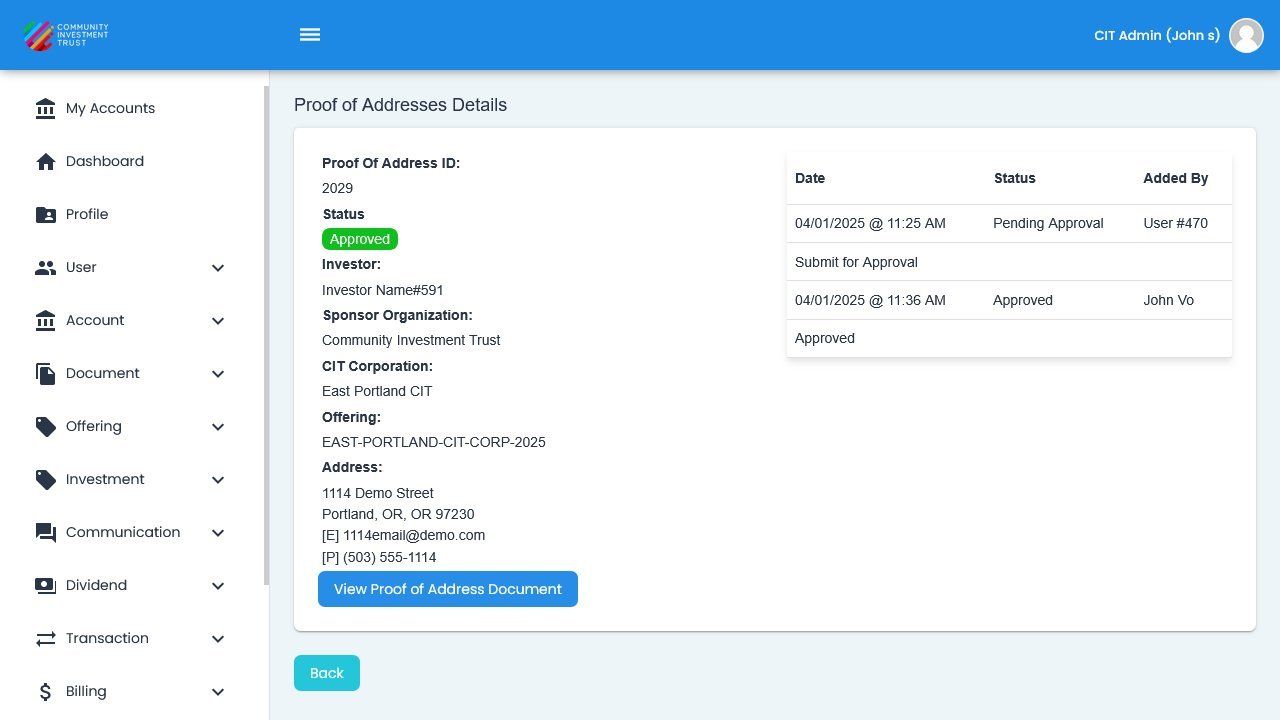
Proof-Of-Address Document View#
Information Displayed#
The proof of address detail view includes the following information:
Item: Account ID - The unique identifier for the investor account
Item: Investor Name - Full name of the investor
Item: Address - The address being verified
Item: Document Type - Type of proof document submitted
Item: Submission Date - Date the proof was submitted
Item: Status - Current verification status of the document
Available Actions#
From the detail view, you can perform the following actions:
Action: Back to List - Return to the Proof of Address List table
Managing Proof of Address Records#
The Action: Manage action allows you to modify proof of address record information, including updating investor details and document status.
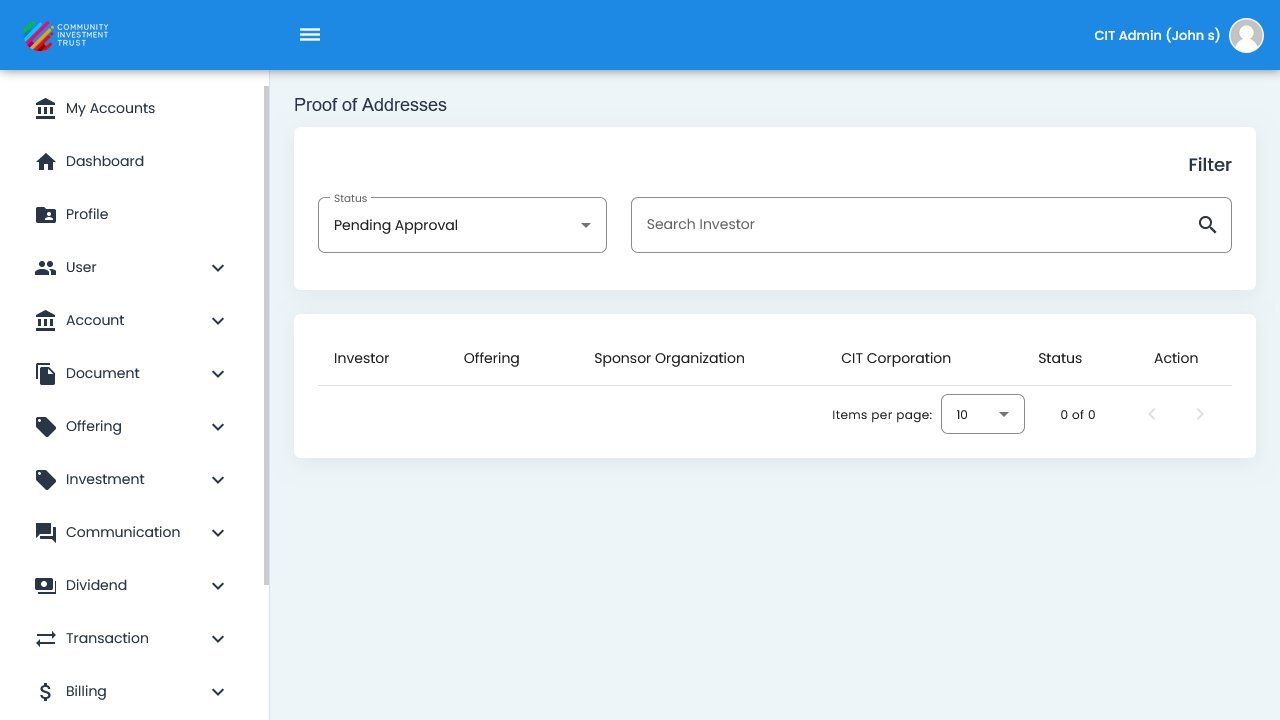
Proof of Address, Available Actions#