
Profile#
The Page: Profile section covers everything listed in the Table of Contents below:
Profile Location#
The Page: Profile page is the third item listed in the Item: Primary Sidenavigation menu.
Don’t see the Primary Sidenavigation menu?
See How to Toggle the Primary Sidenavigation menu for more information.
Profile Information#
The Section: Profile Information section allows you to modify your company details, it opens up to a form that is split into three sections:
Note
Reference to Red itemRed items are required and cannot be left blank.
Blue items are optional.
Upload Logo#
To Upload:
Find the Item: Upload Logo section.
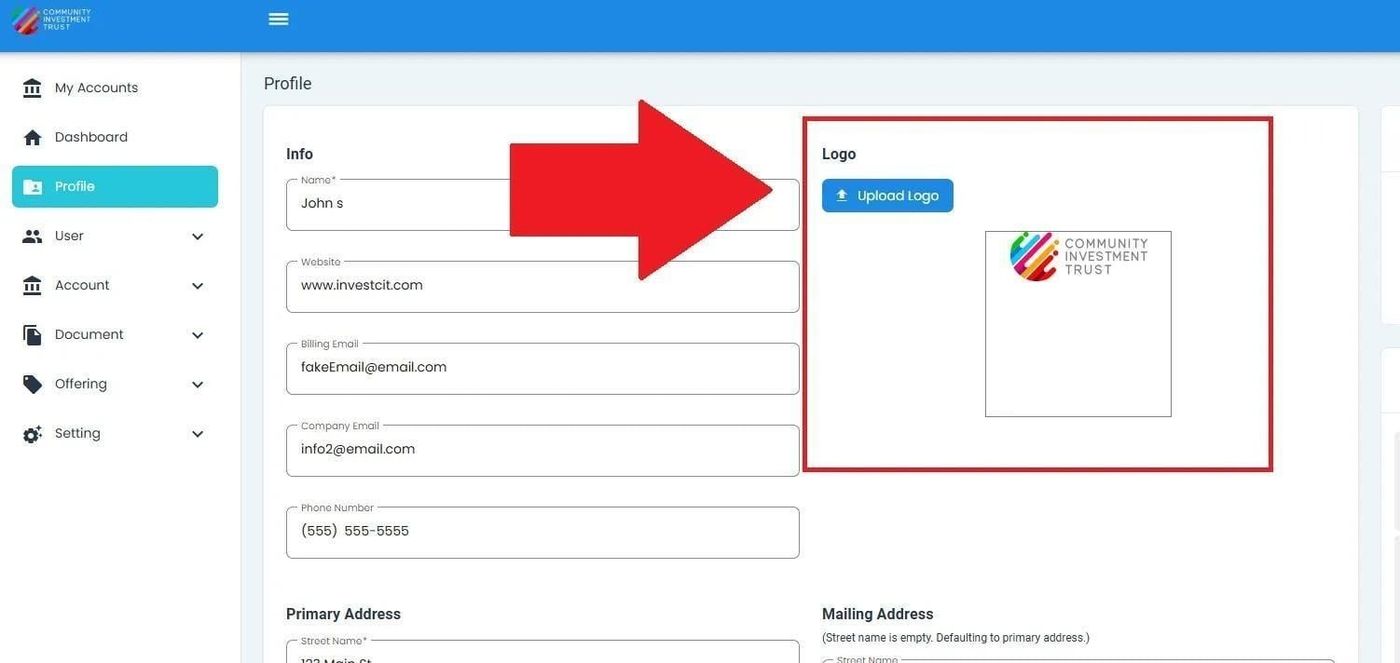
Upload Logo Location#
Action: Click the Action: Upload Logo button.
Note
The file explorer dialog will open.
Action: Select the desired logo (.png) file to upload.
Action Complete: Logo Uploaded
The logo will be uploaded and displayed in the Item: Upload Logo section.