
Dashboard#
Welcome to the Section: Dashboard section. This area provides a high-level overview of various document types and their statuses, presented as interactive tiles.
Dashboard Tiles#
Hover Over or Click a Tile to Explore Further
The tiles below offer quick access to detailed sections within the app. Hover over or click a tile to explore further.

Provides the number of Sponsorship Organizations.
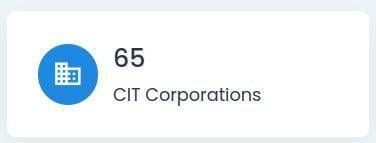
Provides the number of CIT Corporations.
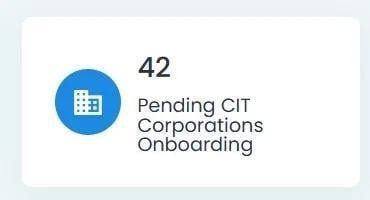
Provides the number of CIT Corporations that are going through the Onboarding Process.
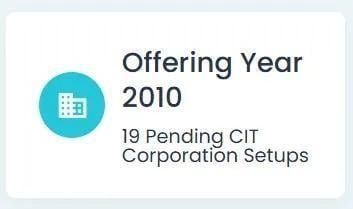
Provides details for specific Offering Year with Year filter set for 2010.
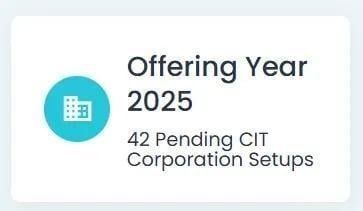
Provides details for specific Offering Year with Year filter set for 2025.
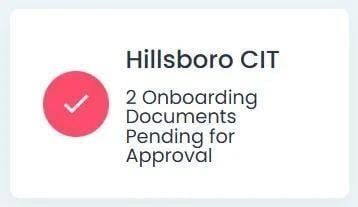
Provides number of Onboarding Documents pending for approval from a specific CIT Corporation.
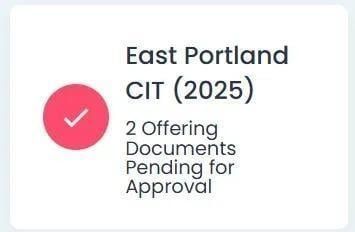
Provides number of Offering Documents pending for approval from a specific CIT Corporation.
Clicking Tiles Will Cause Redirect
Clicking a card navigates you to the corresponding section, page, or example within the documentation.
Dashboard Tables#
The Section: Dashboard section contains two tables:
Table Features: For more information on different features each table has to offer, see CIT Corporation Summary Table Features.
Dashboard Table Locations#
You can find each table at the bottom of the Section: Dashboard section:
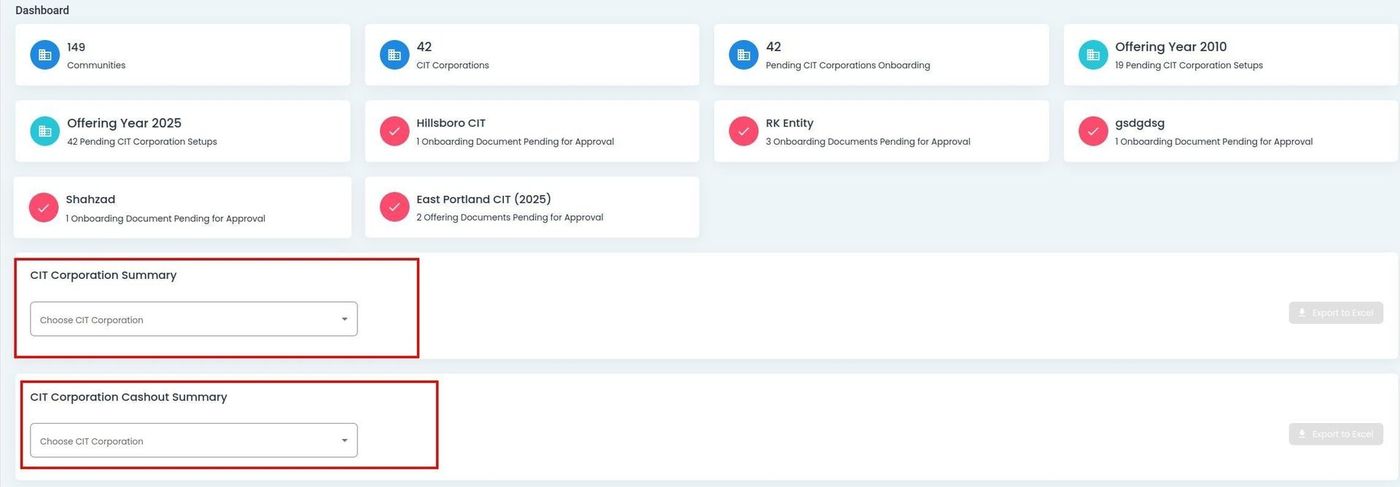
Dashboard, Main Tables#