
Demographics Report#
The Demographics Report aggregates investor survey responses to provide insights into the community of investors. The report includes two tabs: Summary (aggregated statistics) and Questions & Answers (individual responses).
Location
Report > Demographics
Features: Demographics Report#
The Section: Demographics Report allows you to:
Demographics Report Homepage#
The Section: Demographics Report displays the main report interface:
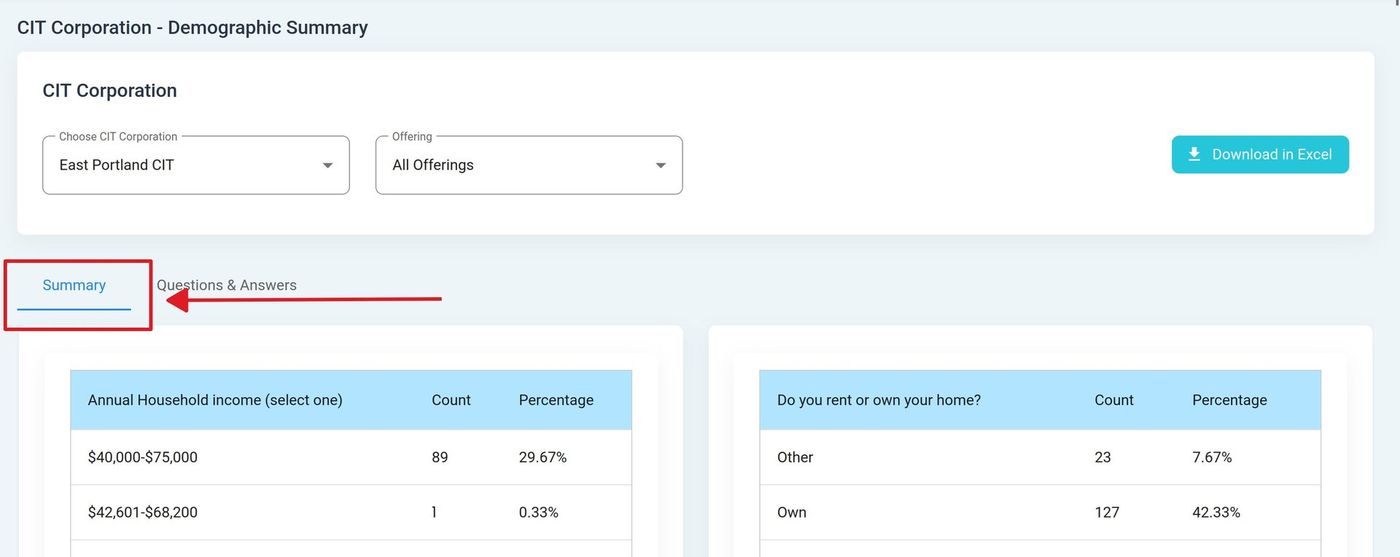
Summary Tab View#
Columns: Demographics Report Table#
The Column: Columns for the Table: Demographics Report table can be found at the top of the table:
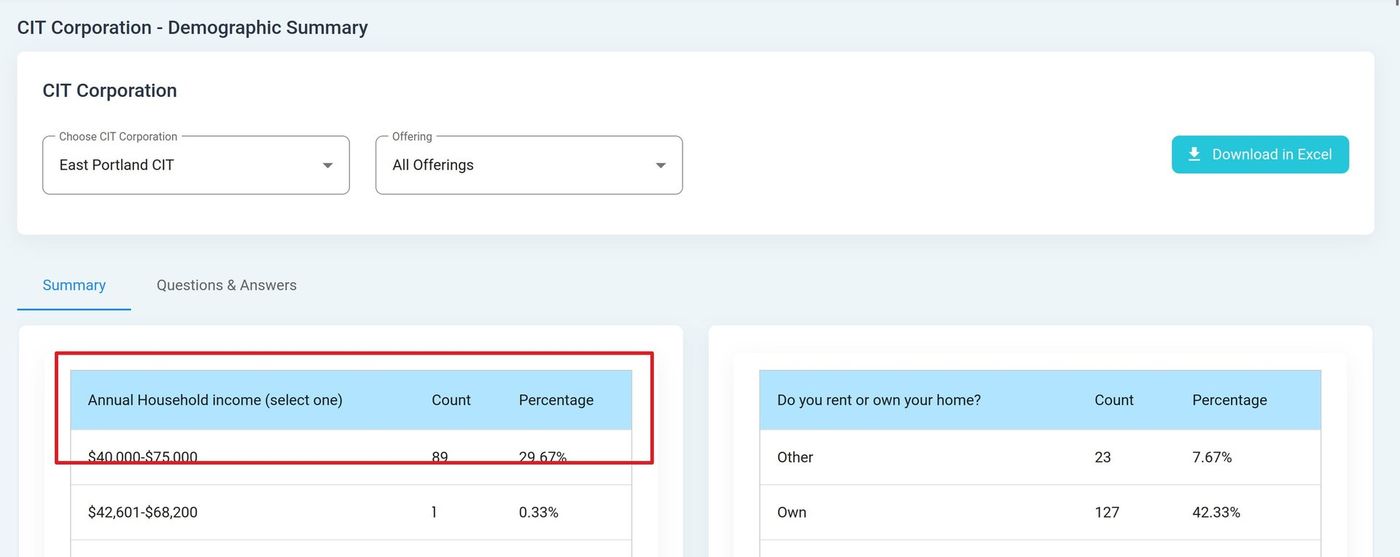
Summary Table Columns#
Column: Answer - Response option selected by investors for each demographic question.
Column: Count - Total number of investors who selected this particular response option.
Column: Percentage - Proportion of respondents who chose this answer, shown as a percentage.
Downloading the Report#
To download the Demographics Report:
Configure your desired filters and options
Click the Download in Excel button
The report will download to your device
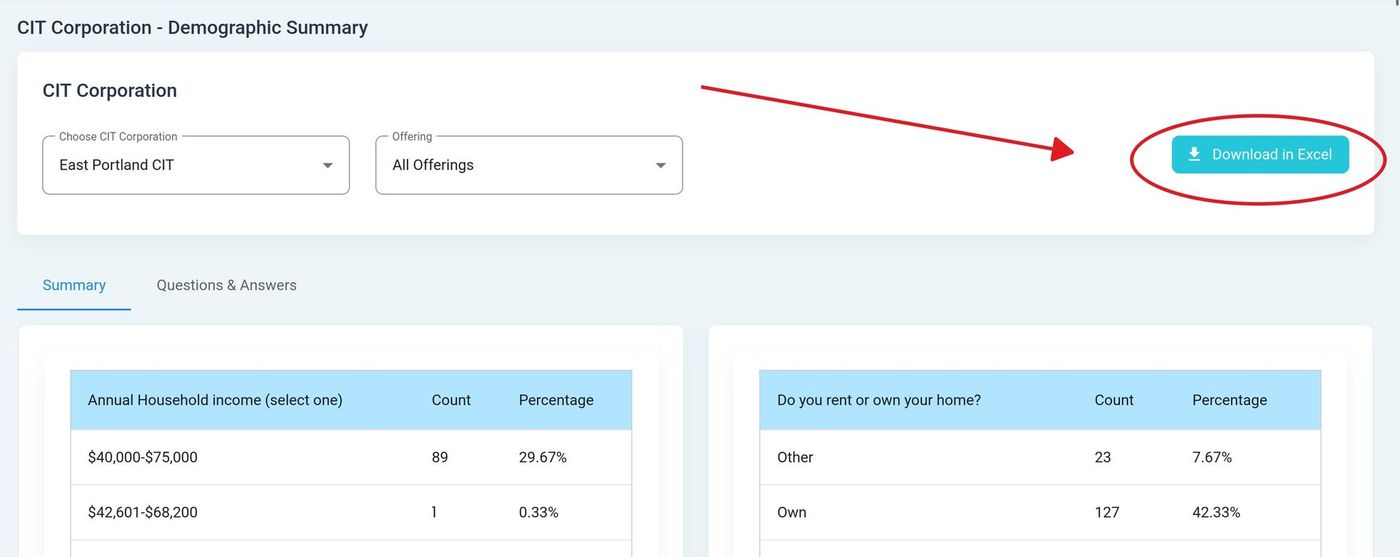
Download in Excel Button#
Note
The download includes all records matching your current filter settings. For large reports, the download may take a few moments to generate.