
View Offering Details#
View detailed information about a specific offering, including offering information and associated documents.
Available Information#
Offering Information Tab - View offering details
Documents Tab - View offering documents
How to Access#
Navigate to the Offerings section.
Locate the offering you want to view in the Table: Offerings List table.
Action: Select the View Details icon in the Column: Action column.
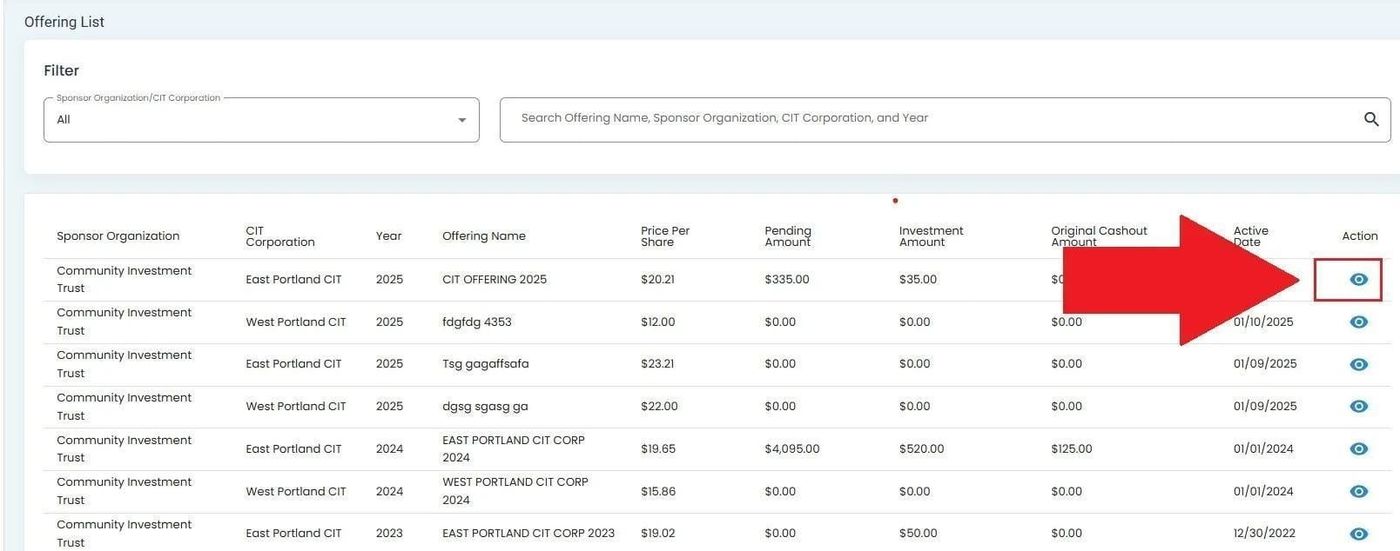
Offerings List, View Details Icon Location#
Action Complete
This will take you to the Offering Information Tab.