
Cashout Questions#
The Section: Cashout Questions settings allow administrators to configure the questions presented to investors during the cashout process.
Features: Cashout Questions#
The Section: Cashout Questions settings allow you to:
Location#
The Page: Cashout Questions settings page is located in the Settings Category: Settings category in the Item: Primary Sidenavigation menu.
Don’t see the Primary Sidenavigation menu?
See How to Toggle Primary Sidebar for more information.
Cashout Questions Overview#
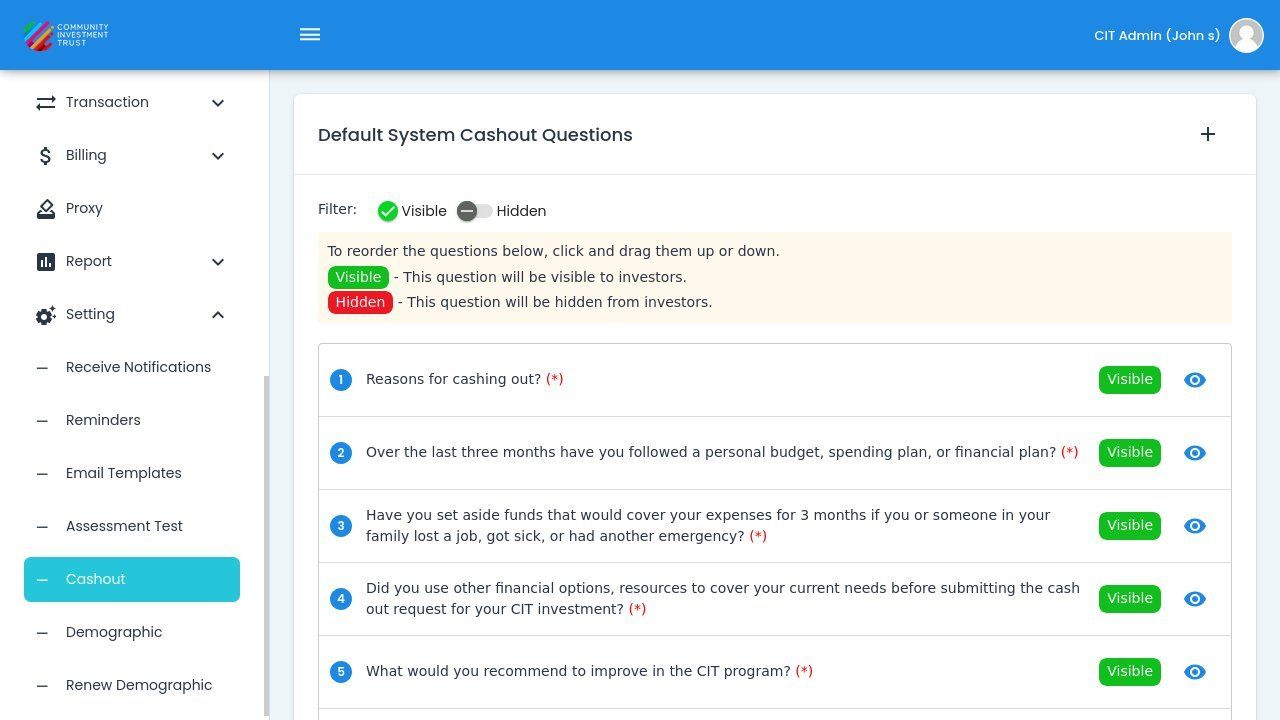
The Section: Cashout Questions page displays all configured questions that investors will see during the cashout workflow.
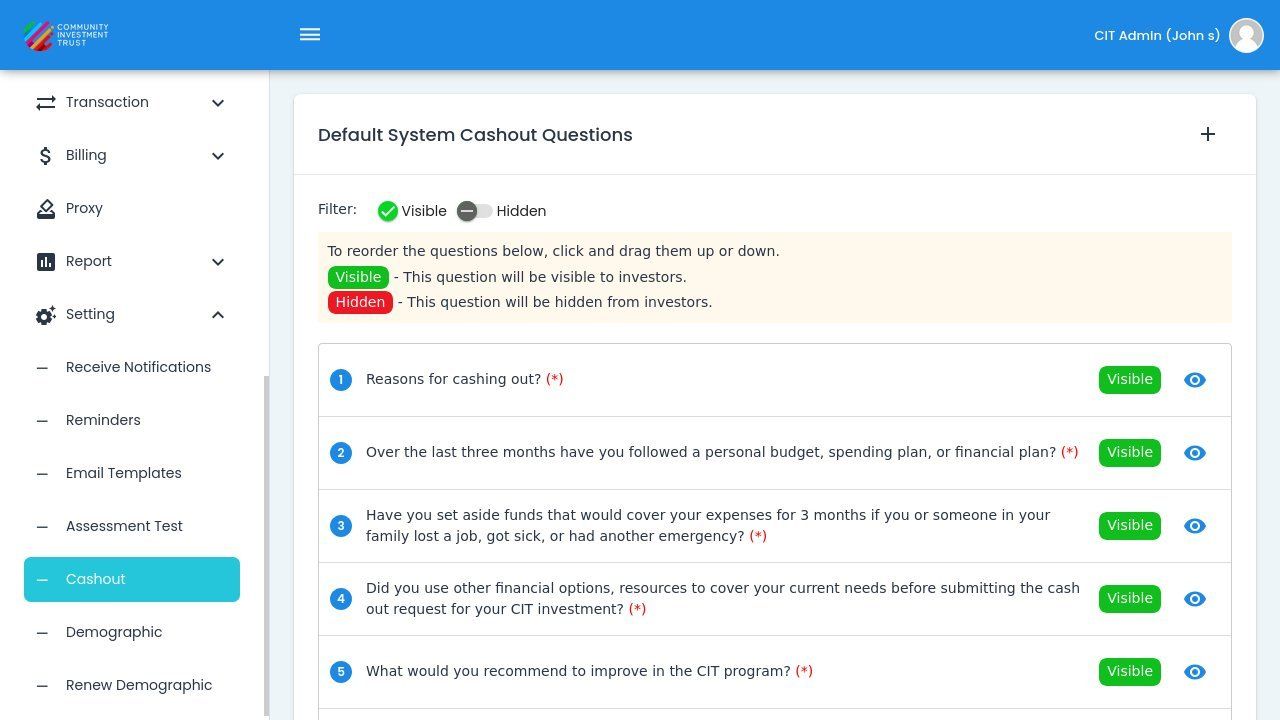
Cashout Questions Page Overview#
Filter by Visibility#
Use the and switches to filter which questions are displayed in the list.
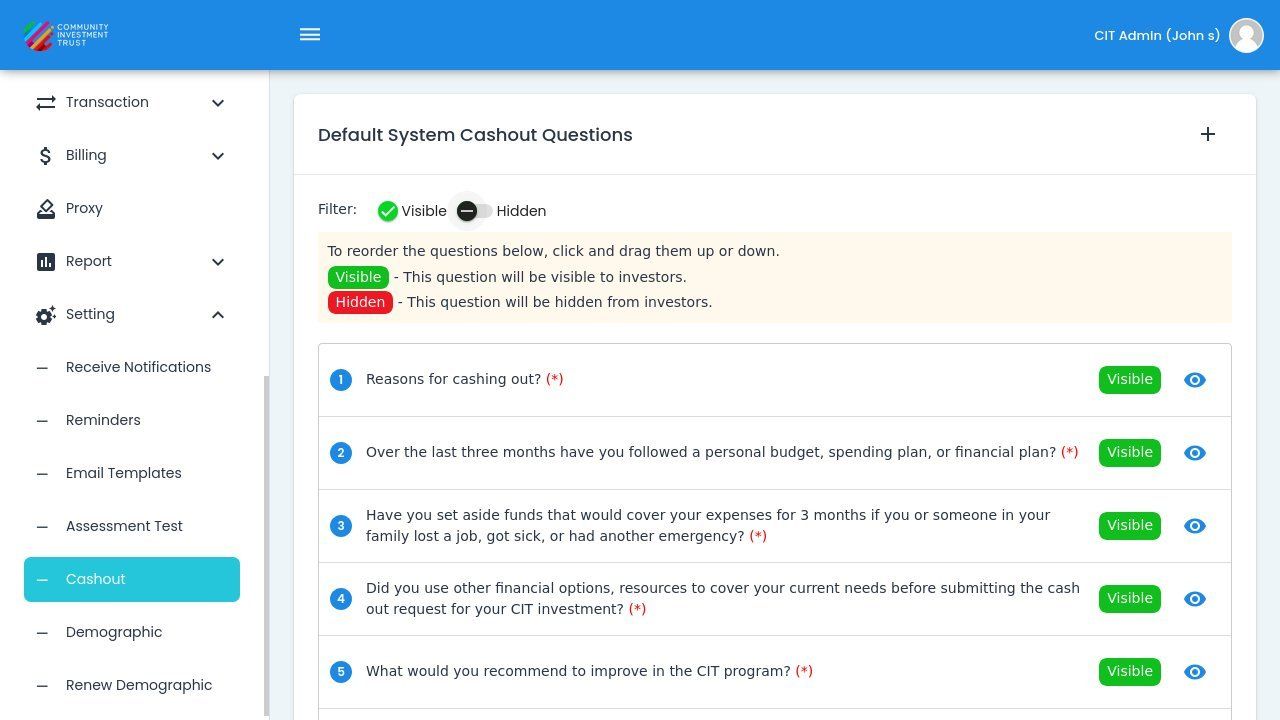
Visible/Hidden Filter Switches#
Note
Only questions marked as will be presented to investors during the cashout process.
Common Pattern
This visibility filter works the same across all question settings pages. See Filter by Visibility for detailed explanation.
Add Cashout Question#
To add a new cashout question:
Action: Click the button.
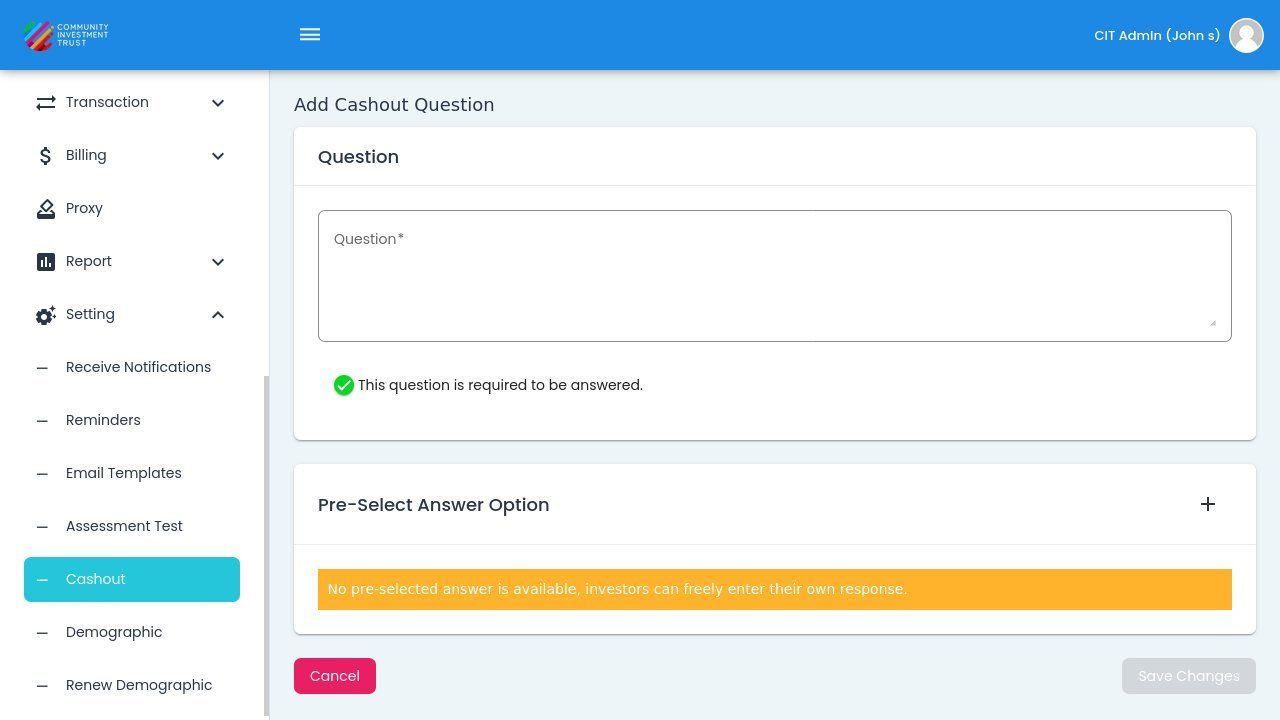
Add Cashout Question Dialog#
Fill in the required fields in the dialog.
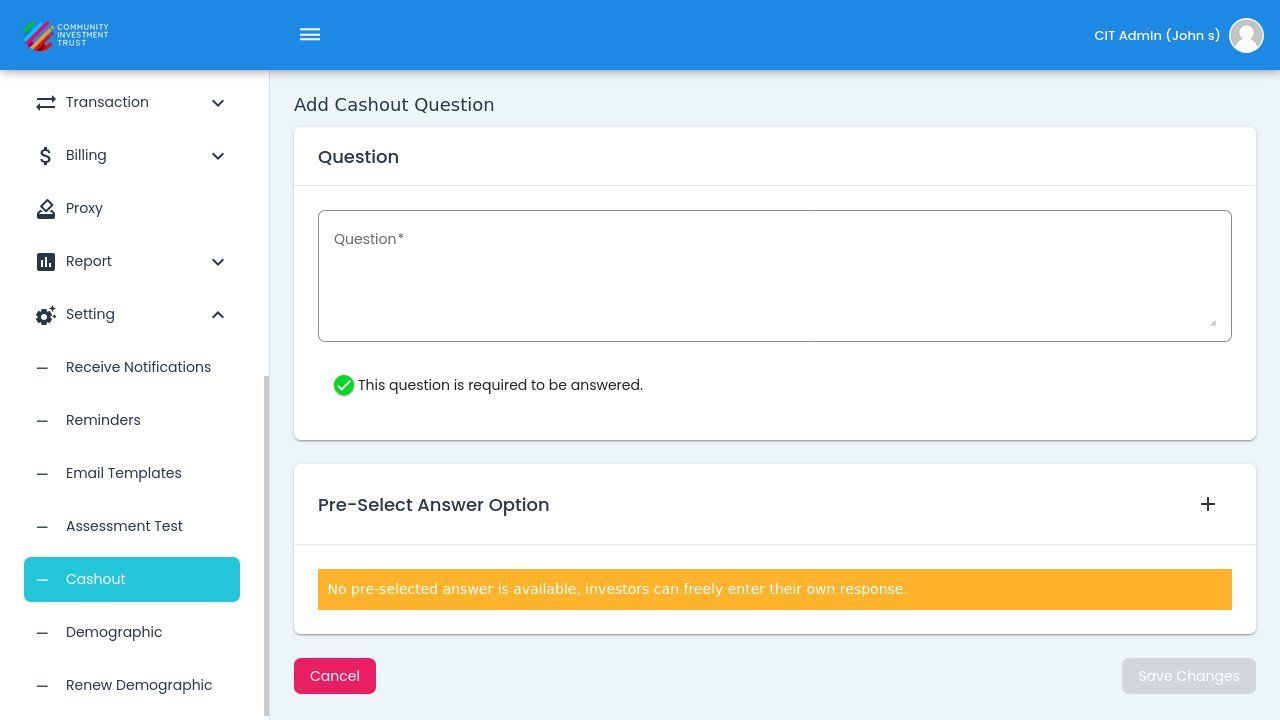
Cashout Question Dialog Fields#
Managing Answer Rows
For detailed instructions on adding and managing answer rows, see Managing Answer Rows.
Canceling the Dialog#
To cancel without saving, Action: click the button.
Dialog Cancelled Without Saving#
Tip
System default questions cannot be deleted but can be hidden from the cashout workflow.