
Enrollments#
Features: Enrollments#
The Section: Enrollments section allows you to:
View all investor enrollments in the Enrollments Table
Filter enrollments by Sponsor Organization, CIT Corporation, Offering, and Status
Location: Enrollments Section#
You can find the Section: Enrollments section underneath the Account Category: Offering category:
Locate the primary sidenav to the left of the page.
Don’t see the sidenav?
See How to Toggle Primary Sidebar for more information.
Action: Select the dropdown for the Navigation Category: Offering category.
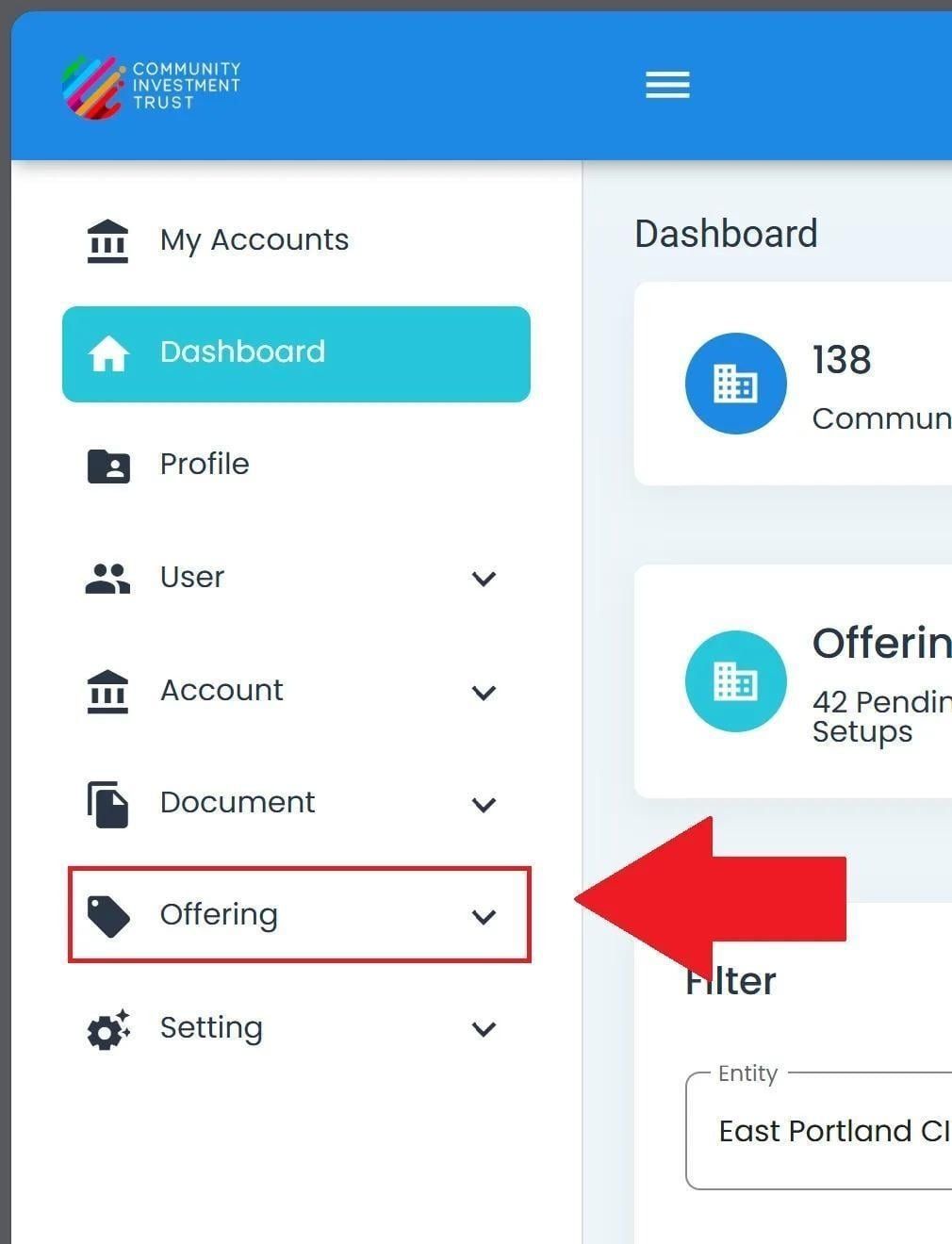
Offering Category, Primary Sidenav Dropdown Location#
Action: Select Section: Enrollments from the dropdown.
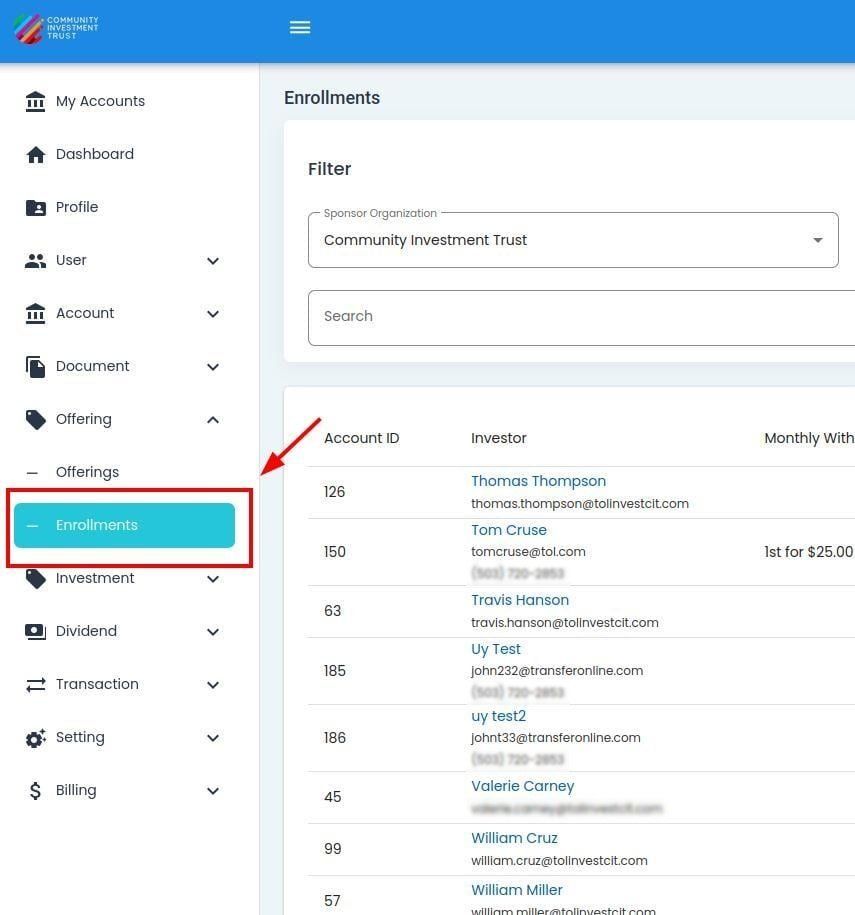
Offering, Enrollments Section Location#
Enrollments Table#
The Section: Enrollments section opens to the Table: Enrollments table:
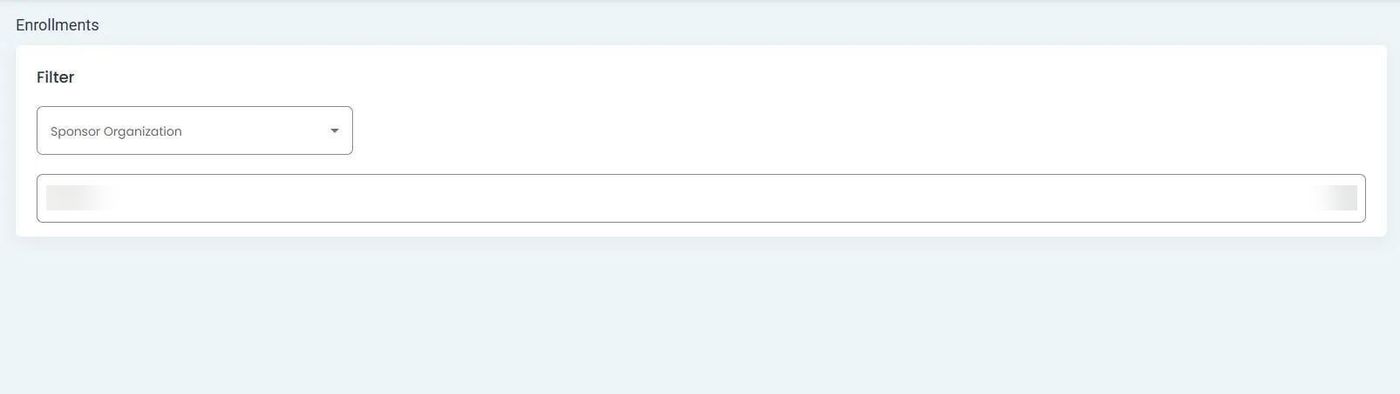
Enrollments Section, Homepage, Enrollments Table#