
TOL Invoice List#
Features#
The Section: TOL Invoice List section allows you to:
Differences from Invoices
The Page: TOL Invoice List differs from the regular Page: Invoice List:
No Billing Accounts filter - Only Status filter available
No Bill To column - Bill To is only in search, not displayed in table
Location: TOL Invoice List Section#
You can find the Section: TOL Invoice List section in the navigation menu:
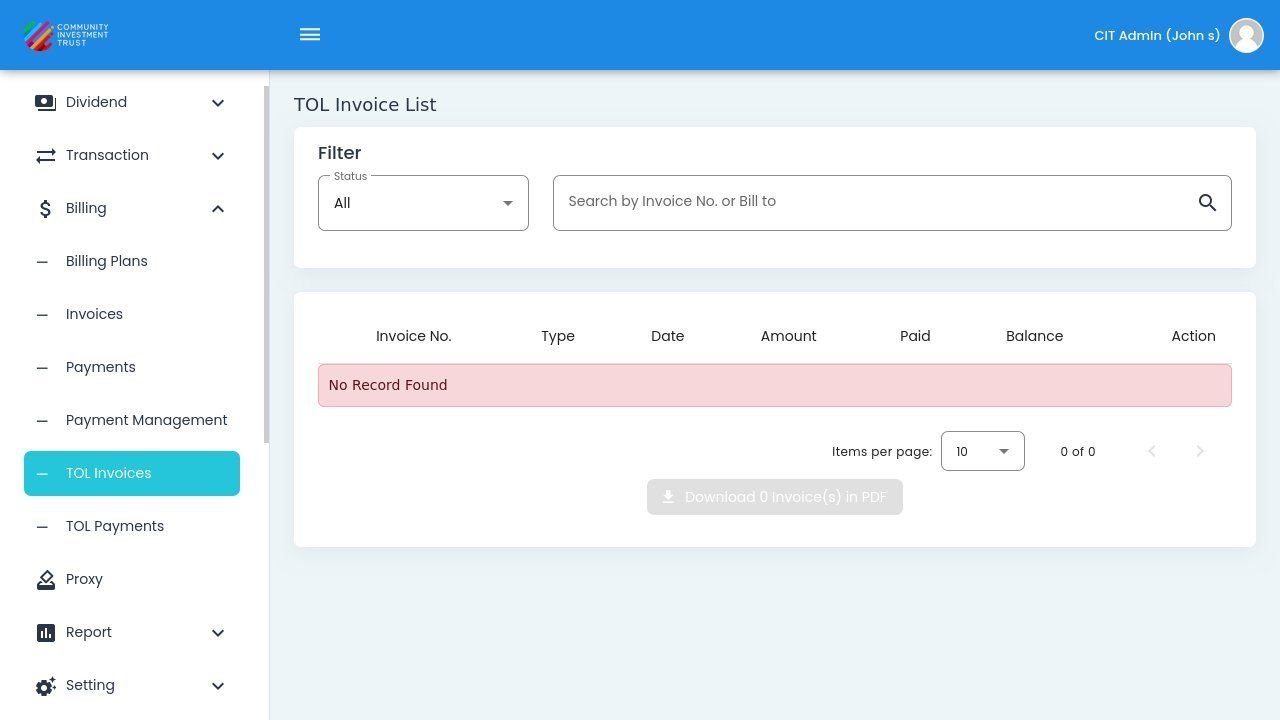
TOL Invoice List Dashboard#
TOL Invoice List Table#
The Section: TOL Invoice List section opens to the Table: TOL Invoice List table:
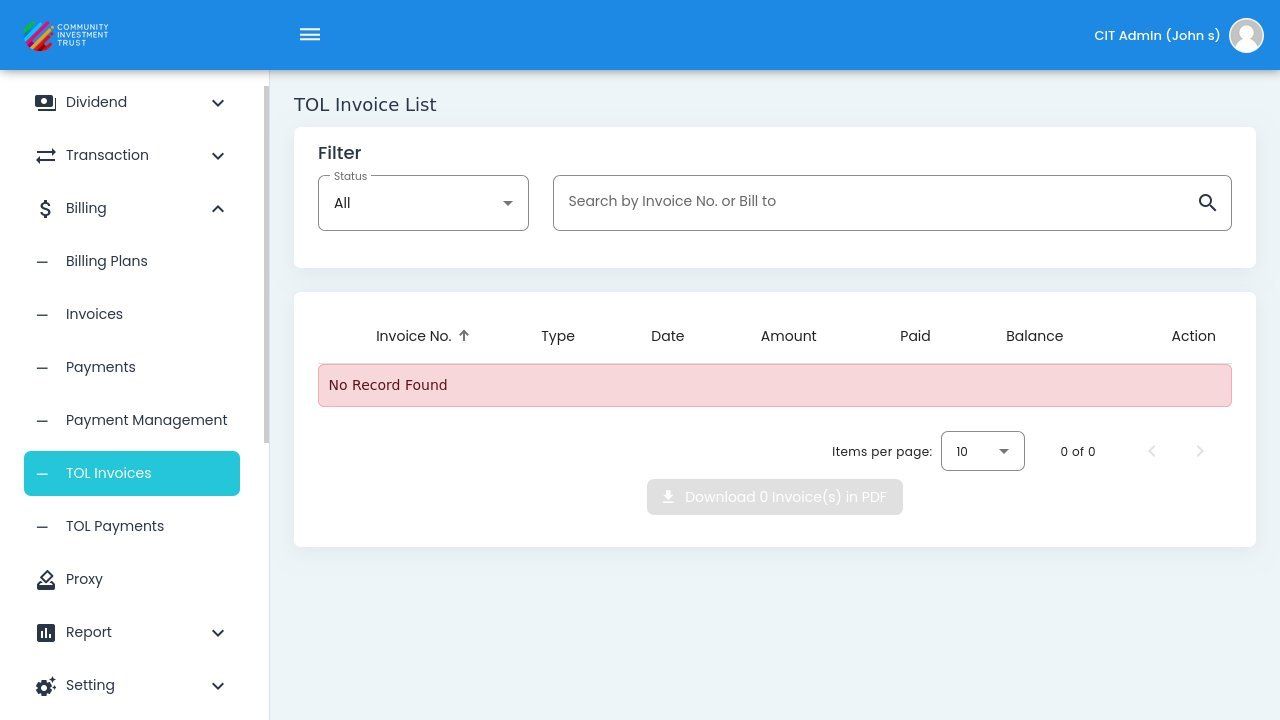
TOL Invoices Column Headers Verified#
Search#
Use the search field to find TOL invoices by Invoice Number or Bill To entity.
The search placeholder shows: Item: Search by Invoice No. or Bill to
Filter by Status#
Use the Item: Status dropdown to filter TOL invoices:
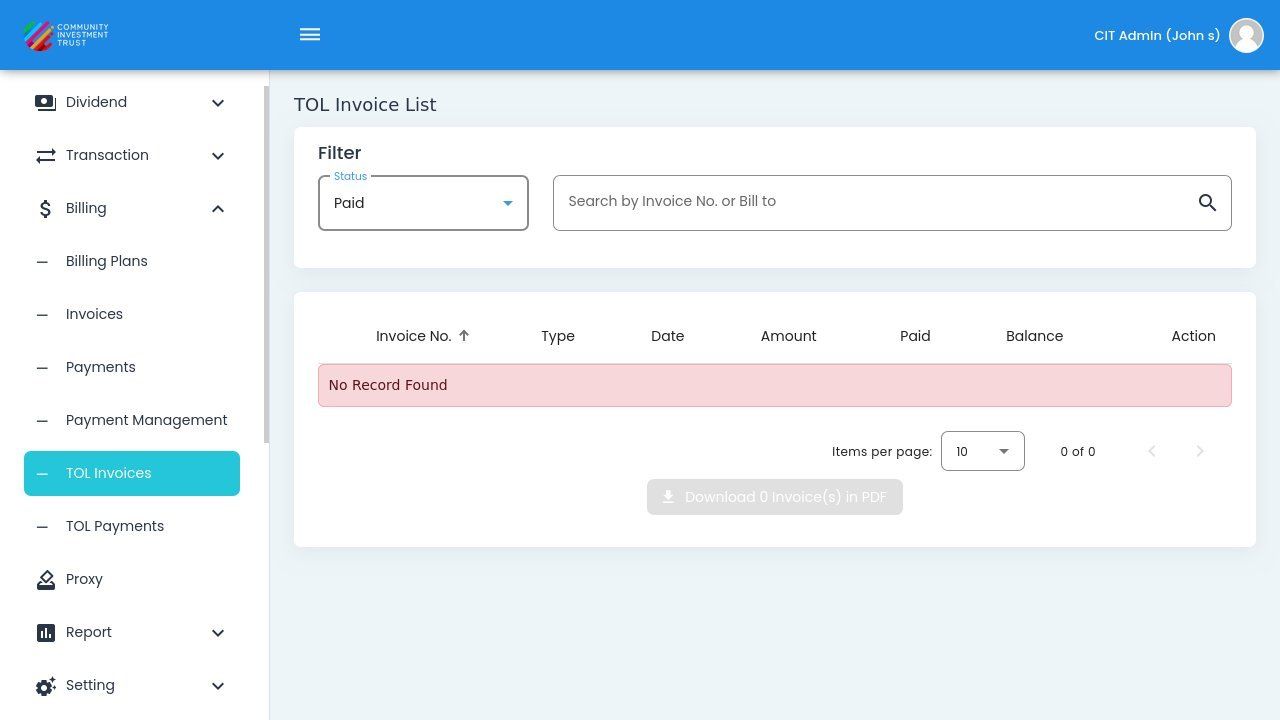
TOL Invoice List Status Dropdown#
Status Filter Options#
Status: All - View all TOL invoices regardless of status.
Status: Outstanding - Invoices with remaining balance due.
Status: Paid - Fully paid invoices.
Bulk Download#
Use the Action: Download X Invoice(s) in PDF button at the bottom of the page to download multiple invoices at once. Select invoices using the checkboxes, then click the download button.