
Filter Options#
Filter the Shareholder List Report by Item: Certificate Status and Item: Address Status to focus on specific shareholder records.
Filter Section Overview#
The Filter section contains organization selection and filtering options:
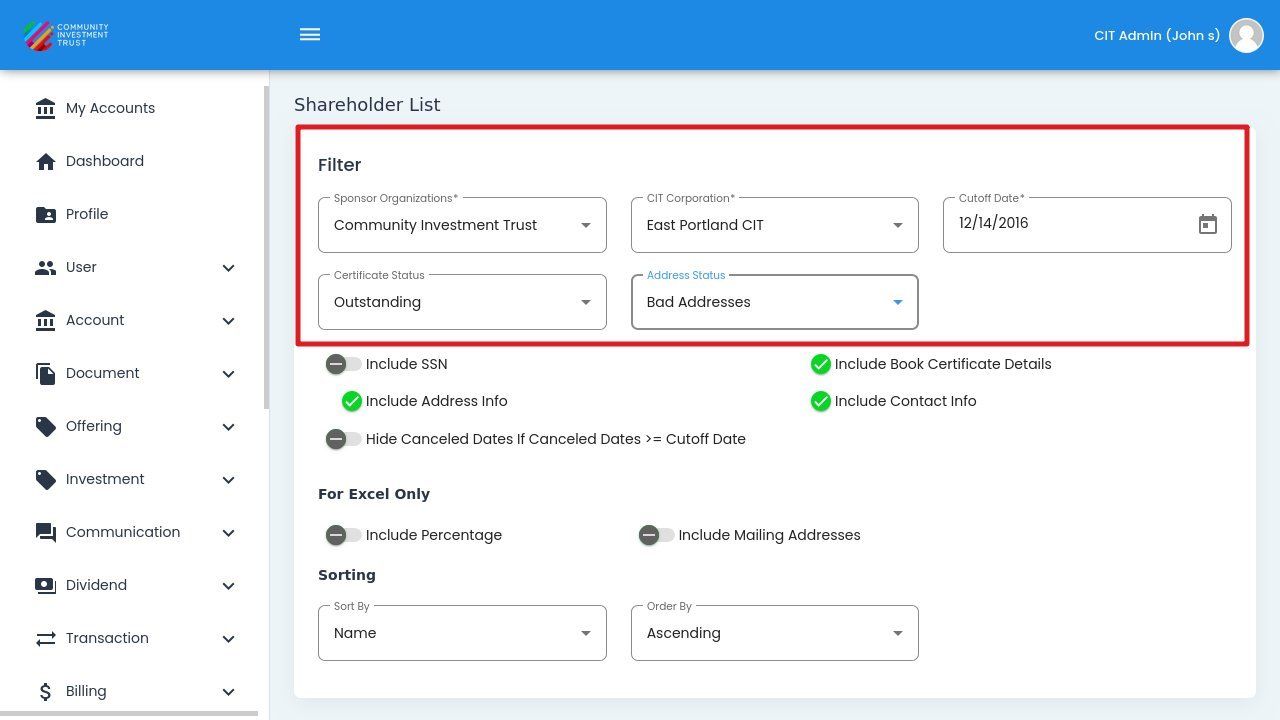
Filter Section Location#
Certificate Status#
Select from the following certificate status options:
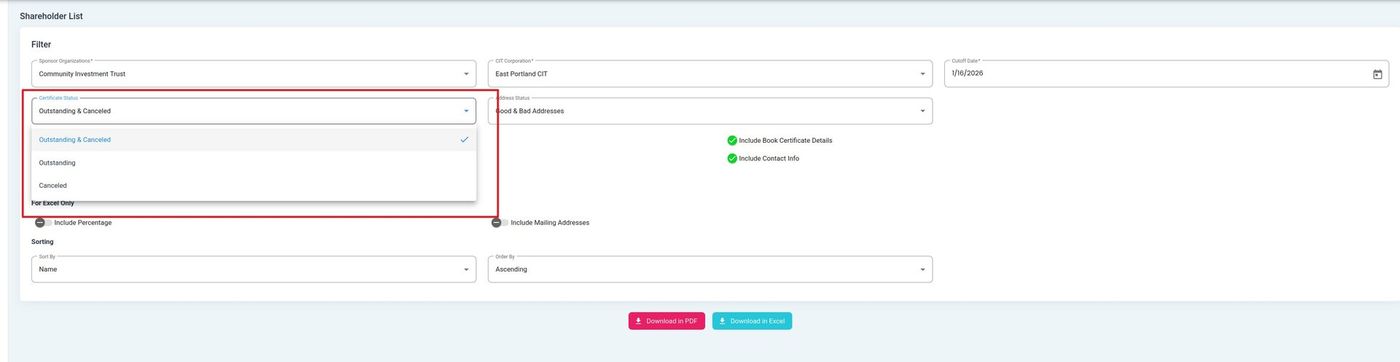
Certificate Status Filter Dropdown#
Status: Outstanding - Displays shareholders with active, outstanding share certificates.
Status: Outstanding & Canceled - Displays shareholders with both outstanding and canceled certificates.
Status: Canceled - Displays shareholders with only canceled certificates.
Address Status#
Select from the following address status options:
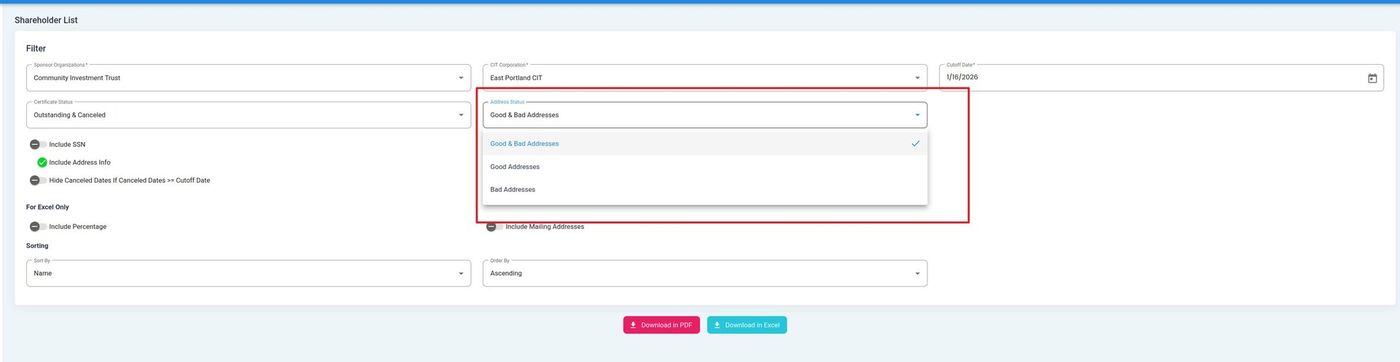
Address Status Filter Dropdown#
Status: Good & Bad Addresses - Displays all shareholders regardless of address validation status.
Status: Good Addresses - Displays only shareholders with validated addresses.
Status: Bad Addresses - Displays only shareholders with invalid or unverified addresses.