
Investor Documents Table: Columns Explained#
This section details the information presented in each column of the Table: Investor Documents table.
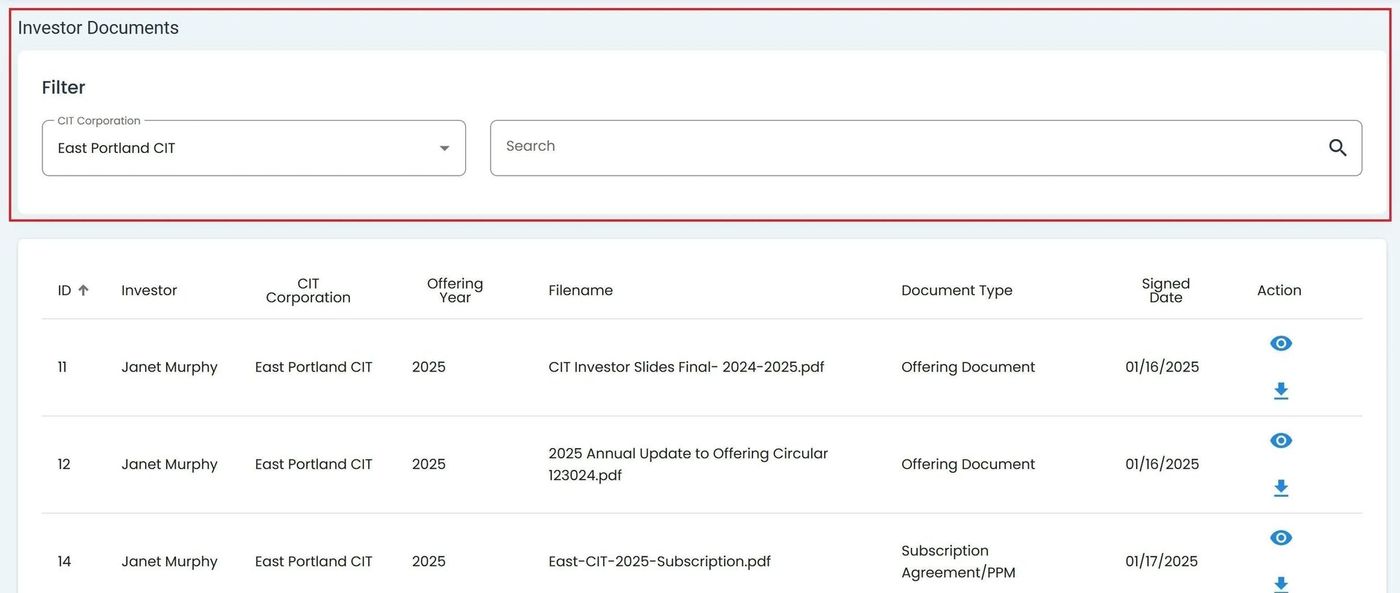
Column Headers in the Investor Documents Table#
Column: Book Number - Unique identifier for a specific investment certificate or holding.
Column: Document Type - Type of document, such as certificate, letter, or other.
Column: Shares - Number of stock units linked to this investment record.
Column: Issued Date - Date when the shares or investment certificate were officially issued.
Column: Canceled Date - Date the holding or certificate was canceled or invalidated.
Column: Action - Lists available actions you can perform on each document.
Column Sorting
You can sort columns (ascending or descending) by clicking on the column headers.