
Assessment Test Reports#
The Assessment Test Reports provide administrators with detailed insights into investor knowledge assessments. This report tracks which investors have completed required assessments, their scores, and pass/fail status.
Features: Assessment Test Reports#
The Section: Assessment Test Reports allows you to:
Location#
The Page: Assessment Test Reports page is located in the Report category in the Item: Primary Sidenavigation menu.
Don’t see the Primary Sidenavigation menu?
See How to Toggle the Primary Sidenavigation menu for more information.
Assessment Test Reports Homepage#
The Section: Assessment Test Reports displays the main report interface:
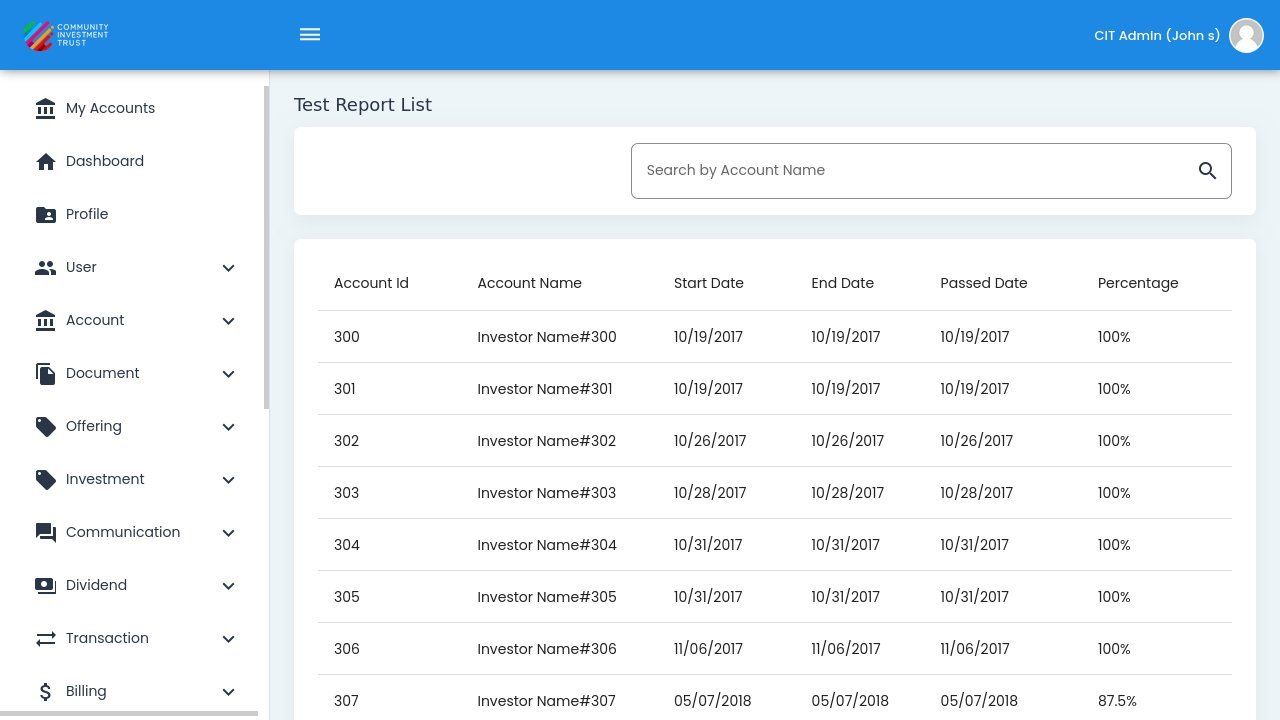
Assessment Test Reports Homepage#
Columns: Assessment Test Reports Table#
The Column: Columns for the Table: Assessment Test Reports table can be found at the top of the table:
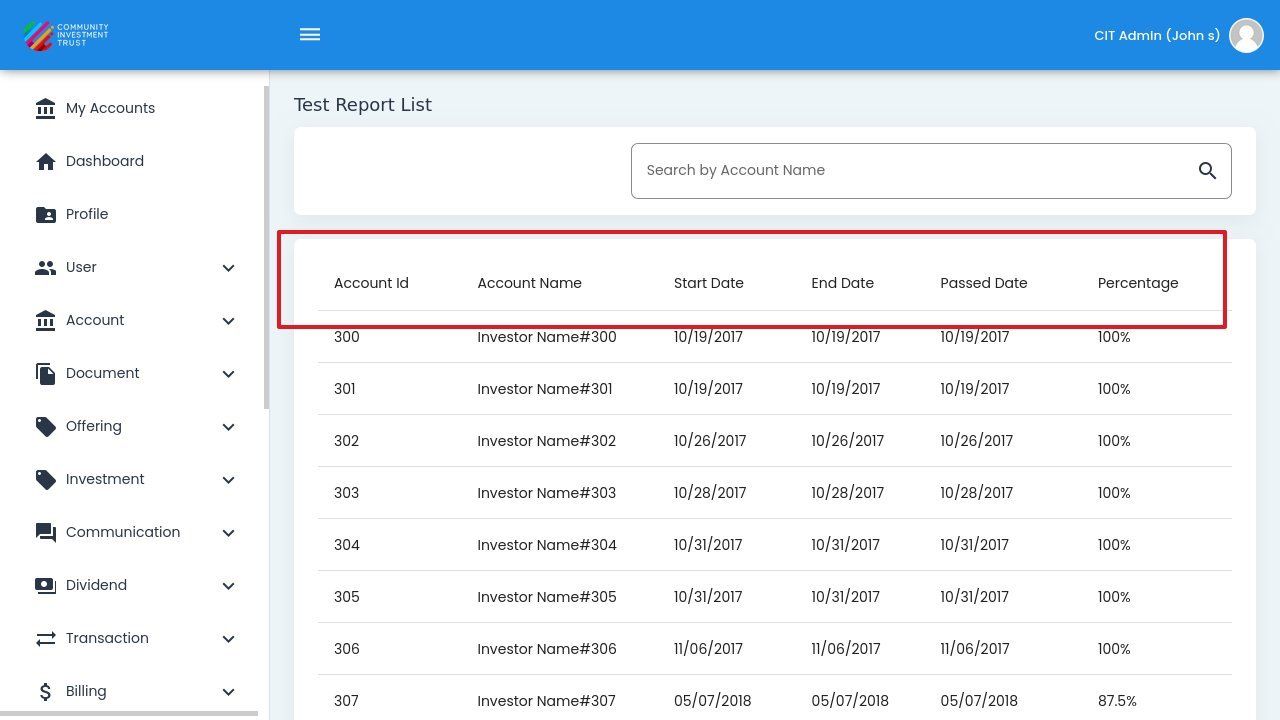
Assessment Test Table Column Headers#
Column: Account Id - Unique identifier linking the investor’s account to their assessment results.
Column: Account Name - Full name of the investor who completed the assessment test.
Column: Start Date - Date and time when the investor began the assessment test.
Column: End Date - Date and time when the investor completed or exited the assessment.
Column: Passed Date - Date when the investor successfully passed the required assessment threshold.
Column: Percentage - Final score achieved on the assessment, displayed as a percentage value.
Search and Sort#
Search Functionality#
Use the search box to find specific records in the report:
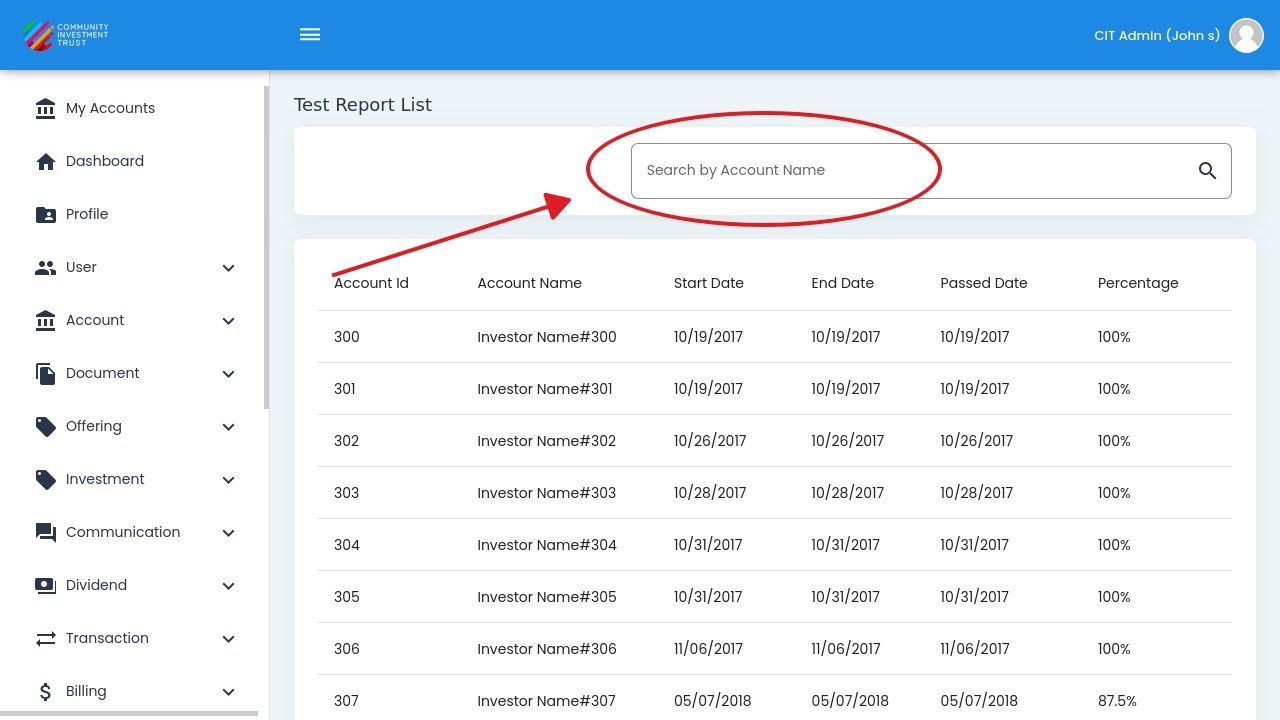
Search Functionality#
Note
Assessment Test Reports are view-only. Data is displayed on screen and cannot be downloaded.