
Holdings Tab#
The Tab: Holdings tab provides a comprehensive view of all investment positions and certificates associated with the investor.
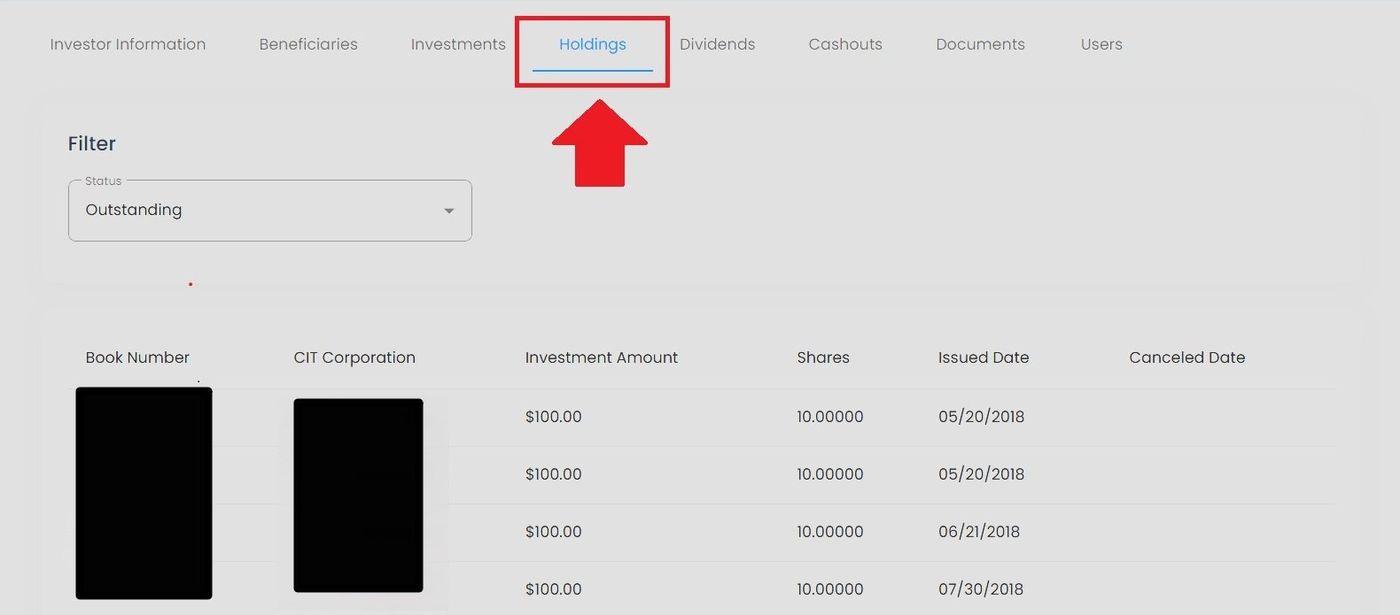
Holdings Tab Location#
Features#
The Section: Holdings section allows you to:
Holdings Table#
The Table: Holdings List table displays all investment positions for the investor.
Columns: Holdings List Table#
The Column: Columns for the Table: Holdings List table can be found at the top of the table:
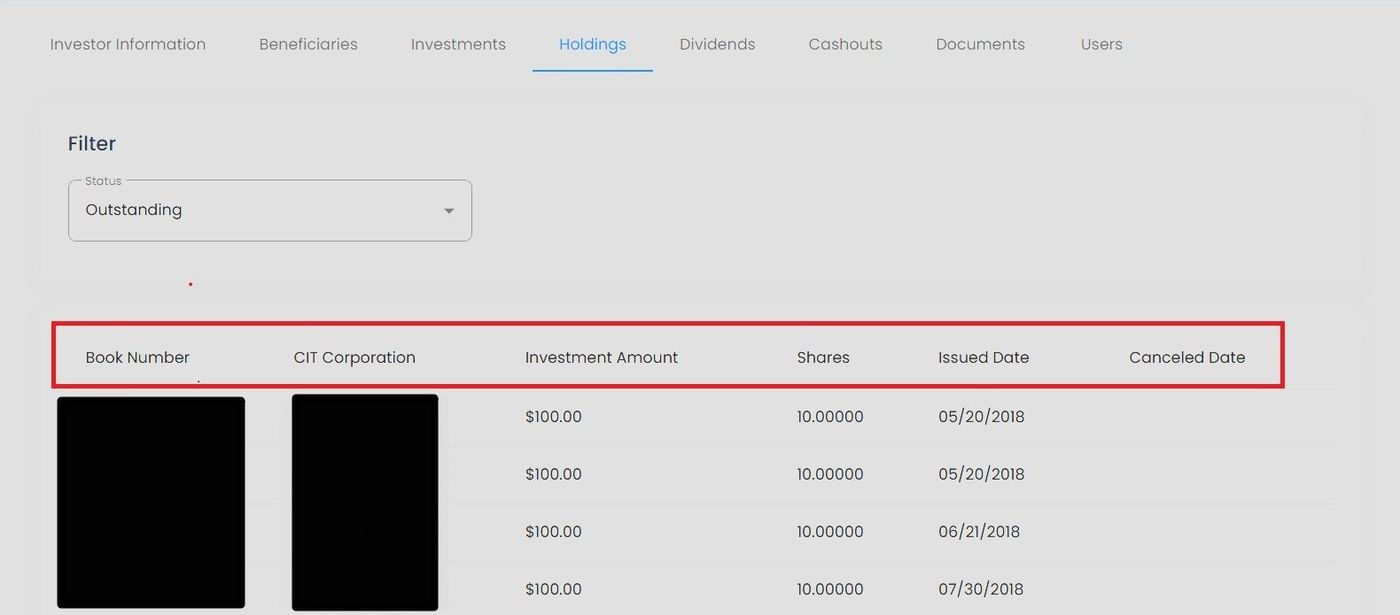
Holdings Table Column Headers#
Column: Book Number - Unique identifier for the investment certificate or holding record.
Column: Investment Amount - The monetary value invested in the holding.
Column: Shares - The number of stock units associated with the investment.
Column: Issued Date - The date when shares or investment certificate were issued.
Column: Canceled Date - The date when the holding was canceled or redeemed (if applicable).
Available Actions#
Filter by Status#
Action: Filter holdings using the status dropdown to view:
Outstanding - Active holdings only
Canceled - Redeemed or canceled holdings
All - Both outstanding and canceled holdings
See Filter Holdings by Status for detailed instructions.