
Display Options#
Configure the data fields included in your Shareholder List Report by toggling display options on or off.
Display Options Overview#
The report provides toggle options to customize the information displayed in your report:
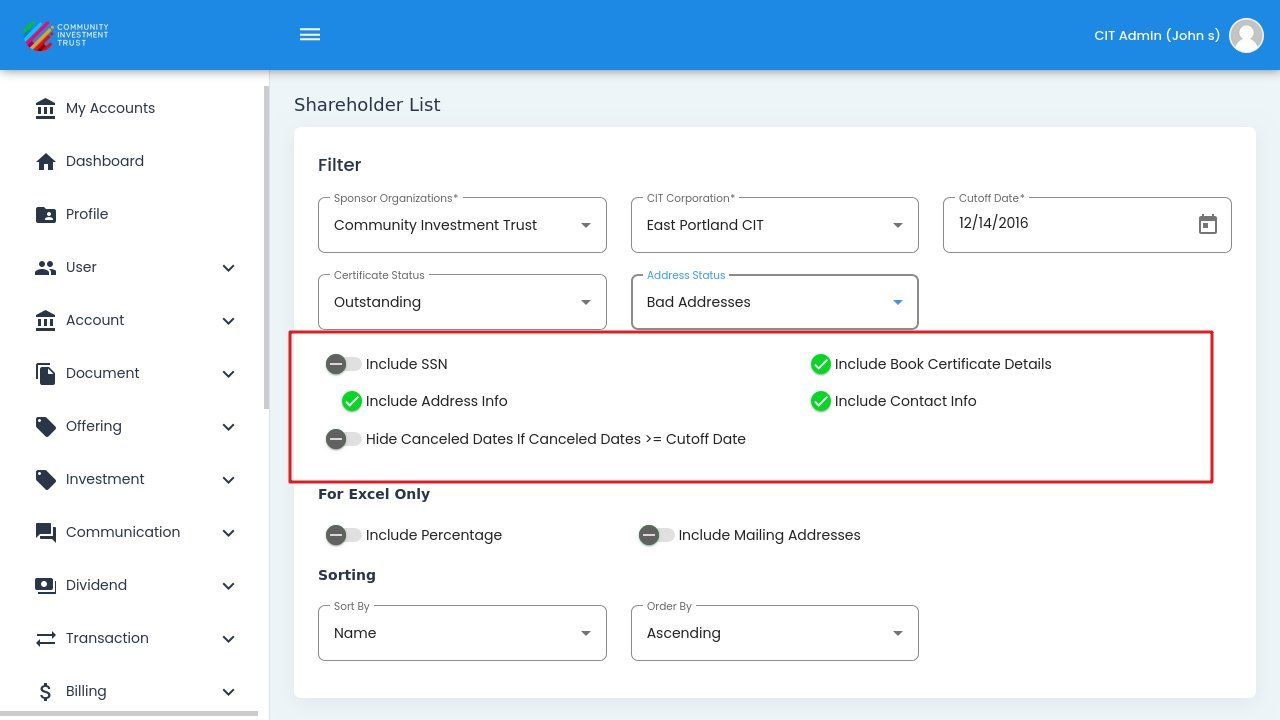
Display Options Section#
Display Option Descriptions
Include SSN - Display investor Social Security Numbers in the report.
Include Address Info - Show complete mailing address for each shareholder.
Hide Canceled Dates If Canceled Dates >= Cutoff Date - Omit cancellation dates that occur on or after the cutoff date.
Include Book Certificate Details - Display book certificate information in the report.
Include Contact Info - Show phone numbers and email addresses for investors.
For Excel Only#
These additional options are available when downloading in Excel format:
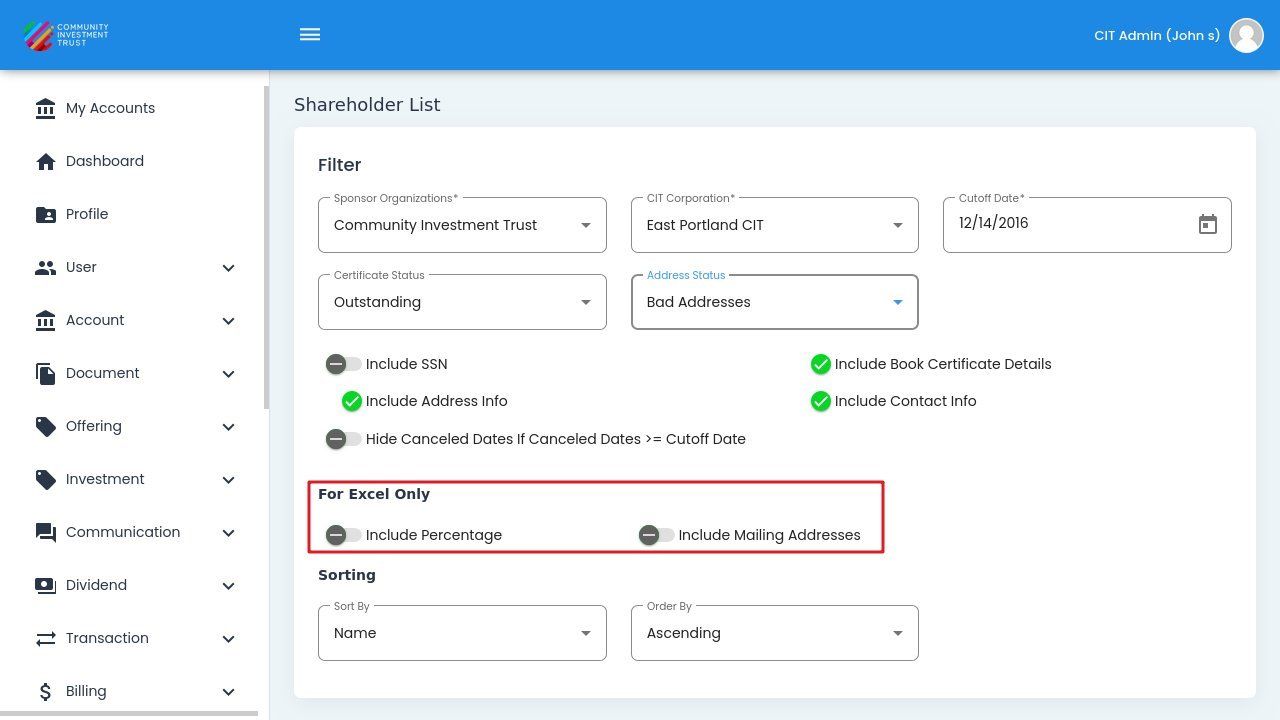
For Excel Only Options#
Excel-Only Option Descriptions
Include Percentage - Display each shareholder’s ownership percentage.
Include Mailing Addresses - Include alternate mailing addresses if different from primary.