
How to Search Investor Documents#
You can search for specific documents or investors using the search bar.
To perform a search:
Locate the Search bar, typically found above the Table: Investor Documents table.
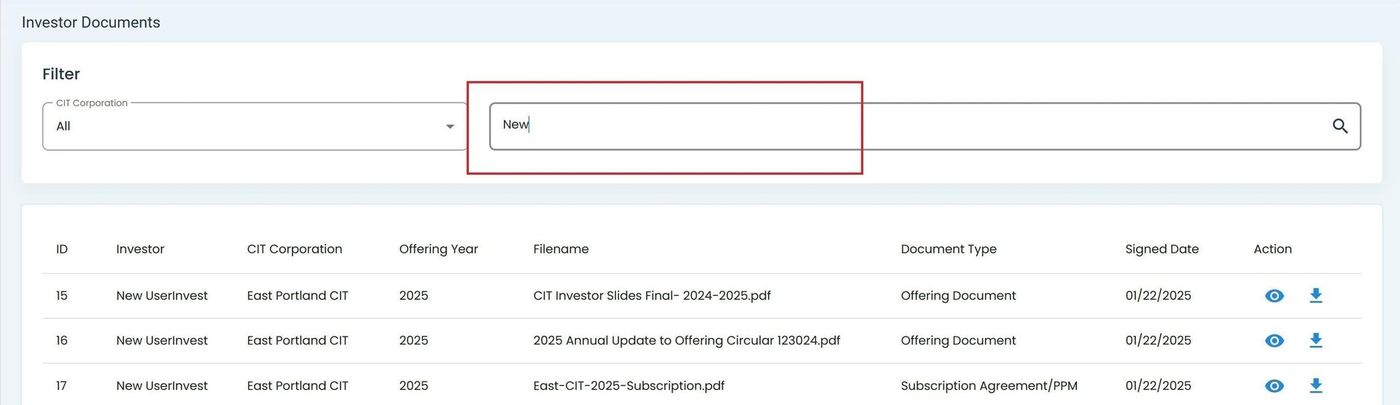
Search Bar for Investor Documents#
Enter your search term in the bar. You can search by criteria such as Column: Investor Name.
Press Enter or click the search icon (if available) to initiate the search.
The table will dynamically update to display results matching your query.