
Messages#
Features#
The Section: Messages section allows you to:
Location: Messages Section#
You can find the Section: Messages section underneath the Navigation Category: Communication category:
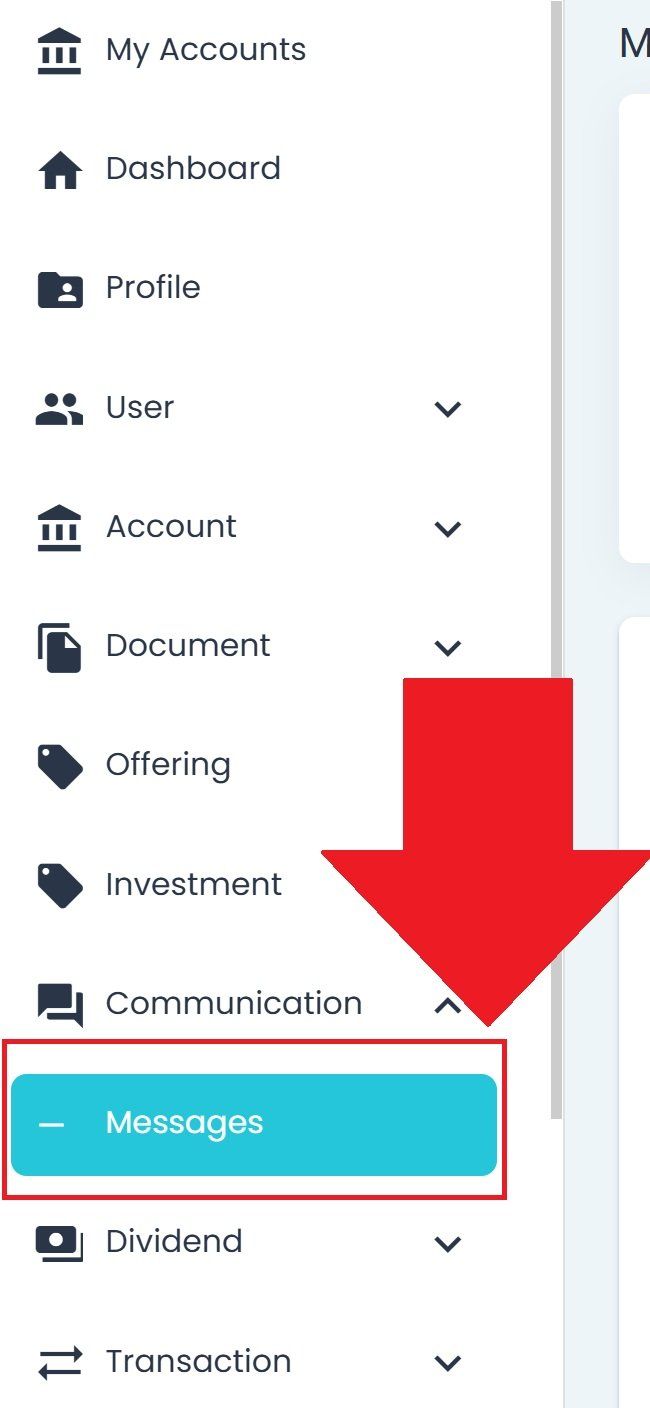
Communication, Messages Section, Primary Sidenav Location#
Messages Overview#
The Section: Messages section displays incoming messages from other users in your organization.
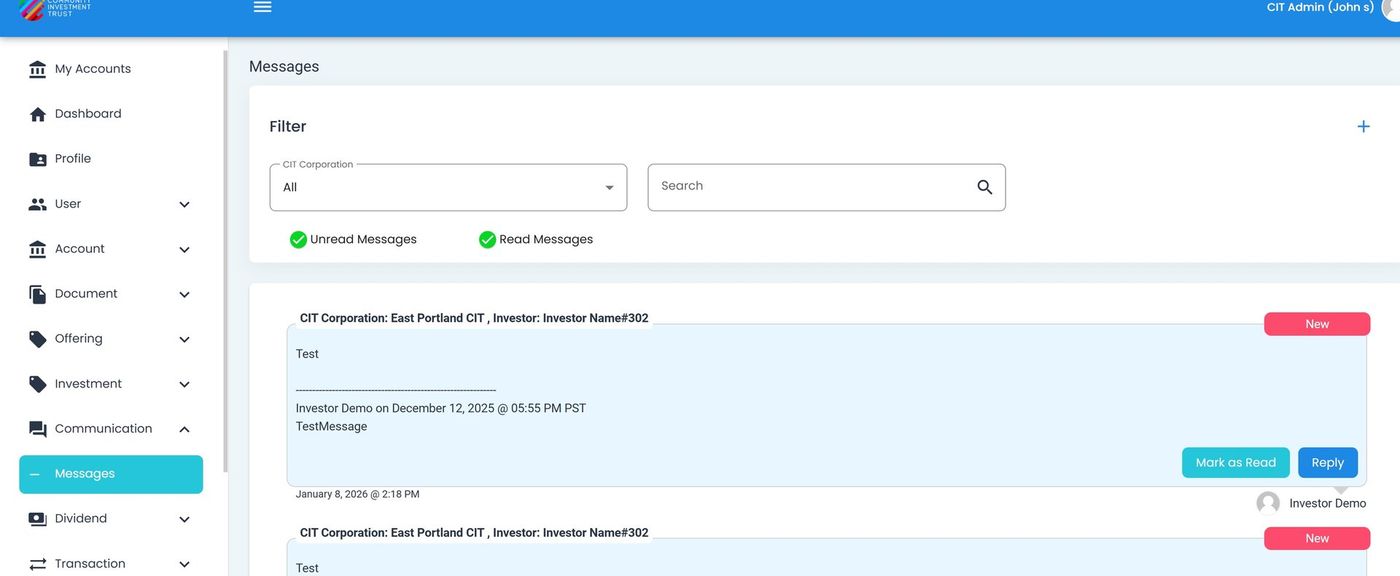
Messages Section, Homepage Overview#
Filtering Messages#
Filter by CIT Corporation#
Filter messages to show only those related to a specific .
Action: Locate the dropdown at the top of the page.
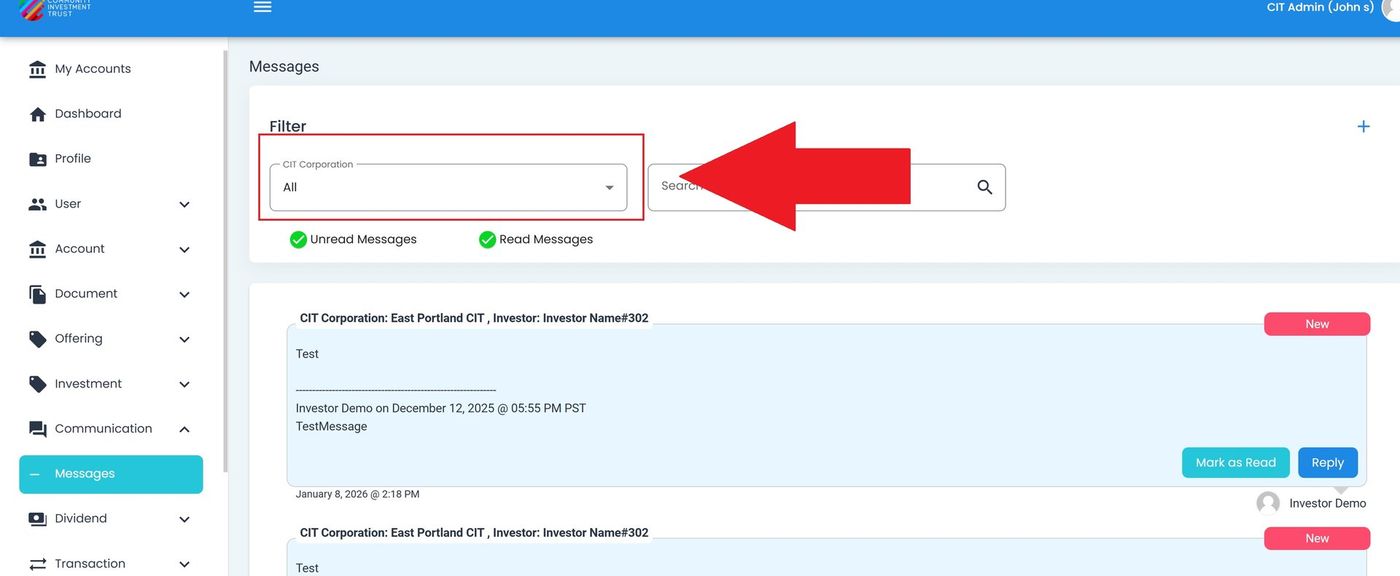
Messages, CIT Corporation Filter Location#
Action: Select a CIT Corporation to filter messages.
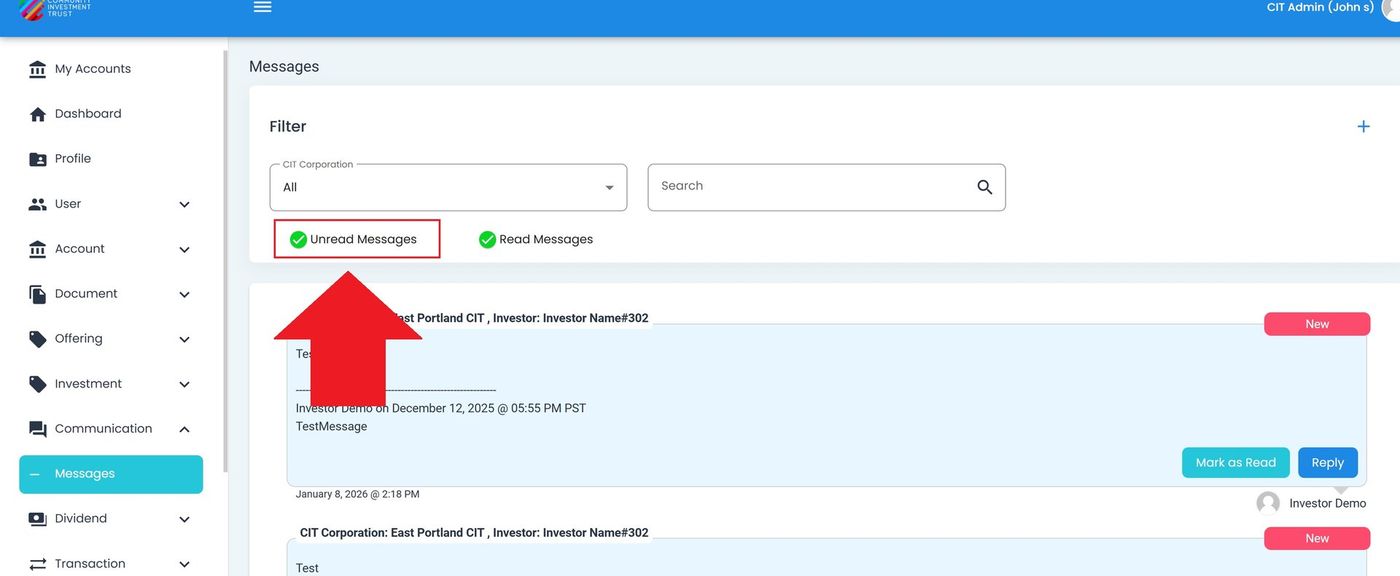
Filter by Read/Unread Status#
Toggle between viewing read or unread messages.
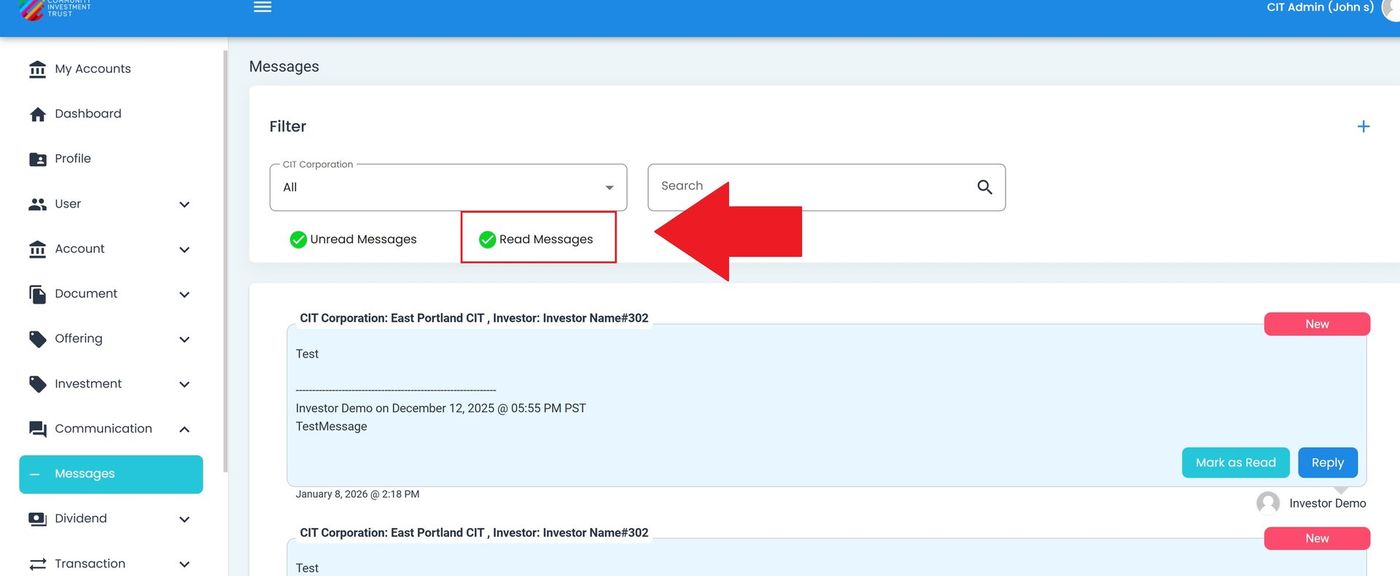
Message Card Anatomy#
Each message displays as a card containing the following elements:
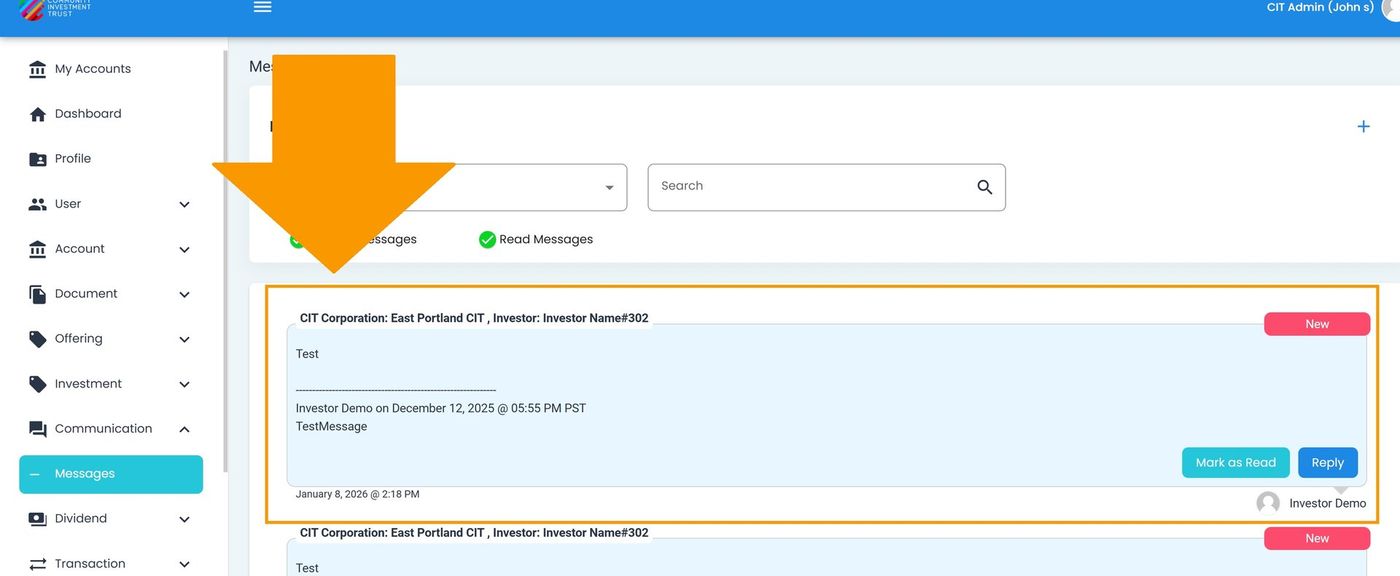
Message Card Overview#
Message Title#
The title appears at the top of the message card, indicating the subject of the message.
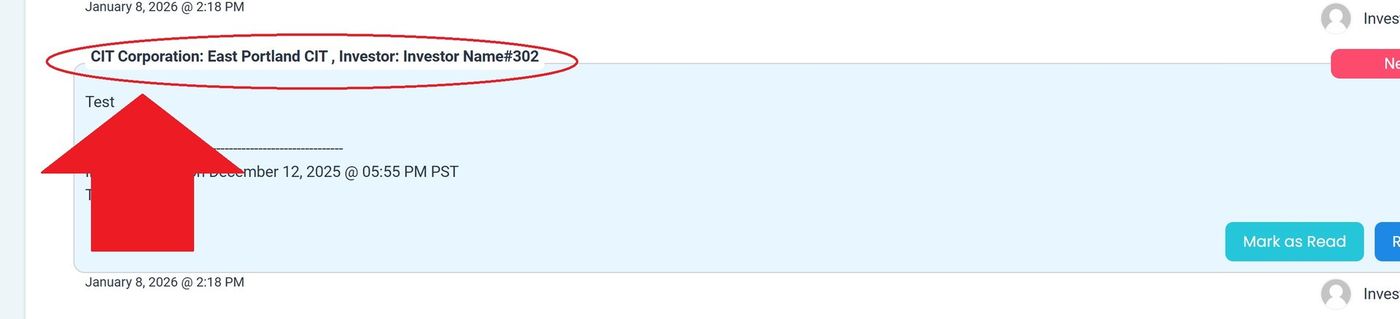
Message Card, Title Location#
Message Body#
The body contains the full text content of the message.
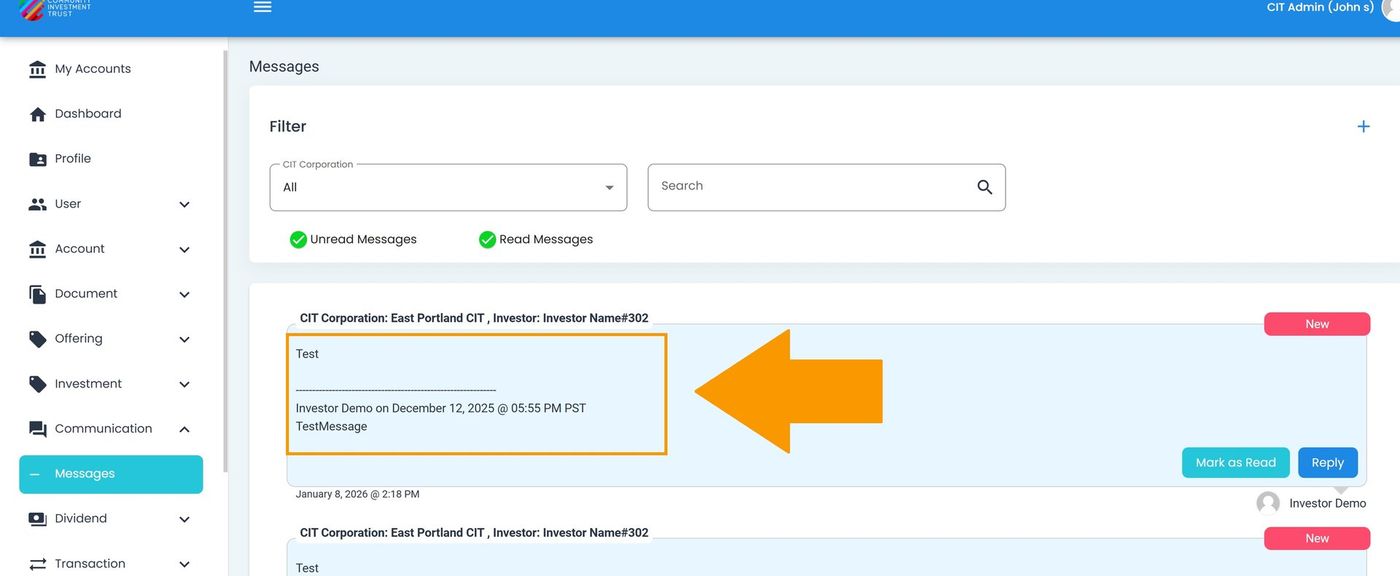
Message Card, Body Content Location#
Message Date#
The date shows when the message was sent.
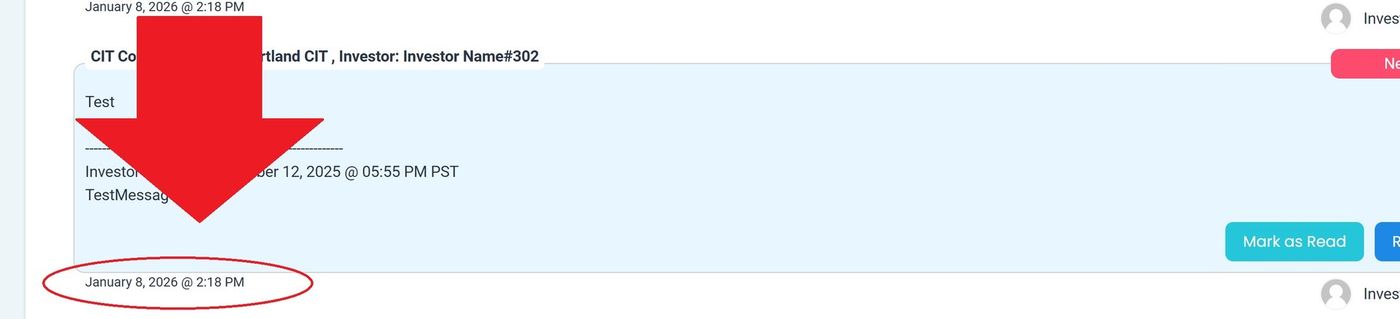
Message Card, Date Location#
Message Indicators#
Each message card displays status indicators and action options.
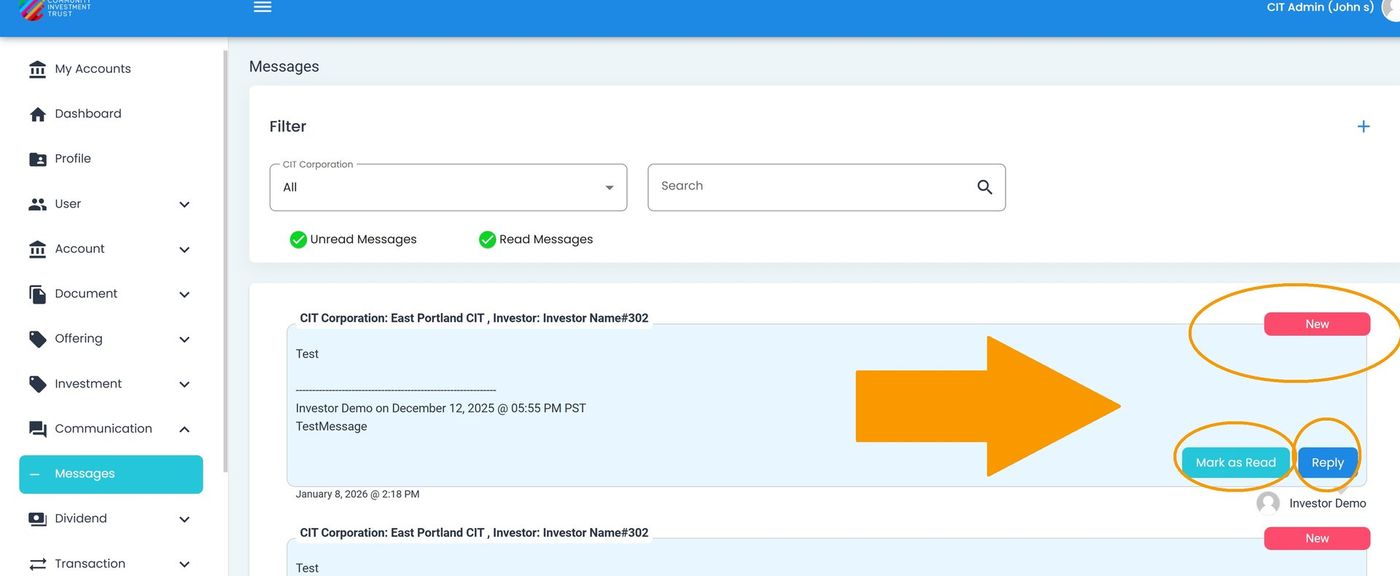
Message Card, Indicators and Options#
The following indicators may appear on a message card:
Indicator |
Description |
|---|---|
Indicates an unread message. Disappears after marking as read. |
|
Action: Mark as Read |
Button to mark the message as read. |
Action: Reply |
Button to reply to the message. Remains visible after marking as read. |
Available Actions#
The following actions are available for message cards:
Mark as Read - Remove the NEW indicator from a message
Reply to Message - Send a reply to the message sender