
Add New Organization Workflow#
This section provides workflow details to assist in adding a new organization to the system. This workflow contains the following three steps:
How to Find Workflow?
“Add New” workflows can typically be started by clicking the Add New button.
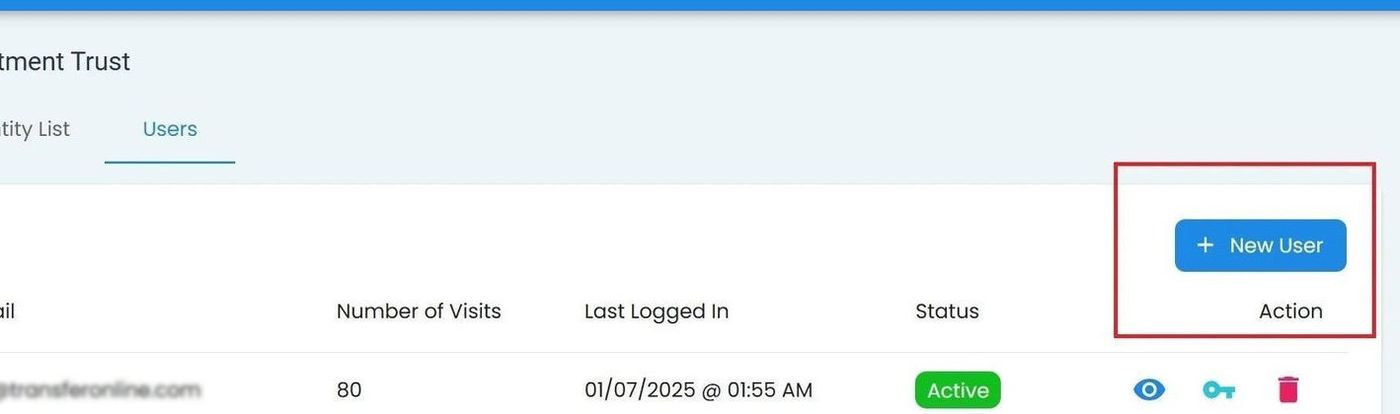
Add New Organization#
Steps for Adding a New Organization#
Fill out the Organization Info Form.
See: Profile Information Section
See Profile Information Section for details on how to fill out the form.
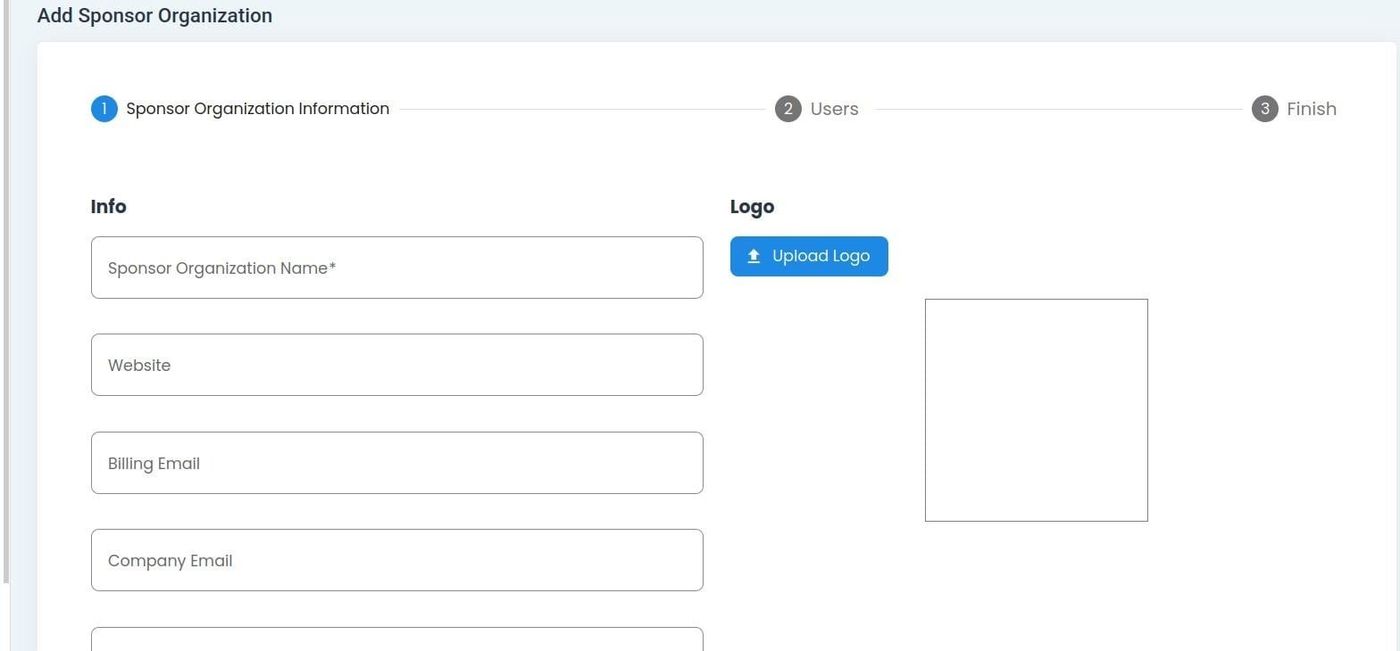
Organization Info Form#
Add Users to the Organization
See: Add New User
See Add New User for details on how to add users.
Finish
The Item: Finish section allows you to do either of the following:
Save and Finish the Workflow, or
Add a CIT Corporation to the Organization.